One of 15+ Modules
Divi Product Share Module
Divi product share module puts share buttons on your WooCommerce product pages and turns every happy shopper into free traffic. Pick from eight platforms, including a custom one, then show them as a row of icons, a strip down the page's side, or a popup.
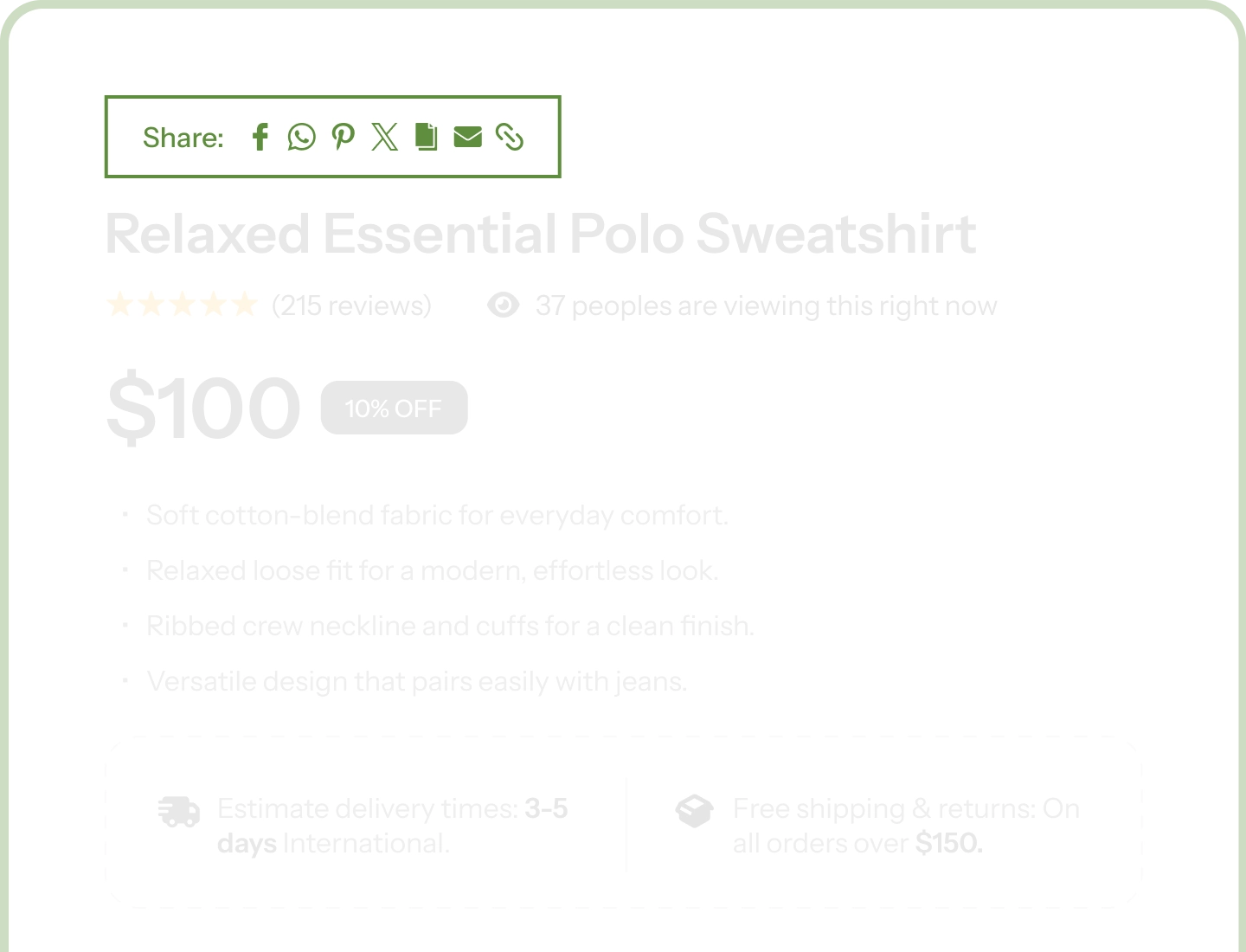
Eight Platform Options
Facebook, X, WhatsApp, LinkedIn, Pinterest, email, and copy link, plus a Custom slot for any service not on the list.
Classic Row or Modal Popup
Keep the buttons in plain sight, or open them in a designed popup with your own heading and a ready-to-copy link.
Laid Out With Real Divi Controls
The buttons use Divi's own layout controls, so a row, a side strip, or a wrapping grid needs no custom CSS.
Turn Every Shopper Into a Channel You Don't Pay For
Share Everywhere Your Customers Already Are

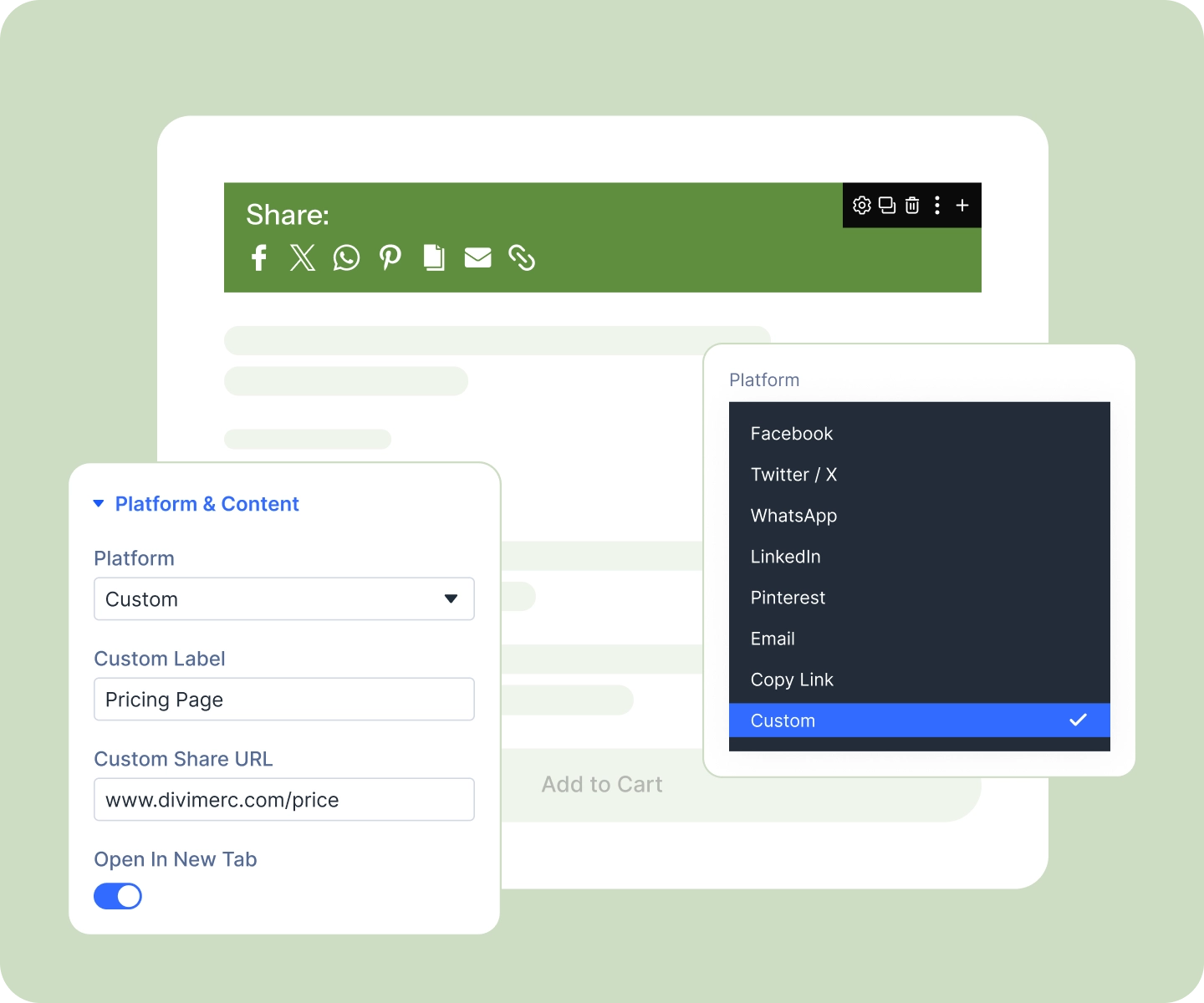
Pick a platform per button: Facebook, X, WhatsApp, LinkedIn, Pinterest, email, or copy link.
-
Add a Custom button for anything else, from Telegram to your own internal tool, using its own share URL.
-
Give shoppers a one-tap copy link, so the product URL is ready to paste anywhere.
-
Every button opens in a new tab by default, except email, which hands off to the visitor's mail client, and copy link, which never opens a window.
Lay It Out to Suit the Page
-
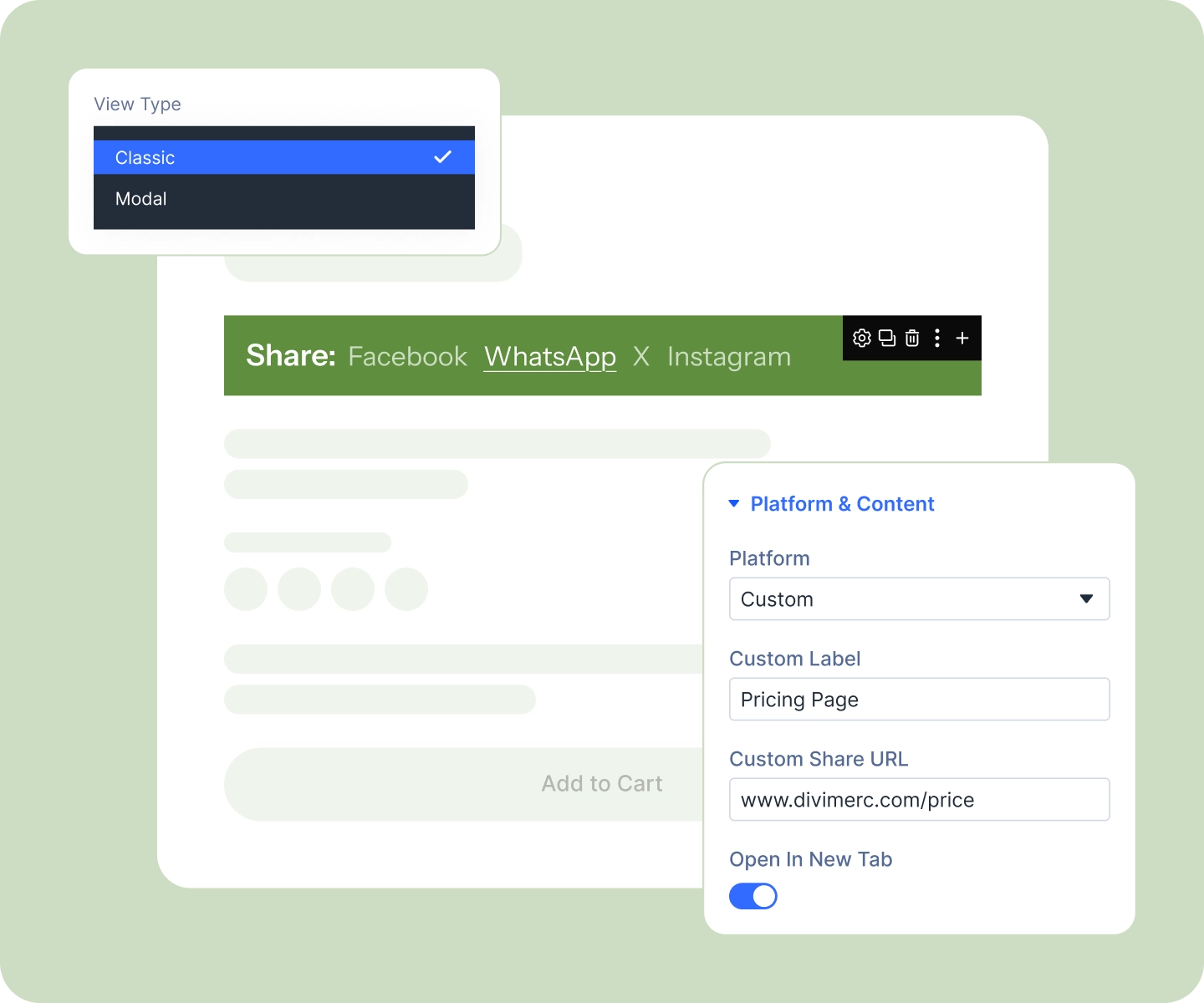
Choose Classic to keep the buttons visible on the page, the safer bet for clicks.
-
Or choose Modal, where a Share button opens a popup with all your buttons laid out inside.
-
Arrange them as a row, a wrapping grid, or a strip down the side that stays put as shoppers scroll.
-
Show icons, text, or both across the whole set, with hover tooltips naming each platform for shoppers.
Match Your Store, Then Set It and Forget It
-
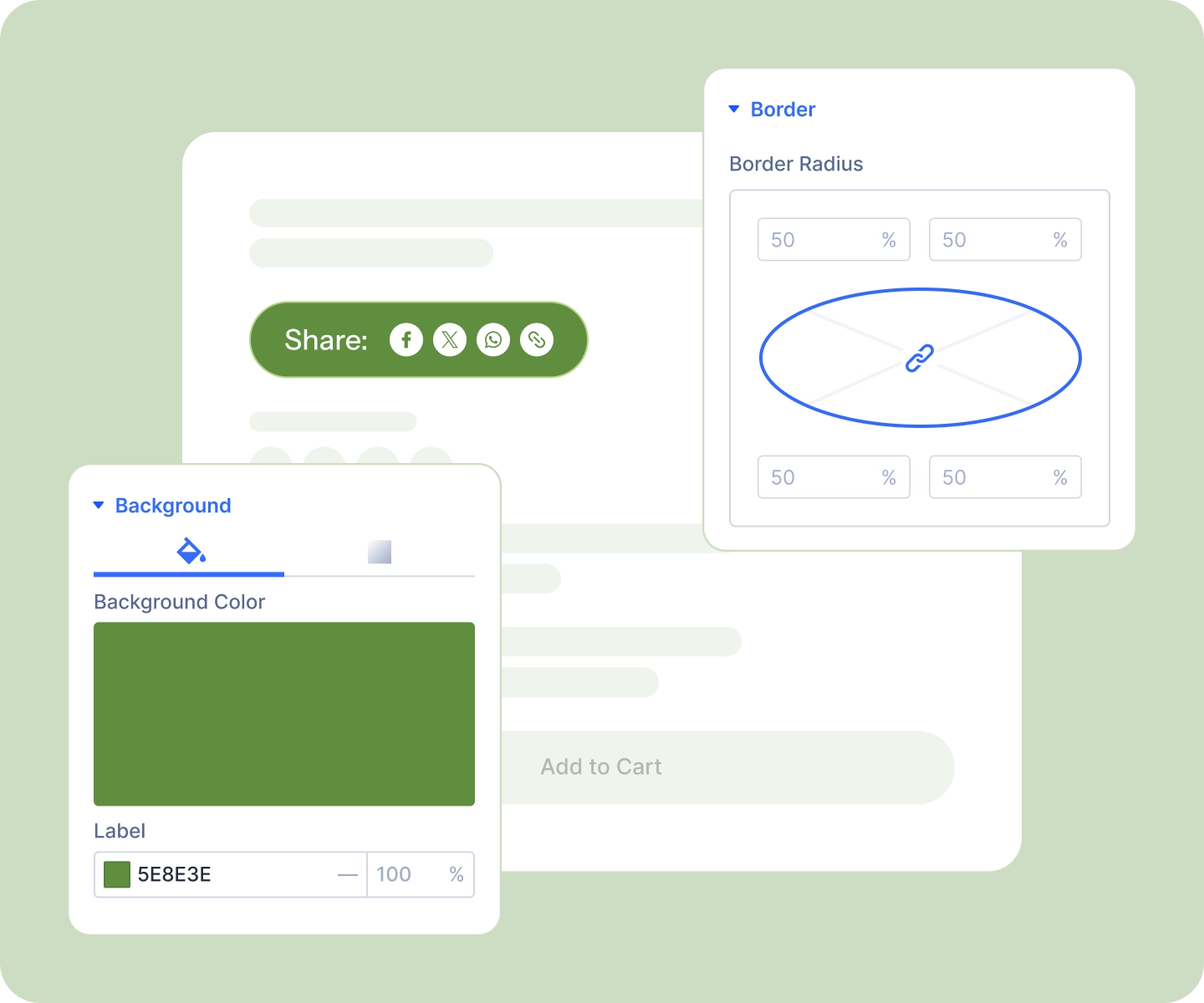
Style every button at once: size, background, border, radius, and hover state.
-
Override any single button on its own, so a brand-colored WhatsApp icon can sit among neutral ones.
-
Place each icon left, right, above, or below its label to build anything from a slim row to a tile grid.
-
Style the modal end to end: width, radius, overlay color, backdrop blur, and a standard Divi button as the trigger.
Free Ready-to-Use Product Share Layouts to Get Started
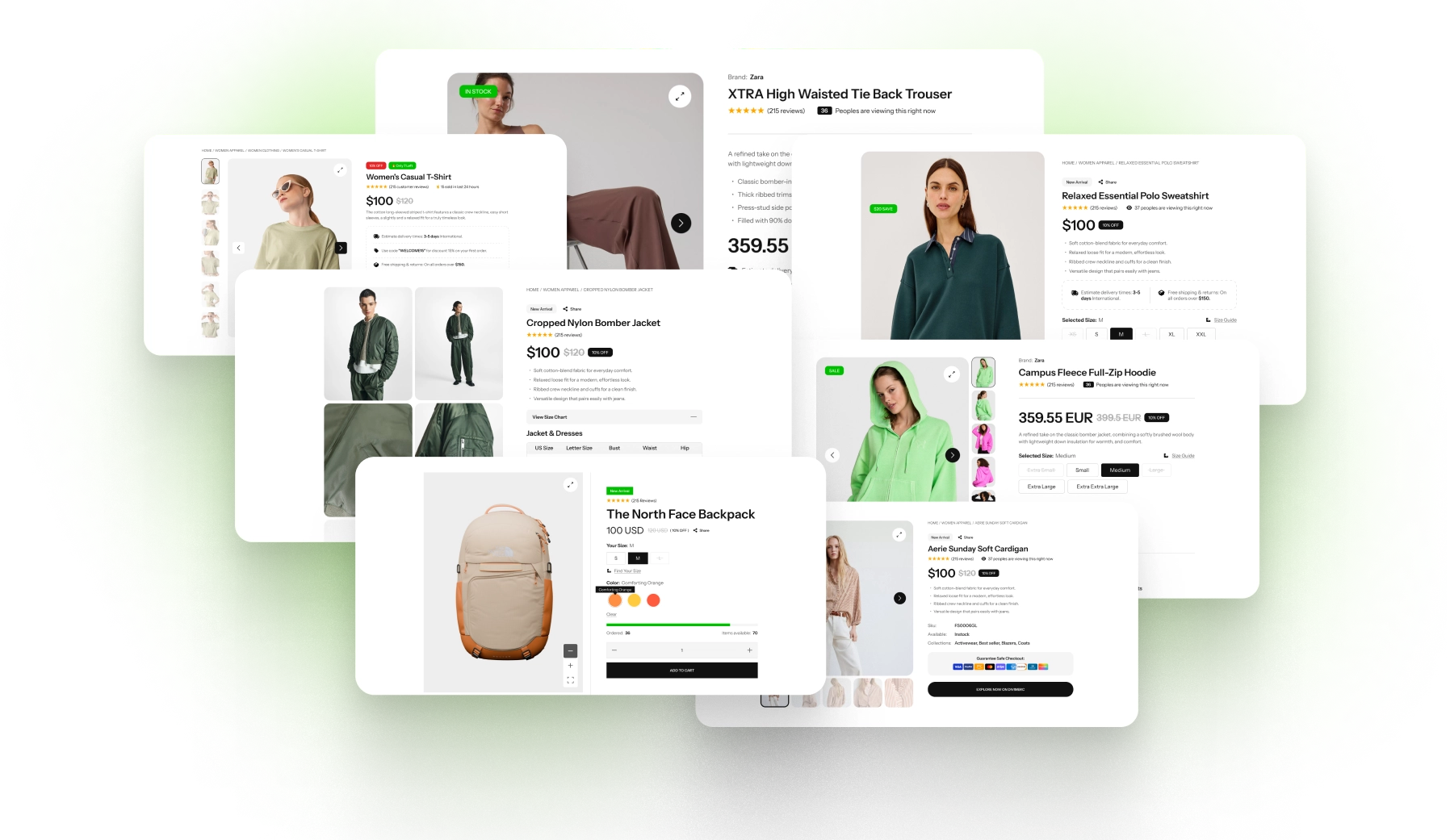
Skip the setup. Our pre-built Product Share layouts are fully customizable, responsive, and ready to drop onto any Divi WooCommerce product template. Pick a style, choose your platforms, and go live in minutes.
DiviMerc Product Share vs Third-Party Share Plugin, Why a Native Divi Module Wins?
| Feature | DiviMerc Product Share | Typical Third-party Share Plugin |
|---|---|---|
| A real Divi builder module | Native Divi module |  Not available Not available |
| Built for WooCommerce products | Shares the product, not just the page | General-purpose page sharing |
| Where you build it | Live in the Divi Visual Builder | A separate settings screen |
| Placement on the page | Drop it anywhere in your layout | Fixed hook positions or a shortcode |
| Styling control | Every Divi design control | A handful of colors and preset skins |
| Reuse your Divi presets and styles | Like any other Divi module | Styled in isolation from your theme |
| Layout options | Row, column, or grid, per device | Fixed row or floating bar |
| The platform list | Chosen for where products get shared | Long lists padded with dead networks |
| Style one button differently | Per-button overrides | Usually all or nothing |
| Third-party script or tracker | None. Links go direct | Often loads external social widgets |
| Popup with a copy-link field | Built in and fully stylable | Varies, and rarely restylable |
| Cost | Included with DiviMerc | Free tier with a paid upsell |
Ready to Let Your Customers Do the Marketing?
FAQs on Product Share for Divi
Everything you need to know about the product share module before you get started.
Which Platforms Does Product Share Support?
Why Does Product Share Only Include Eight Platforms?
Why Can't I Find Product Share Item in the Module List?
How Do I Build the Button List?
How Do I Add a Platform That Isn't Listed?
Can One Button Show Text and Another Only an Icon?
Can I Make One Button Look Different From the Rest?
Can I Show the Buttons in a Popup Instead?
Can I Put the Buttons Down the Side of the Page?
Does It Load a Third-Party Script or Track My Visitors?
Why Won't the Icon Size Change?
Does It Show Share Counts?
Does It Use the Phone's Native Share Sheet?
Does It Work on Mobile?
Is It Accessible?
Is It Compatible With WooCommerce and Divi?