One of 15+ Modules
Advanced Divi Product Meta Module
Advanced Divi Product Meta module turns WooCommerce's fixed grey block of product details into something you actually design. Choose which lines appear, from SKU and categories to brand, rating, and stock, arrange them in any order, and style every label and value to match your store.
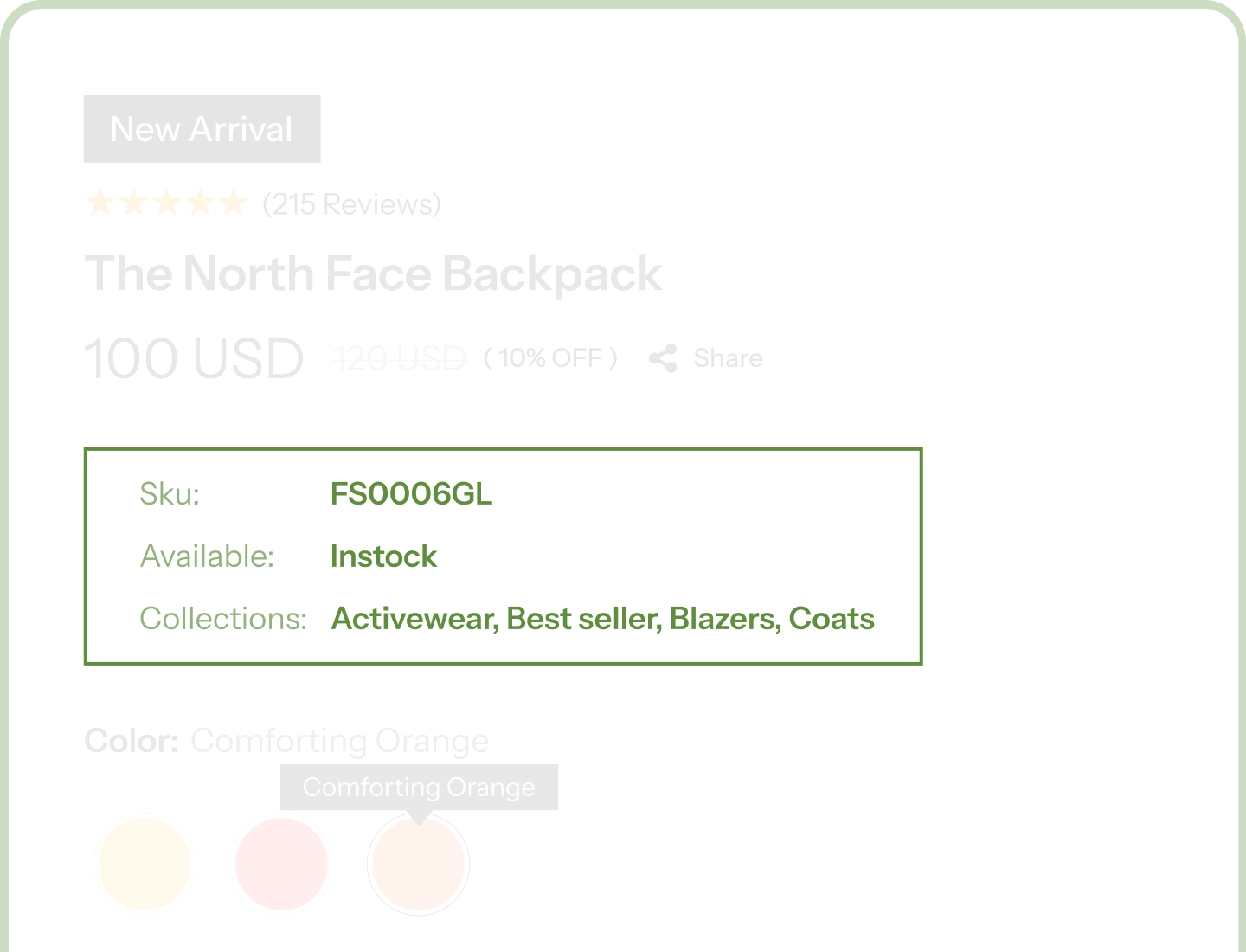
Nine Meta Elements
Choose exactly which details your product page shows and drag them into the order you want.
Designed, Not Dumped
Every label, value, separator, and star gets its own typography, color, and spacing controls.
Nothing Shows Up Empty
A product without that meta data simply leaves it out, never a stray label with nothing beside it.
Nine Meta Elements to Build From
Each element is its own building block, pulling live from the product's WooCommerce data. Add the ones your store needs and leave out the rest.

Categories
Show shoppers where a product sits in your catalog, as clean text links, as image chips, or both, with the option to show just the parent category.

Tags
Surface the descriptive details shoppers browse by, linked straight through to the matching archive, or trimmed to just the first tag for a tidier line.

Brand
Give the maker its due with the brand name, its logo, or both together, and show only the primary brand when a product carries several.

SKU
The code your customers quote in support emails and your team searches by, presented as a properly styled detail instead of small grey print.

Weight
Answer the shipping question before it becomes an email, straight from the weight already saved on the product.

Dimensions
Show length, width, and height, or switch off any axis you don't need, so a flat print shows two measurements instead of three.

Shipping Class
Make delivery expectations obvious on the product page for stores where handling differs by product type.

Rating
Turn reviews into trust at a glance: filled stars in your own brand color, a plain score, a score out of five, or just the review count.

Stock
Say it your way: in stock, the exact quantity, both together, or a low-stock warning that quietly pushes shoppers to decide.
Give Your Product Details the Design They Deserve
Build the Detail List Your Product Needs

Add only the details that matter to your store, and drag them into any order you like.
-
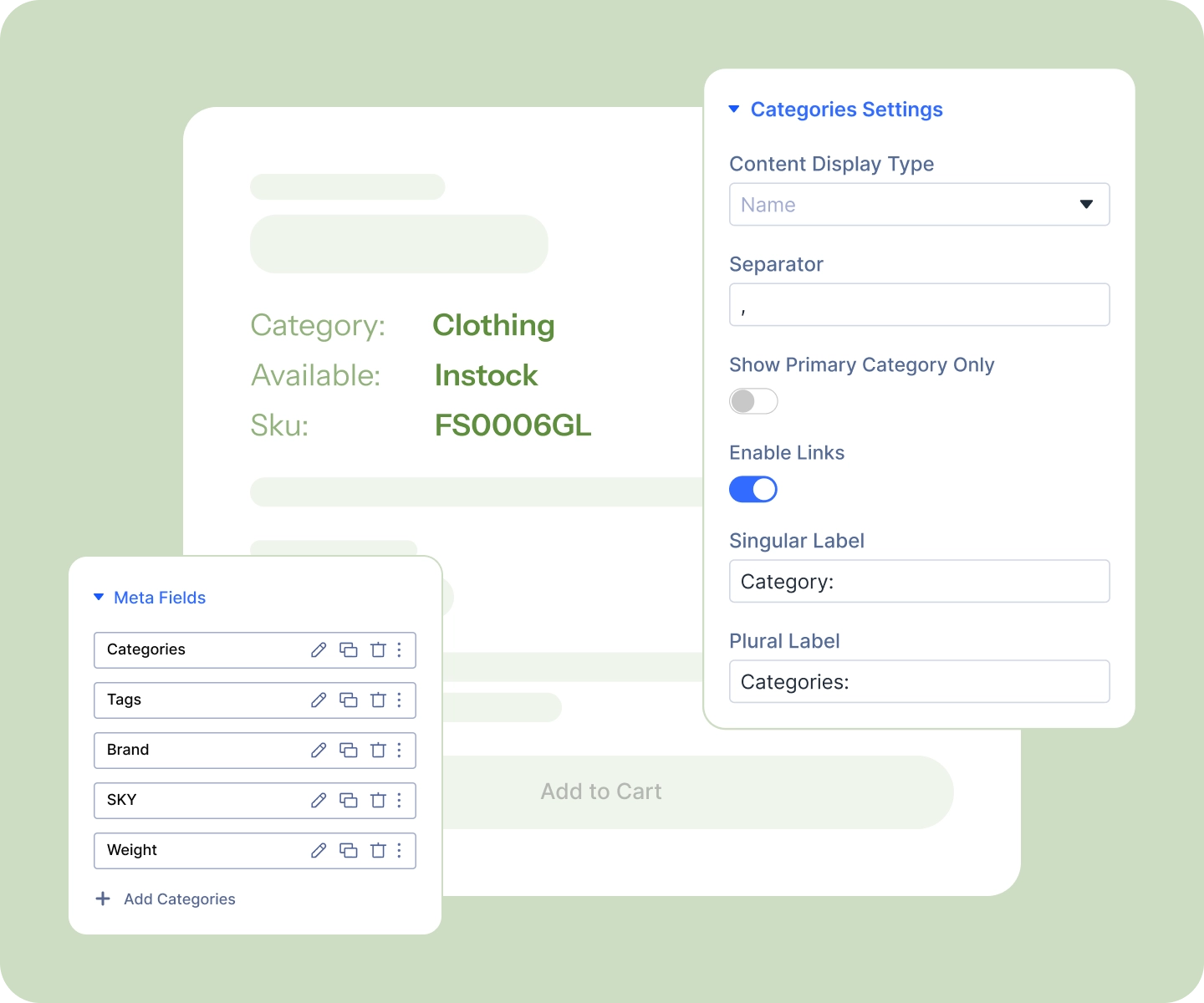
Write your own label for Categories, Tags, and Brand, or clear both the singular and plural fields for a bare, editorial look.
-
Set singular and plural labels separately, so one category reads "Category" and two read "Categories."
-
Link categories, tags, and brands through to their archives to keep shoppers browsing.
Show More Than Plain Text
-
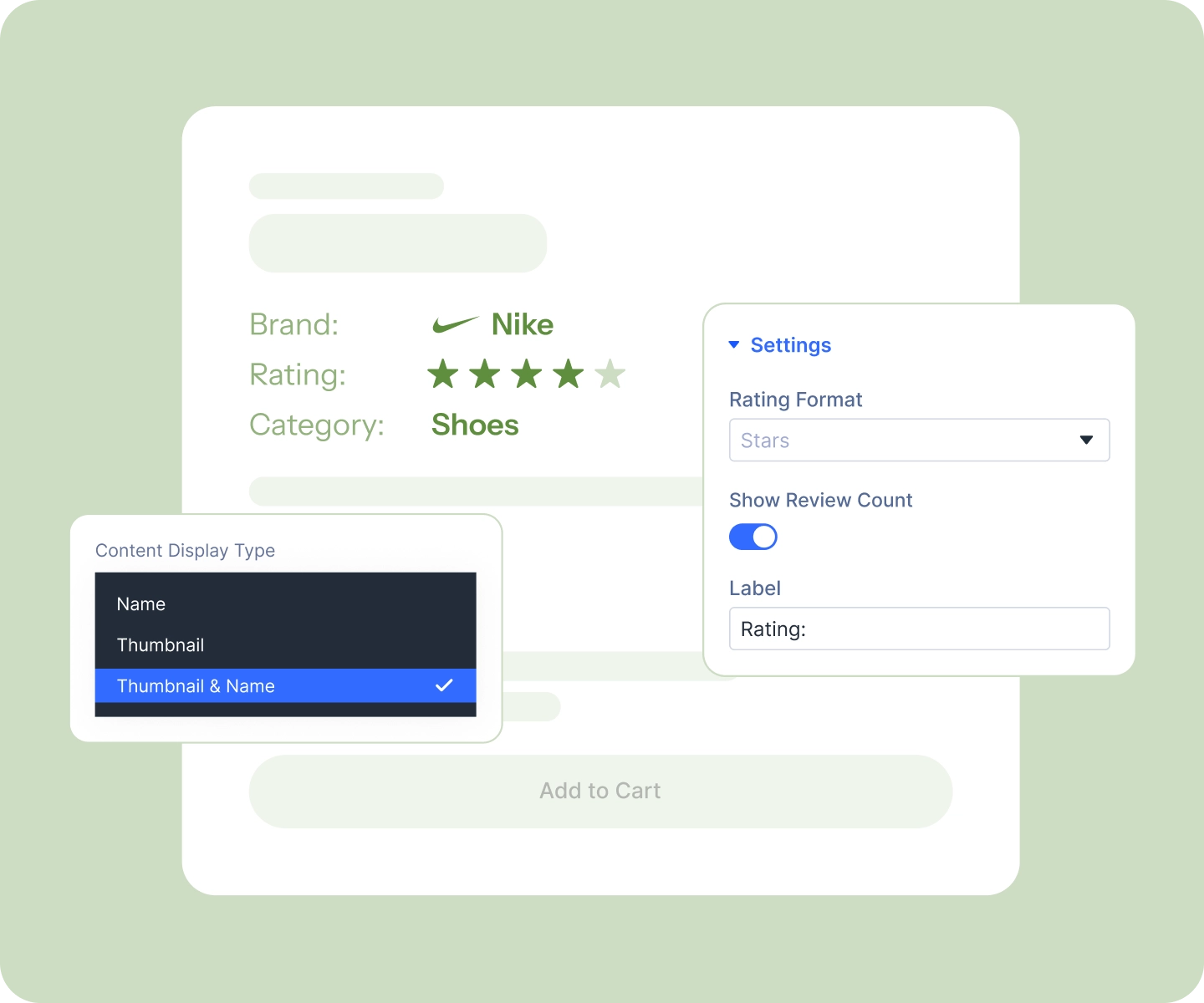
Display category and brand logos as image chips instead of text, sized and rounded to taste.
-
Color the rating stars in your own brand palette, filled and empty, at any size.
-
Pick from four rating formats and four stock formats to suit the product and the page.
-
Choose your own separator between multiple values, a comma, a slash, a dot, whatever fits.
Match Your Store, Then Set It and Forget It
-
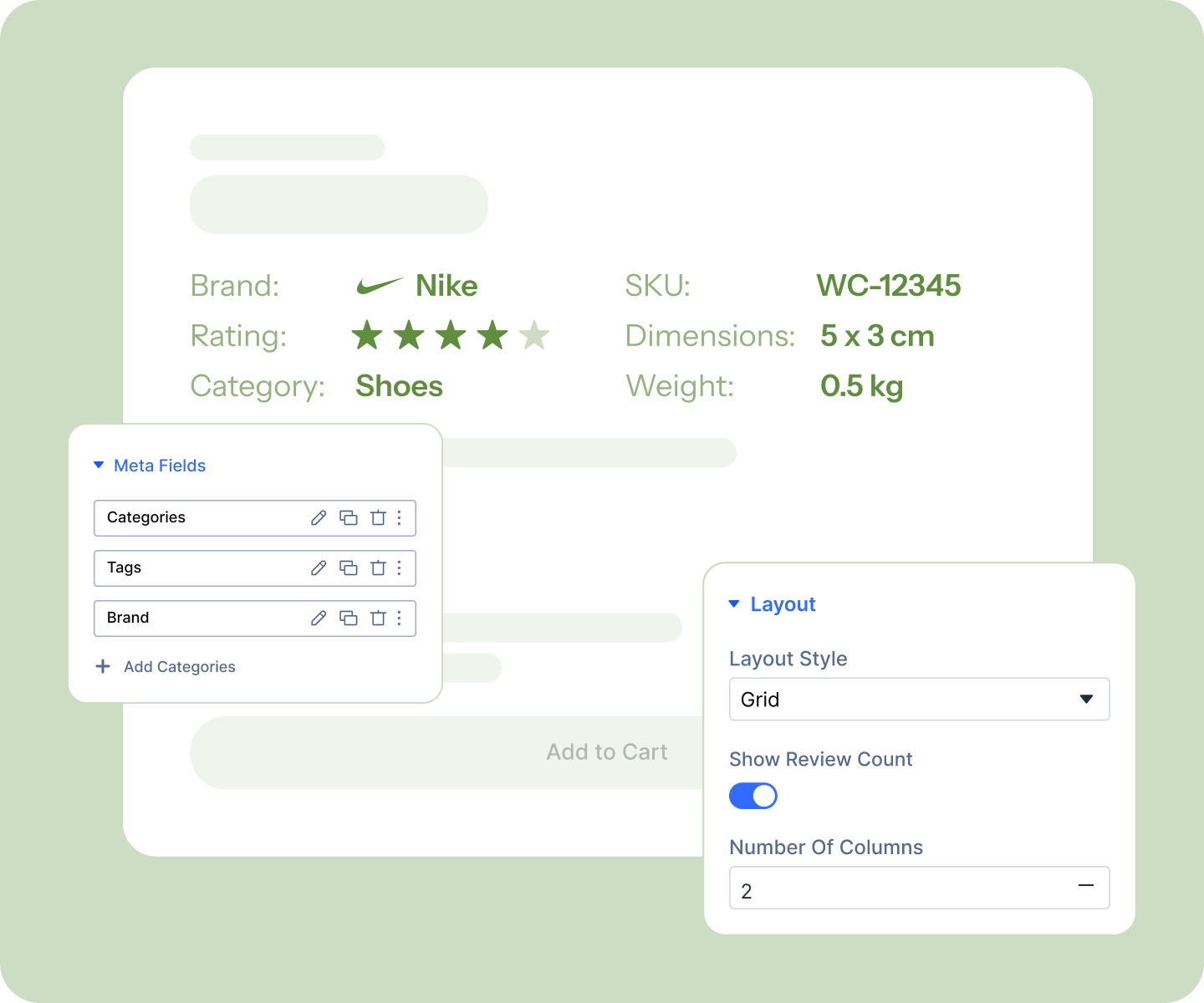
Style the label and the value independently on every element, plus the separator on Categories, Tags, and Brand.
-
Arrange them as a stacked list, an inline strip, or a two-column spec table, set per device.
-
Style one element, save it as a Divi preset, and apply it to the rest to keep everything in sync.
-
Add it to your product template once, and every product fills in its own details.
Free Ready-to-Use Product Meta Layouts to Get Started
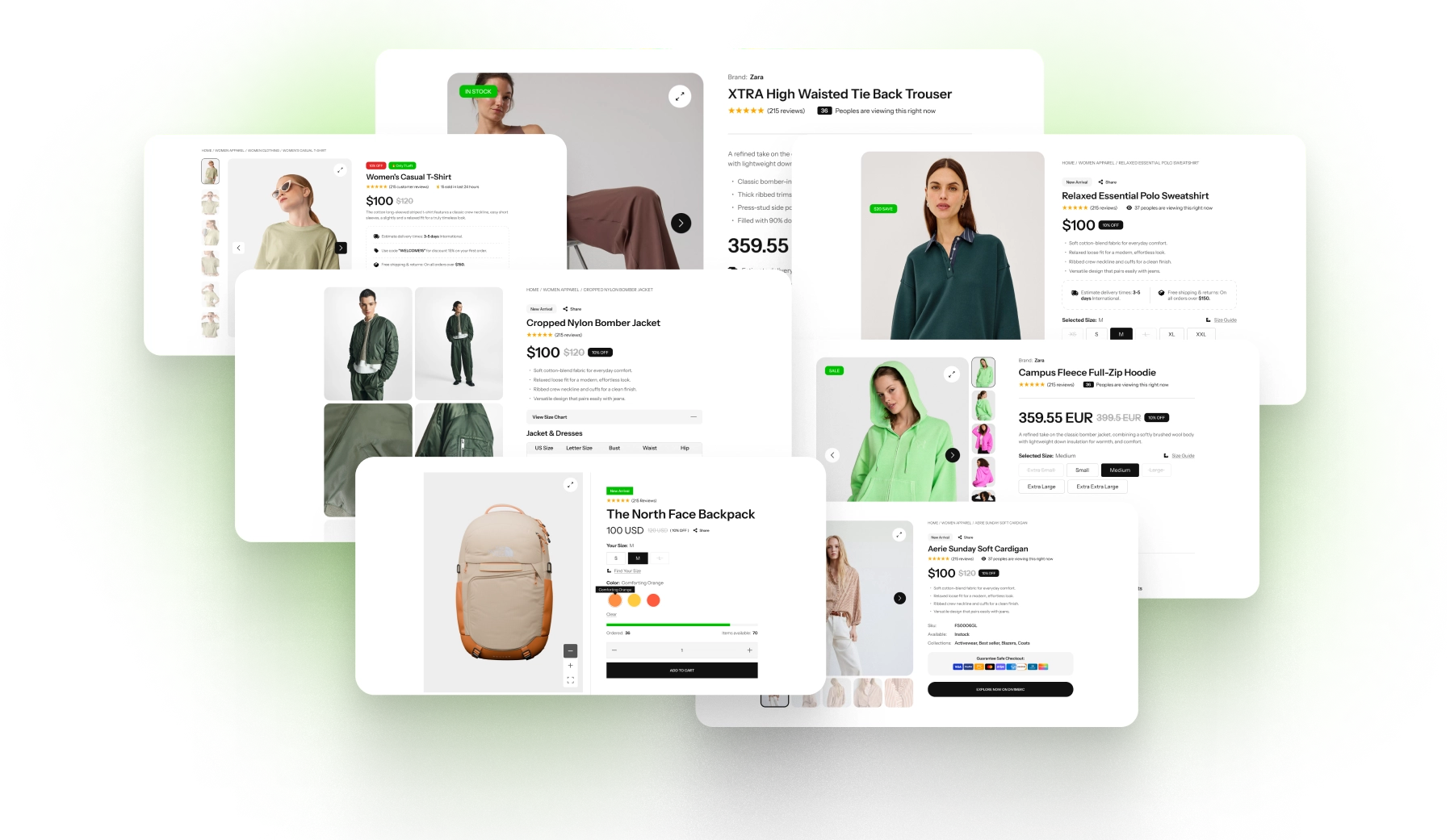
Skip the setup. Our pre-built Product Meta layouts are fully customizable, responsive, and ready to drop onto any Divi WooCommerce product template. Pick a style, choose your details, and go live in minutes.
DiviMerc Advanced Product Meta vs Divi Default Product Meta Module, Which One Gives You More Control?
| Feature | DiviMerc Advanced Product Meta | Divi Default Product Meta |
|---|---|---|
| Details available | Nine elements: categories, tags, brand, SKU, weight, dimensions, shipping class, rating, stock |  Three: SKU, categories, tags Three: SKU, categories, tags |
| Weight, dimensions, shipping class | Included as elements | Not part of the module |
| Rating and stock | Four display formats each | Not part of the module |
| Brand as its own field | Name, logo, or both, with its own label | Not part of the module |
| Reorder the elements | Drag into any order in Divi's layer tree | Fixed order |
| Custom labels | Every element takes its own label; Categories, Tags, and Brand also get separate singular and plural labels | WooCommerce's own field wording |
| Label and value styled | Independently, on every element | One shared font group for all three fields |
| Separator between values | Stylable, on Categories, Tags, and Brand | One character for all of them |
| Category logos | Image chip, name, or both, on Categories and Brand | Text only |
| Rating stars in your own colors | Size and both colors | Not part of the module |
| Hides an element the product doesn't have | Automatic | Automatic |
Ready to Give Your Product Details the Design They Deserve?
FAQs on Product Meta for Divi
Everything you need to know about the product meta module before you get started.
What Details Can Advanced Product Meta Show?
How Is Advanced Product Meta Different From Divi's Built-In Product Meta Module?
Where Does Advanced Product Meta's Information Come From?
Why Can't I Find "SKU" or "Rating" in the Dashboard Module List?
Can It Show Product Attributes Like Material or Size?
How Do I Build the List?
Can I Use It More Than Once on a Page?
What Happens if a Product Has No Brand or No Weight?
Can I Change the Labels?
How Do I Make Them All Look the Same?
Can I Show Category or Brand Logos Instead of Text?
Can I Match the Rating Stars to My Brand?
Does It Work on Mobile?
Is It Compatible With WooCommerce and Divi?