One of 15+ Modules
Divi Stock Progress Bar Module
Divi stock progress bar module shows shoppers exactly how much of your stock is left with a bar that empties as units sell. It runs on real WooCommerce stock levels, not a simulated count, and styles down to the track and the fill.
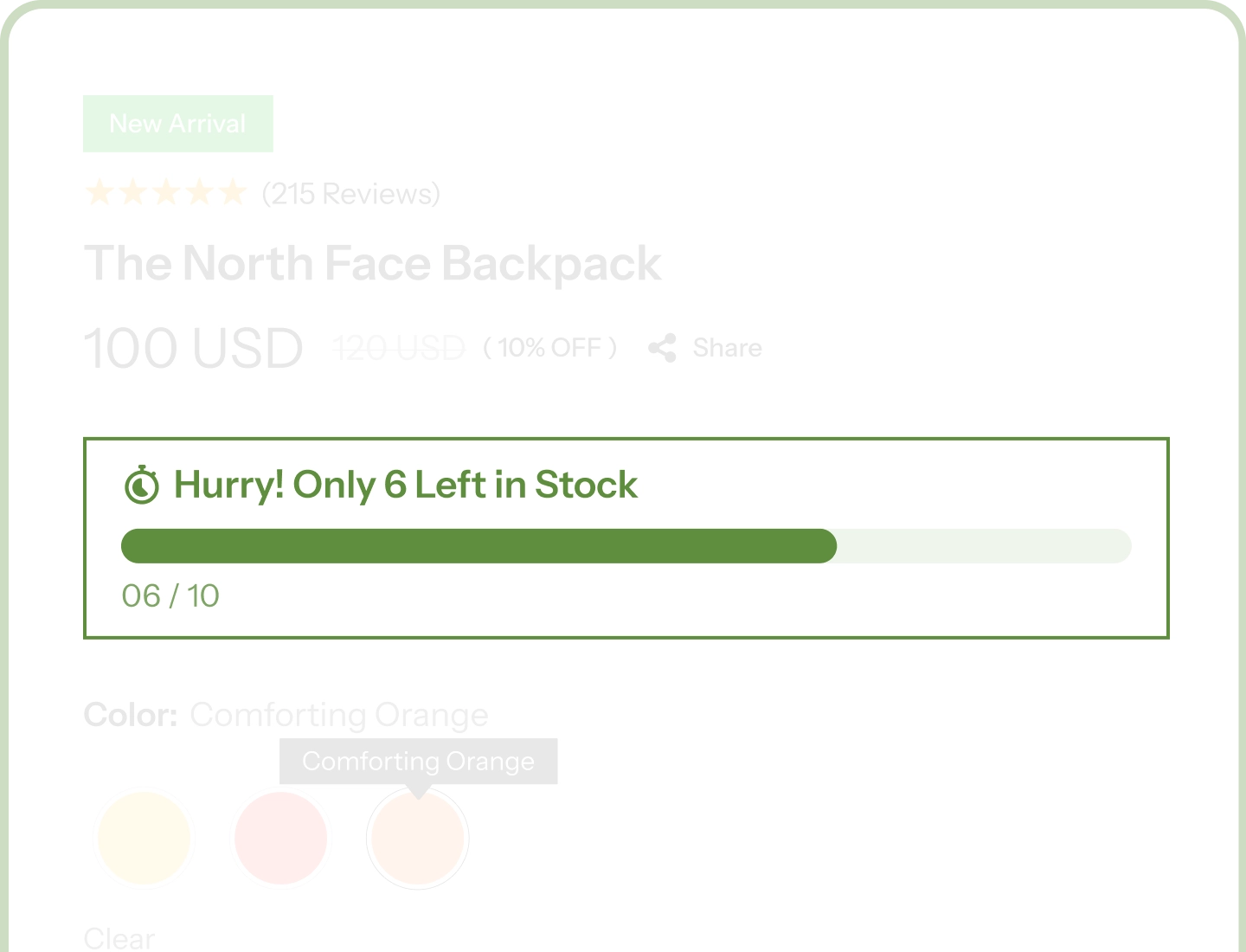
Driven by Real Stock Data
The bar reads live WooCommerce stock levels, so the scarcity your shoppers see is the scarcity you actually have.
Built for Variable Products
Give every variation its own starting stock, and the bar re-draws the instant a shopper switches size or color.
Styled to the Last Pixel
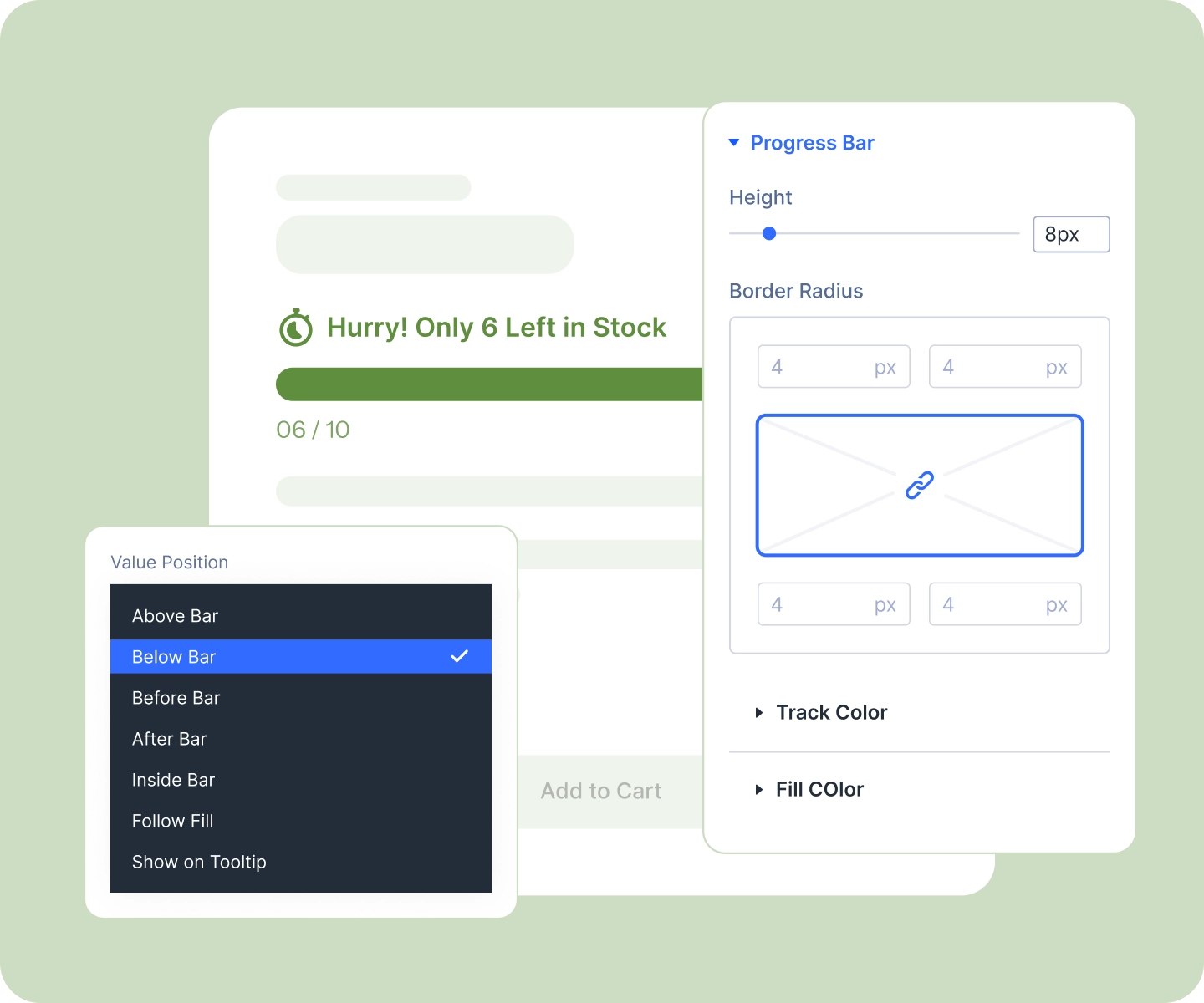
Track, fill, label, number, and value readout each style separately, with bar height set per device.
Two Places, One Workflow
The stock bar lives in two places: a field in your WordPress admin where you set what "full" means for each product, and the module that draws and styles the bar in Divi.
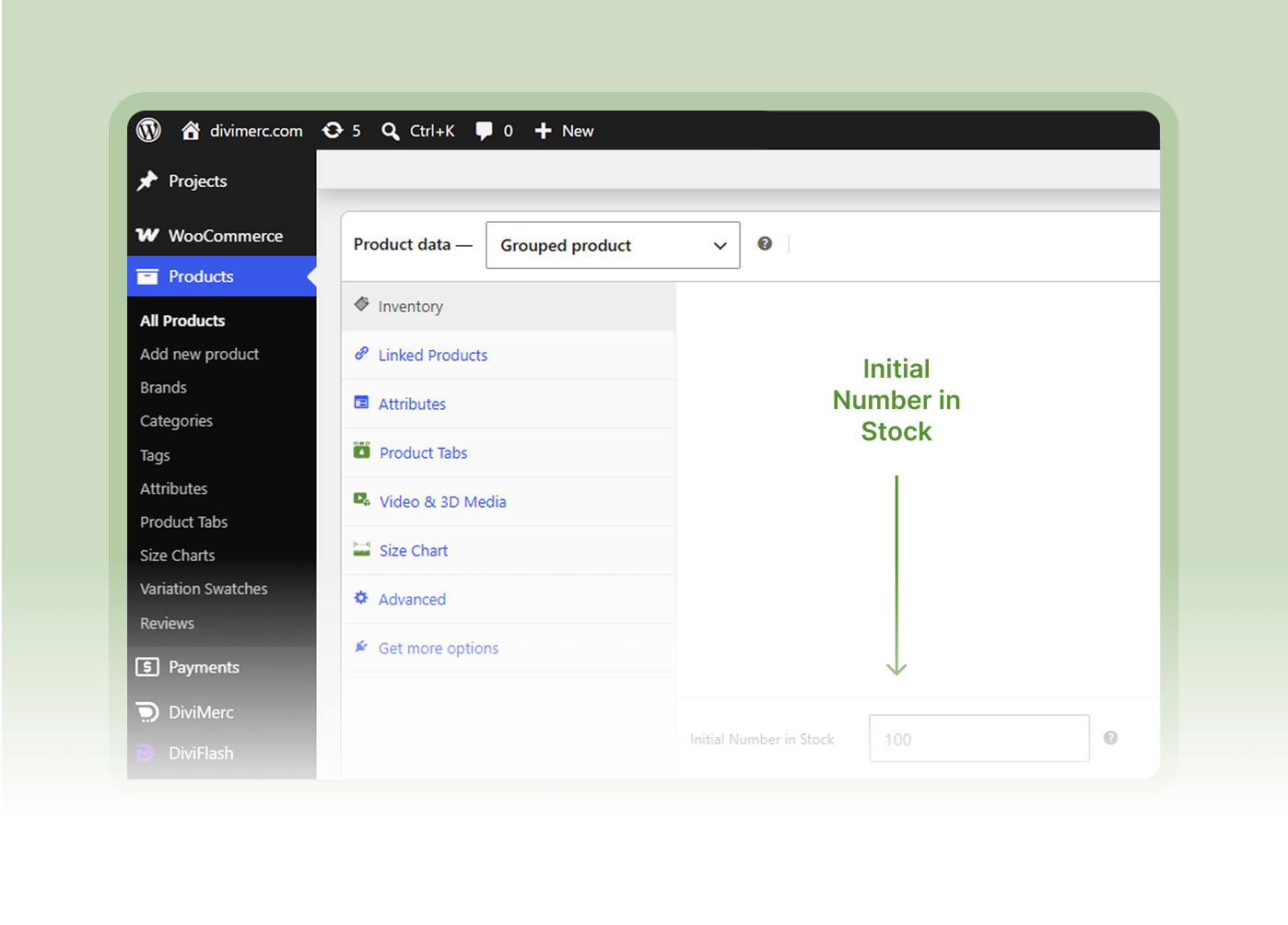
Initial Stock Manager
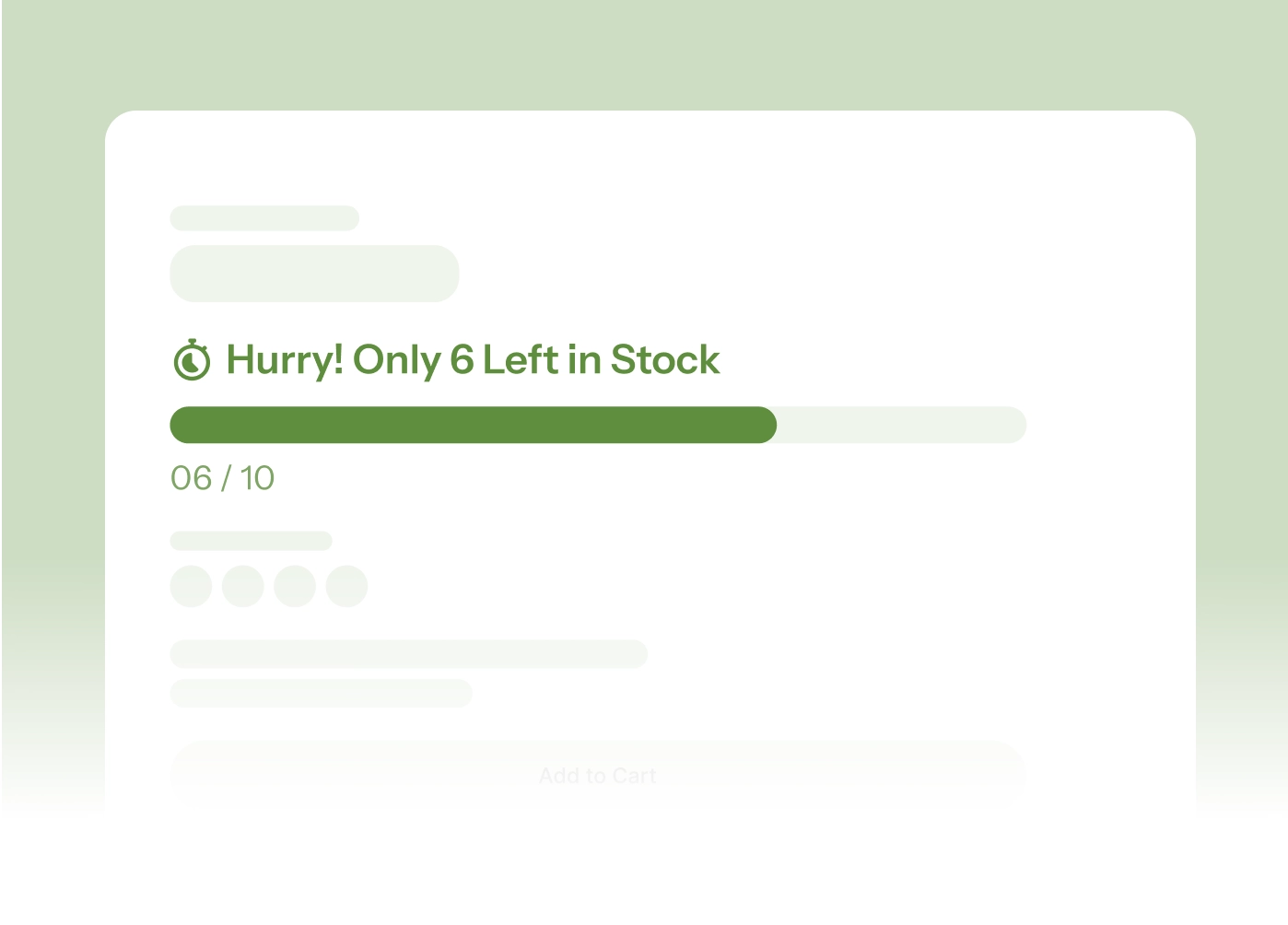
Stock Progress Bar
Turn Real Stock Levels Into Urgency Shoppers Can Trust
Show Real Stock, Not Guesswork

The bar fills from live WooCommerce stock, so it's always tied to a number that's actually true.
-
Show the remaining count or the percentage left in your label, whichever suits the product.
-
Set the starting stock per product or per variation, with a site-wide default for everything else.
-
On variable products the bar re-draws the moment a shopper picks a different variation.
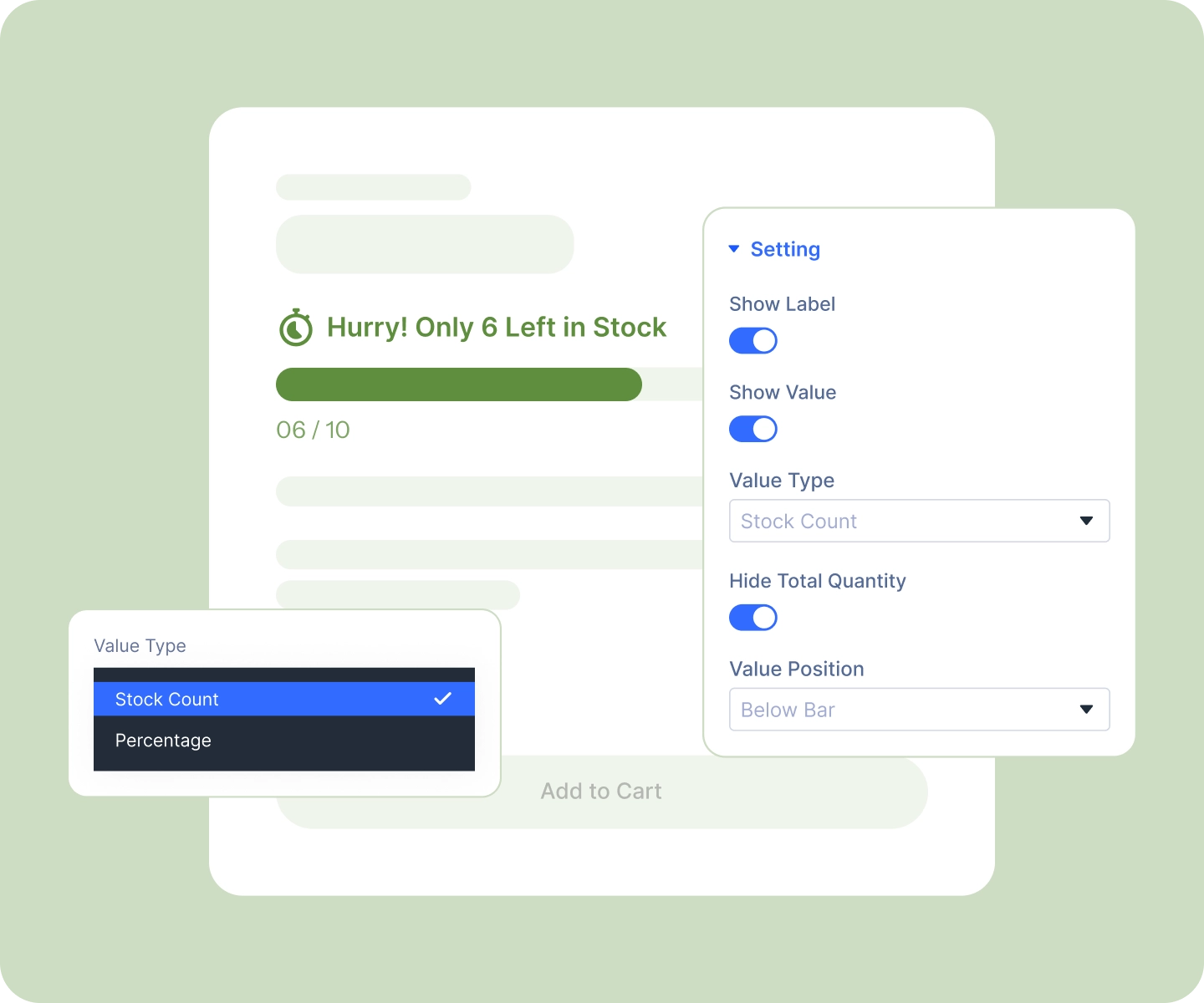
Design the Bar Itself
-
Style the track and the fill as two independent layers, with your own colors, borders, and corner radius.
-
Set the bar height per device, in pixels, from a quiet hairline to a bold, chunky bar.
-
Put the value readout in any of seven positions, above, below, beside, or inside the bar.
-
Or let the number ride the fill edge as it empties, or stay hidden until a shopper hovers.
Match Your Store, Then Set It and Forget It
-
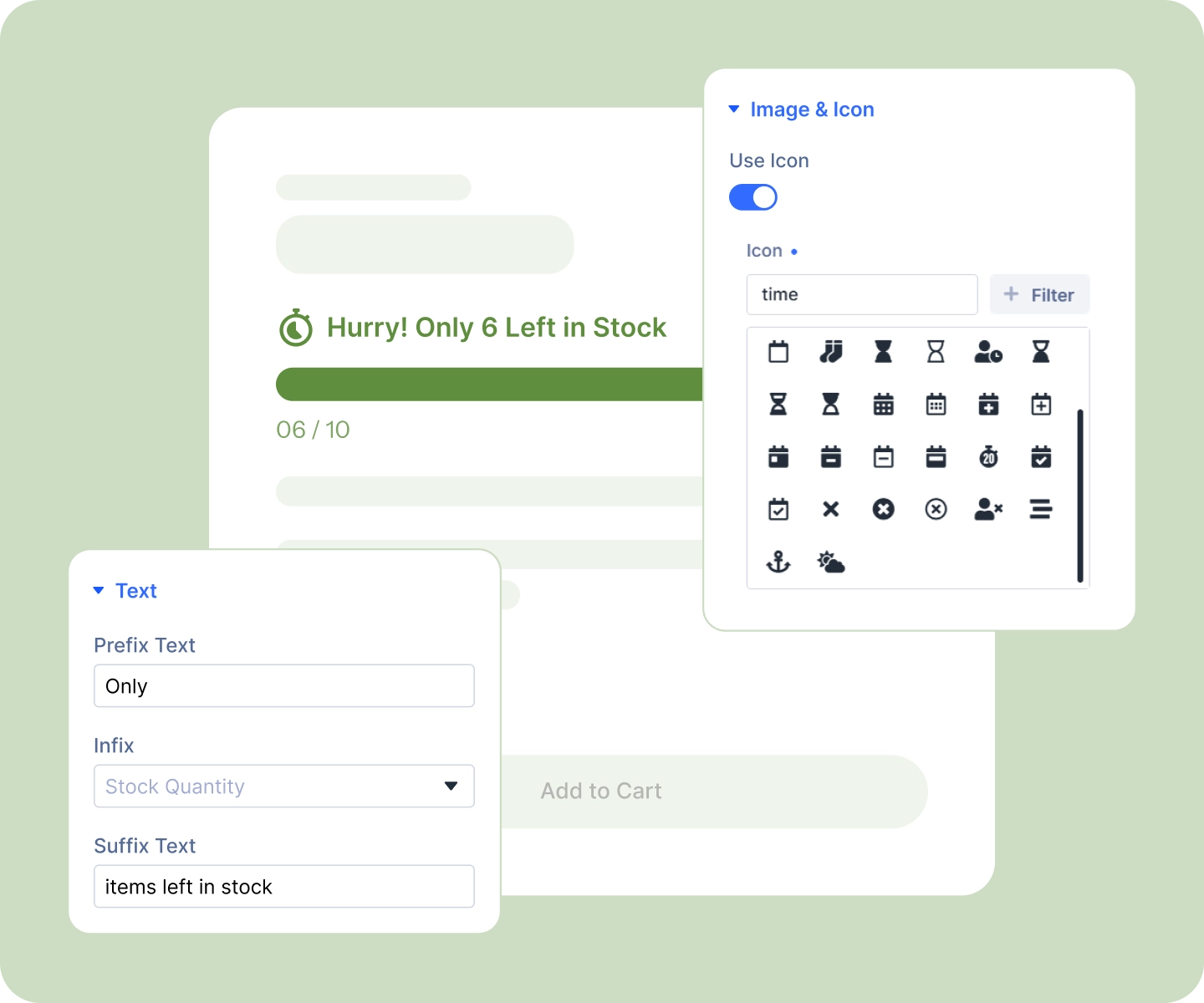
Write your own label, "Hurry! Only 6 left in stock" or whatever fits your voice.
-
Style the number inside the label separately from the words, bold and in your accent color.
-
Add an icon or your own image on either side, with fonts and sizing set per device.
-
Add it once to your Divi product template and every product gets its own bar, drawn from its own stock.
Free Ready-to-Use Stock Progress Bar Layouts to Get Started
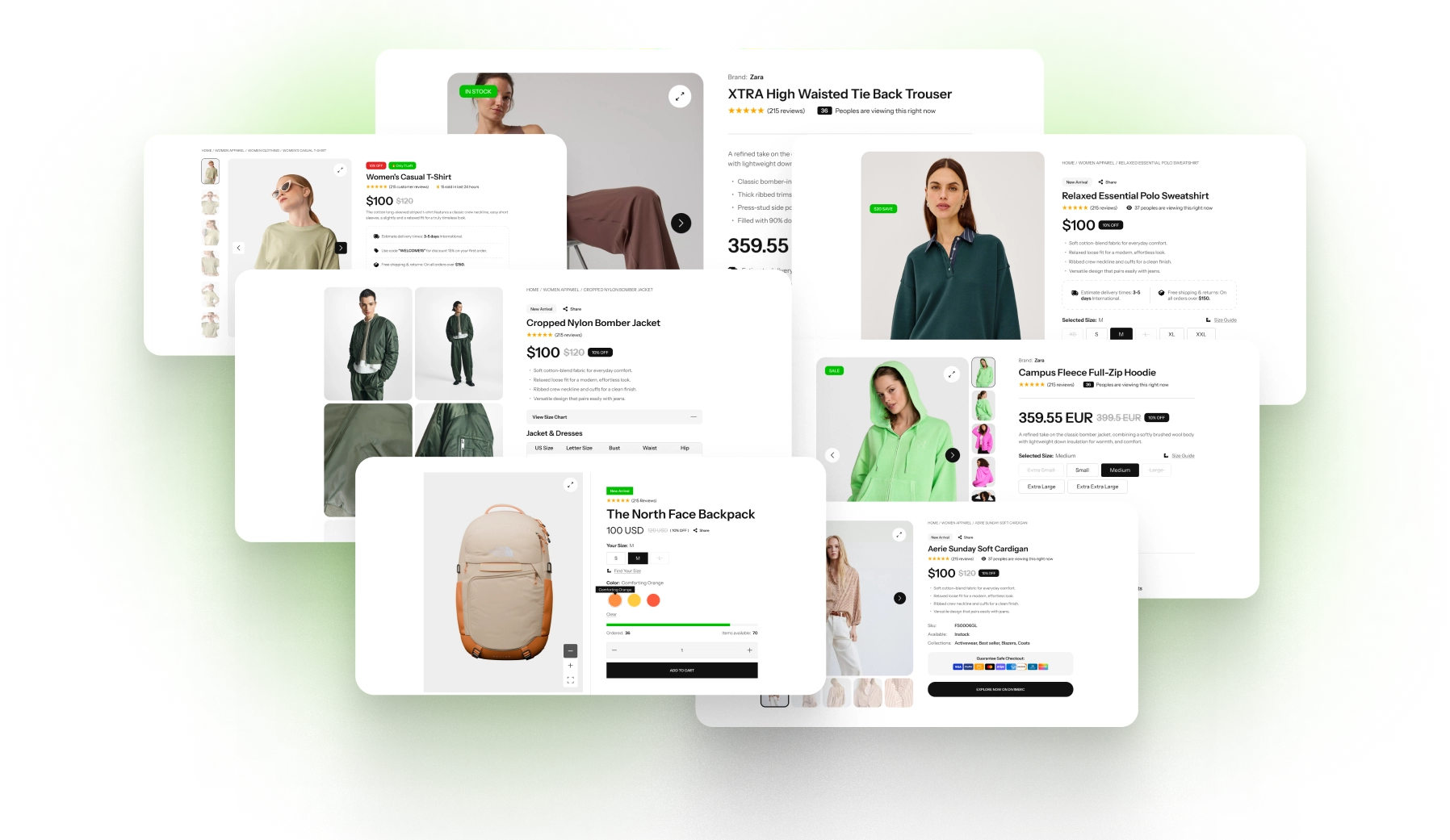
Skip the setup. DiviMerc's pre-built Stock Progress Bar layouts are fully customizable, responsive, and ready to drop onto any Divi WooCommerce product page. Pick a style, set your stock, and go live in minutes.
DiviMerc Stock Progress Bar vs Third-Party Stock Plugin, Why a Native Divi Module Wins?
| Feature | DiviMerc Stock Progress Bar | Third-Party Stock Progress Bar |
|---|---|---|
| A real Divi builder module | Built-in |  Not available Not available |
| Where you design it | Live in the Divi Visual Builder | A separate settings screen |
| Placement on the page | Anywhere in your product template | One fixed position |
| Starting stock per variation | Built-in field on each variation | Usually per product only |
| Re-draws when a shopper switches variation | Built-in | Often needs a page reload |
| Track and fill styled separately | Two design layers | A couple of color pickers |
| Where the number sits | Seven positions, including on the fill | One fixed spot |
| Count or percentage | Either, set independently | Usually one or the other |
| Reuse your Divi presets and styles | Like any other Divi module | Styled in isolation from your theme |
| Hides itself when there is nothing to report | Automatic | Varies |
| Driven by real WooCommerce stock | Yes | Yes |
| Cost | Included with DiviMerc | Free tier with a paid upsell |
Ready to Turn Low Stock Into Your Best Sales Argument?
FAQs on Stock Progress Bar for Divi
Everything you need to know about the stock progress bar module before you get started.
Does It Use Real Stock Levels?
What Do I Need to Set Up Before the Bar Appears?
Why Isn't the Bar Showing on My Product?
Where Do I Set the Starting Stock?
Which Starting Figure Wins If I Set More Than One?
Why Do Products I Never Configured Have a Bar?
Does It Work With Variable Products?
Can I Show a Percentage Instead of a Count?
Can the Bar Change Color When Stock Gets Low?
Can I Make the Bar Taller?
Will It Slow My Store Down?
Is It Compatible With WooCommerce and Divi?
What's the Difference Between This and Sales Count or Live Visitor Counter?