One of 15+ Modules
Divi Product Badges Module
Divi Product Badges module adds Sale, New, Best Seller, Low Stock, and Custom labels to your WooCommerce products. Each badge appears only on the products that actually qualify, so you build the set once in your product template and your whole catalogue badges itself.
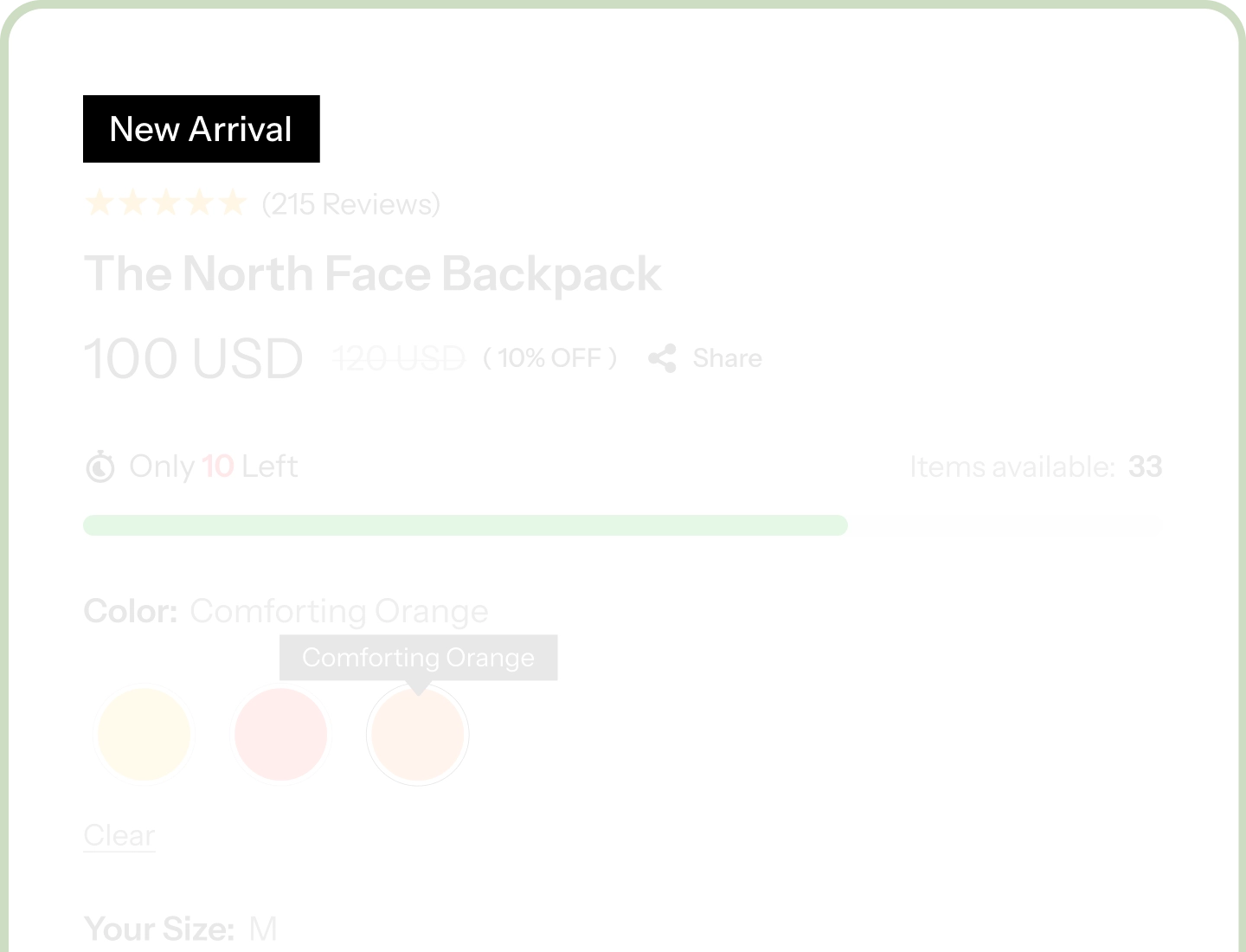
Seven Badge Types
Mix Sale, New, Best Seller, Low Stock, In Stock, Out of Stock, and Custom into one badge set, using only the ones your store needs.
Every Badge Self-Selects
Set your conditions once and each badge shows only where it applies, so a thousand products need no manual tagging.
Powered by Real Product Data
Discount percentages, money saved, units sold, days since launch, and stock counts all pull live from WooCommerce.
Badge Your Entire Catalogue Without Touching a Single Product
Seven Badge Types, One Module

Sale Badge — the instant a sale price goes live, it can show the percentage off, the exact amount saved, how many units already sold, or the days left before the price goes back up.
-
New Badge — appears the day you publish, runs for as long as you decide, then steps aside on its own so nothing looks stale.
-
Best Seller Badge — set a sales threshold or badge your top performers automatically, so your catalogue's winners announce themselves.
-
Low Stock, In Stock, Out of Stock, and Custom Badges — cover a shrinking shelf, a ready-to-ship product, a sold-out line, and a one-off label like "Staff Pick," in your own wording.
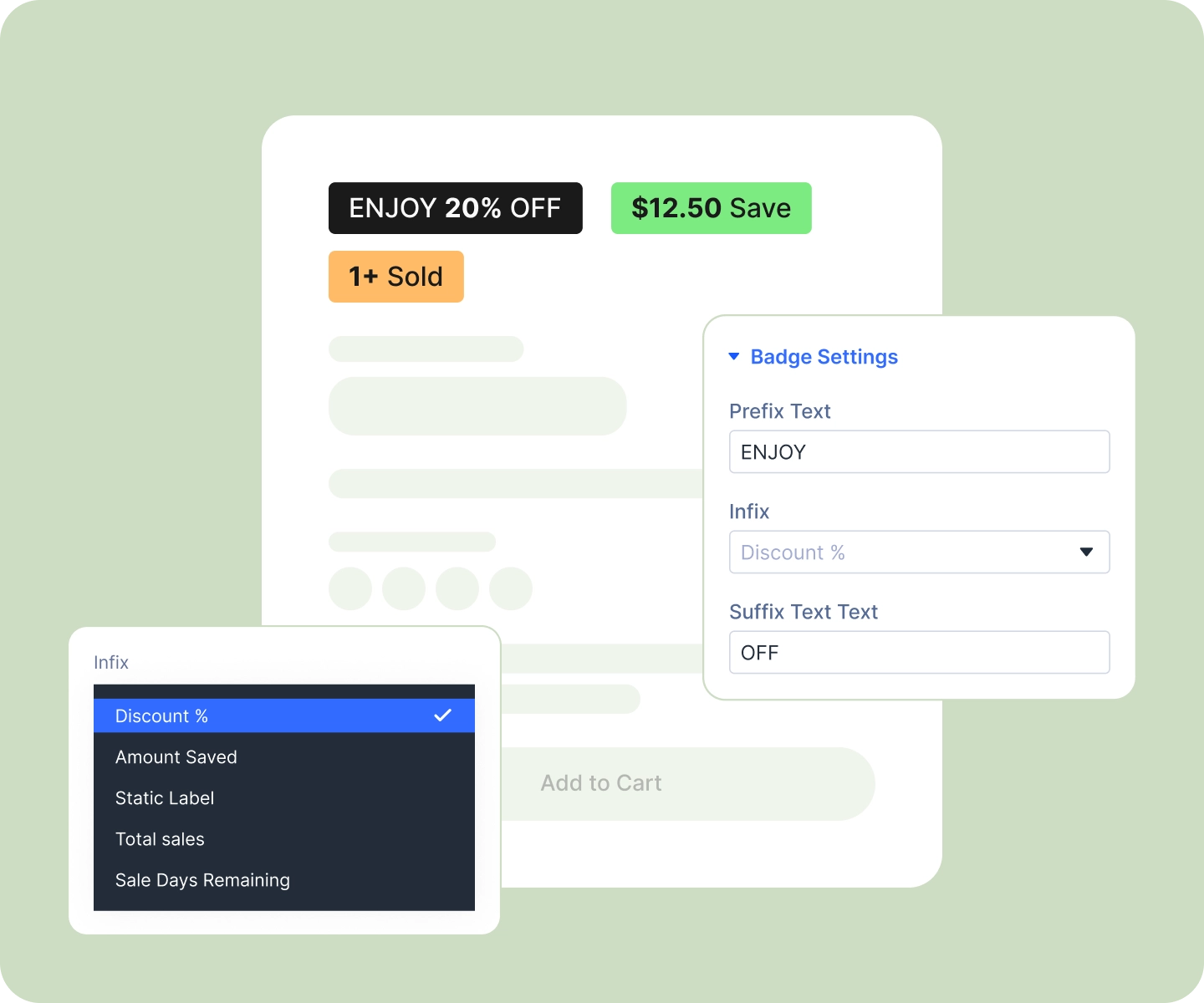
Set the Rules Once, Let Every Product Sort Itself
-
Add the badge types you want to your product template. Each one appears only on products that meet its condition.
-
Choose how long a product counts as new, so the New badge retires itself on schedule.
-
Qualify best sellers by a units-sold threshold, or badge the top performers in your catalogue automatically.
-
Add a one-off label like "Staff Pick" or "Limited Edition" to a single product or variation, directly on that product's own screen.
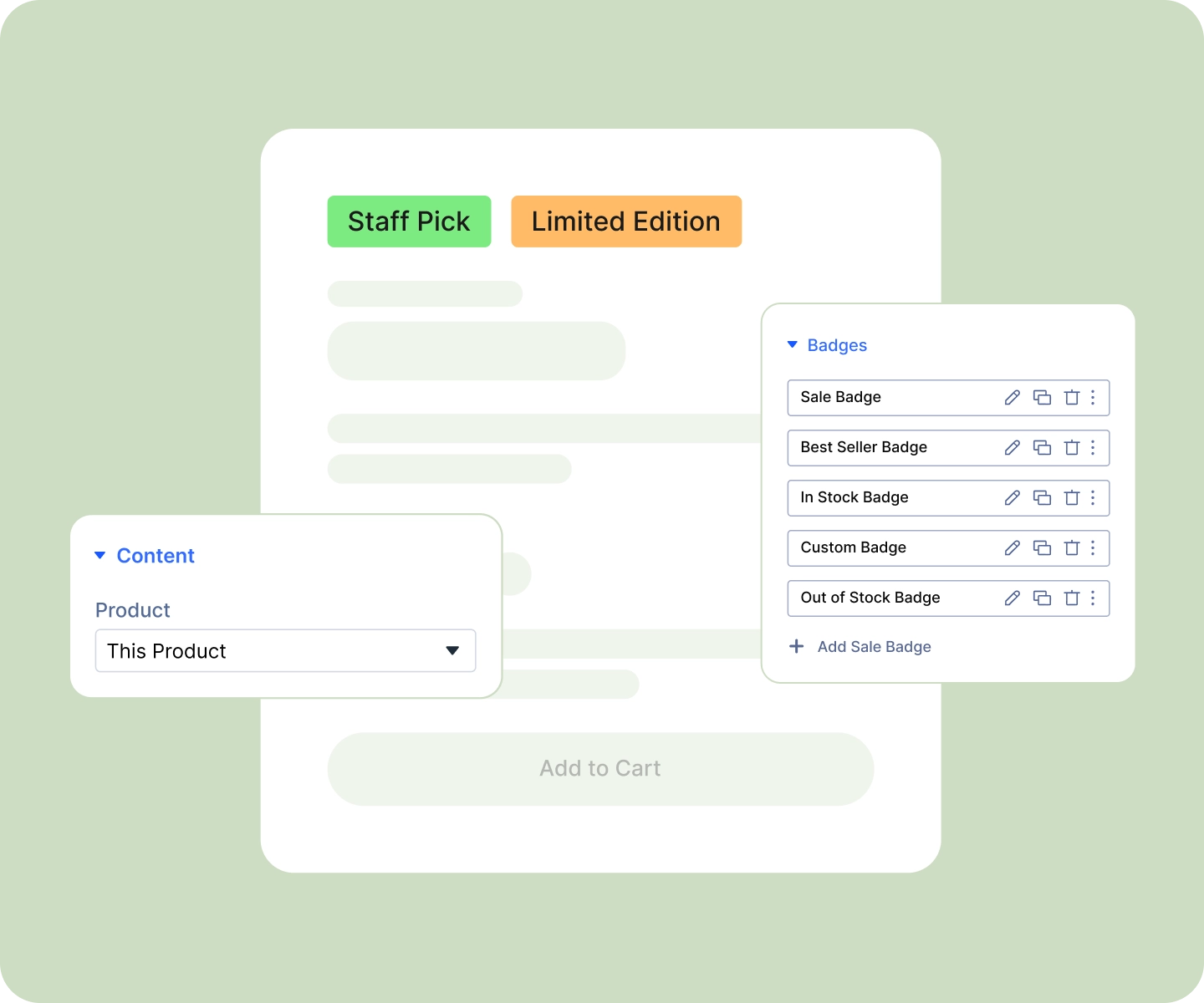
Show Real Numbers, Not Just Labels
-
Put the live discount on the Sale badge, the percentage off or the exact amount saved, calculated from your own prices.
-
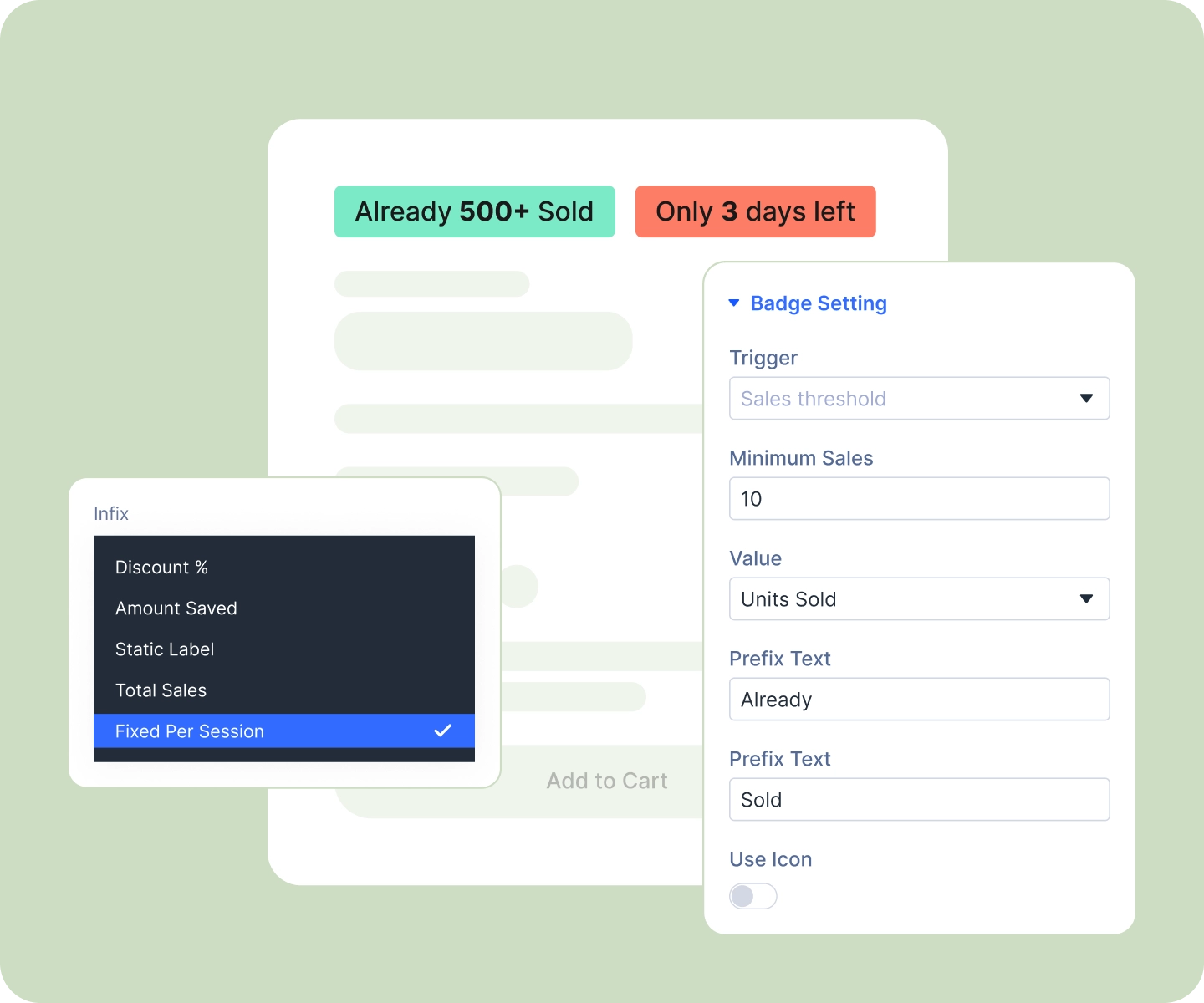
Count down a sale with the days remaining on the Sale badge, so it creates urgency on its own.
-
Show units sold on the Best Seller badge as social proof, and cap large figures so "517 sold" reads as a confident "500+ sold."
-
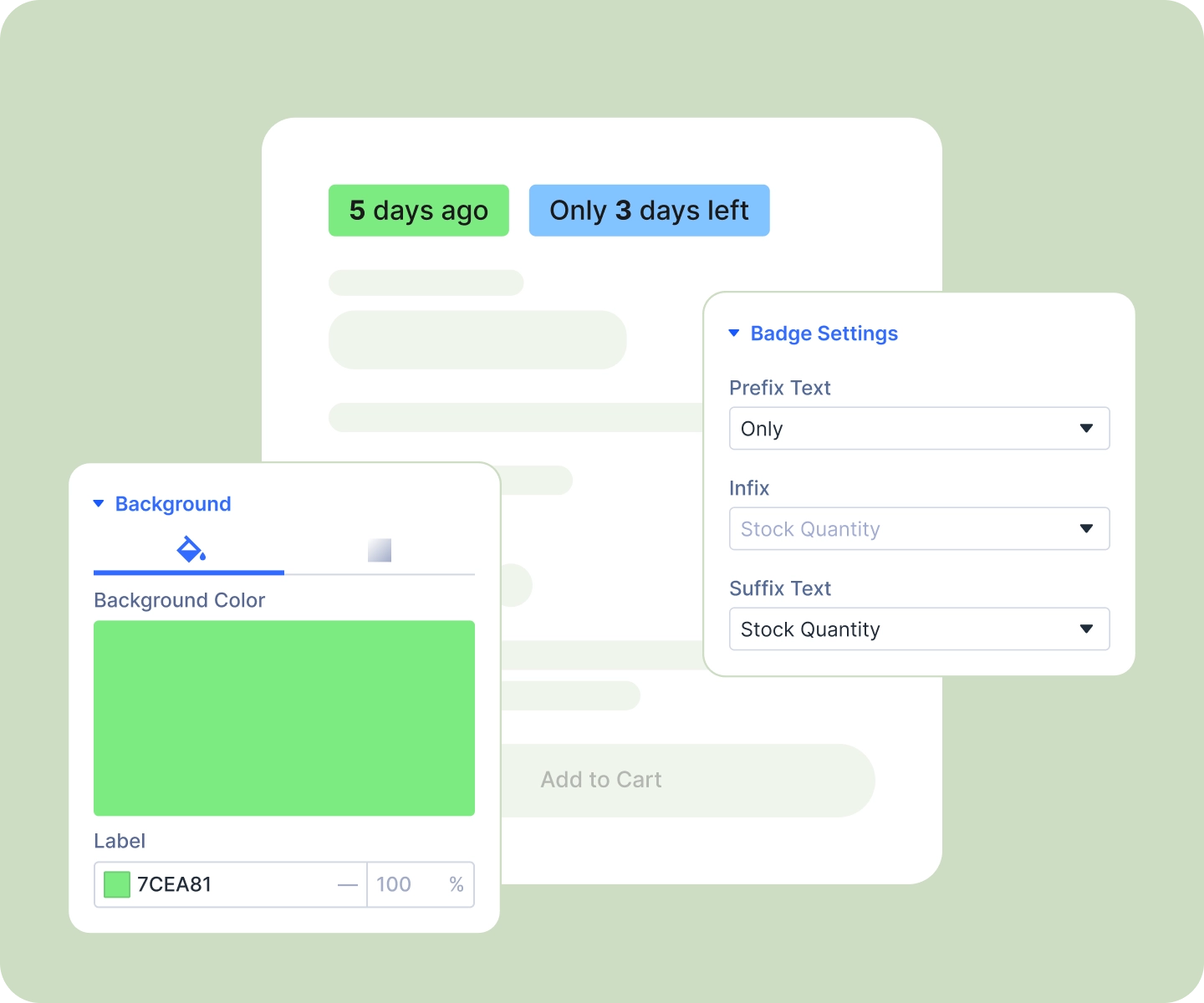
Show the exact stock left on the Low Stock badge, so "Only 3 left" does the persuading for you.
Match Your Store, Then Set It and Forget It
-
Style every badge fully, background, border, radius, padding, and type, and save it as a preset to reuse.
-
Style the number inside a Sale or Low Stock badge separately from the words around it.
-
Arrange your badges in a row or a column with your own gap, wrapping, and alignment, set per device.
-
Position the whole set over your product image with Divi's standard position controls.
Free Ready-to-Use Product Badges Layouts to Get Started
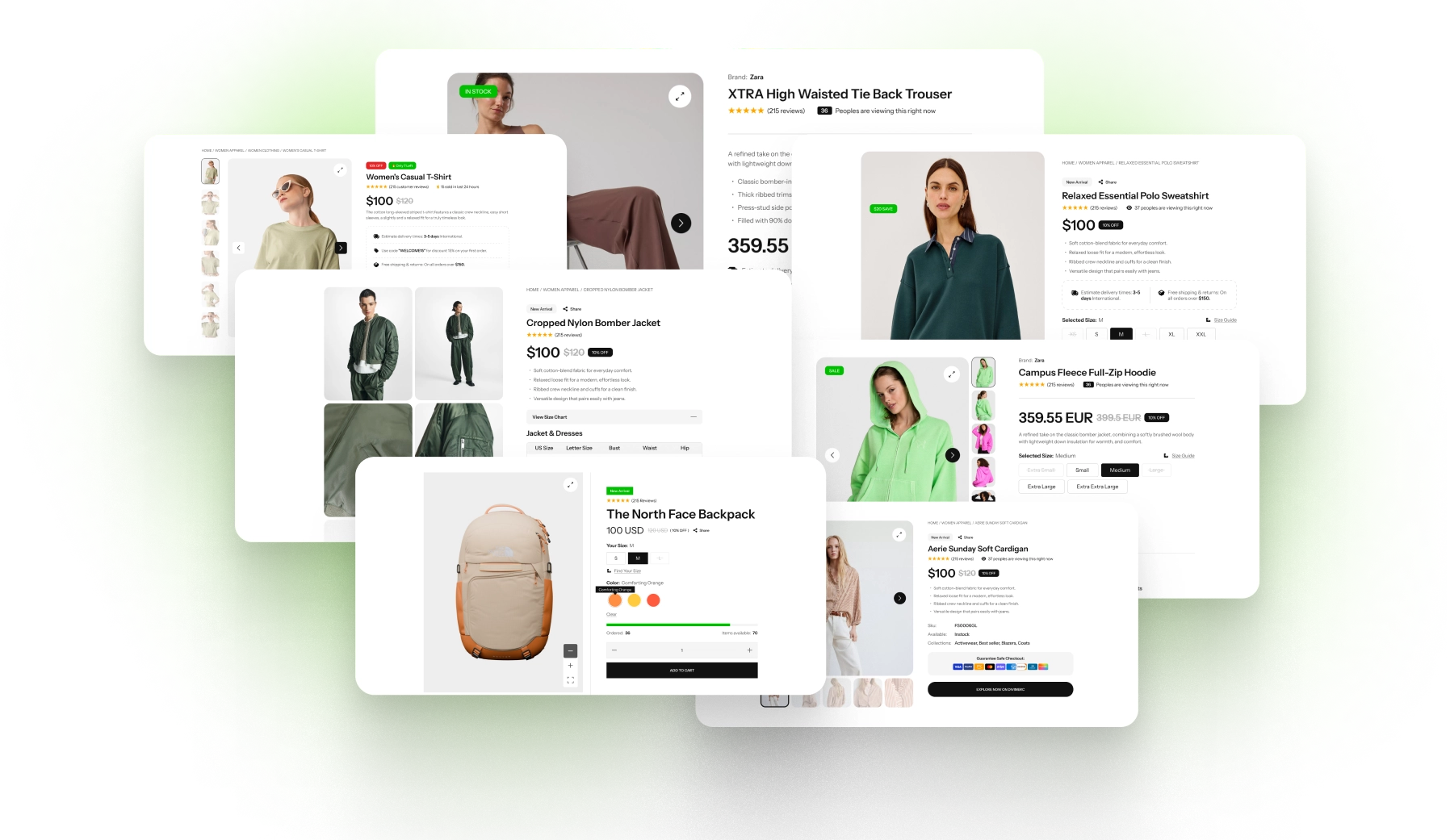
Skip the setup. DiviMerc's pre-built Product Badges layouts are fully customizable, responsive, and ready to drop onto any Divi WooCommerce product template. Pick a style, set your conditions, and go live in minutes.
DiviMerc Product Badges vs Third-Party Badge Plugin, Why a Native Divi Module Wins?
| Feature | DiviMerc Product Badges | Third-party Badge Plugin |
|---|---|---|
| Native Divi builder module | Yes, built directly into the Divi Visual Builder |  Not available, runs as a separate plugin Not available, runs as a separate plugin |
| Where you design it | Live in the Divi Visual Builder | A separate settings screen |
| Placement on the page | Anywhere in your product template | Usually only the corners of the product image |
| Badge types | Seven, mixed freely in one set | Typically just Sale and a custom label |
| Live values on the badge | Discount, amount saved, units sold, days left in a sale, stock remaining | Usually a percentage at most |
| Best seller by threshold or ranking | Built in | Not available |
| Number styled apart from the words (Sale and Low Stock badges) | Dedicated Infix design group | One shared style |
| Reuse your Divi presets and styles | Yes, like any other Divi module | Styled in isolation from your theme |
| Arrange several badges together | Row or column, with gap and wrapping per device | Usually stacked in a fixed corner |
| Per-variation custom text | Built in | Rarely supported |
| Badges appear only where they qualify | Yes | Yes |
| Cost | Included with DiviMerc | Free tier with a paid upsell |
Ready to Let Every Product Earn Its Own Badge?
FAQs on Product Badges for Divi
Everything you need to know about the product badges module before you get started.
How Do I Choose Which Products Get a Badge?
What If a Product Qualifies for Several Badges at Once?
Is It Compatible With WooCommerce and Divi?
What Badge Types Are Included?
Can I Add a One-Off Badge Like "Staff Pick"?
How Is the Discount Percentage Worked Out?
Can a Badge Show a Number Instead of a Word?
Can I Put Badges on the Product Image?
Does It Work on Mobile?
Can I Match It to My Brand?
Do You Support Pre-Orders?