One of 15+ Modules
Divi Sales Count Module
Divi Sales Count module adds a "X sold in the last Y hours" social-proof line to your WooCommerce product pages. Build the sentence from five slots and style each number on its own to give hesitating shoppers the nudge that others already bought.
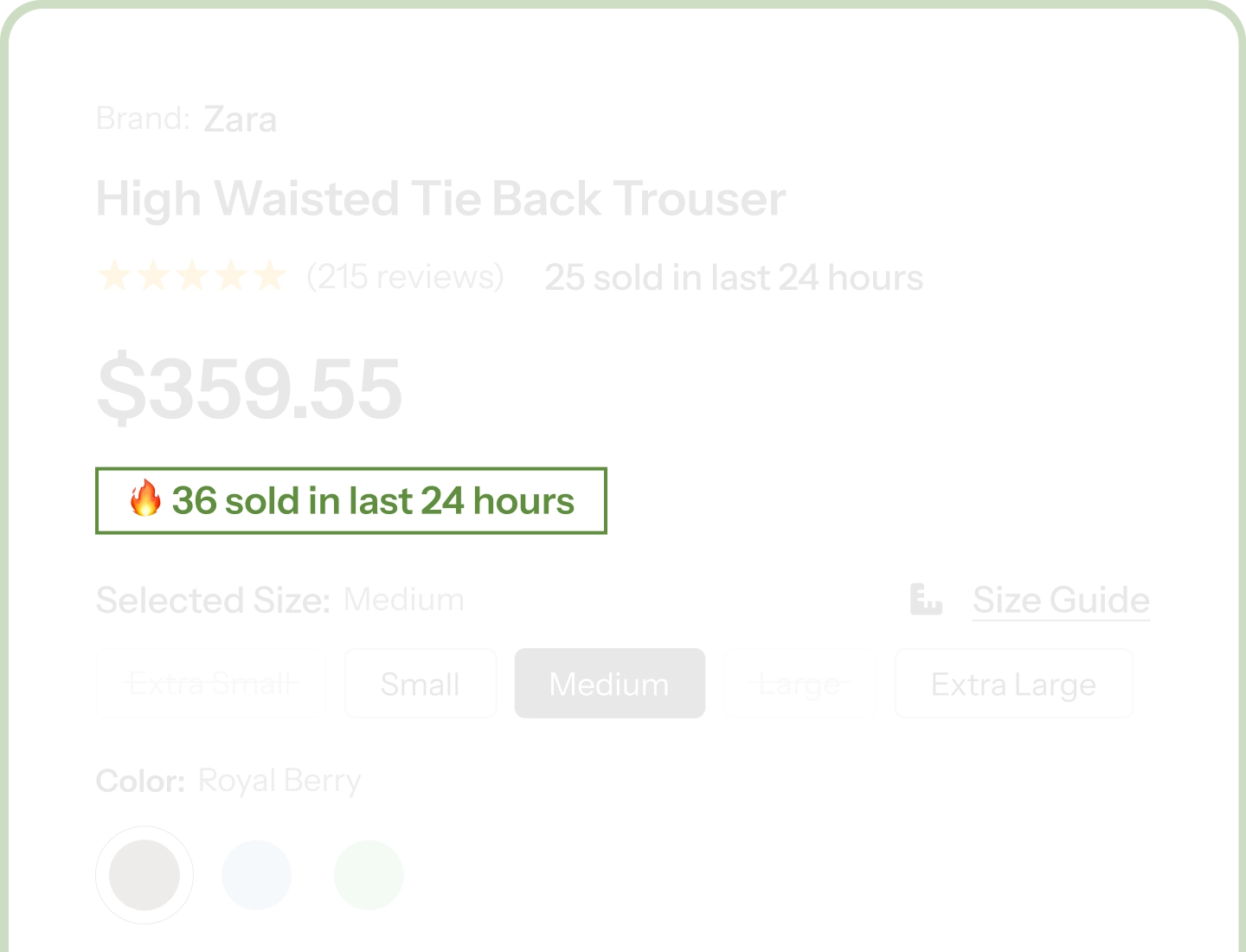
Two Numbers, One Sentence
Show units sold and a time window in the same line, for example "47 sold in the last 24 hours," with each number styled independently.
Three Count Modes
Hold one steady figure per shopper with Fixed per Session or let it update randomly, then use Time Window alongside it for the duration number.
Zero Tracking, Cache-Safe
Runs in the shopper's browser, sets no tracking cookies, and reads no order data. It is fast, private, and safe behind full-page caching.
Add Social Proof to Your Product Pages That Looks Like It Belongs There
Make the Sales Count Numbers Feel Real

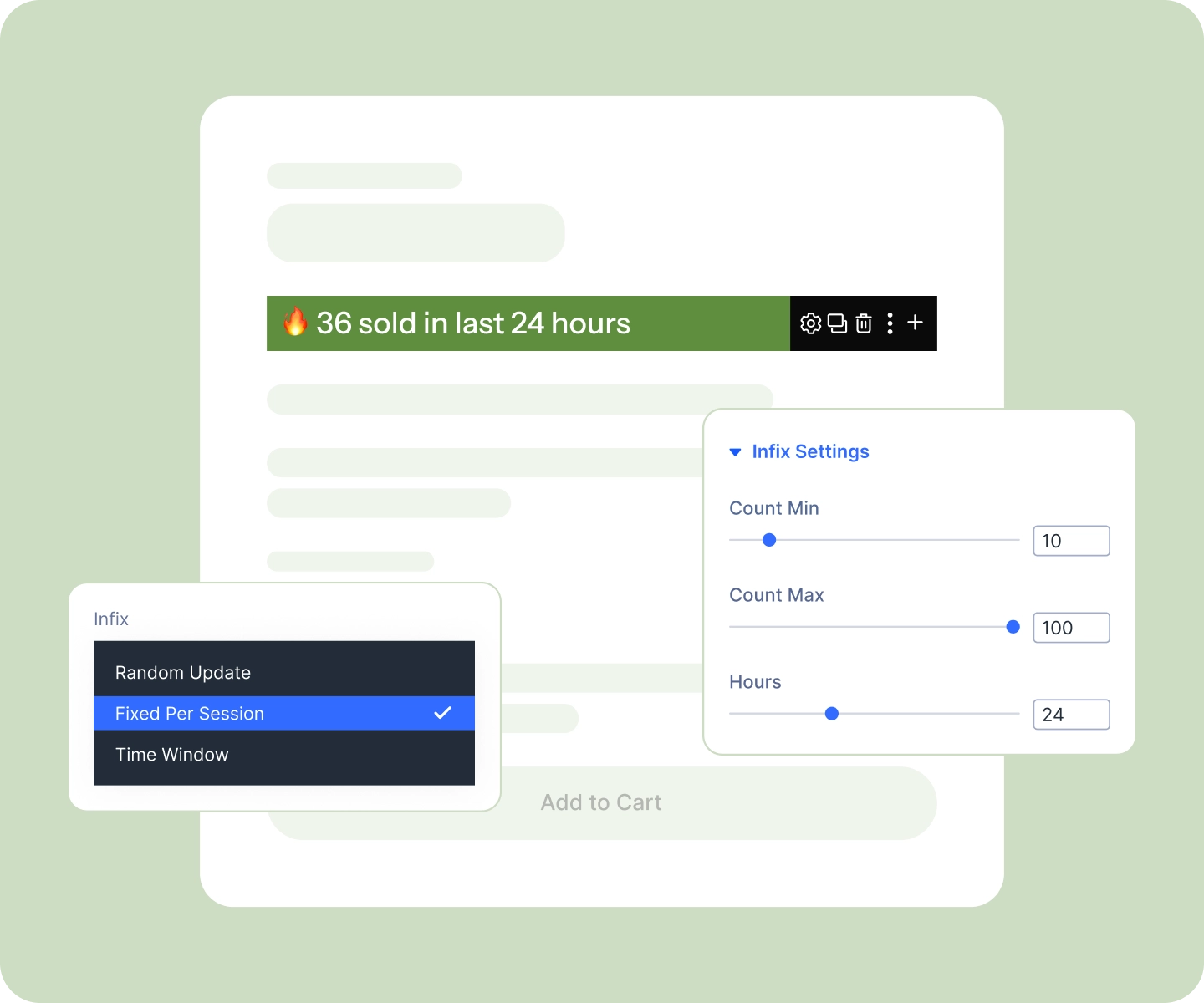
Hold one steady figure per shopper with Fixed per Session, the most believable option for a "units sold" count.
-
Or let the figure update on every page load with Random Update, for a count that keeps moving.
-
Pair either mode with Time Window on the second number, so "in the last 24 hours" always reads exactly as you set it.
-
Set the Min Count and Max Count range to keep the figure credible: a modest number for a niche item, a bolder one for a bestseller.
Match Your Store, Then Set It and Forget It
-
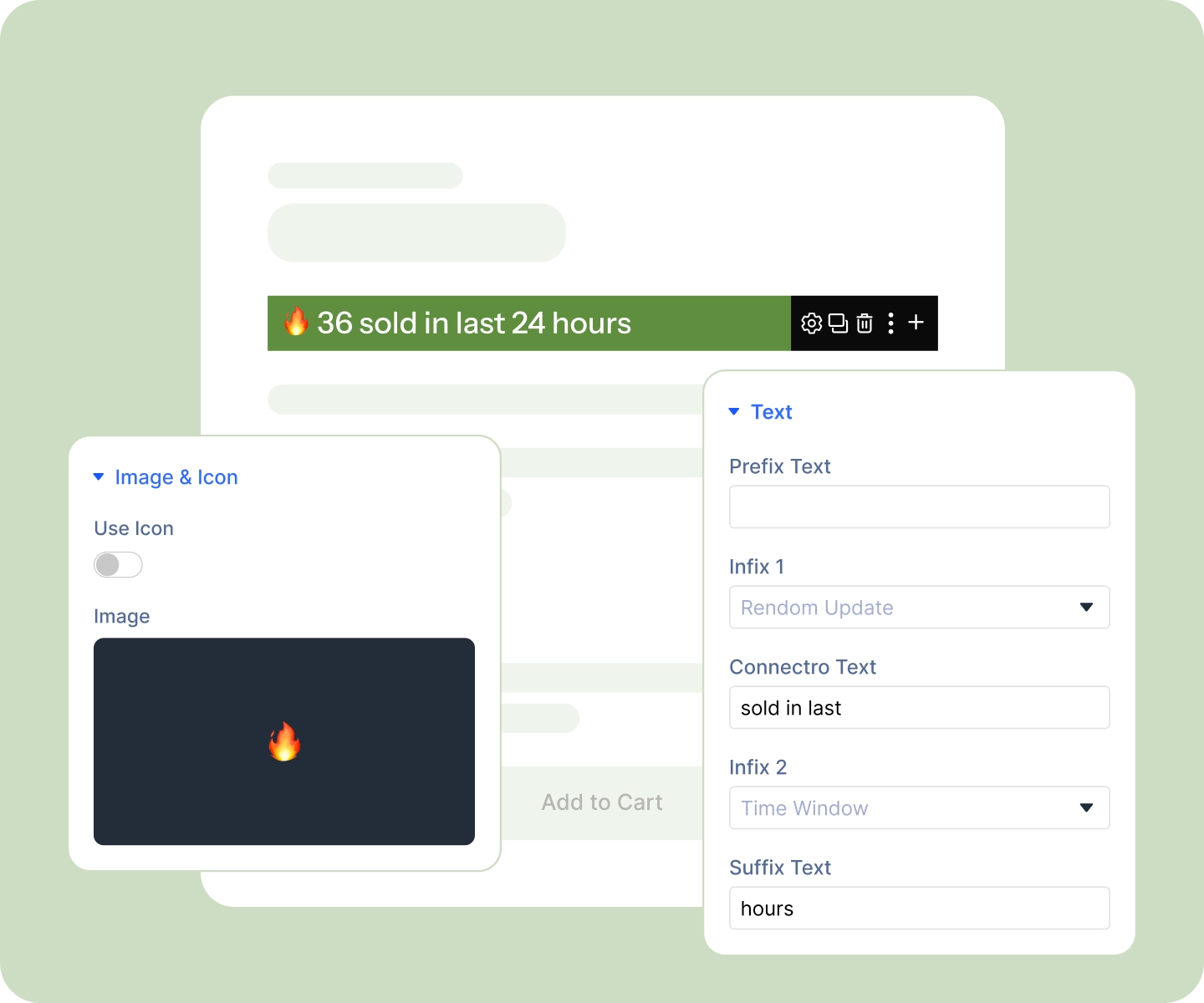
Build the sentence from five slots, prefix, number, connector, second number, suffix, in your own words.
-
Style each number separately from the caption, so the units-sold figure can be bold and in your accent color.
-
Add a flame, cart, or bag icon (or your own image) on either side, with fonts and sizing set per device.
-
Drop it onto any product page from the DiviMerc module list, no dependencies, no setup, on by default.
Free Ready-to-Use Sales Count Layouts to Get Started
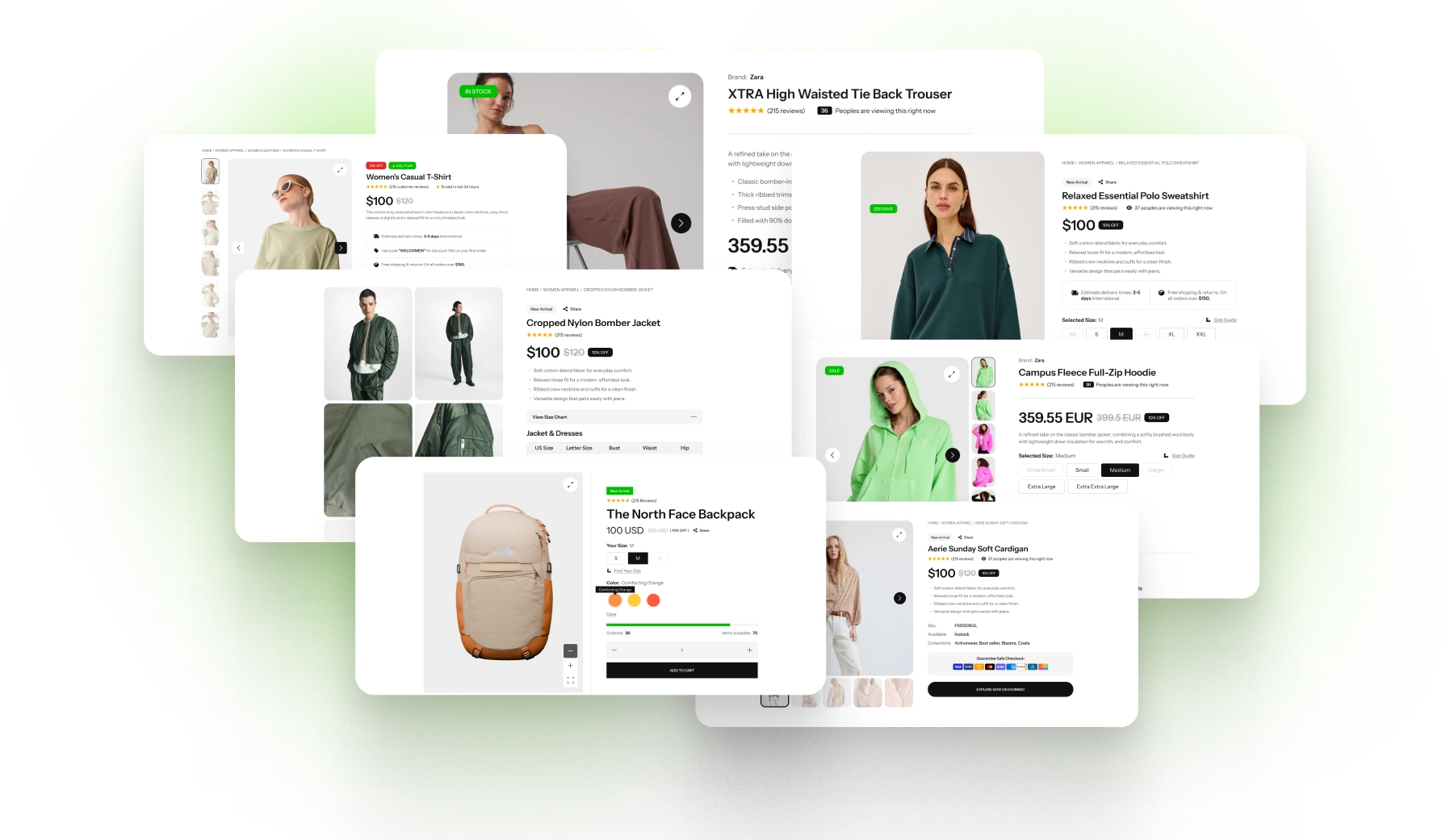
Skip the setup. DiviMerc's pre-built Sales Count layouts are fully customizable, responsive, and ready to drop onto any Divi WooCommerce product page. Pick a style, write your message, and go live in minutes.
DiviMerc Sales Count vs Third-Party Sales Count Plugin, Why a Native Divi Module Wins?
| Feature | DiviMerc Sales Count | Third-Party Sales Count |
|---|---|---|
| A real Divi builder module | Native Divi module |  Not available Not available |
| Where you design it | Live in the Divi Visual Builder | A separate dashboard |
| Placement on the page | Anywhere in your product template | A floating widget or fixed slot |
| Write the whole sentence yourself | Five slots, your own words | A template with a few variables |
| Two numbers in one line | Each styled on its own | One figure per notice |
| Styling control | Every Divi design control | A handful of preset themes |
| Reuse your Divi presets and styles | Like any other Divi module | Styled in isolation from your theme |
| How the number is produced | From a range you set | Often from tracked store activity |
| Third-party script on your store | None, it runs on its own | An external script on every page |
| Visitor data collected | None, and no cookies set | Often tracks and stores visitor activity |
| Monthly visitor limits | None | Plans often capped by monthly visitors |
| Cost | Included with DiviMerc | Free tier with a paid upsell |
Ready to Show Shoppers They're Not the First to Buy?
FAQs on Sales Count for Divi
Everything you need to know about the sales count module before you get started.
Does This Show Your Real Sales Figures?
Is Sales Count GDPR-Friendly, and Does It Use Cookies?
Will It Slow Your Store Down or Break With Caching?
How Do You Stop the Number From Changing?
How Many Numbers Can You Show?
Does It Work on Mobile?
Can You Use It Outside Product Pages?
Can You Match It to Your Brand?
What's the Difference Between This and Live Visitor Count?
Is It Compatible With WooCommerce and Divi?