One of 15+ Modules
Divi Mini Cart Module
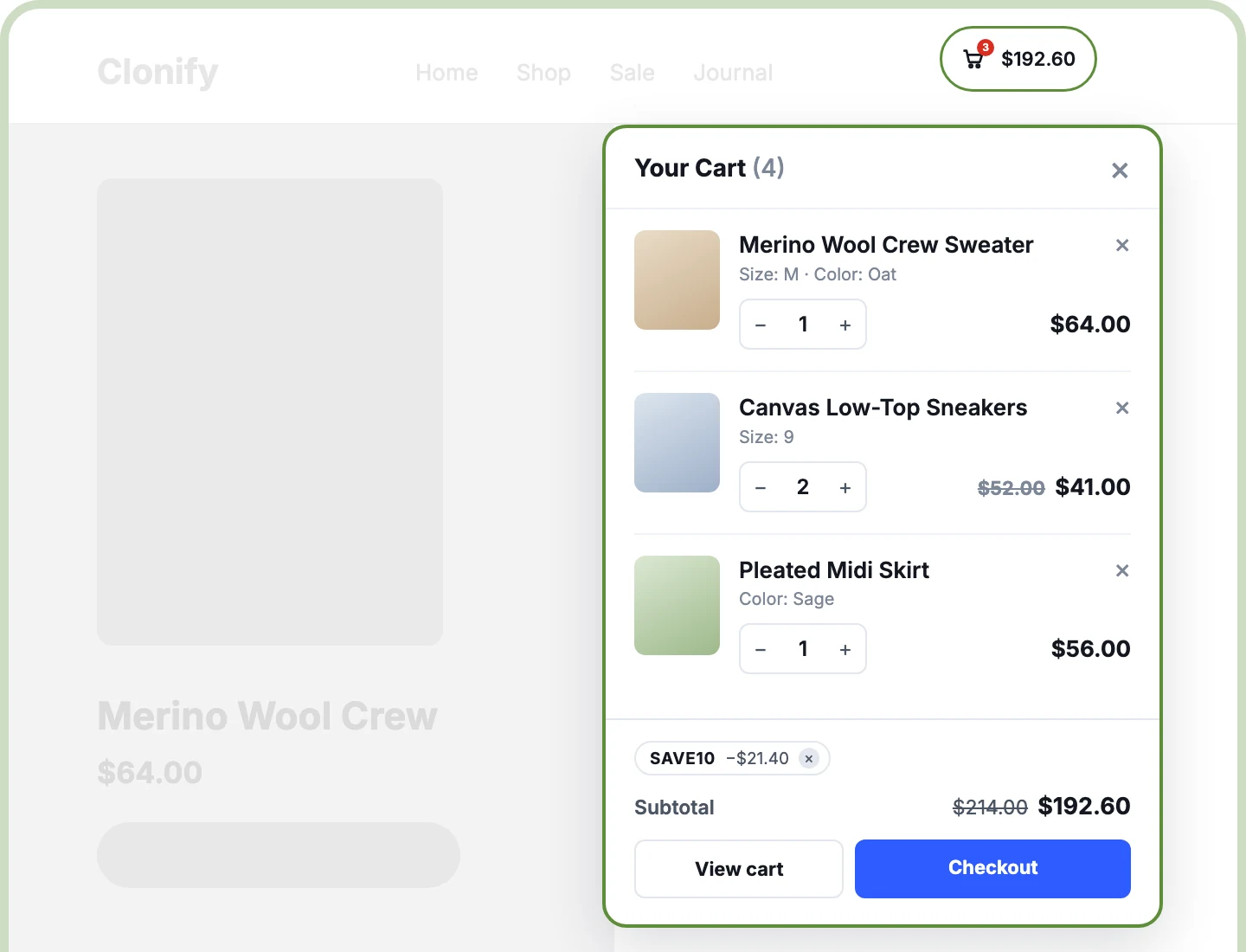
Divi Mini Cart module opens a live WooCommerce cart right on the page, as a dropdown, side drawer, modal, or fullscreen view. Shoppers change quantities, apply coupons, and reach checkout without leaving the page they're on. The included Mini Cart Manager extension adds a ready-made cart to every page, plus site-wide rules for opening and closing it.
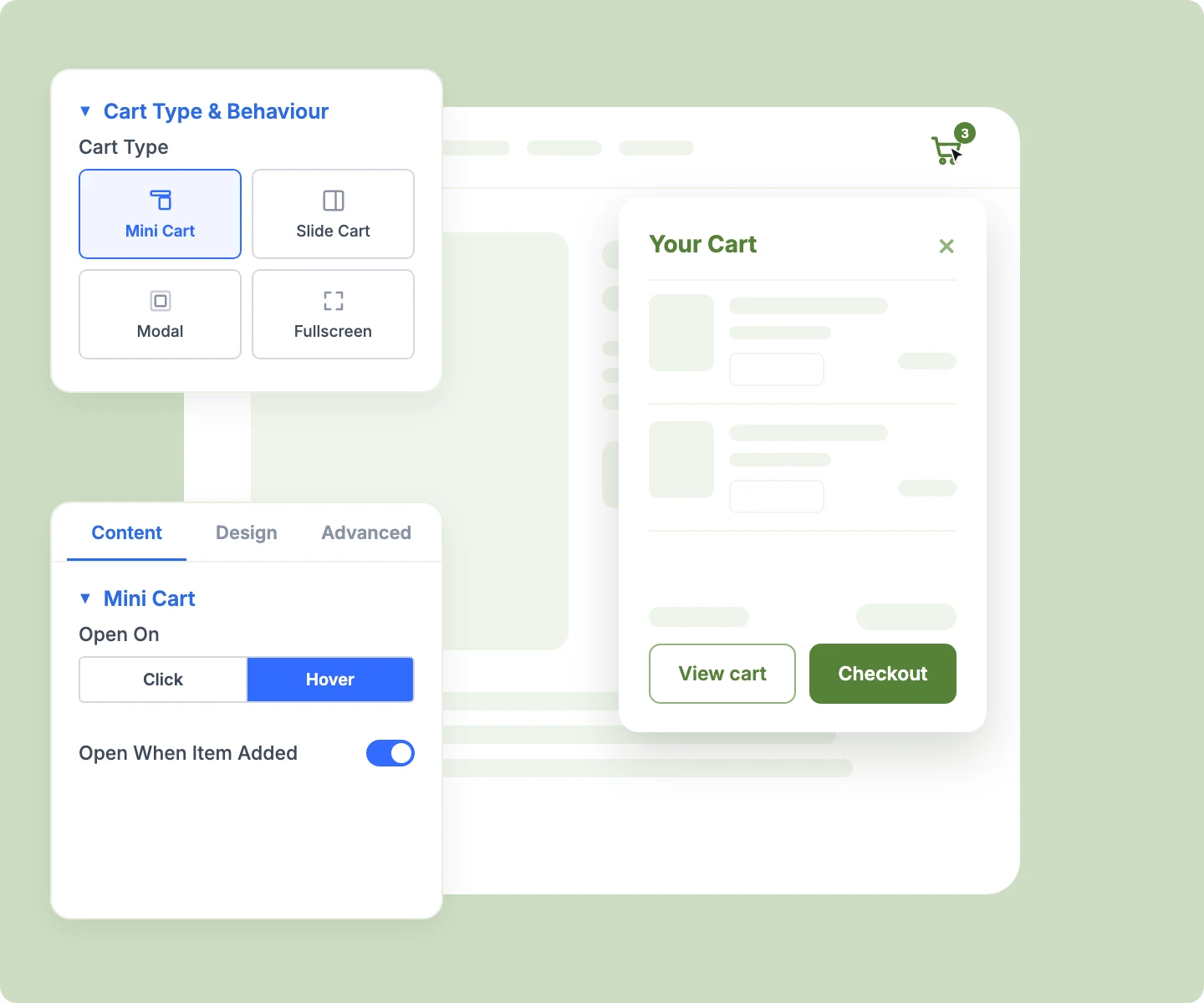
Four Cart Types
Give your header the cart shape that fits your store, with a dropdown, a slide-out drawer, a centered modal, or a fullscreen view.
Edit Without Leaving
Keep shoppers on the page they're browsing while they change quantities, remove items, and apply coupons, with the subtotal updating live as they go.
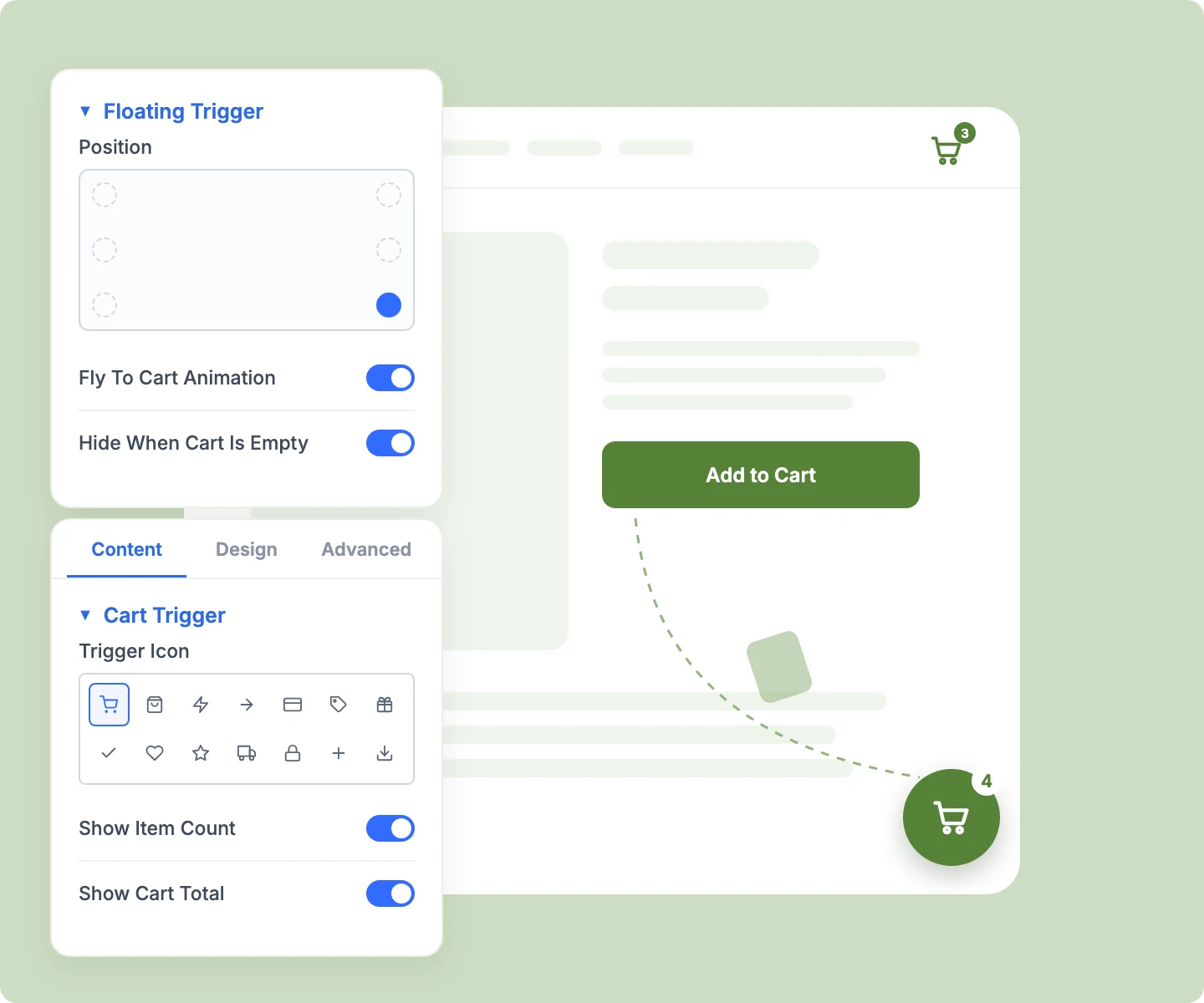
Floating Cart Button
Keep the cart one tap away on long pages with a floating button in six positions, where added products fly straight in.
Build a Divi Mini Cart That Keeps Shoppers on the Page
Design a Cart That Fits Your Store

Slide the drawer in from either side, or use Off Canvas to push the whole page aside.
Open the dropdown on hover for desktop shoppers, while touch screens keep a simple tap.
Style the panel header, product rows, stepper, coupon field, and buttons separately to match your store.
Design against a sample cart in the Visual Builder, so you style the panel without shopping first.
Let Shoppers Manage Their Cart in Place
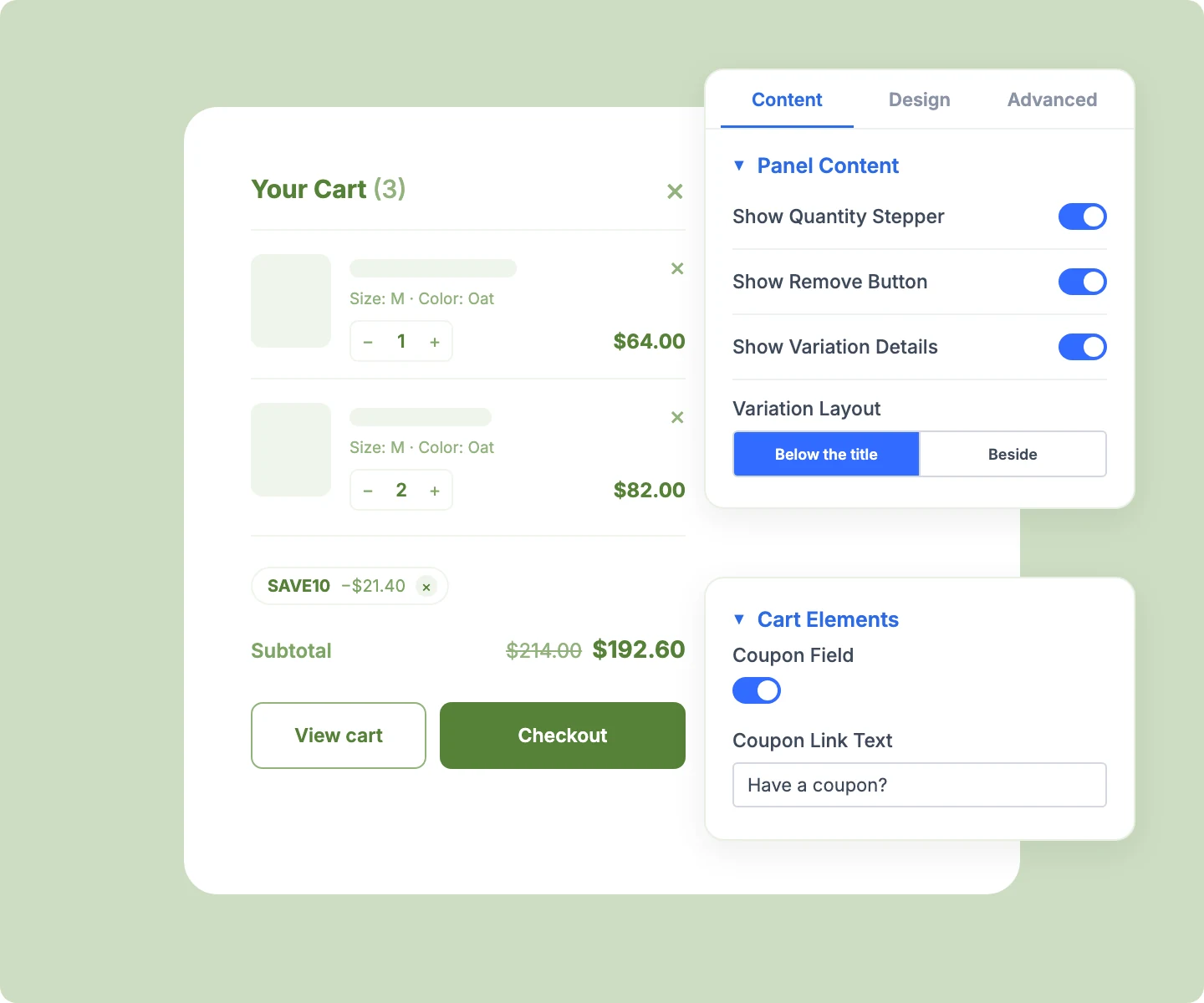
Show each item's chosen options, like color and size, so shoppers confirm what they picked.
Let shoppers change quantities with a stepper that caps at available stock, right inside the panel.
Add a coupon field that applies codes in the panel and strikes through the old subtotal.
Turn an empty cart into a next step with your own heading, message, and Continue Shopping button.
Keep the Cart Button Within Easy Reach
Use any Divi icon or upload your own image, then add an item count, label, or cart total.
Keep your header design and open the cart from your own button or Divi's header cart icon.
Hide the floating button until the first product lands, so shoppers never see an empty cart.
Set Site-Wide Cart Rules With Mini Cart Manager
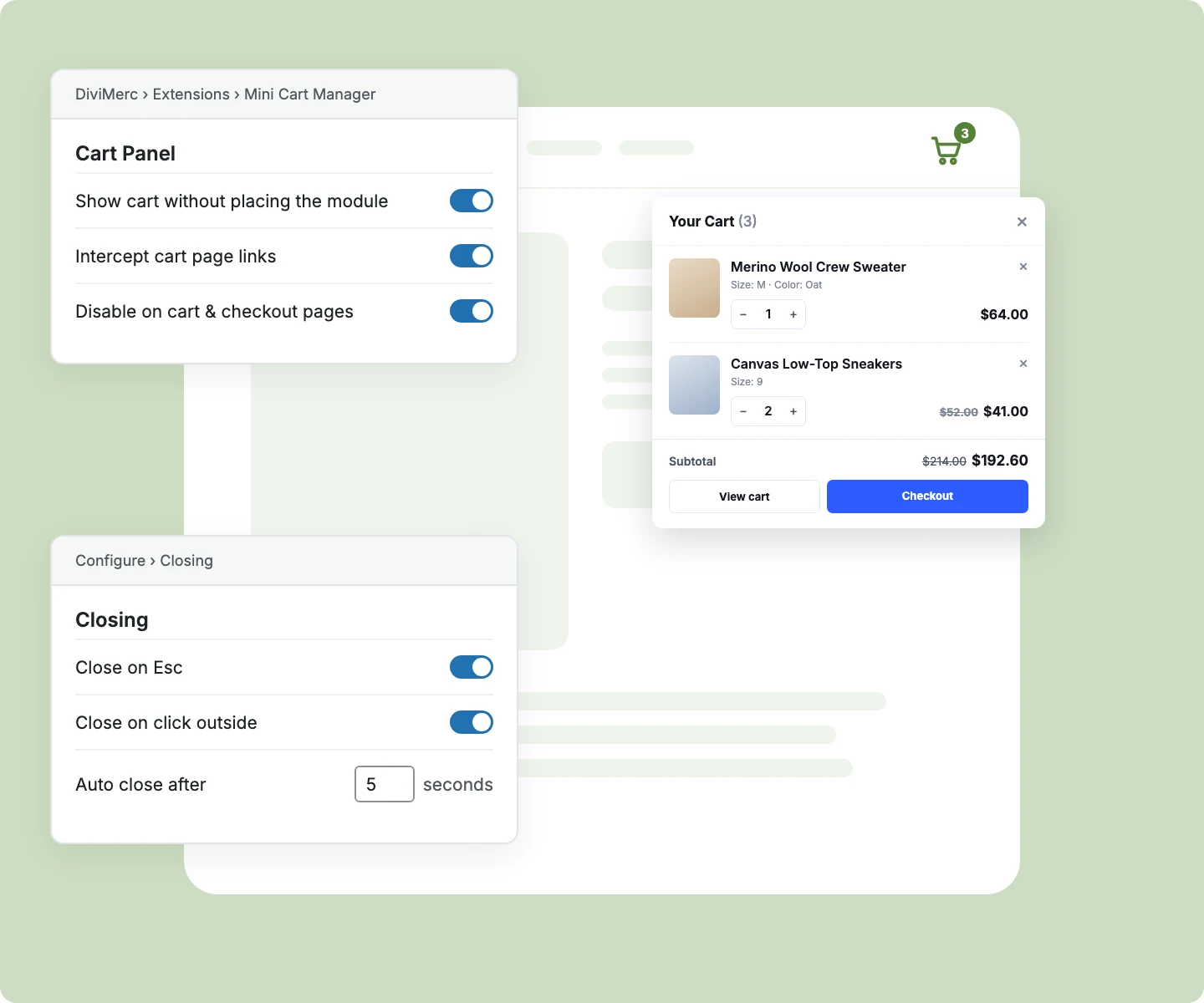
Add a cart to every page without placing the module, opened from Divi's header cart icon.
Make menu links to the Cart page open the mini cart instead of leaving the page.
Close the cart with Esc, an outside click, or an auto-close timer of up to 60 seconds.
Hide the cart on Cart and Checkout pages, or show it there when your header needs the icon.
Free Ready-to-Use Mini Cart Layouts to Get Started
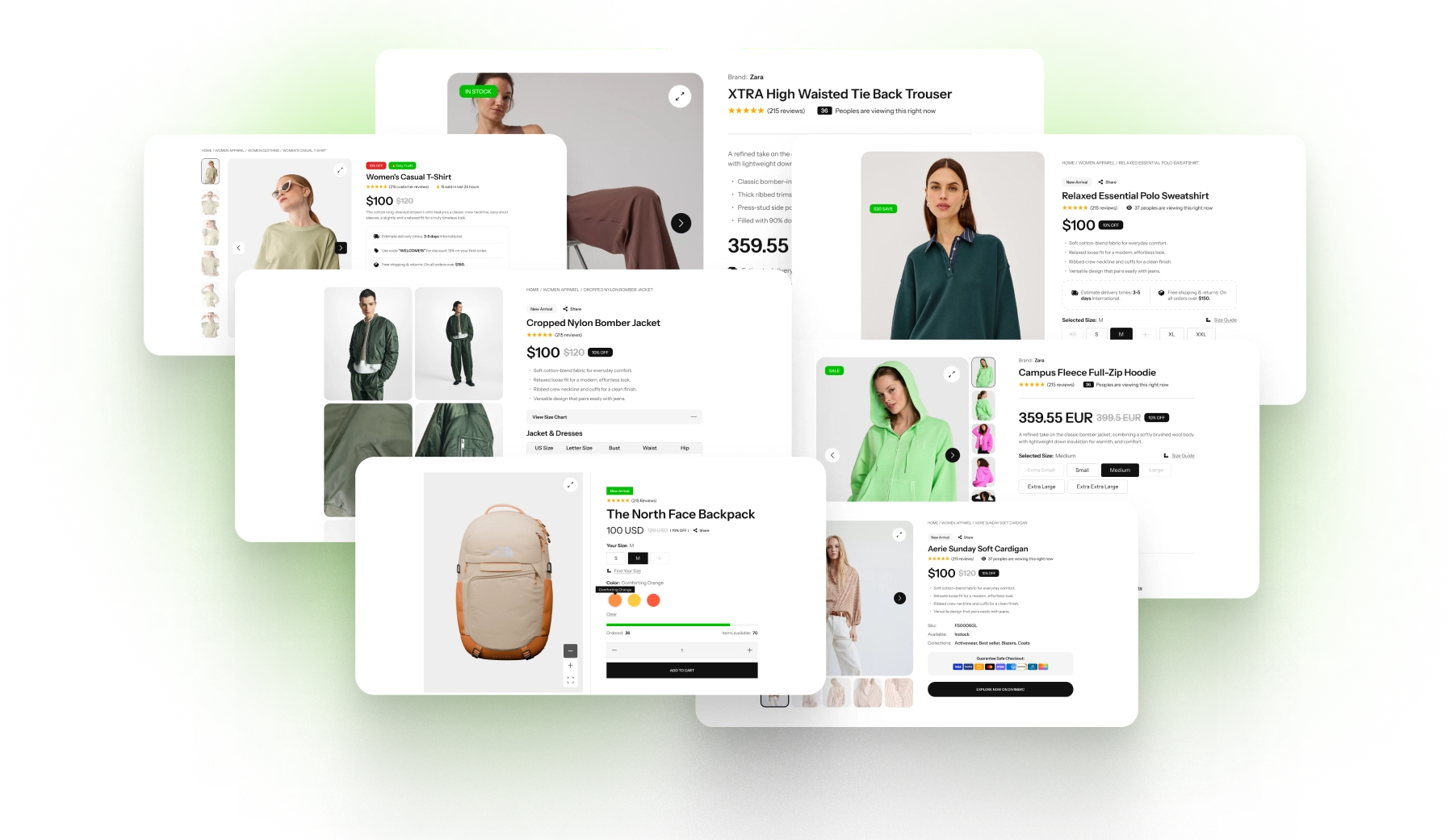
Skip the setup with DiviMerc's pre-made Mini Cart layouts. Each one is fully customizable and responsive, ready to drop into your Divi Theme Builder header. Pick a style, set your cart type, and go live in minutes.
DiviMerc Mini Cart vs Divi Default Cart Icon: Which Keeps Shoppers Buying?
| Feature | DiviMerc Mini Cart | Divi Cart Icon |
|---|---|---|
| Where the cart opens | A panel on the current page |  Sends shoppers to the Cart page Sends shoppers to the Cart page |
| Cart styles | Dropdown, drawer, modal, or fullscreen | Not available |
| Edit quantities and remove items | Inside the panel | On the Cart page only |
| Variation details per item | Shown inside the panel | On the Cart page only |
| Apply coupons | Coupon field inside the panel | On the Cart or Checkout page only |
| Opens when a product is added | Yes, on adds without a page reload | Not available |
| Floating cart button | Six screen positions, with fly-to-cart | Not available |
| Cart on pages without the module | Site-wide cart with Mini Cart Manager | Not available |
| Menu Cart links open the panel | With Mini Cart Manager | Always go to the Cart page |
| Design every part of the cart | Each element styled separately | No cart panel to design |
Ready to Let Shoppers Check Out Without Losing Their Place?
FAQs on Mini Cart for Divi
Everything you need to know about the Mini Cart module and Mini Cart Manager before you get started.
What Is the Divi Mini Cart Module?
Is the Mini Cart a Side Cart for WooCommerce?
Can Shoppers Change Quantities and Apply Coupons in the Mini Cart?
Does the Mini Cart Show Shipping and Taxes?
Does the Mini Cart Work on Mobile?
Do I Need the Mini Cart Manager Extension?
Can I Add a Cart to Every Page Without Placing the Module?
Where Should I Add the Mini Cart Module?
Does the Mini Cart Open Automatically When a Product Is Added?
Can I Open the Cart From My Own Button, a Menu Link, or a URL?
Can the Cart Close on Its Own?
Does the Mini Cart Show on the Cart and Checkout Pages?