One of 15+ Modules
Divi Size Chart Module
Divi Size Chart Module displays a WooCommerce product's sizing guide as a popup, a slide-in drawer, an accordion, or right on the page, with the table, the tabs, and the panel styled natively in Divi. Build a chart once and assign it to a whole category, so every matching product picks it up automatically.
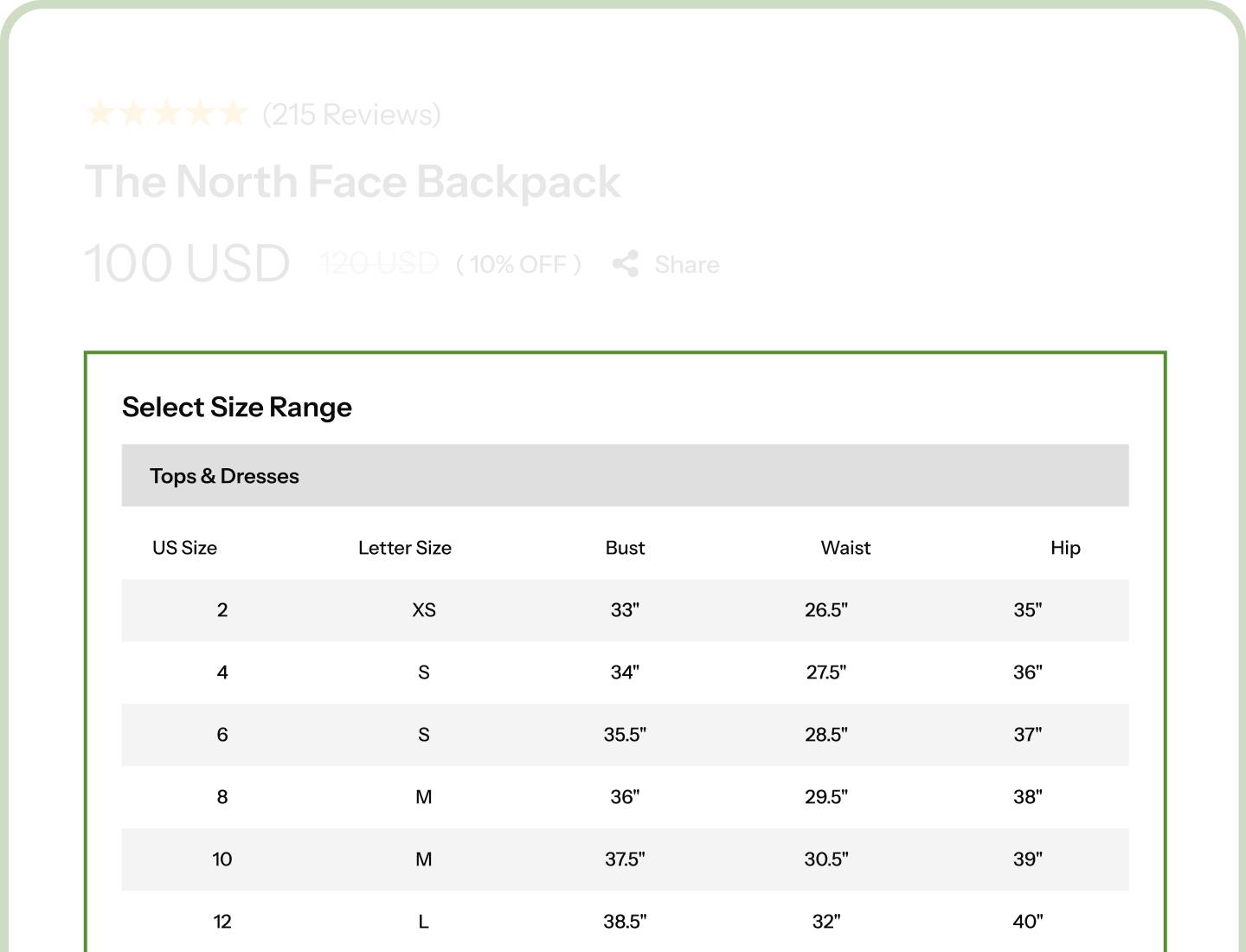
Four Ways to Show It
Popup, slide-in drawer, accordion, or inline on the page. One setting changes how the chart reaches your shopper.
Designed Down to the Last Cell
Table, five tab styles, panel, overlay, and trigger button all style separately, right in the Divi builder.
Charts Built and Assigned in Minutes
Nine content blocks in the admin, and one chart can cover an entire category.
Two Places, One Workflow
Size charts live in two places conceptually: a chart builder in your WordPress admin, and the module that displays them in Divi. Switch the module on and you get both.
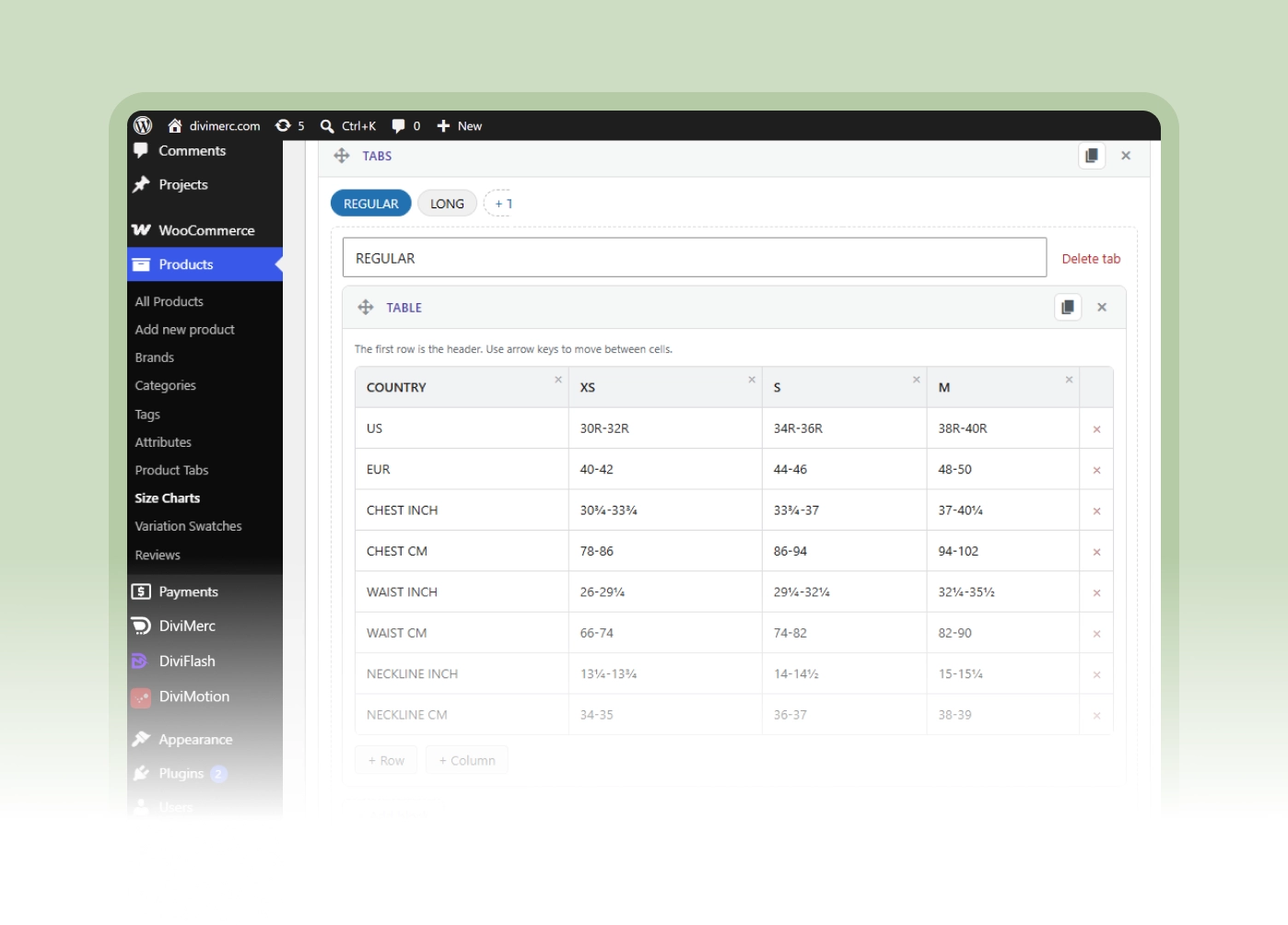
Chart Builder
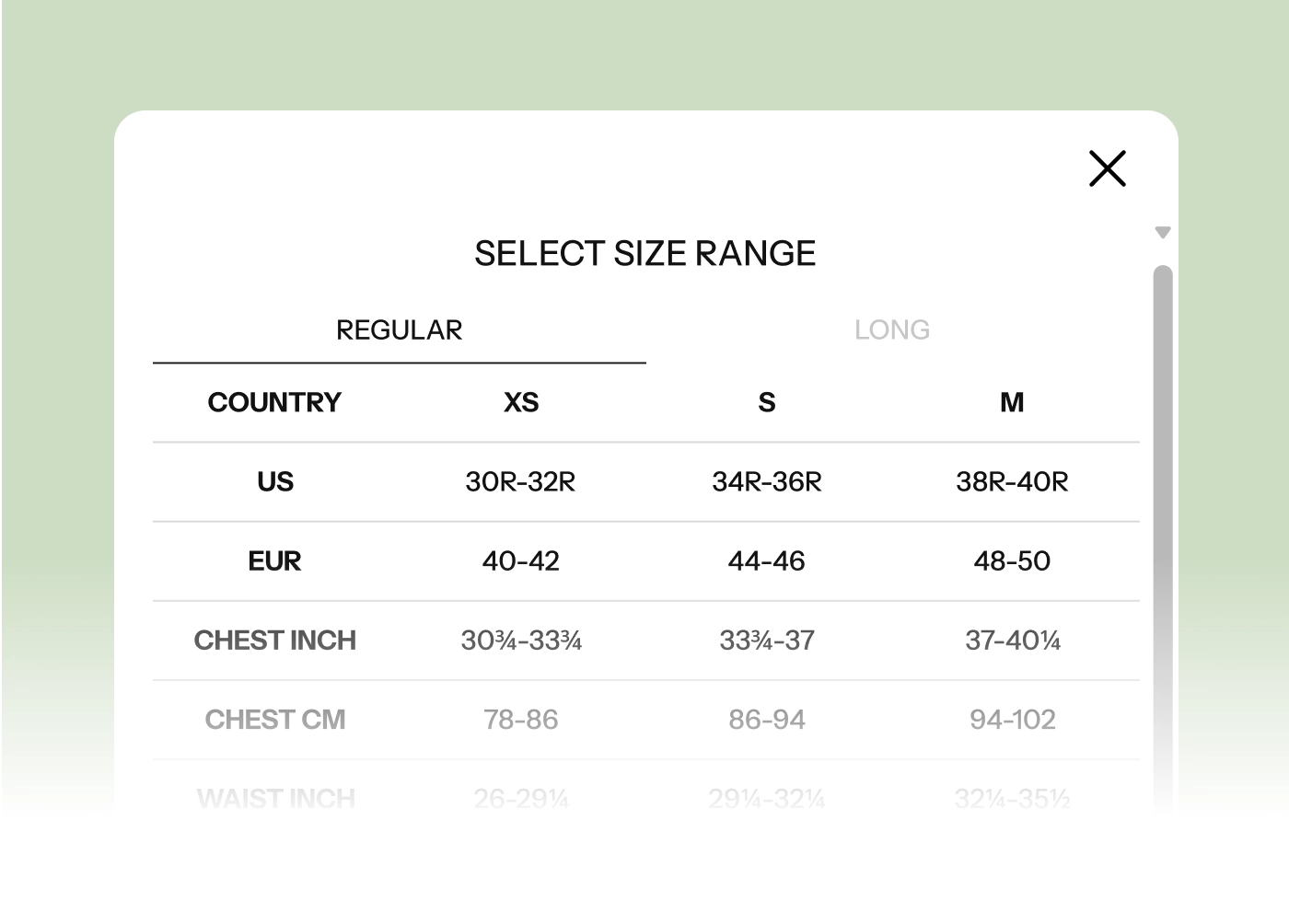
Size Chart
Give Shoppers the Confidence to Click Buy
Show It the Way Your Product Page Needs

Open the chart in a popup, the pattern shoppers already know, over a dimmed and optionally blurred overlay.
-
Slide a drawer in from the left, right, or bottom. Set to bottom, it feels native on phones.
-
Expand it in place with an accordion. No overlay, no scroll lock, and a natural fit in a long description.
-
Or set it inline, always visible, for a dedicated sizing page or a product tab.
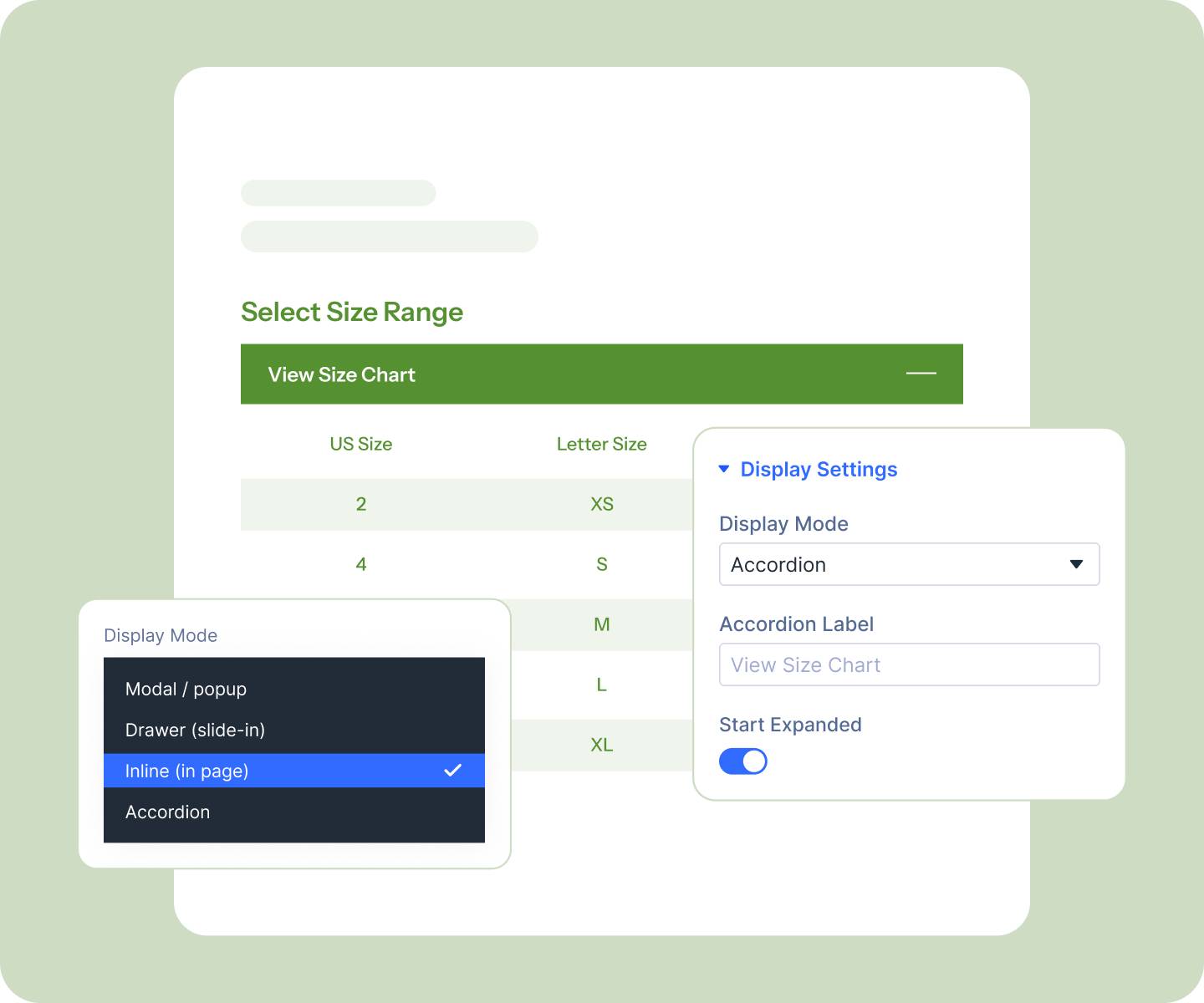
Style Every Part of It in Divi
-
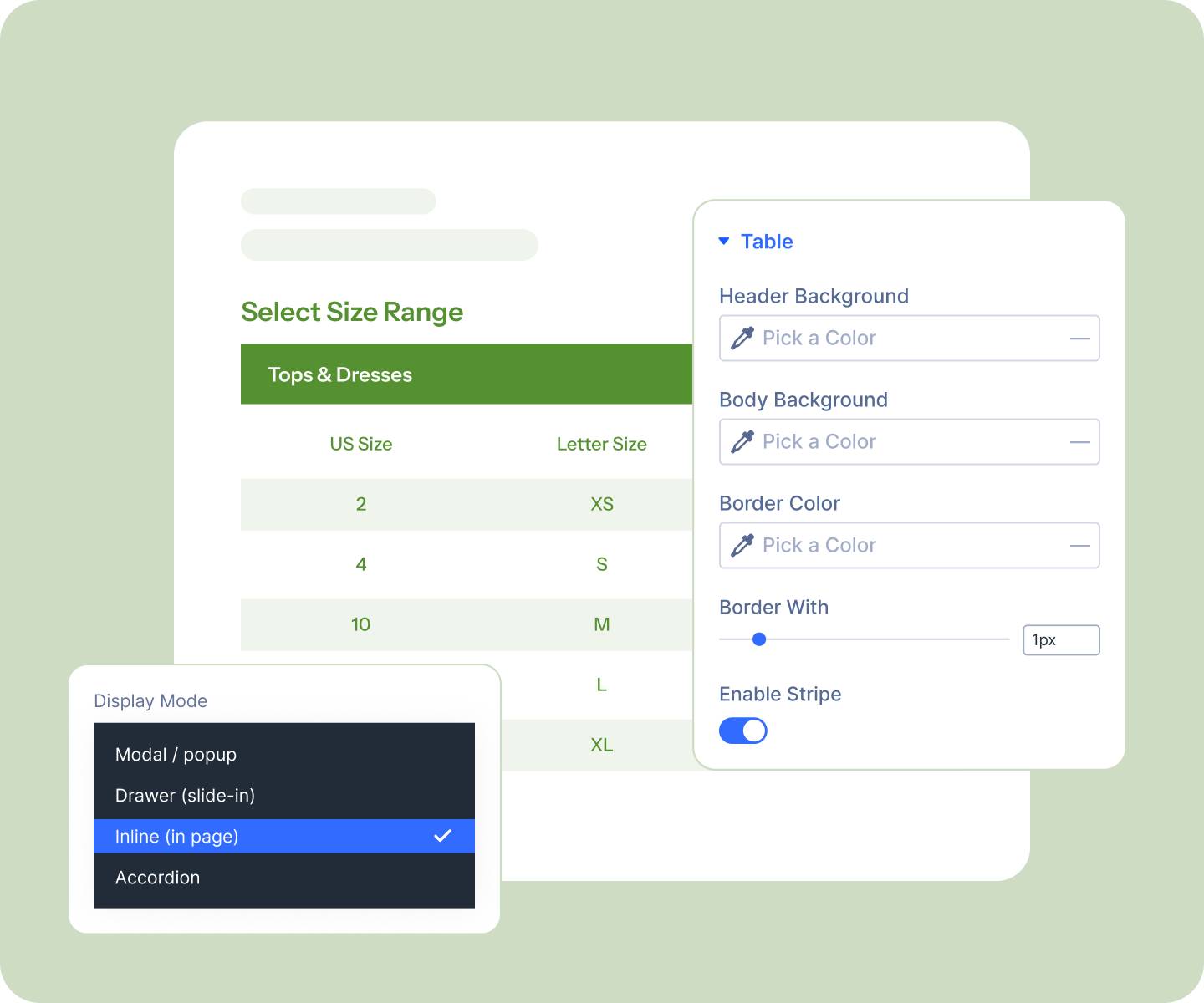
Style the table down to header and body backgrounds, borders, row striping, hover color, and equal-width columns.
-
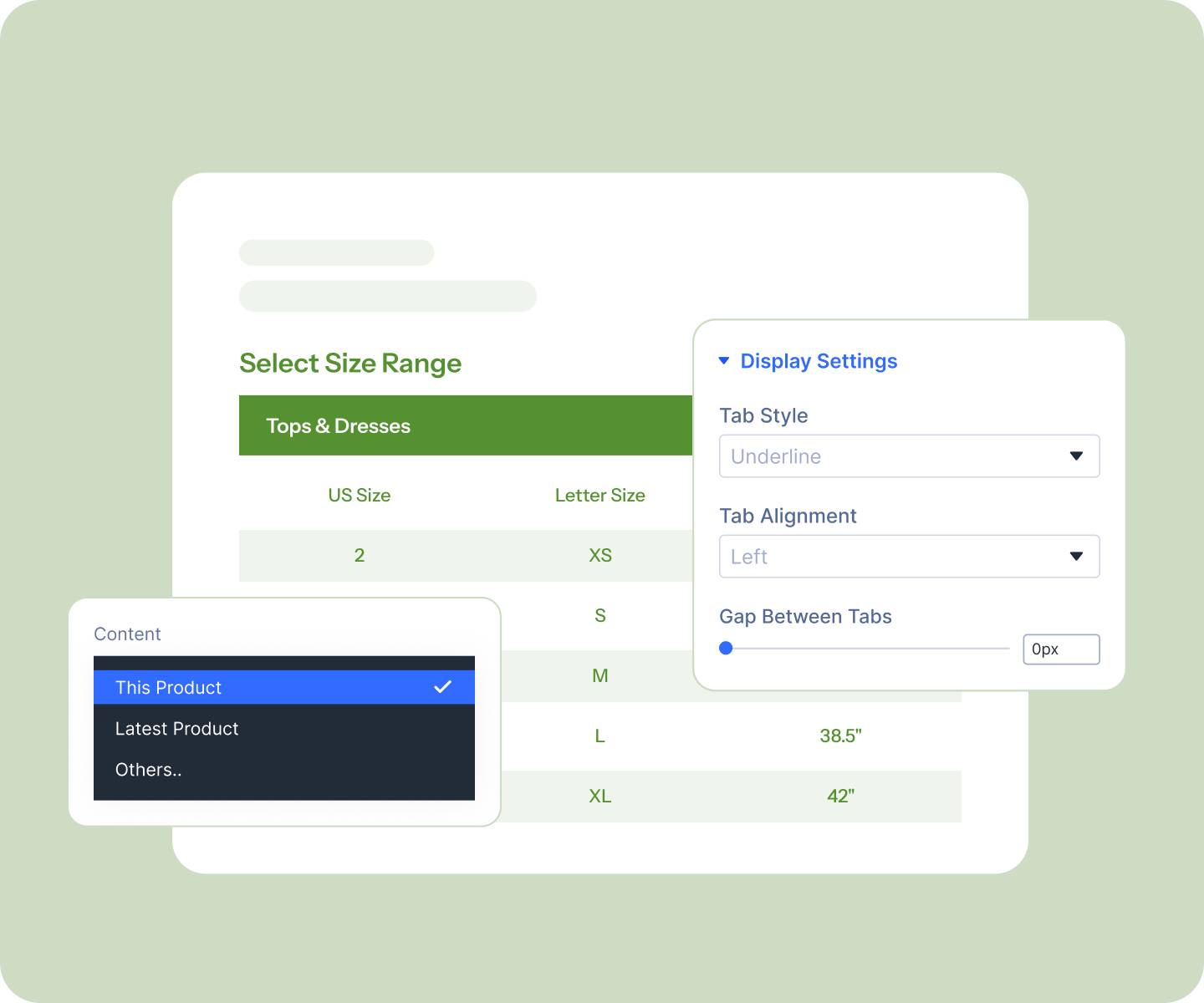
Style the tabs inside a chart in any of five looks: Underline, Pills, Segmented, Folder, or Buttons.
-
Design the panel itself: width, background, overlay color, close button, and an optional backdrop blur.
-
Open it from a standard Divi button, so it inherits the button styling and hover states you've already set.
Build the Chart and Point It at Your Products
-
Build each chart from nine blocks, tables, tabs, diagrams, video, and more, and place a diagram beside the table instead of under it using the Layout block.
-
Add tabs for Women, Men, and Kids, or for cm and inches, so one chart serves several audiences.
-
Assign one chart to your whole store, or by category, tag, or brand. Every matching product picks it up automatically.
-
Override it on a single product, switch it off there, or exclude the odd item from a broad rule.
Free Ready-to-Use Size Chart Layouts to Get Started
Skip the setup. Our pre-built size chart layouts are fully customizable, responsive, and ready to drop onto any Divi WooCommerce product template. Pick a style, choose your details, and go live in minutes.

Divi Size Chart vs a Third-Party Size Chart Plugin, Why a Native Divi Module Wins?
| Feature | DiviMerc Size Chart | Third-Party Size Chart |
|---|---|---|
| A real Divi builder module | Built natively for Divi |  Not available Not available |
| Where you design it | Live in the Divi Visual Builder | A separate settings screen |
| Placement on the page | Anywhere in your product template | One hook position or a shortcode |
| Display modes | Popup, drawer, accordion, or inline | Usually popup only |
| Table styling | Headers, borders, striping, hover, spacing | A handful of preset skins |
| Tab styles | Five, colorable per style | One, if tabs exist at all |
| Reuse your Divi presets and styles | Like any other Divi module | Styled in isolation from your theme |
| Trigger button | A full Divi button with every state | A fixed link or basic button |
| Assign by category, tag, or brand | Built-in rules | Often per-product only |
| Per-product override and exclusions | Built-in | Varies |
| Diagrams and video inside a chart | Built-in blocks | Images only, if that |
| Cost | Included with DiviMerc | Free tier with a paid upsell |
Ready to Answer "Will It Fit?" Before They Ask?
FAQs on Size Chart for Divi
Everything you need to know about the Size Chart module before you get started.
How Do I Add a Size Chart to a WooCommerce Product Page?
What Happens on Products With No Chart Assigned?
Is the Size Chart Module Compatible With WooCommerce and Divi?
Do I Need to Know Code to Build a Size Chart?
Where Do I Build a Size Chart?
How Do I Show Measurements in Both cm and Inches?
Can One Chart Cover Lots of Products?
What if One Product Needs a Different Chart?
Can I Match It to My Brand?
Does It Work on Mobile?
Can I Use a Popup on Desktop and an Accordion on Phone?