One of 15+ Modules
Advanced Divi Product Tabs Module
Advanced Divi Product Tabs module replaces the default WooCommerce tabs, Description, Additional Information, and Reviews, with a fully designed tabs-or-accordion layout, including custom tabs you write yourself.
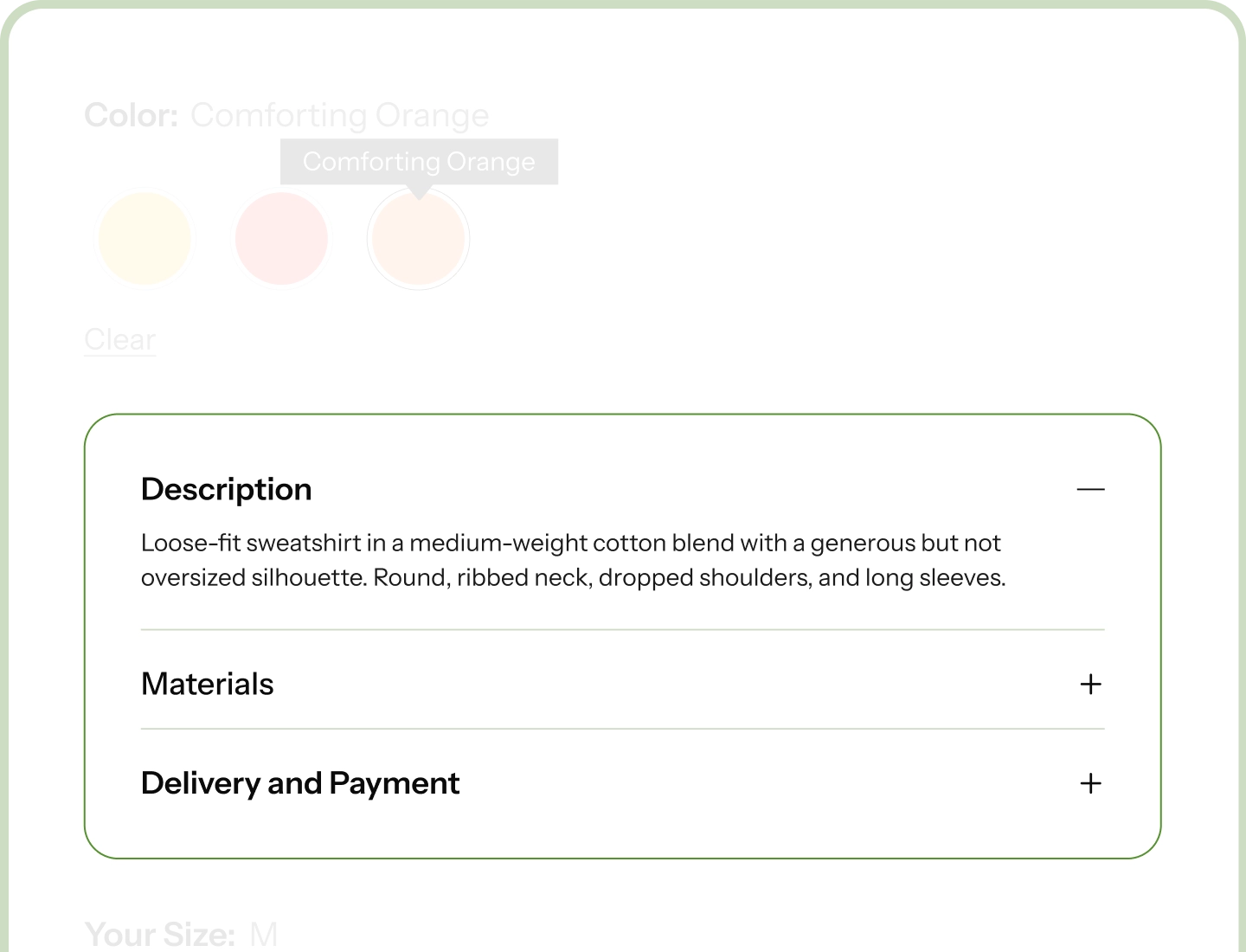
Tabs or Accordion
Run them across the top, down either side, or stack them as an accordion. One choice changes the whole layout.
Designed, Not Default
The tabs, the icons, the open-tab highlight, and the area below all style separately in Divi builder.
Add Your Own Tabs
Shipping, Care, Warranty, FAQ, as many as you need, and each one can be built with the Divi Builder.
Two Places, One Workflow
Product tabs live in two places: an extension where you write your own tabs, and the module that displays and styles them in Divi. Switch both on and you get the full workflow.
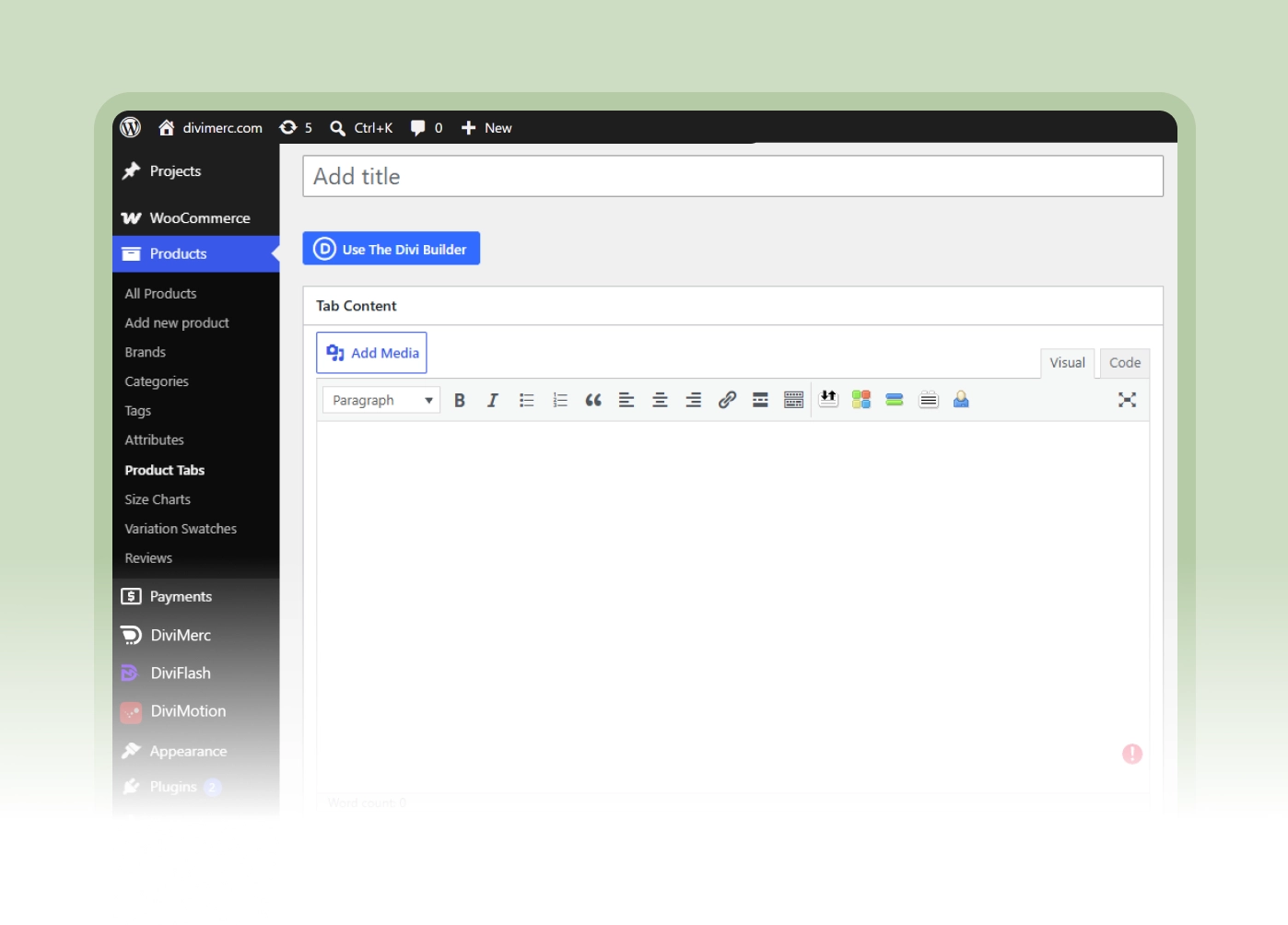
Product Tabs Manager
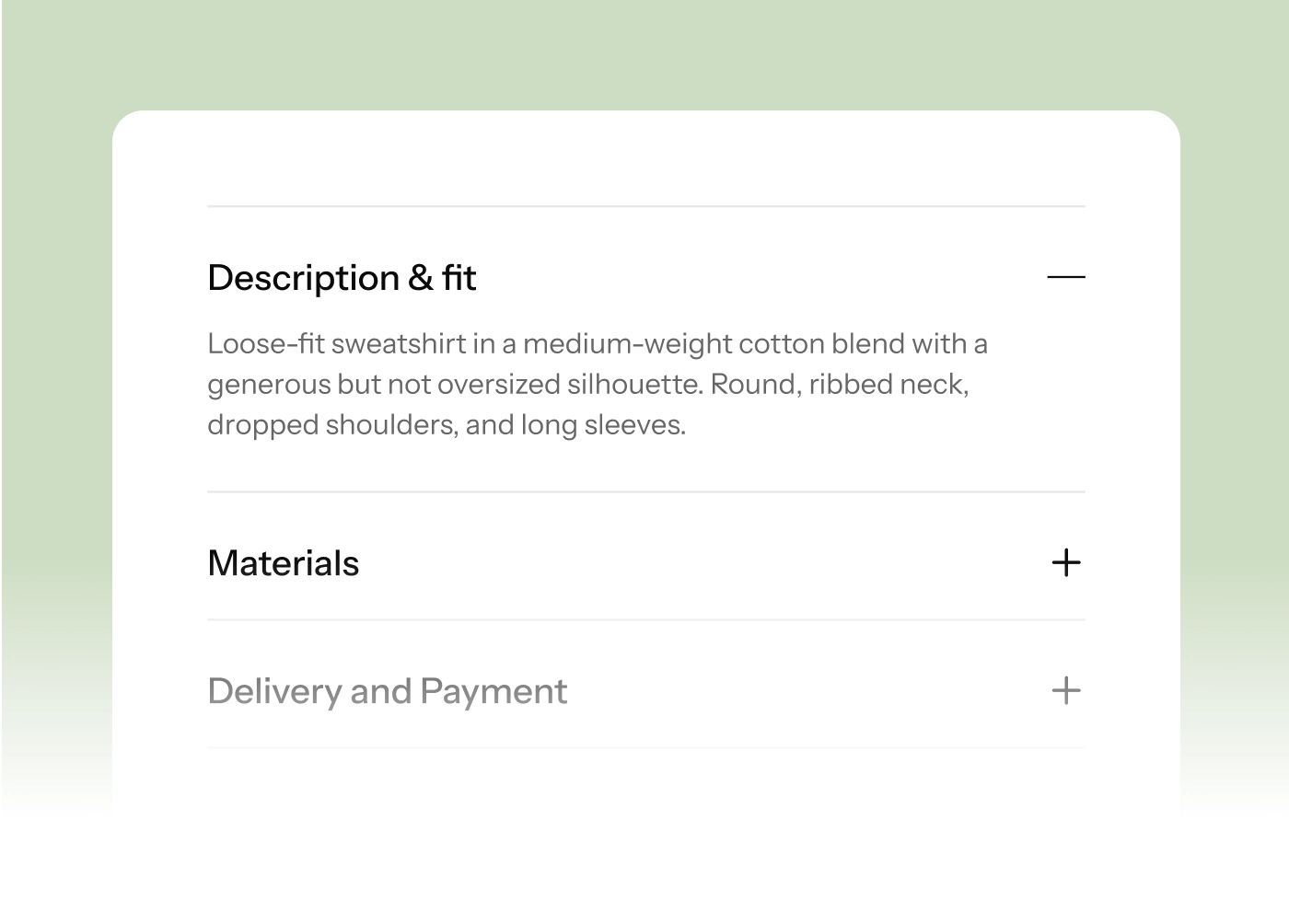
Advanced Product Tabs
Give Your Product Tabs a Layout That Fits Your Page
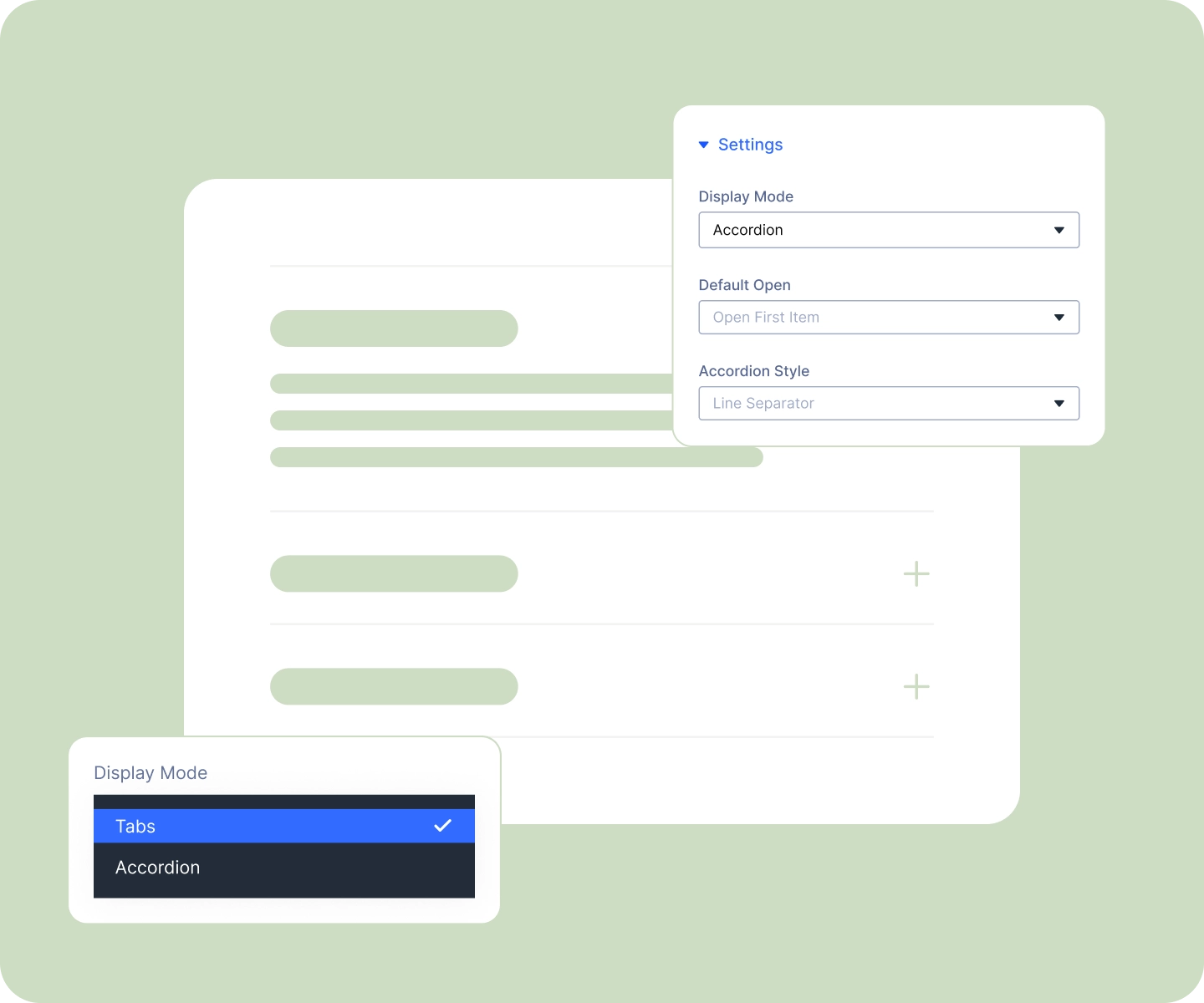
Show Them as Tabs or an Accordion

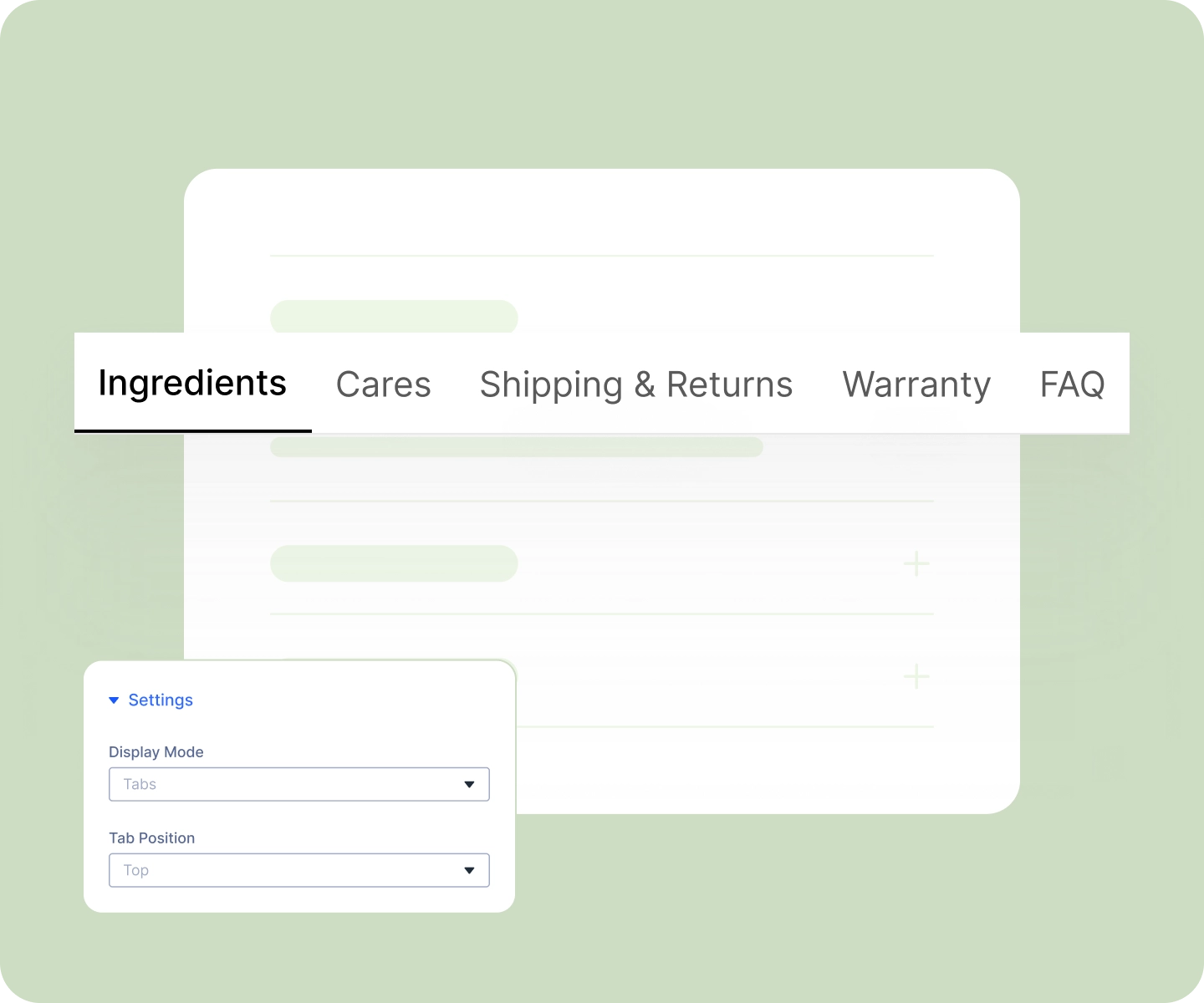
Run them across the top, the layout every shopper already knows.
-
Or move them down the left or right, which works well when a tab holds a lot of text.
-
Turn them into an accordion instead, four styles, from simple dividing lines to bordered, boxed, and flush.
-
Choose whether an accordion opens on its first item or starts fully closed so shoppers pick.
Style Every Part of It in Divi
-
Style the tabs themselves, text, color, background, borders, spacing, and how they look on hover.
-
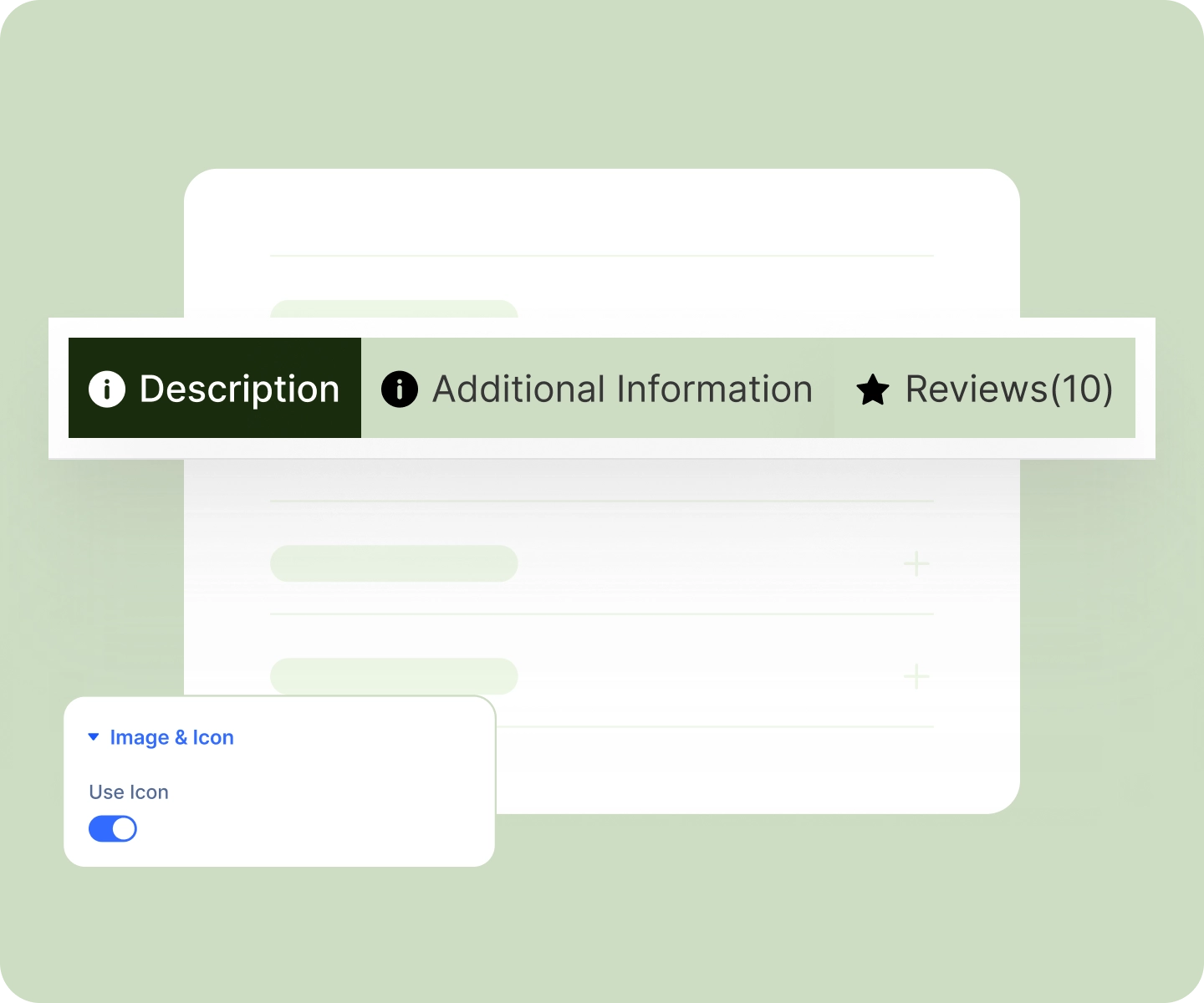
Mark the open tab in your brand color so shoppers always know where they are.
-
Give each tab an icon or a small image, with placement and alignment set independently.
-
Style the area below the tabs to match the rest of your product page.
Write Your Own Tabs, and Control Which Ones Show
-
Add as many tabs of your own as you need, Shipping and Returns, Care, Ingredients, Warranty, FAQ.
-
Build each one with the Divi Builder, so a tab can hold any layout you'd put on a page, or keep it simple in the WordPress editor.
-
Choose exactly which tabs appear in the module, including WooCommerce's own Description, Additional Information, and Reviews tabs.
-
Drag them into the order you want, so the tab that matters most comes first.
Free Ready-to-Use Product Tabs Layouts to Get Started
Skip the setup. Our pre-built Product Tabs layouts are fully customizable, responsive, and ready to drop onto any Divi WooCommerce product template. Pick a style, choose your details, and go live in minutes.

DiviMerc Advanced Product Tabs vs Divi Default Product Tabs Module, Which One Gives You More Control?
| Feature | DiviMerc Product Tabs | Divi Product Tabs |
|---|---|---|
| Tabs or accordion | Both, plus four accordion styles |  Tabs only Tabs only |
| Where the tabs sit | Top, left, or right | Top only |
| Icons on tabs | Icon or image, with independent placement and alignment | Not available |
| Write your own tabs | Built in via the Product Tabs Manager extension, buildable in Divi | Needs a separate plugin |
| Choose which default tabs appear | Show or hide Description, Additional Information, and Reviews | Not available |
| Reorder the tabs | Drag them into any order | Drag them into any order |
| Highlight the open tab | Styled how you like | Background and text color only |
| Style one tab differently from the rest | Each tab has its own settings | One style for all tabs |
| Start with all tabs closed | Available in accordion mode | First tab always open |
| Shows Description, Additional Information, and Reviews | Yes | Yes |
| Full Divi design controls | Yes | Yes |
Ready to Give Your Product Tabs a Layout of Their Own?
FAQs on Advanced Product Tabs for Divi
Everything you need to know about the Advanced Product Tabs module before you get started.
What do I need to set up first?
How do I add my own custom tab?
How many custom tabs can I create?
Can I reorder the tabs?
Can I choose which default tabs appear?
Can I show tabs on desktop and an accordion on phone?
Does it work on mobile?
Can I restyle the reviews form?
Is it compatible with WooCommerce and Divi?