One of 15+ Modules
Divi Variation Swatches Module
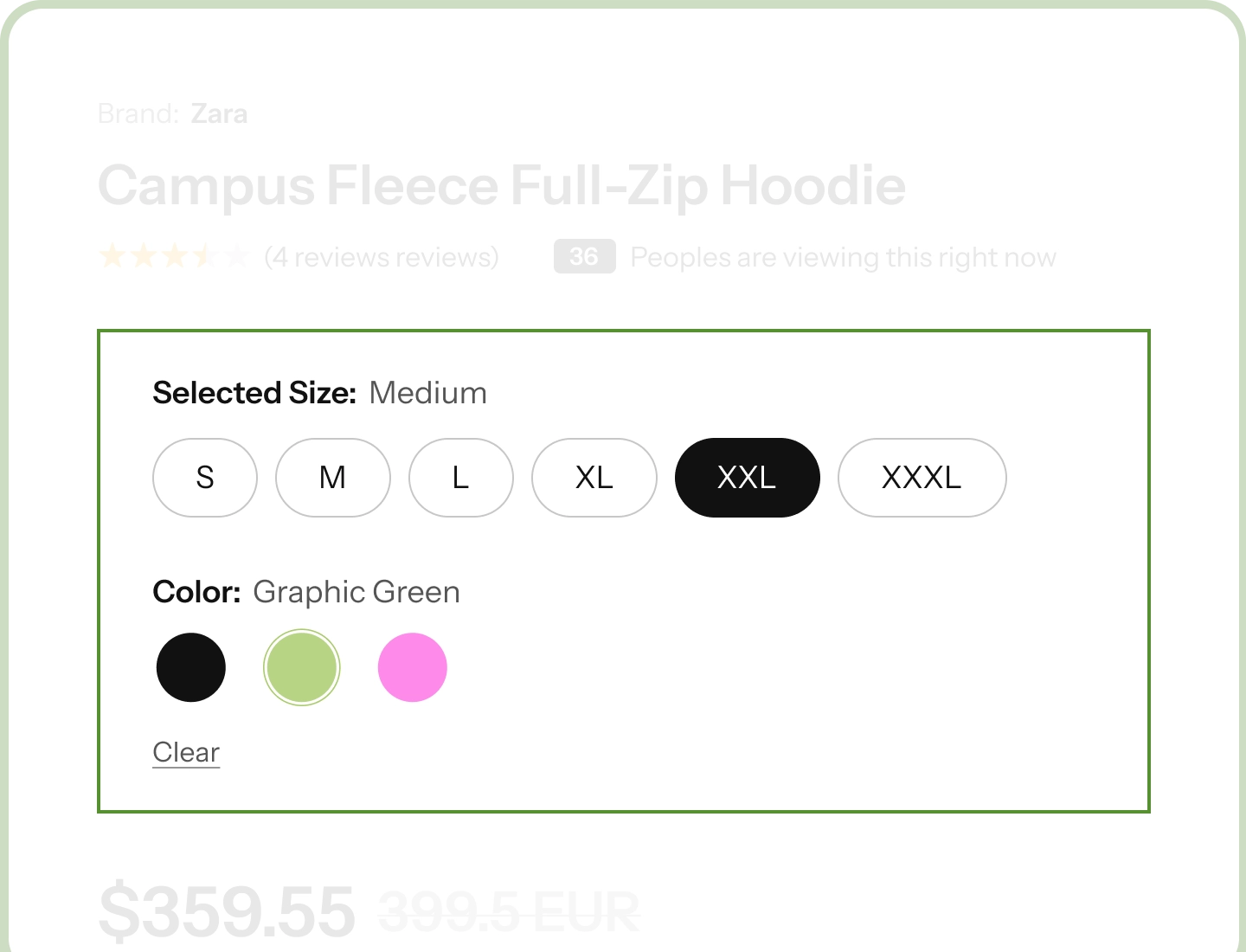
Divi Variation Swatches module replaces WooCommerce's default attribute turns X into Y" (or "replaces X with Y"), such as Color or Size, into visual selectors: color circles, image tiles, buttons, radio rows, dot pills, product cards, or a styled dropdown.
Eight Swatch Styles
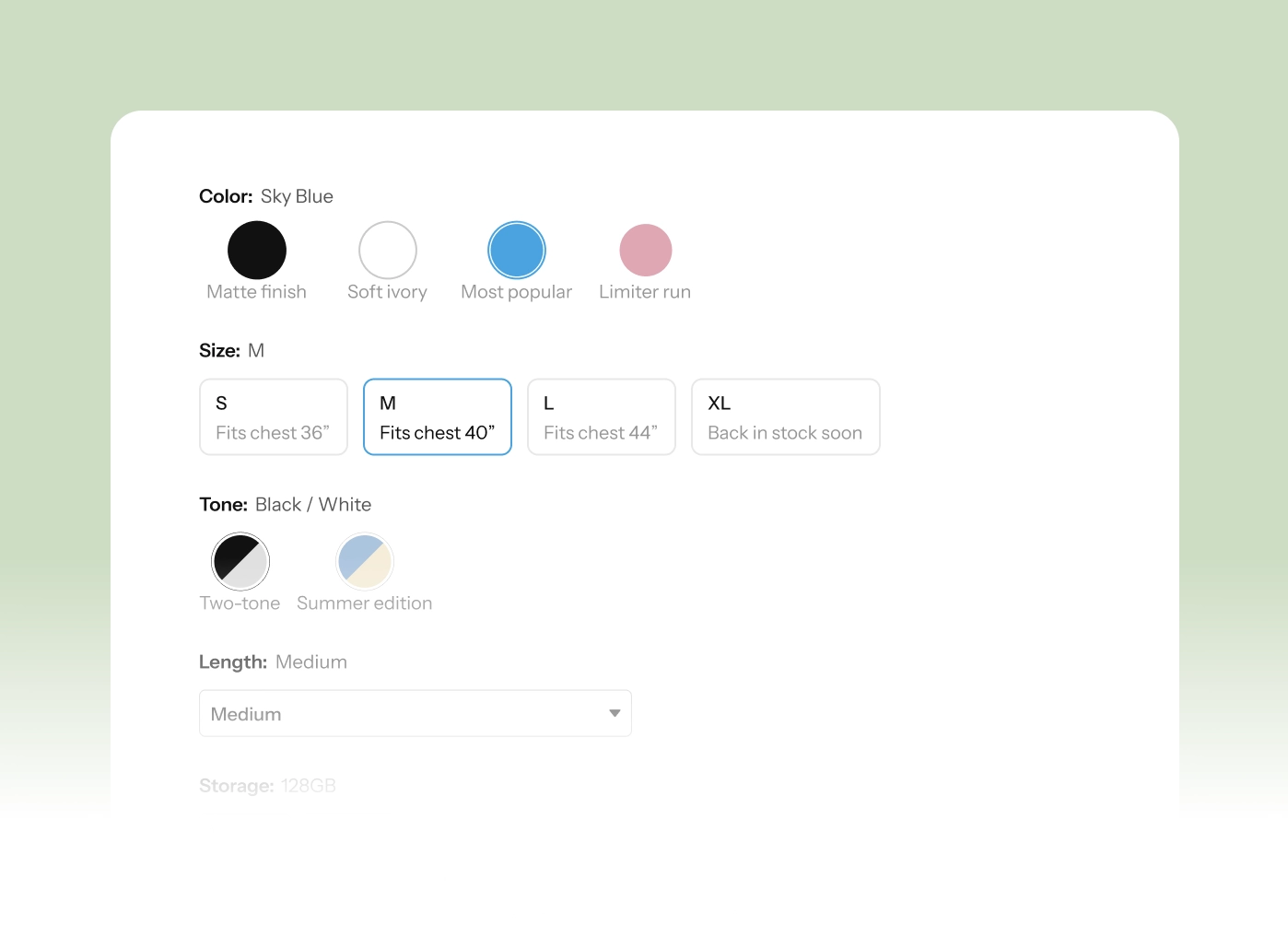
Color circles, two-tone circles, image tiles, buttons, radio rows, dot pills, product cards, or a styled dropdown.
Sold-Out Options
Unavailable combinations mark themselves the moment a shopper picks an option. Crossed, faded, or struck through, your choice.
Designed in Divi
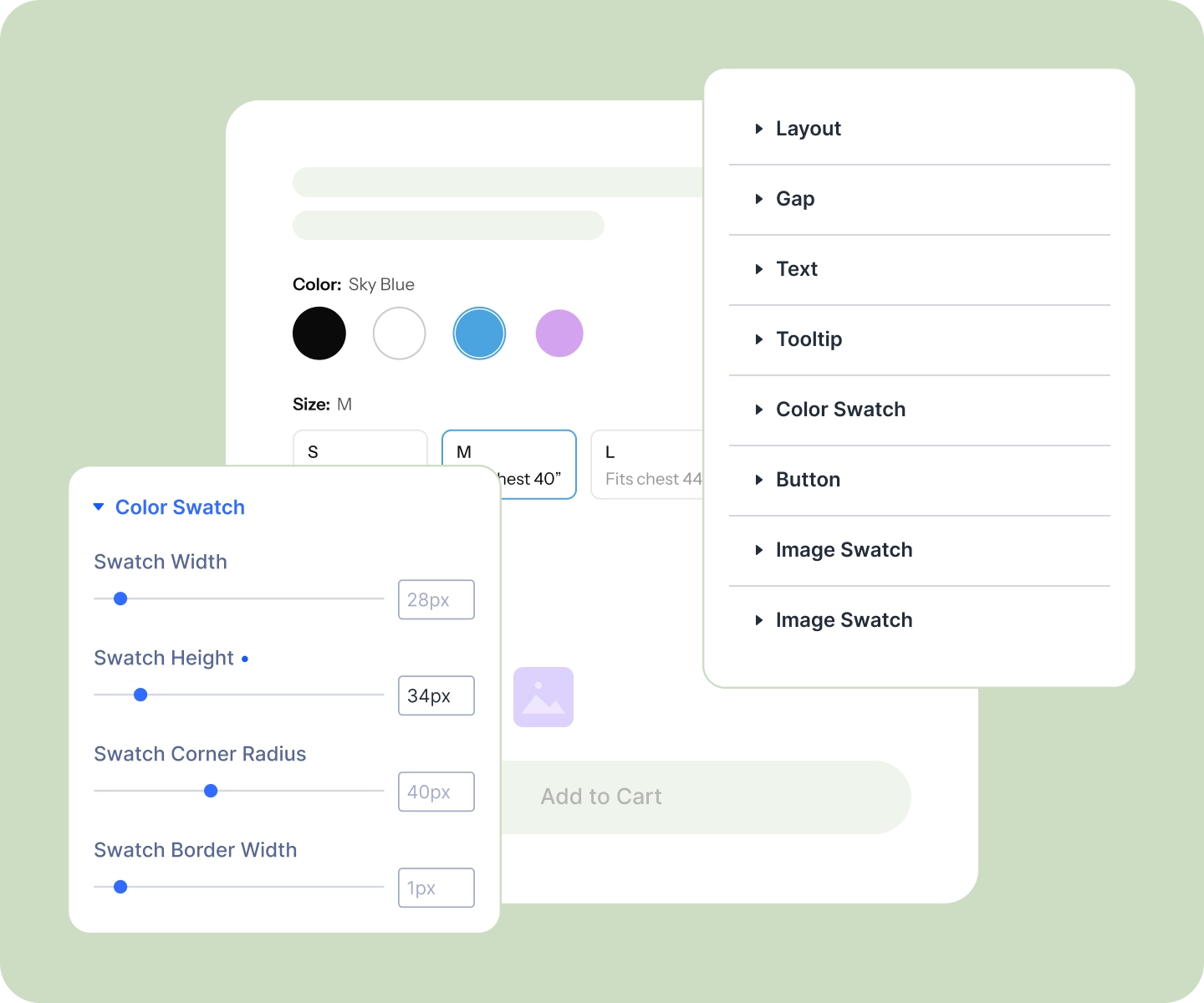
Sizes, shapes, borders, gaps, and the selected ring all live in the builder, where you can see them as you work.
One Switch, Two Places to Work
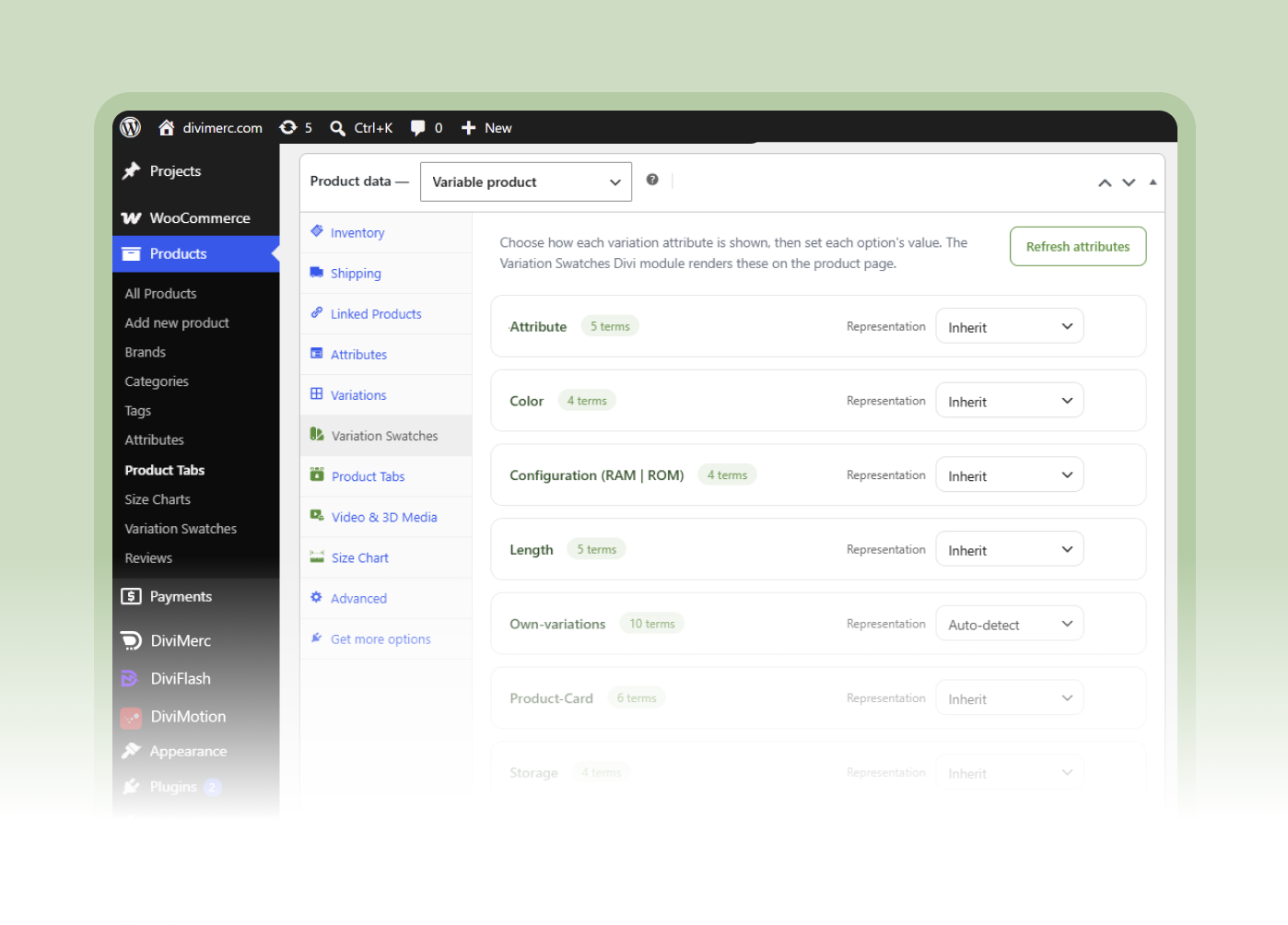
Variation Swatches lives in two places, and one toggle turns both on: a screen in your WordPress admin where the store sets each option's color, image, and label, and the Divi module that renders and styles them on the page.
Variation Swatches Settings
Variation Swatches
Let Shoppers See Their Options, Not Read Them
Design Every Swatch, Down to the Ring

Size and shape color circles however you like: full circles, rounded squares, or hard corners.
-
Mark the shopper's choice with a ring in your brand color, tight to the swatch or set slightly off it.
-
Set image tiles and product cards to your own size, with borders and corners to match your page.
-
Style the dropdown too, including how it looks once a shopper has picked something.
Lay Out the Row Your Way
-
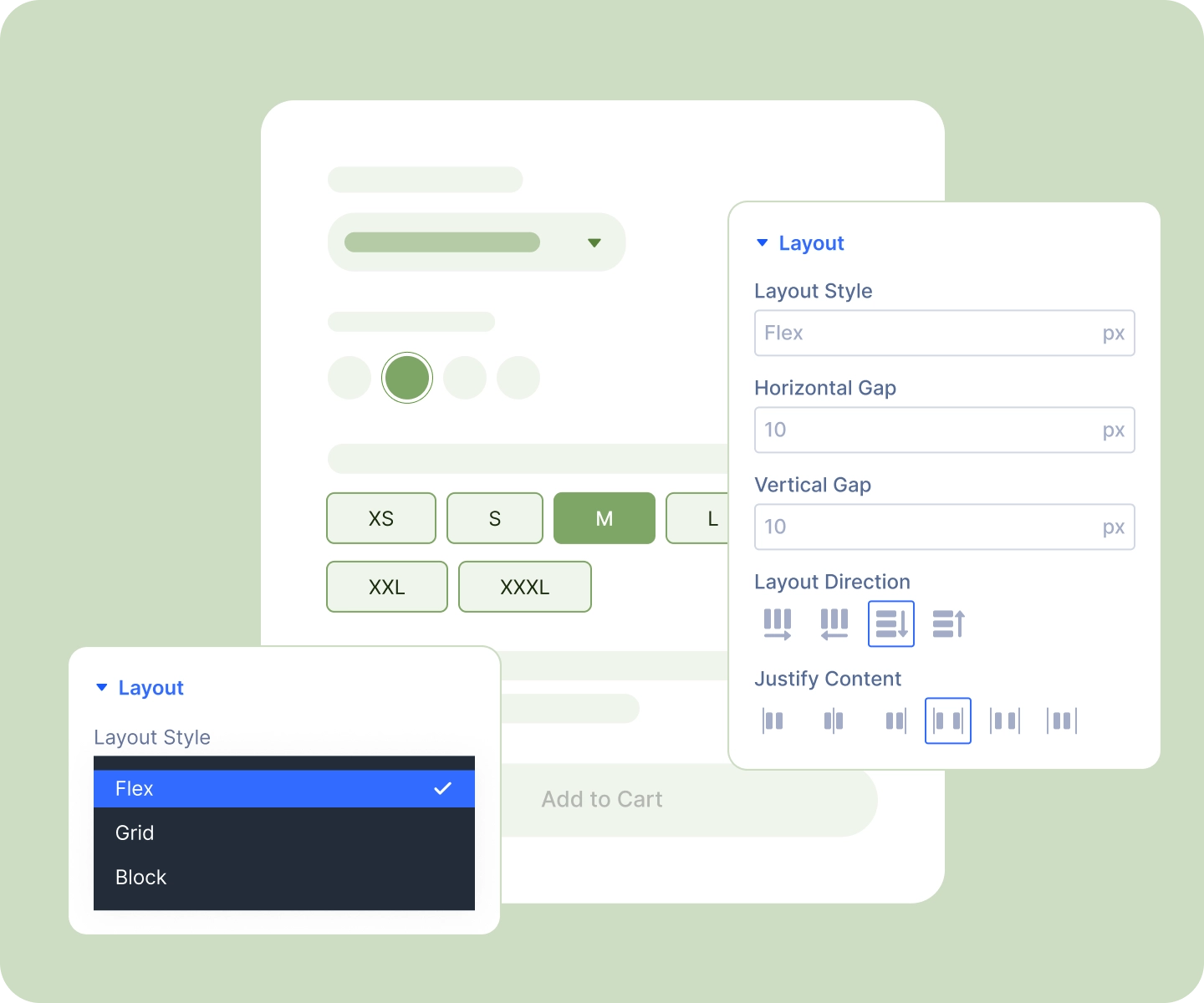
Put each attribute's label above its swatches, beside them, or hide it entirely.
-
Show the chosen option next to the label, "Color: Sky Blue," so shoppers always know where they are.
-
Space everything with your own gaps: between swatches, between rows, and under each label.
-
Name each option in a hover tooltip, and add a "Clear" link so shoppers can start again.
Make Sold-Out Options Obvious
-
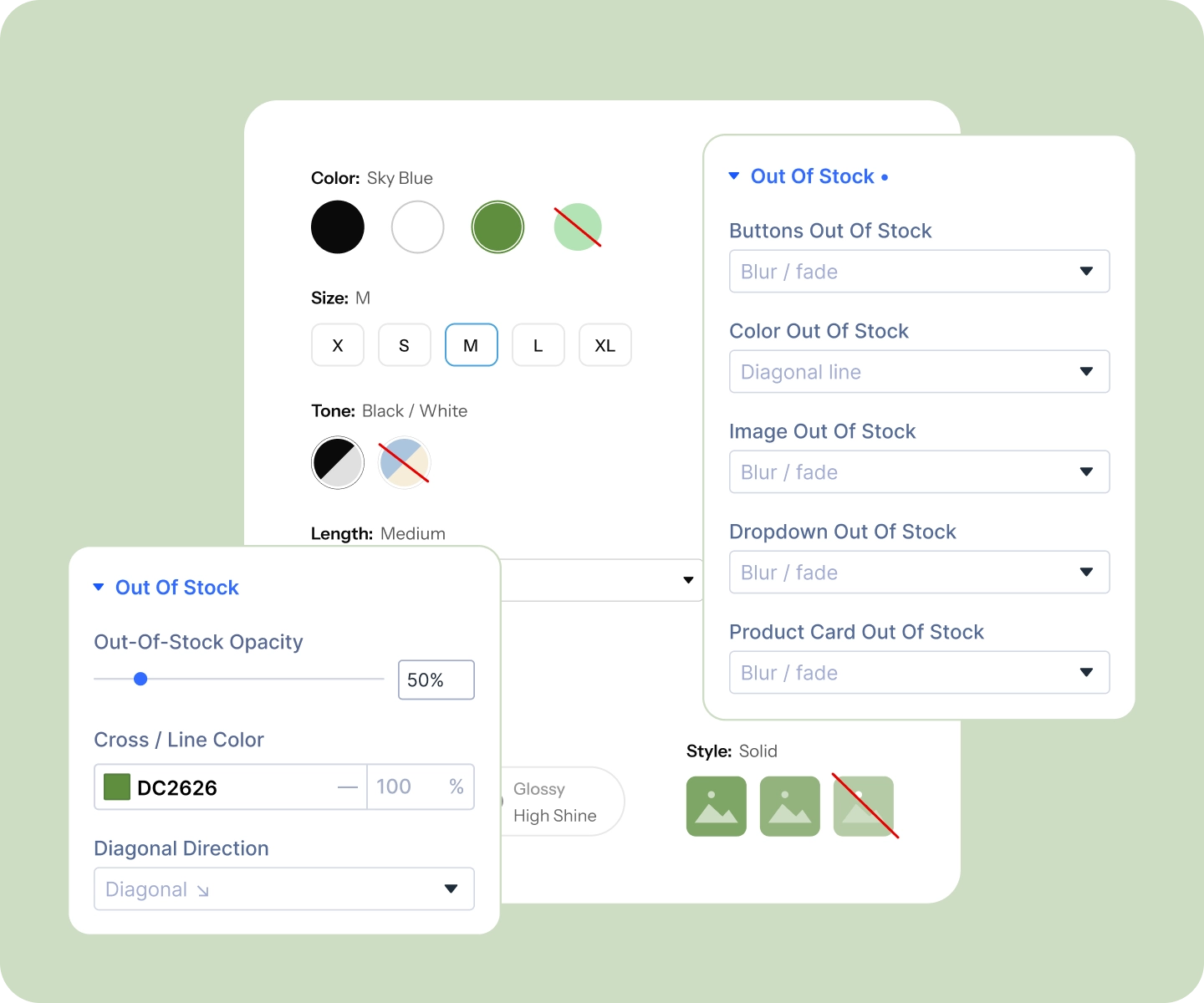
Cross them out, fade them, or strike the text through. The treatment is set per swatch style, since what suits a color circle doesn't suit a button.
-
Options update live as shoppers choose, so picking Red instantly marks the sizes that Red doesn't come in.
-
Set the fade level and the color of the cross so sold-out reads clearly without shouting.
Set It Up Once for the Whole Store
-
Pick how each attribute appears, colors, images, buttons, or cards, and every product using that attribute follows.
-
Give each option its own color, image, label, and hover tooltip, in one place.
-
Override any single product that needs something different, and leave the rest inheriting.
-
Set it all from the Variation Swatches screen, or from the attribute's own terms. Both edit the same data.
Free Ready-to-Use Variation Swatch Layouts to Get Started
Skip the setup. Our pre-built Variation Swatch layouts are fully customizable, responsive, and ready to drop onto any Divi WooCommerce product template. Pick a style, choose your details, and go live in minutes.

Divi Variation Swatches vs. a Third-Party Swatches Plugin: Why a Native Divi Module Wins
| Feature | DiviMerc Variation Swatches | Third-party Variation Swatches |
|---|---|---|
| A real Divi builder module | Native Divi module |  Not available Not available |
| Where you design it | Live in the Divi Visual Builder | A separate settings screen |
| Placement on the page | Anywhere in your product template | One fixed position |
| Preview every style as you design | All eight, without hunting for products | Front-end preview only |
| Swatch styles | Eight, including cards and two-tone | Usually color, image and button |
| Sold-out treatments | Up to five, matched to each style | One, applied to everything |
| Selected-state design | Ring for circles; background, text, and border for buttons and cards | A fixed border |
| Reuse your Divi presets and styles | Like any other Divi module | Styled in isolation from your theme |
| Per-product overrides | Built in, with inherit | Varies |
| Keyboard and screen-reader support | Built in | Varies |
| Cost | Included with DiviMerc | Free tier with a paid upsell |
Ready to Let Shoppers See What They're Buying?
FAQs on Variation Swatches for Divi
Everything you need to know about the Variation Swatches module before you get started.
What is Variation Swatches, and what does it replace?
How do I set up Variation Swatches on my store?
Do I need to configure every product individually?
Which swatch styles can I choose from?
Can one product use different swatches than the rest of the store?
How do sold-out options look to shoppers?
Does Variation Swatches work alongside WooCommerce's Add to Cart form?
What happens on a product with no variations?
Is Variation Swatches accessible?
Does it work on mobile?
Is Variation Swatches compatible with WooCommerce and Divi?