One of 15+ Modules
Advanced Divi Product Gallery Module
Advanced Divi Product Gallery module replaces WooCommerce's fixed product gallery with a fully designable one, seven layouts, three zoom types plus a styleable lightbox, and optional video and 3D model slides on top of your existing product photos.
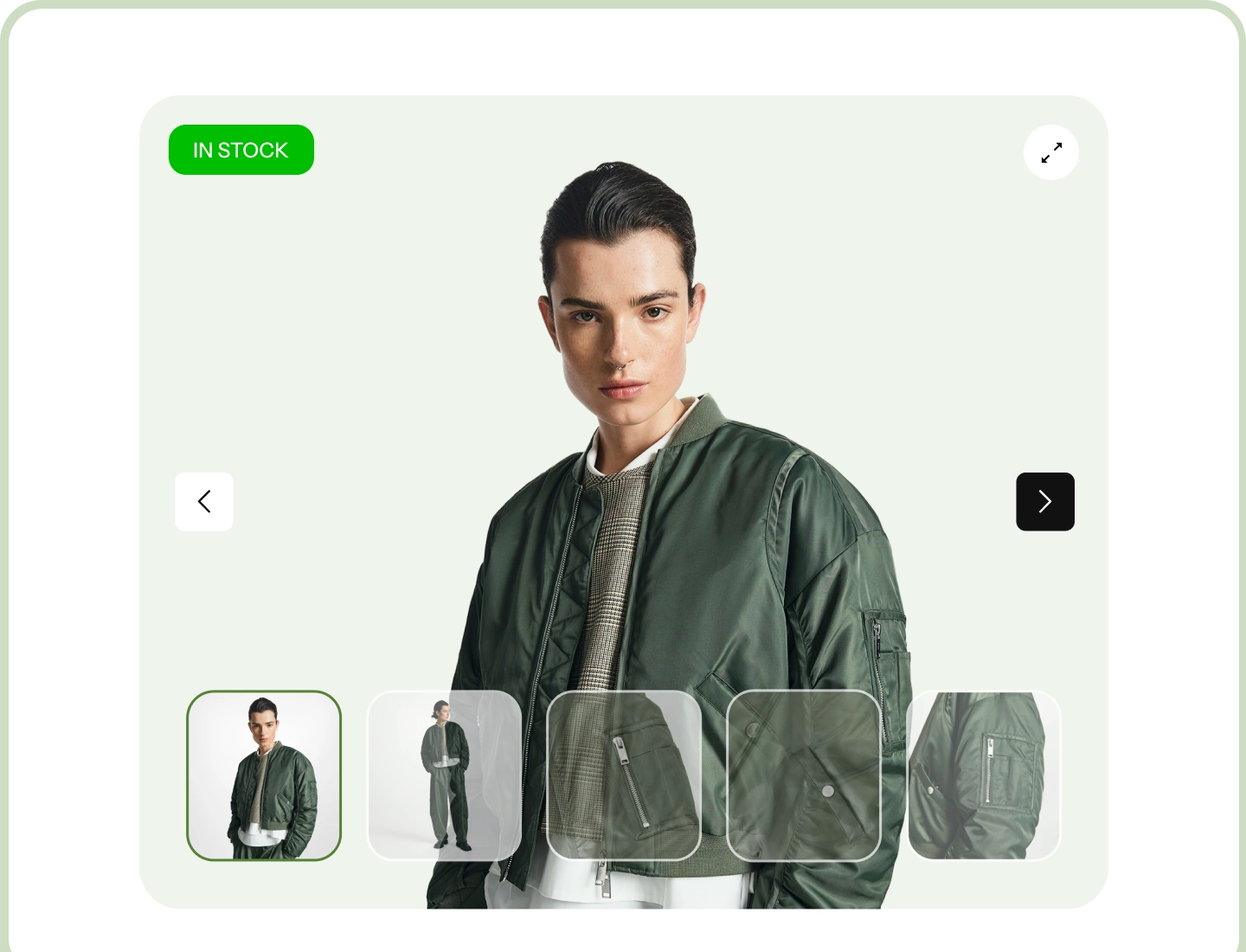
Seven Gallery Layouts
Thumbnails below, to the left or right, floating over the image, a grid, a stacked scroll, or the image on its own.
Three Zoom Types, Plus a Lightbox
A magnifier that follows the cursor, a lens with a side panel, or a full scale-and-pan. Open any photo in its own fullscreen lightbox.
Video and 3D Models
Drop a product video or a model shoppers can spin right into the gallery, alongside your photos.
Two Places, One Workflow
Photos work the moment you switch the module on. Video and 3D models come from a companion extension that adds a media tab to your products.
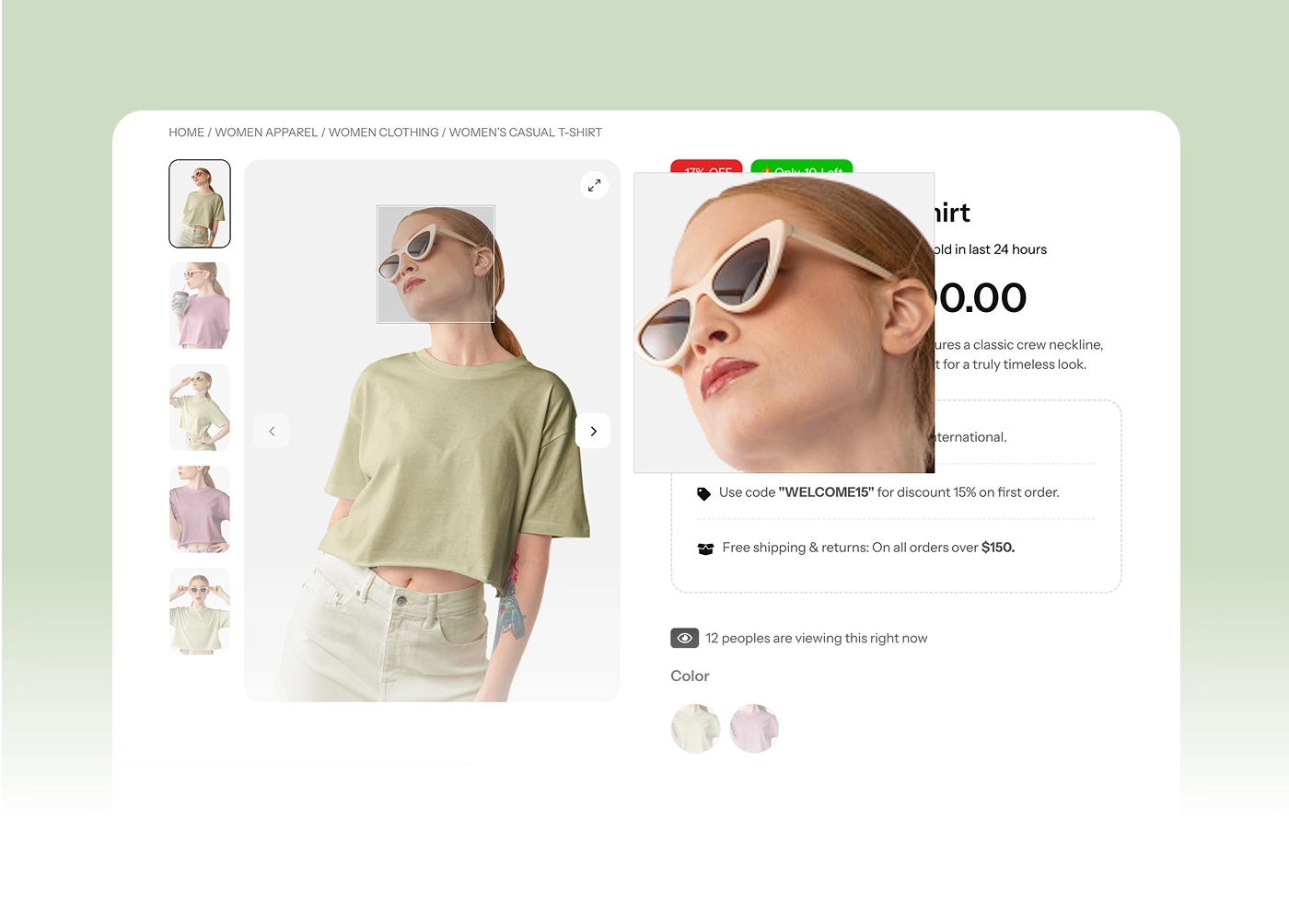
Advanced Product Gallery
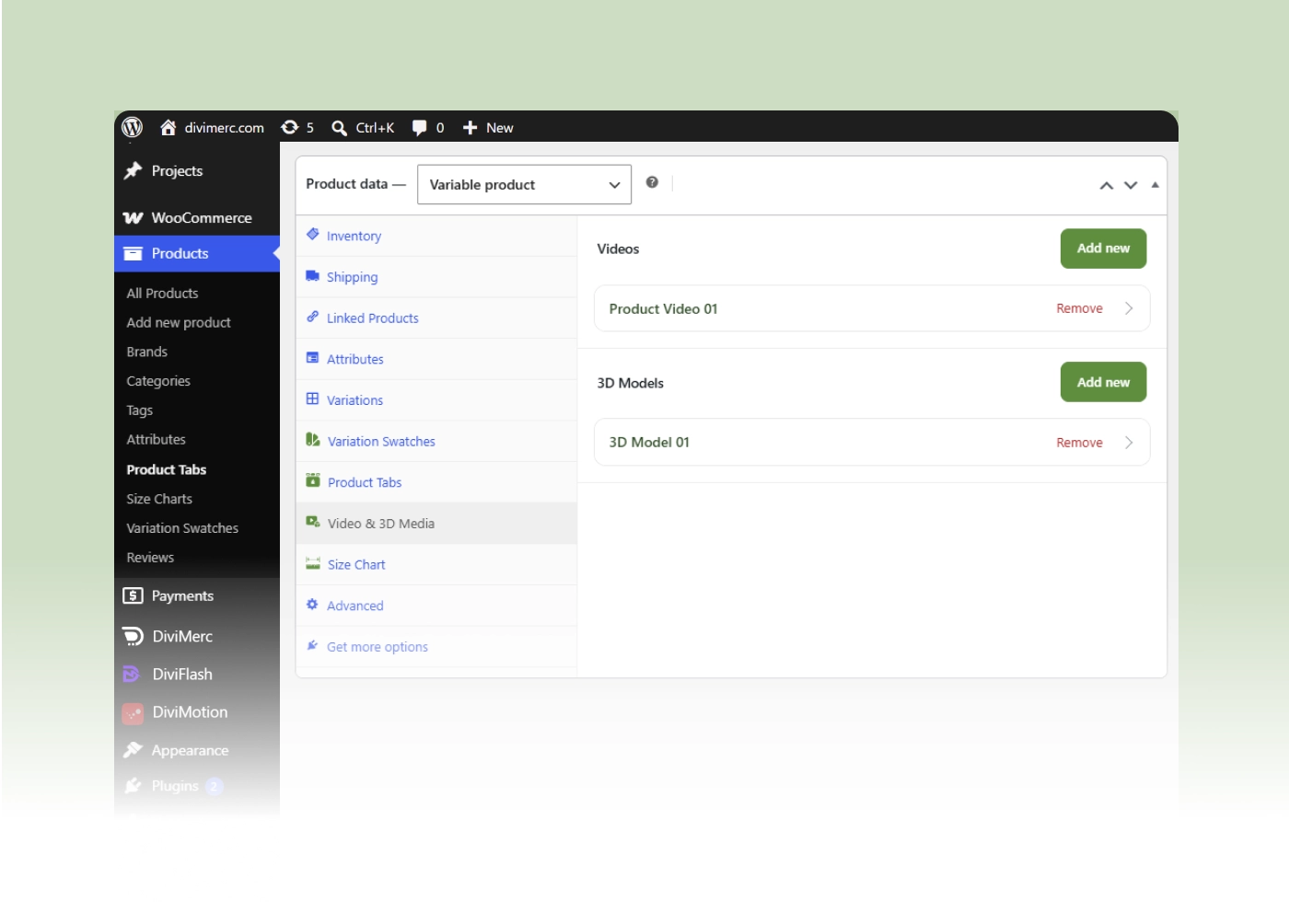
Video & 3D Media
Give Shoppers a Proper Look Before They Buy
Choose the Layout That Suits Your Photography

Put thumbnails below the main image, down either side, or floating over it.
-
Show everything at once in a grid of one to four columns, set per device.
-
Stack every image full width for a long, editorial scroll.
-
Or hide the thumbnails entirely and let one large image carry the page.
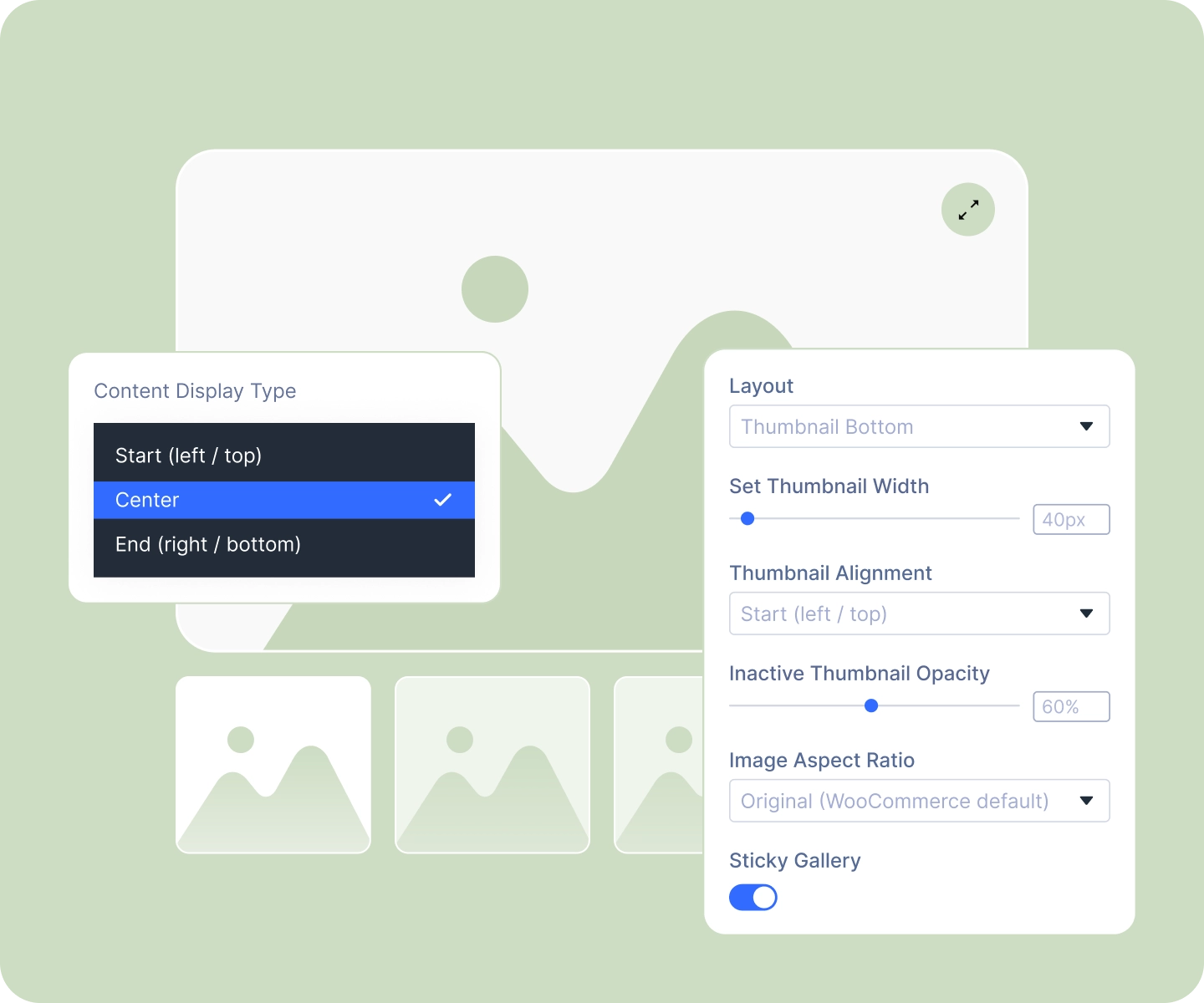
Frame Every Image the Same Way
-
Lock every photo to the same shape: square, portrait, landscape, widescreen, or your own ratio.
-
Choose whether images fill the frame and crop, or sit whole inside it.
-
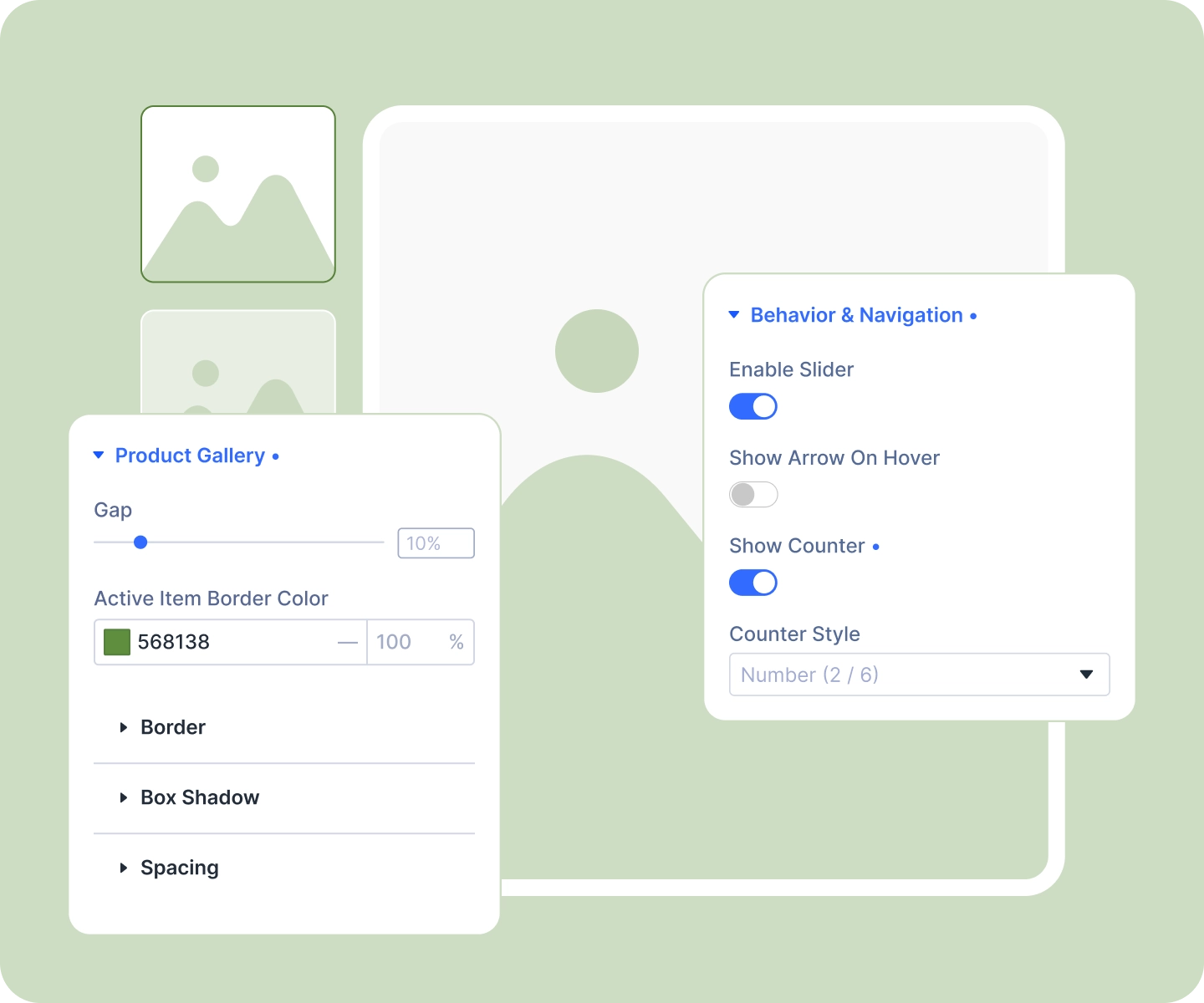
Size the thumbnails, space them, align them, and mark the active one in your brand color.
-
Let the main image change on thumbnail hover, so browsing takes no clicks at all.
Let Them Look Closer
-
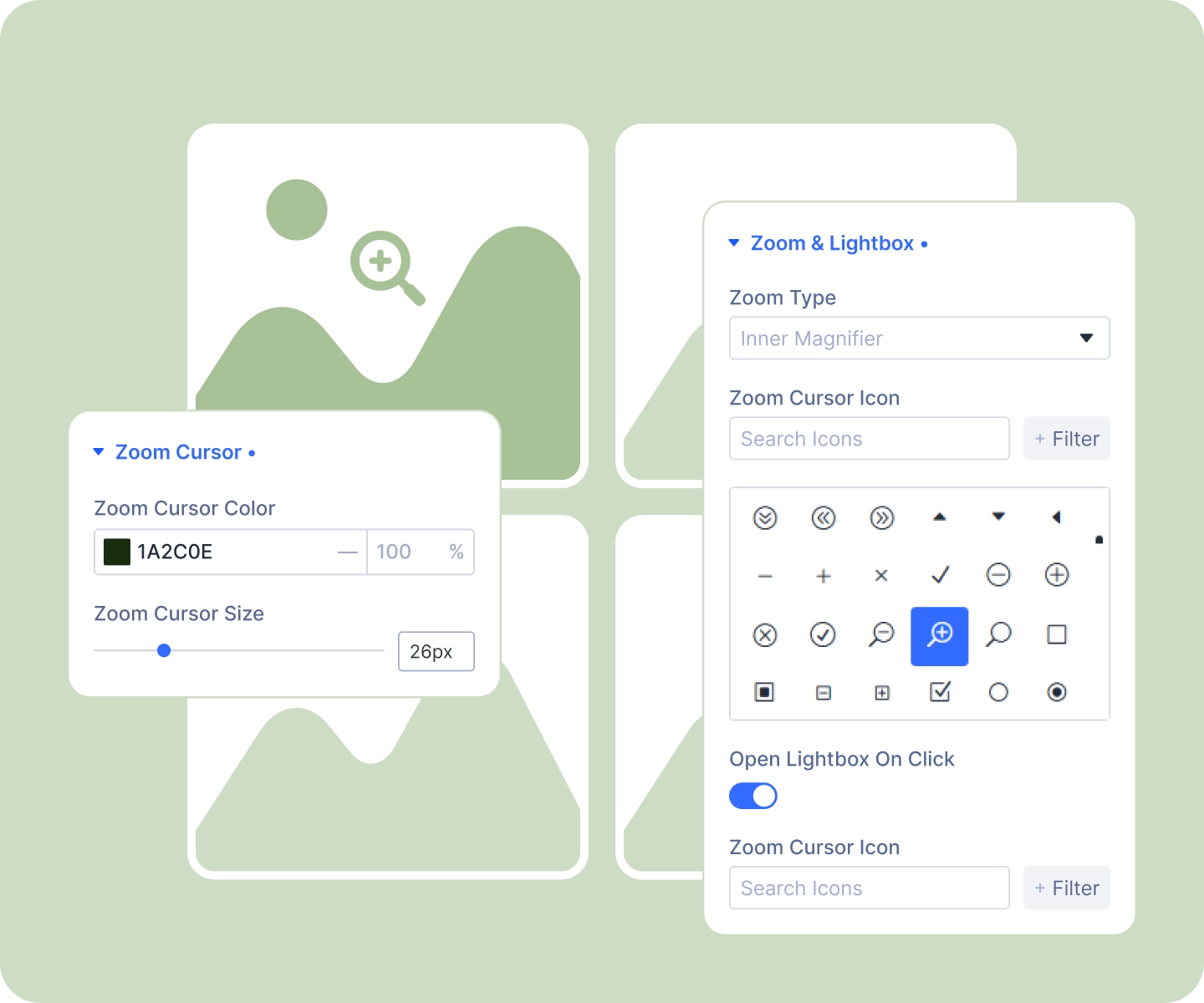
Zoom three ways: a magnifier that follows the cursor, a lens with a side panel, or the whole image scaling and panning.
-
Open any photo fullscreen in the lightbox, with your own icon in your own colors.
-
Add arrows that sit quietly until a shopper hovers, with your own glyphs if you'd rather.
-
Show where they are in the set: a plain count, a worded one, or story-style segments.
Show Video and 3D, Not Just Photos
-
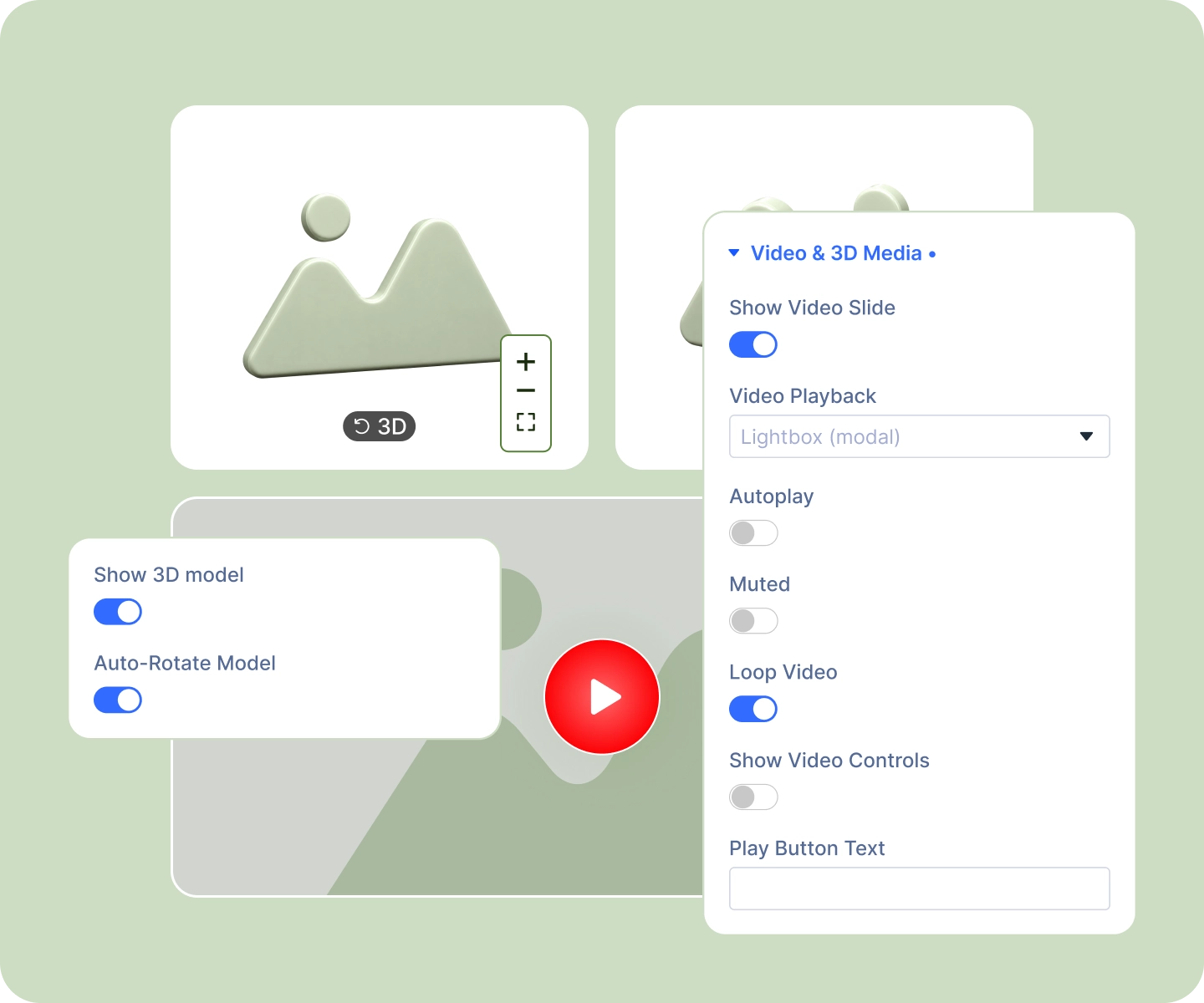
Add a product video as a gallery slide, playing inline or opening in a lightbox.
-
Design the play button: your own wording, nine positions, your color and size.
-
Let shoppers spin a 3D model of the product, or set it rotating on its own.
-
Style the model's zoom and reset controls to match the rest of your gallery.
Free Ready-to-Use Product Gallery Layouts to Get Started
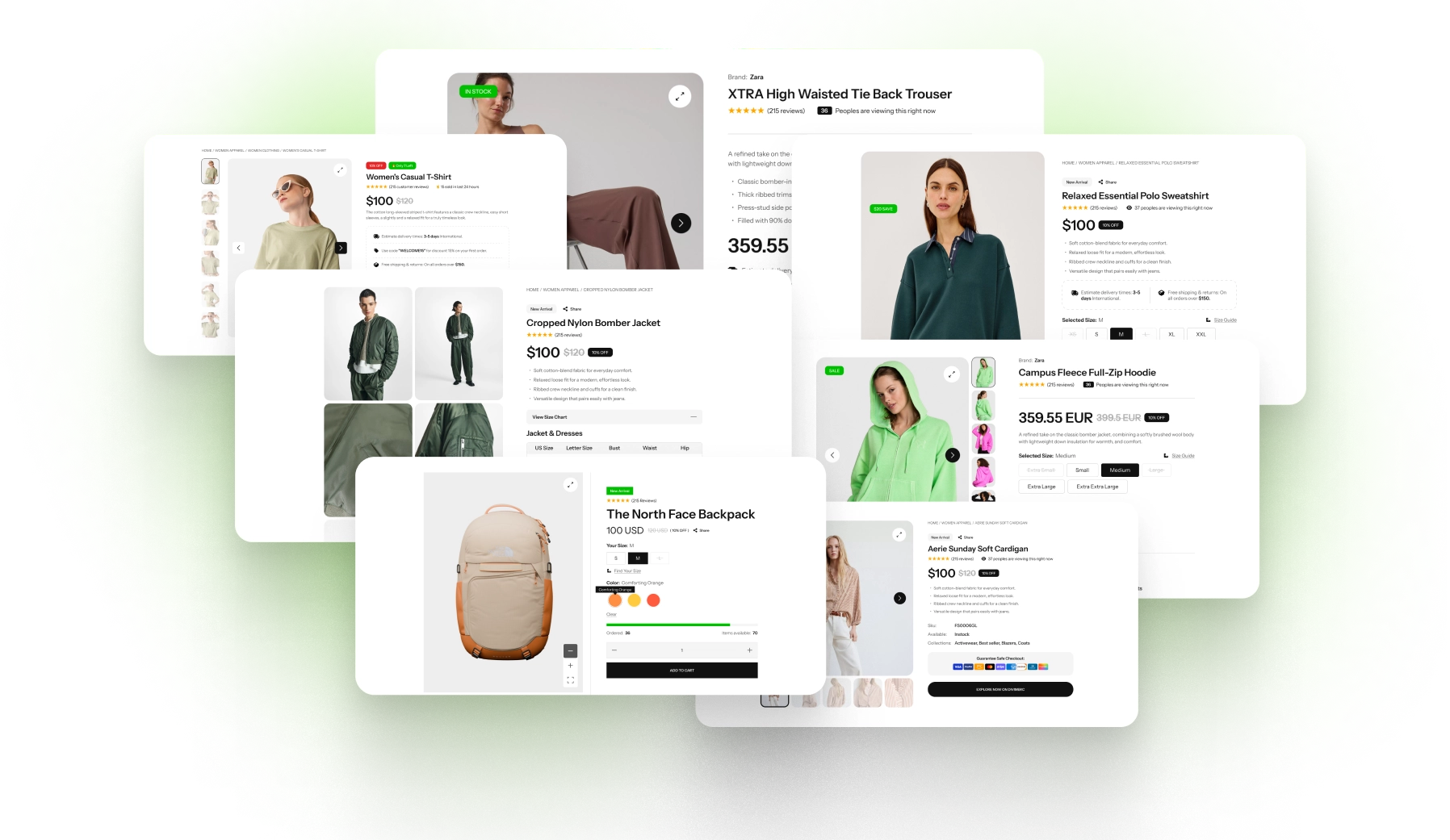
Skip the setup. Our pre-built Product Gallery layouts are fully customizable, responsive, and ready to drop onto any Divi WooCommerce product template. Pick a style, choose your details, and go live in minutes.
DiviMerc Advanced Product Gallery vs Divi's Built-In Product Gallery Module, Which One Gives You More Control?
| Feature | DiviMerc Product Gallery | Divi Product Gallery |
|---|---|---|
| Gallery layouts | Seven, including grid and stacked |  WooCommerce's default only WooCommerce's default only |
| Thumbnails left, right, or overlaid | Built in | Below the image only |
| Lock every image to one shape | Five ratios plus your own | Not available |
| Crop-to-fill or fit-whole | Your choice | Not available |
| Zoom types | Three to choose from | WooCommerce's default zoom |
| Slide counter | Three styles | Not available |
| Arrows you can style | Colors, size, and custom glyphs | Not available |
| Active thumbnail styling | Your own border color | Not available |
| Change image on thumbnail hover | One toggle | Click only |
| Video as a gallery slide | Built in | Not available |
| Rotatable 3D models | Built in | Not available |
| Sticky gallery on scroll | One toggle | Needs custom positioning |
| Full Divi design controls | Yes | Yes |
Ready to Show Your Products Like You Mean It?
FAQs on
Product Gallery for Divi
Everything you need to know about the Product Gallery module before you get started.
Where do the images in Advanced Product Gallery come from?
How many layouts does Advanced Product Gallery include?
How does zoom work in Advanced Product Gallery?
My photos are different shapes, can I make them match?
Can shoppers see the photos fullscreen?
How do I add a product video?
Why won't my video autoplay?
What 3D formats are supported?
Can different variations show different photos?
Does it work on mobile?
Do I need any coding knowledge to set it up?
Is it compatible with WooCommerce and Divi?