One of 15+ Modules
Divi Buy Now Button Module
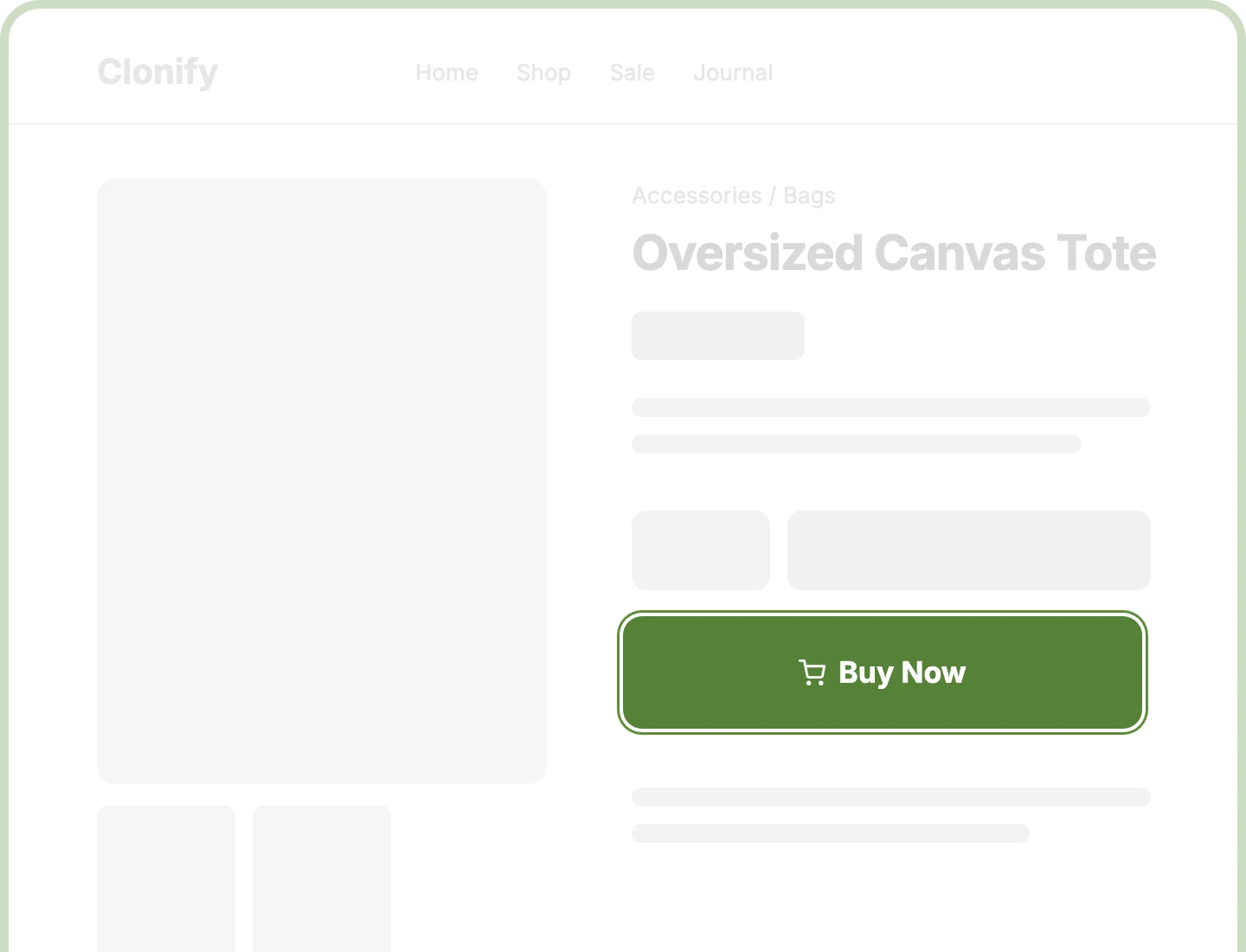
Divi Buy Now Button module adds a second button to your WooCommerce product page that takes shoppers straight to checkout, skipping the cart page. It picks up the chosen quantity and variation from the Add to Cart form, and can check out only this item or the whole cart.
Straight to Checkout
Send ready shoppers from the product page straight to checkout, skipping the cart page, so fewer steps stand between them and the order.
Only This Item
Let shoppers check out only the product they're viewing, while the rest of their cart is set aside and returns when they leave checkout.
Matches Every Choice
Give shoppers exactly the size, color, and quantity they chose, because Buy Now copies them straight from the Add to Cart form beside it.
Add a Divi Buy Now Button That Shortens the Path to Checkout
Send Shoppers Where They're Ready to Go

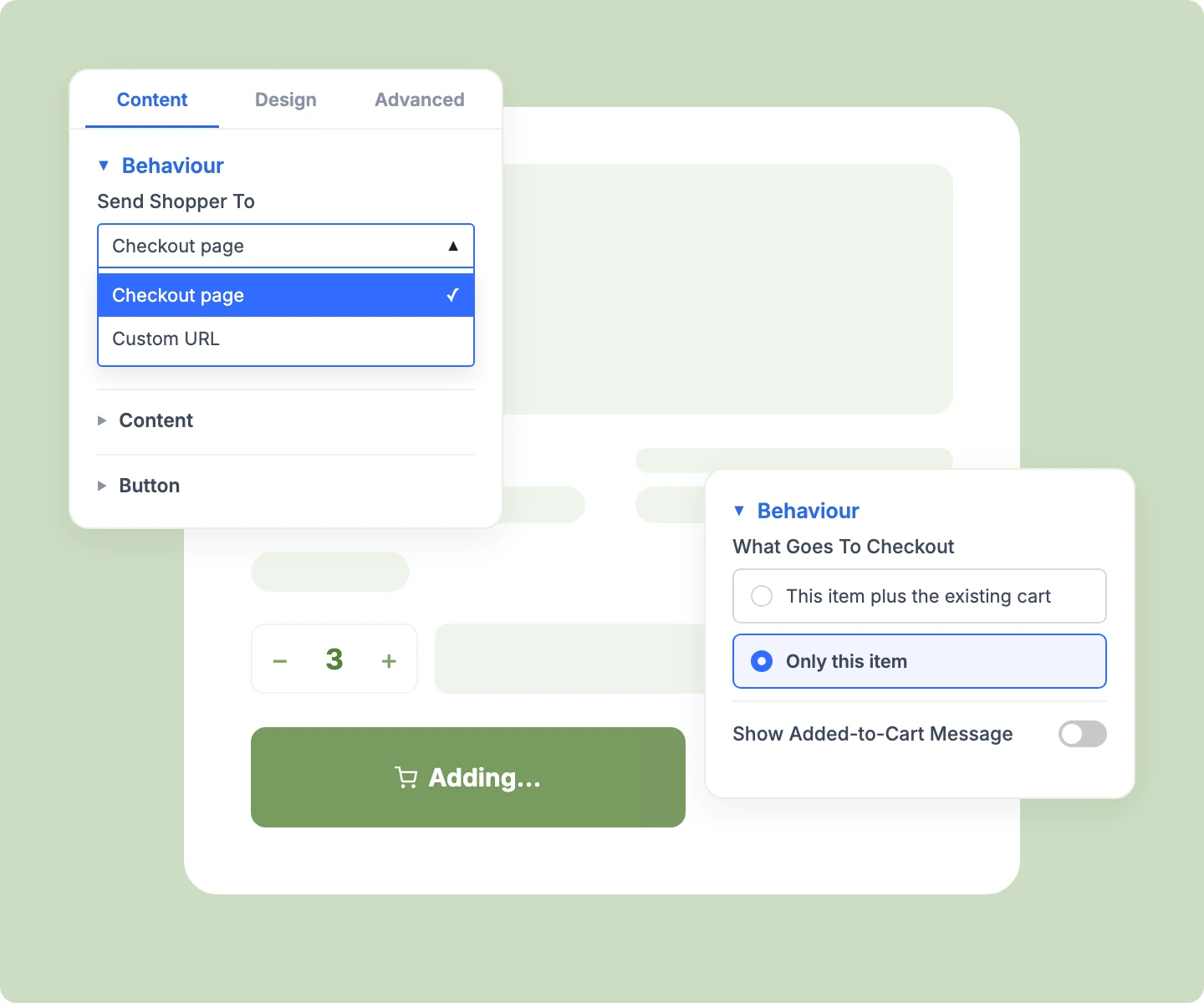
Send shoppers to your WooCommerce checkout, or to any page on your site, like a one-page checkout.
Keep the existing cart for basket builders, or switch to Only this item for single-product stores.
Land shoppers on a clean checkout, with WooCommerce's added-to-cart notice hidden unless you turn it on.
Keep every WooCommerce stock check and purchase rule in place, because Buy Now adds products the standard way.
Place Buy Now Wherever Shoppers Decide
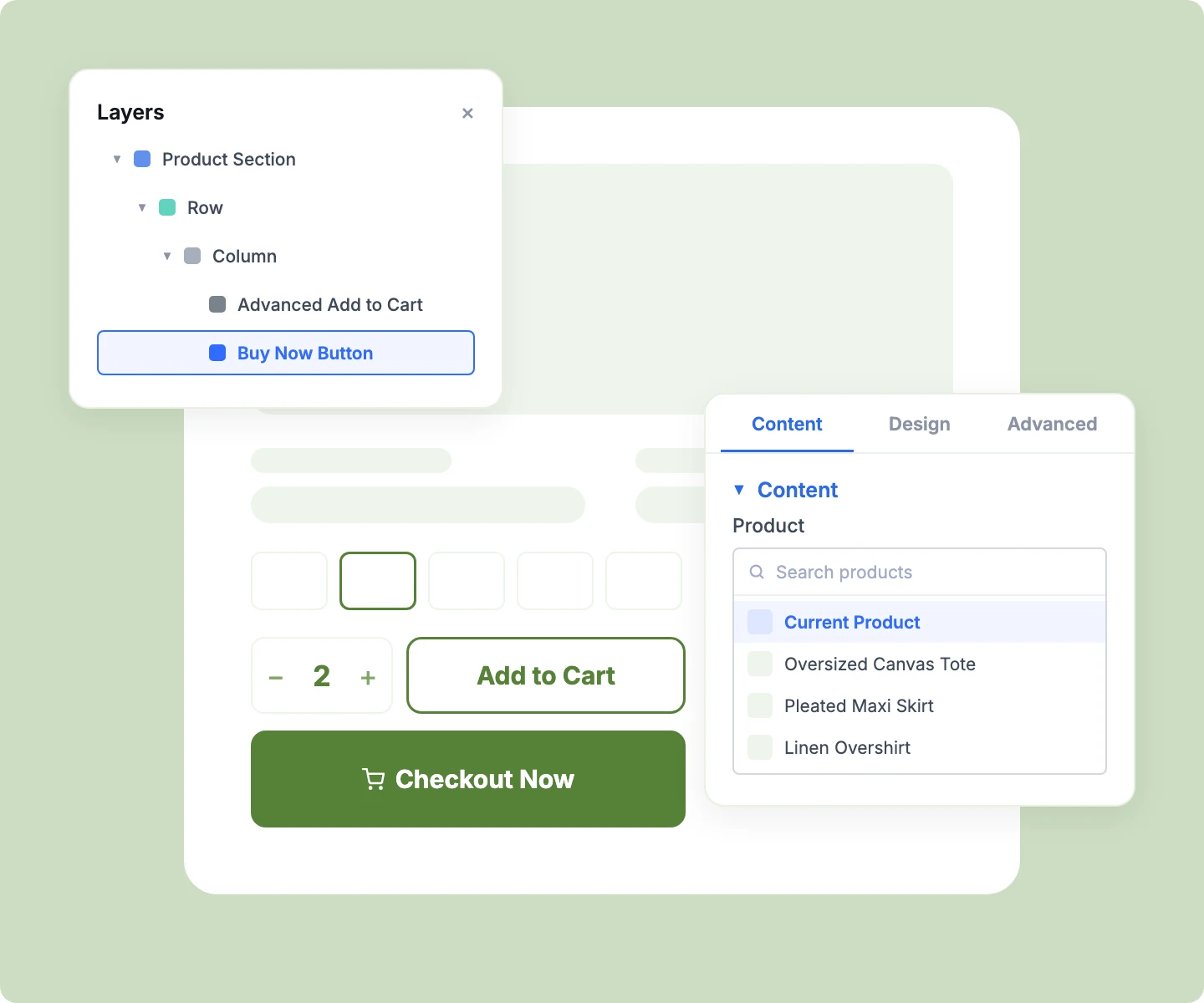
Let browsers keep adding to cart while ready buyers skip ahead, all from the same product page.
Pick any simple product to sell from a landing page or blog post, ideal for single-product funnels.
Add Buy Now to Divi Loop product cards, so shoppers check out simple products straight from a grid.
Add Buy Now once to your product template, and it hides itself on external and grouped products.
Design a Button That Earns the Click
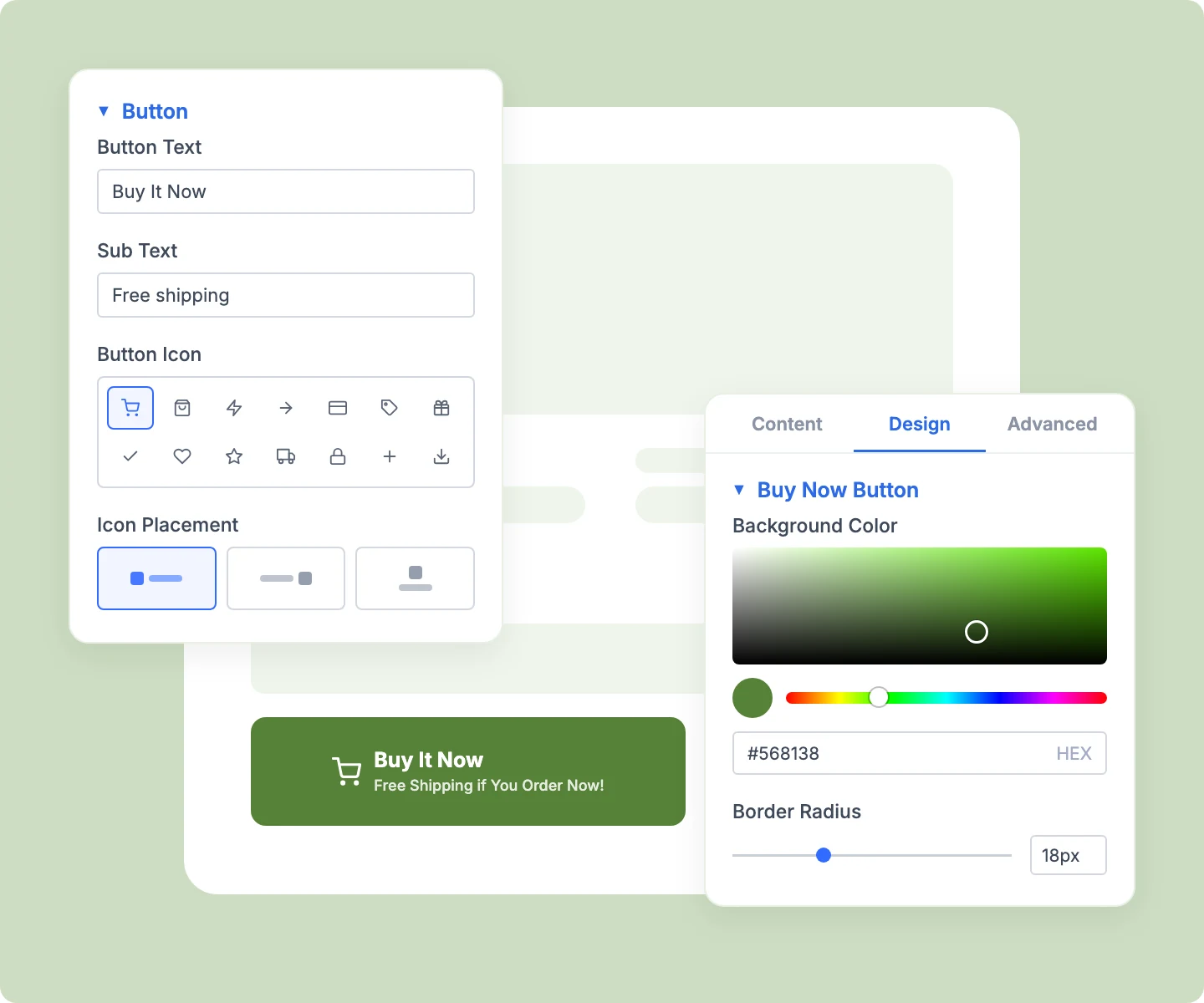
Add Sub Text under the label, like "Free shipping" or "30-day returns," to reassure shoppers at the button.
Pair visually with Add to Cart using the same cart icon, placed before, after, or above the label.
Show a spinner or loading text during the redirect, and stop double clicks from adding the product twice.
Style the button, icon, and Sub Text separately to match your brand, with sizing set per device.
Free Ready-to-Use Buy Now Button Layouts to Get Started
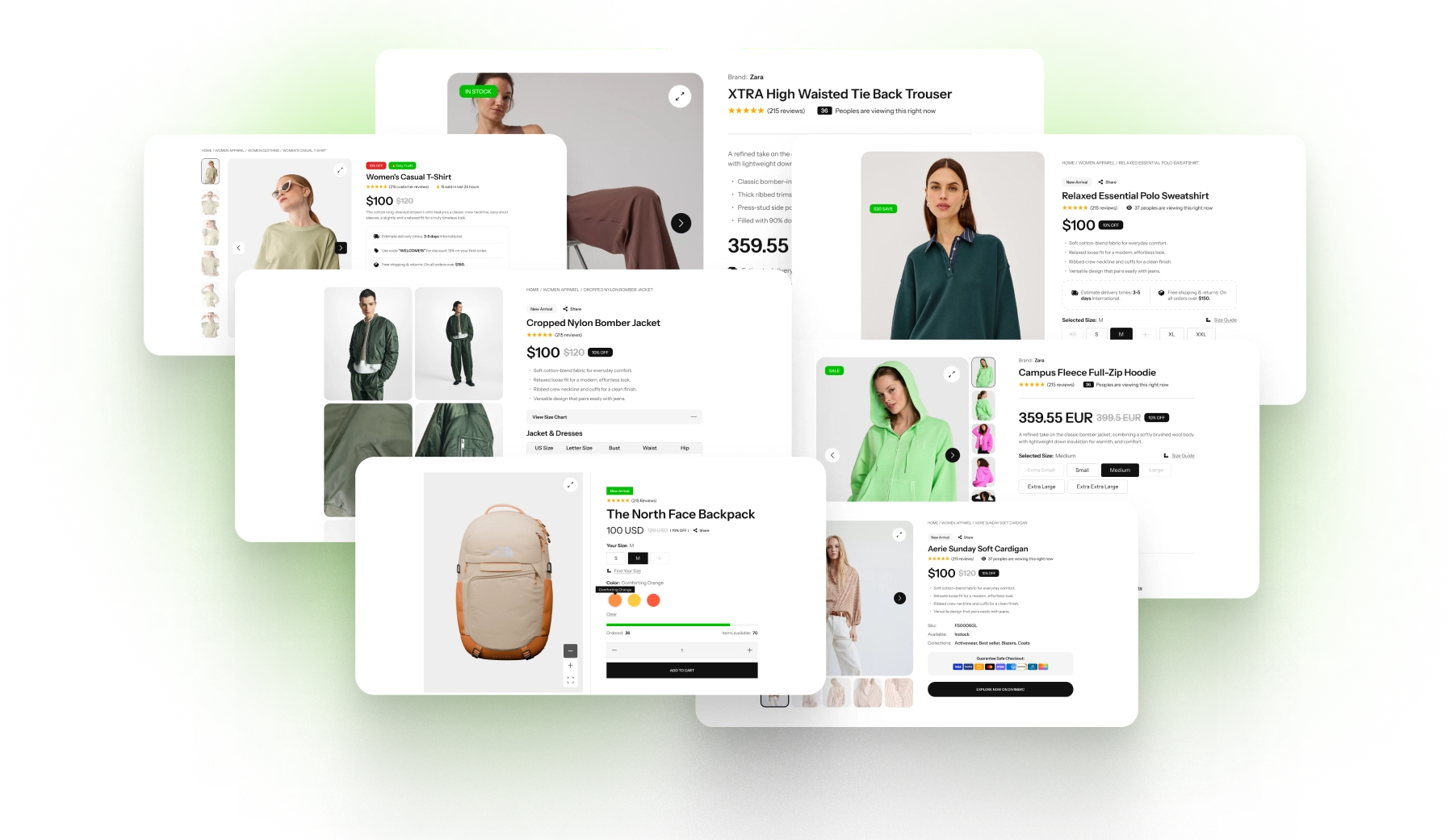
Skip the setup with DiviMerc's pre-made Buy Now Button layouts, each paired with Add to Cart. Every layout is fully customizable and responsive, ready to drop into your Divi Theme Builder product template. Pick a style, set your brand color, and go live in minutes.
DiviMerc Buy Now vs Default WooCommerce Add to Cart: Which Gets Shoppers to Checkout Faster?
| Feature | DiviMerc Buy Now Button | Default WooCommerce Add to Cart |
|---|---|---|
| Path to checkout | Straight to checkout, cart page skipped |  Product page notice or Cart page first Product page notice or Cart page first |
| Send shoppers to your own page | Any page on your site | Cart page only |
| Check out a single item | Only this item, rest of the cart set aside | Shopper removes other items by hand |
| Added-to-cart notice | Hidden, with a toggle to show it | Shown on every add |
| Reassurance line on the button | Sub Text, like "Free shipping" | Not available |
| Loading feedback while redirecting | Spinner or your own text | Not available |
| Stock and purchase rules | Same WooCommerce checks | Standard WooCommerce checks |
Ready to Get Shoppers From Product Page to Checkout Faster?
FAQs on Buy Now Button for Divi
Everything you need to know about the Buy Now Button module before you get started.
Does Buy Now Place the Order Immediately?
How Do I Add a Buy Now Button in WooCommerce With Divi?
Which Products Show the Buy Now Button?
Does Buy Now Work With Variable Products?
Does Buy Now Use the Quantity Shoppers Choose?
Why Is Buy Now Greyed Out?
Can Buy Now Check Out Only the Product Being Viewed?
Can I Send Shoppers Somewhere Other Than Checkout?
Can I Use Buy Now on a Landing Page?
Does Buy Now Open the Mini Cart?
Does the Buy Now Button Work on Mobile?