One of 15+ Modules
Advanced Divi Product Price Module
Advanced Divi Product Price module shows your WooCommerce price and updates it the moment shoppers pick a variation, right at the top of the product page. Choose from three sale layouts, show a From price instead of a range, and style the currency symbol, amount, and decimals separately.
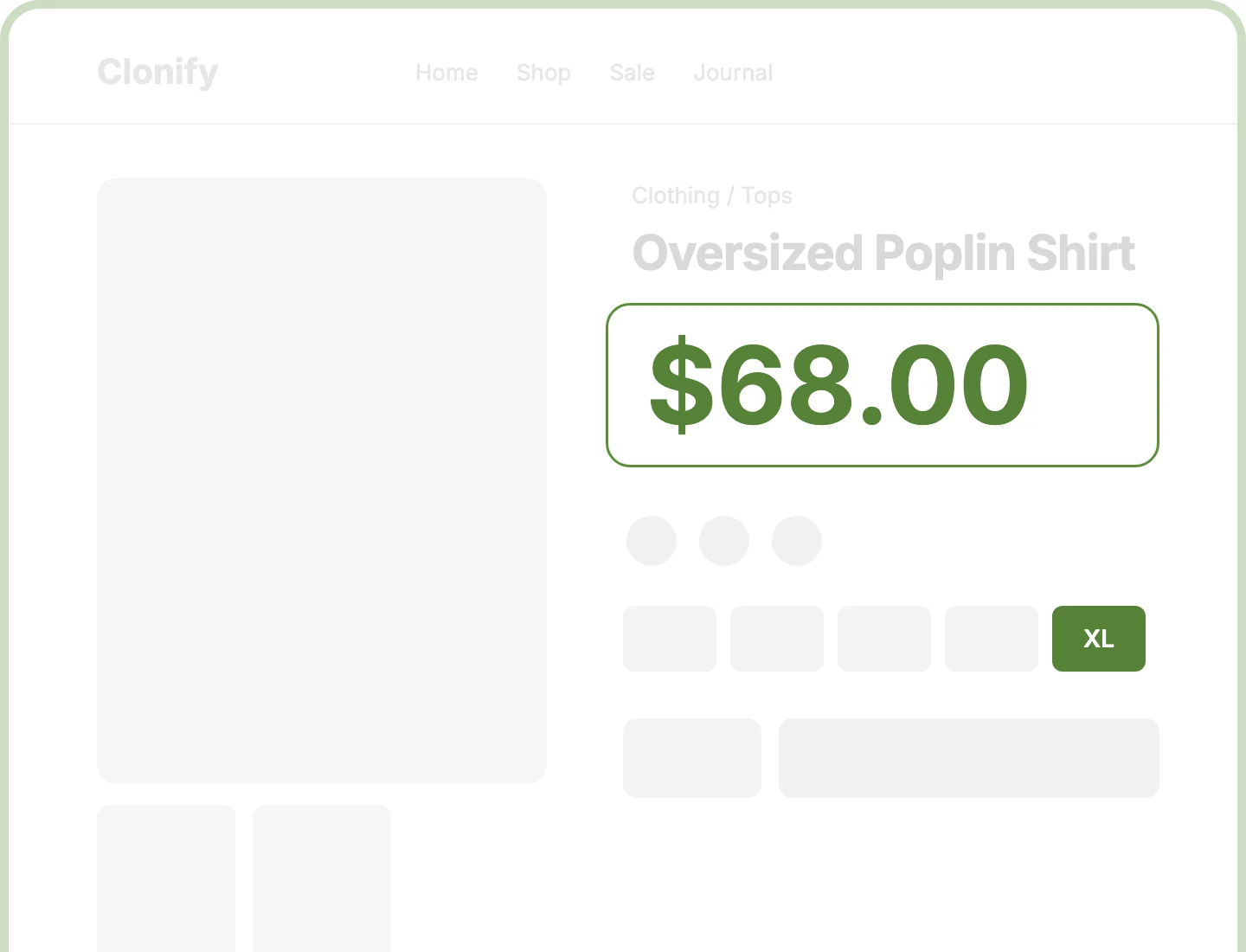
Live Variation Price
Let shoppers see what they'll pay the moment they pick a size, as the range turns into the chosen variation's price in place.
Three Sale Layouts
Put the old price first, lead with the new price, or stack the two, so every discount reads clearly at a glance.
Currency and Decimals
Raise the decimals, hide .00 on whole prices, or show USD instead of $, so every price reads right for your store.
Design Divi Product Prices That Read Clearly and Match Your Brand
Show the Right Price at Every Step

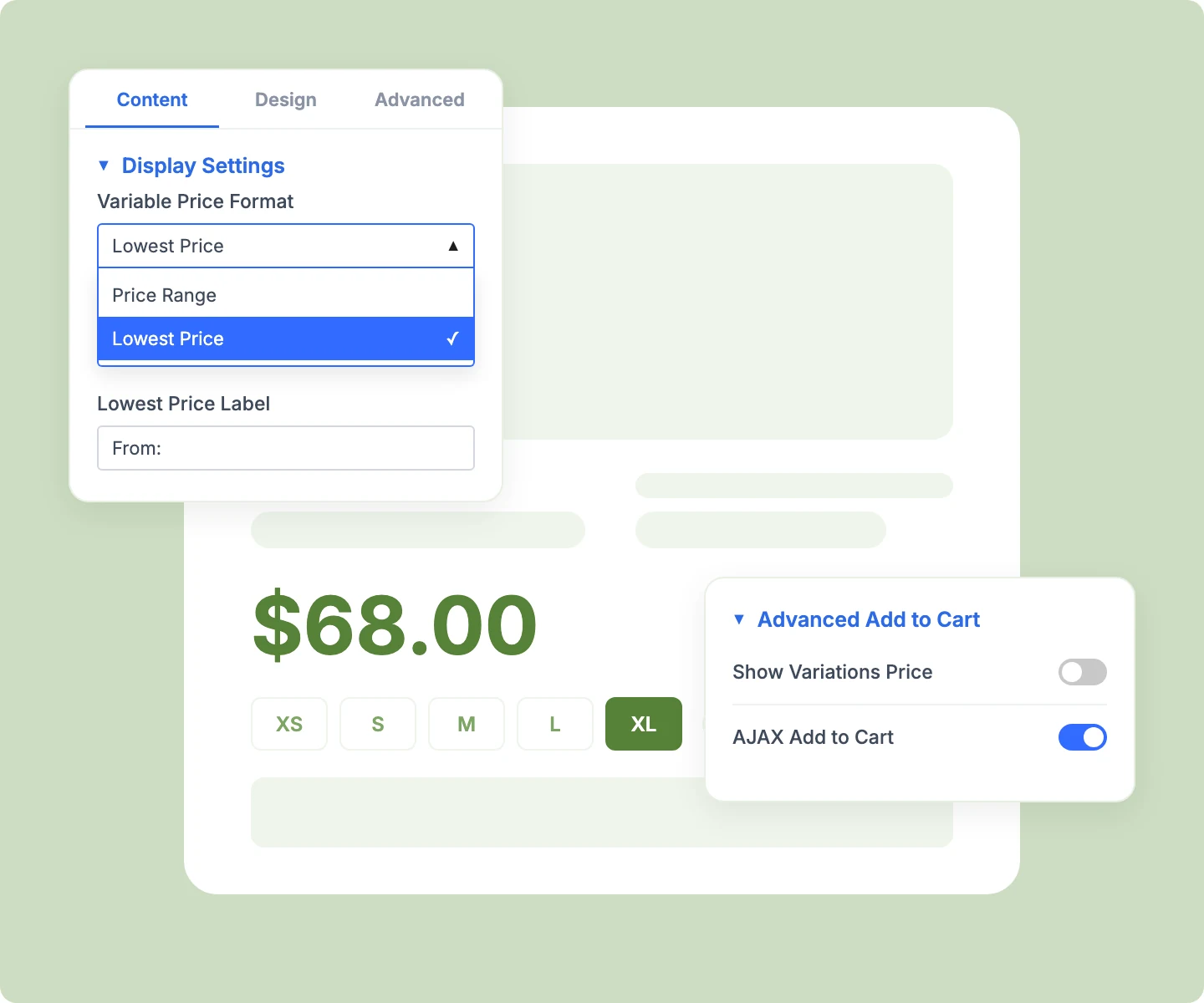
Pair the price with Advanced Add to Cart, so it follows every dropdown or Variation Swatches pick.
Show a range or a "From: $19" price at rest, with a label you can rename or clear.
Add the price to Divi Loop product cards, where each card shows its own product's price.
Give shoppers the exact price Buy Now takes to checkout, since both read the same variation.
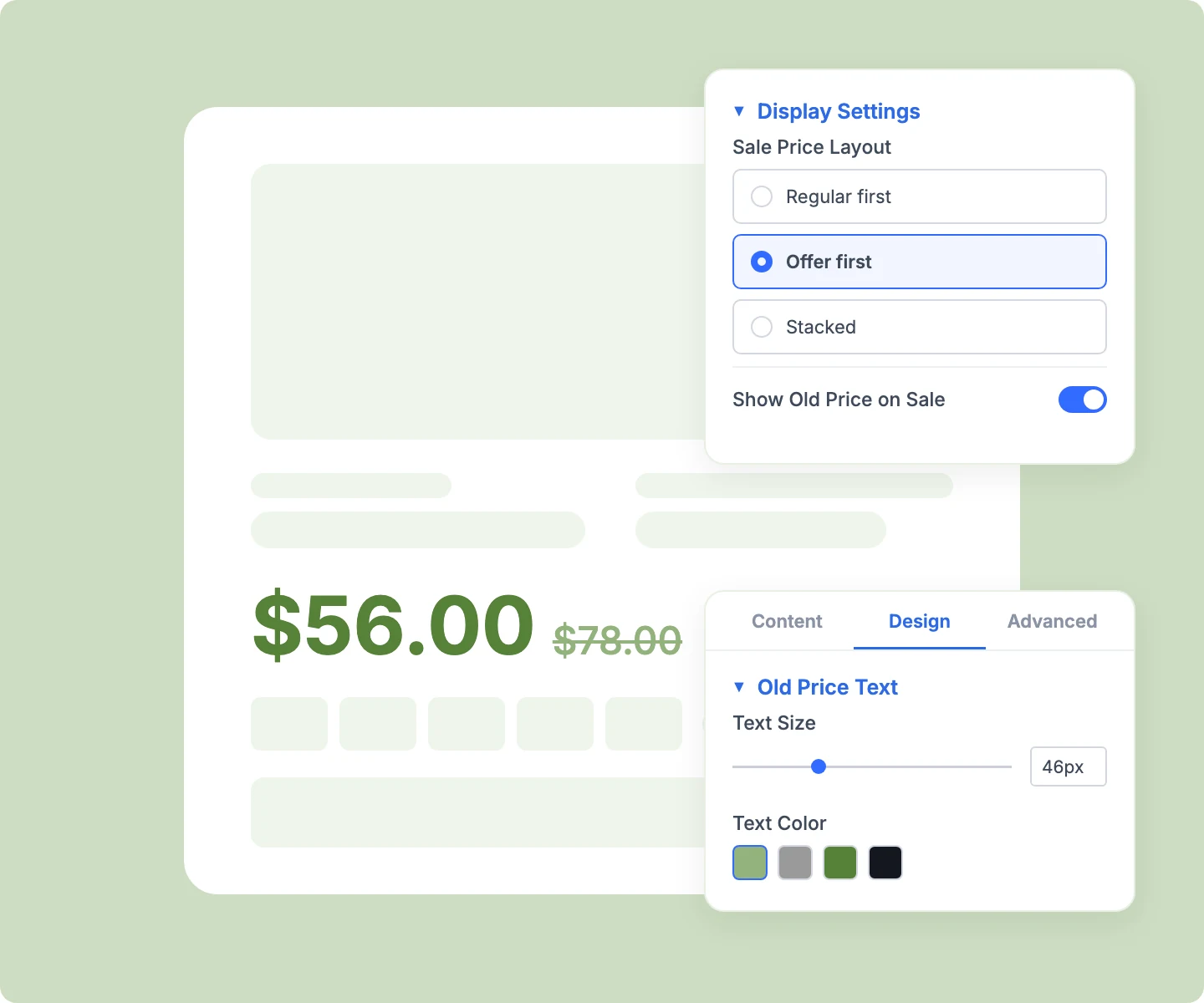
Make Every Sale Price Easy to Spot
Style old and new prices separately, down to their currency and decimals, so the saving stands out.
Hide the old price with one switch when you'd rather show only the new price.
Show a variation's sale price the moment it's picked, with its old price struck through.
Add a Sale or percent-off badge beside the price with DiviMerc's Product Badges module.
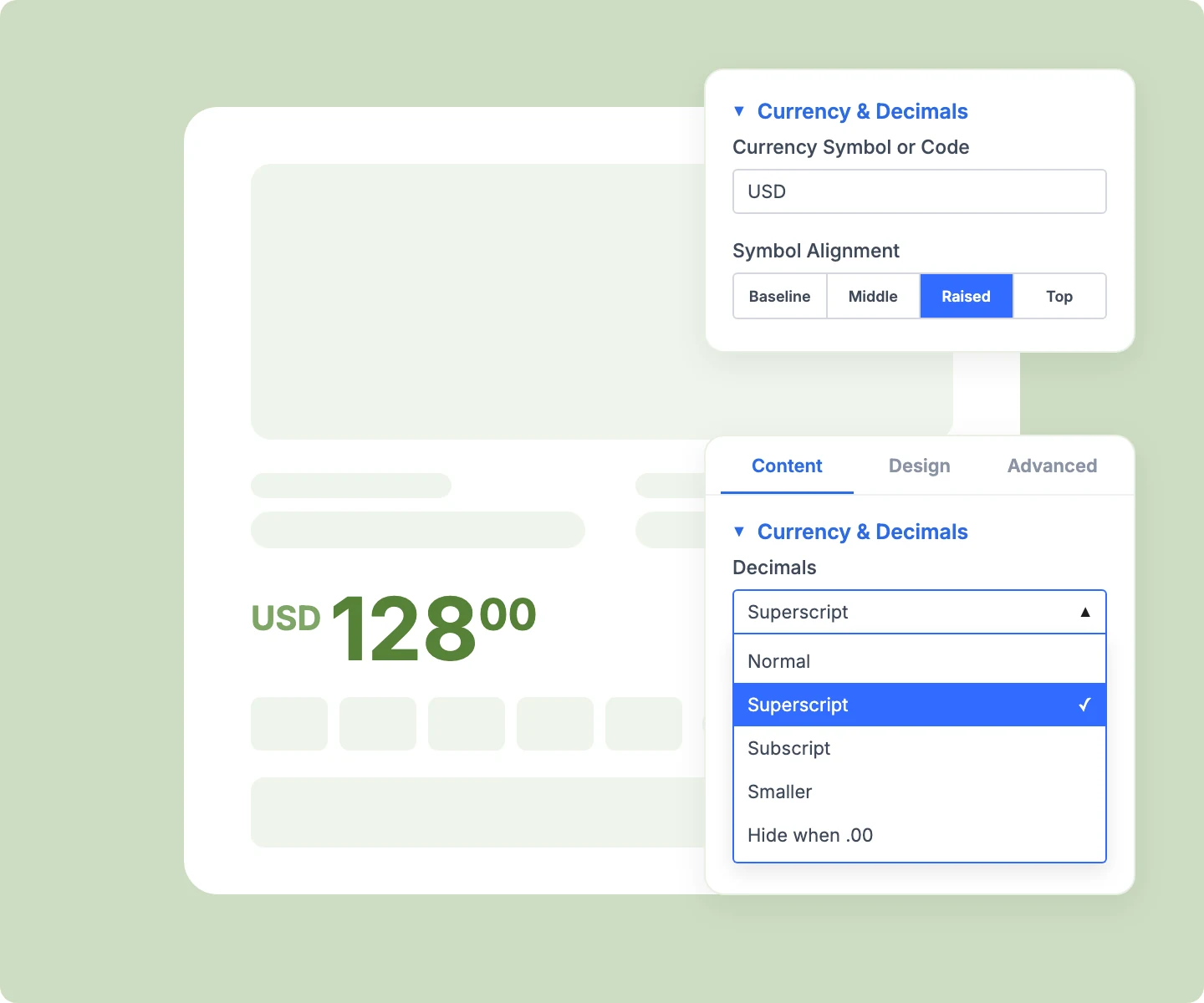
Format Currency and Decimals Your Way
Swap the store symbol for a code like USD, without converting the price or changing it elsewhere.
Align the currency symbol to the baseline, middle, raised, or top position beside a large price.
Keep WooCommerce's tax suffixes, decimal separator, and subscription price text exactly as your store prints them.
Set smaller price, currency, and decimal sizes for phones, since every style works per device.
Free Ready-to-Use Product Price Layouts to Get Started
Skip the setup with DiviMerc's pre-made product page layouts, with the price already paired with Add to Cart. Each one is fully customizable and responsive, ready to drop into your Divi Theme Builder product template. Pick a style, set your brand fonts, and go live in minutes.

DiviMerc Advanced Product Price vs Divi Product Price: Which Gives You More Control?
| Feature | DiviMerc Advanced Product Price | Divi Product Price |
|---|---|---|
| Price after a variation is chosen | The same price line updates |  Range stays, chosen price prints lower down Range stays, chosen price prints lower down |
| Variable price format | Range or "From: $19" | Range only |
| Sale price layouts | Regular first, Offer first, or Stacked | WooCommerce's default order only |
| Decimal styles | Superscript, subscript, smaller, or hide .00 | Not available |
| Currency symbol or code | Relabel, like "USD" | Store symbol only |
| Currency symbol alignment | Baseline, middle, raised, or top | Not available |
| Style old, new, currency, and decimals separately | Each part styled on its own | Not available |
| Tax wording and plugin prices | WooCommerce's own price text | WooCommerce's own price text |
Ready to Show Shoppers the Exact Price They Choose?
FAQs on Advanced Product Price for Divi
Everything you need to know about the Advanced Product Price module before you get started.
What Is the Advanced Divi Product Price Module?
How Is It Different From Divi's Product Price Module?
Does the Price Update When Shoppers Pick a Size or Color?
How Do I Add Advanced Product Price in Divi?
Can I Show "From $19" Instead of a Price Range?
Does It Show Sale Prices on Variable Products?
Can I Show USD Instead of $?
Can I Hide the .00 on Whole Prices?
Does It Work With Tax Suffixes and Subscription Prices?
Can I Use It on Shop Pages?
Why Does the Visual Builder Show $100 and $75?
Does Advanced Product Price Work on Mobile?