
One of 15+ Modules
Divi Login & Register Module
Divi Login & Register module lets you customize WooCommerce login, registration, and password recovery forms in Divi. Choose from four layouts, place the forms on any page or in a popup, and style every field, button, checkbox, and notice to match your store.
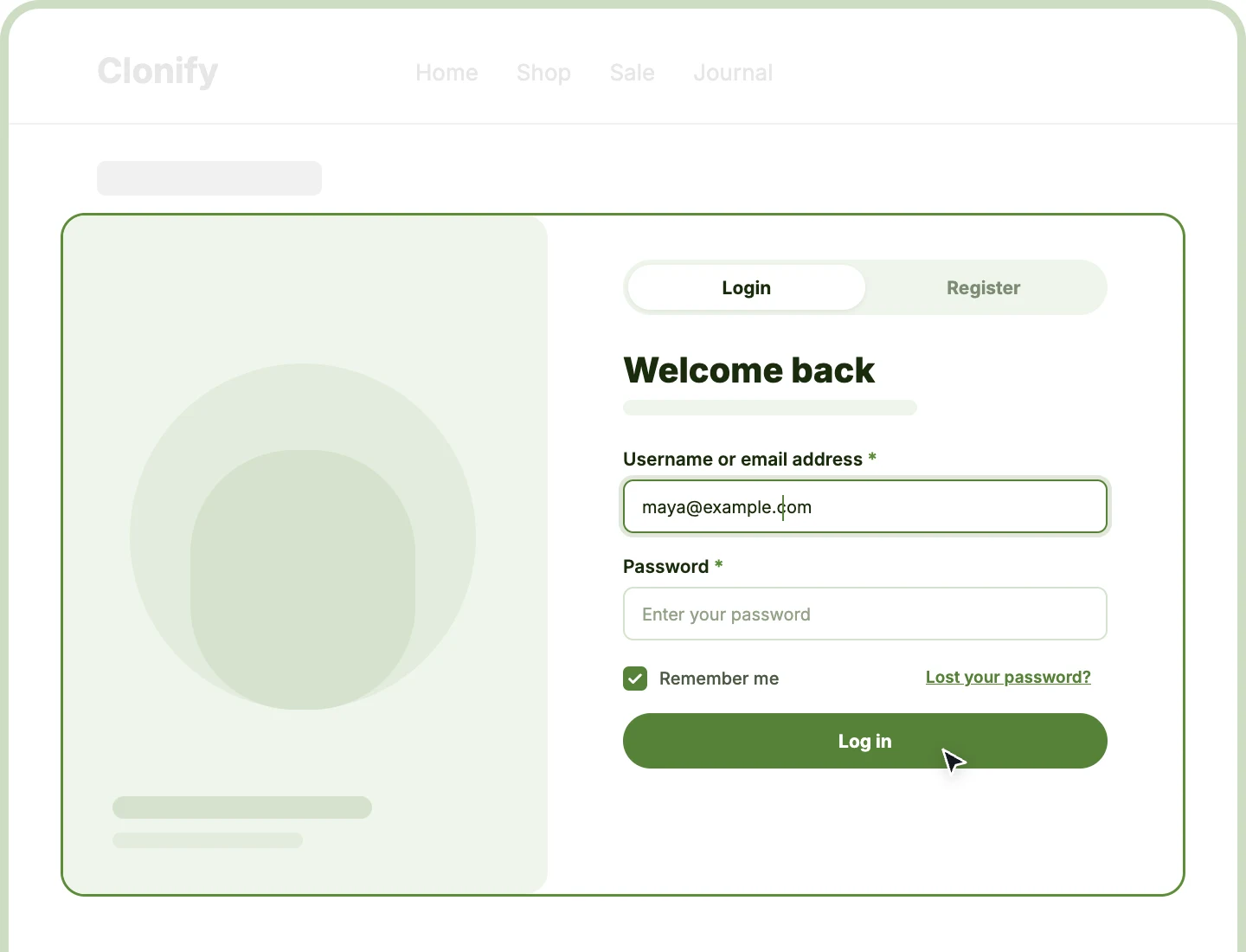
Four Form Layouts
Show login and register side by side, stacked, in tabs, or as login first with a link that opens registration only when it's needed.
Place It Anywhere
Put the forms on a dedicated login page, at the top of My Account, or in a popup or sidebar, wherever customers sign in.
On-Brand Password Recovery
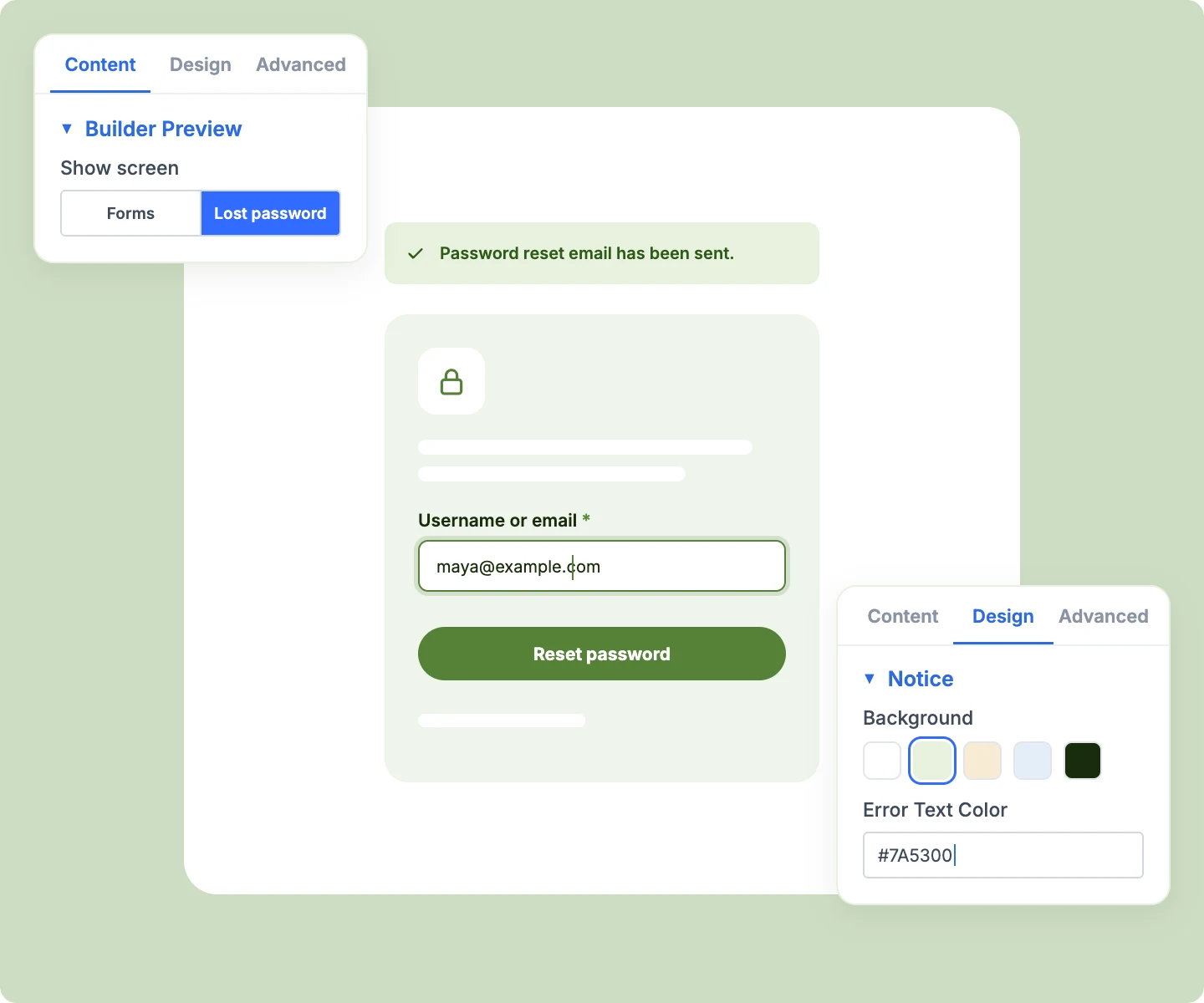
Design the Lost your password screen in the Visual Builder too, so customers resetting a password stay on a page that matches your store.
Design WooCommerce Login and Registration Forms in Divi That Welcome Customers
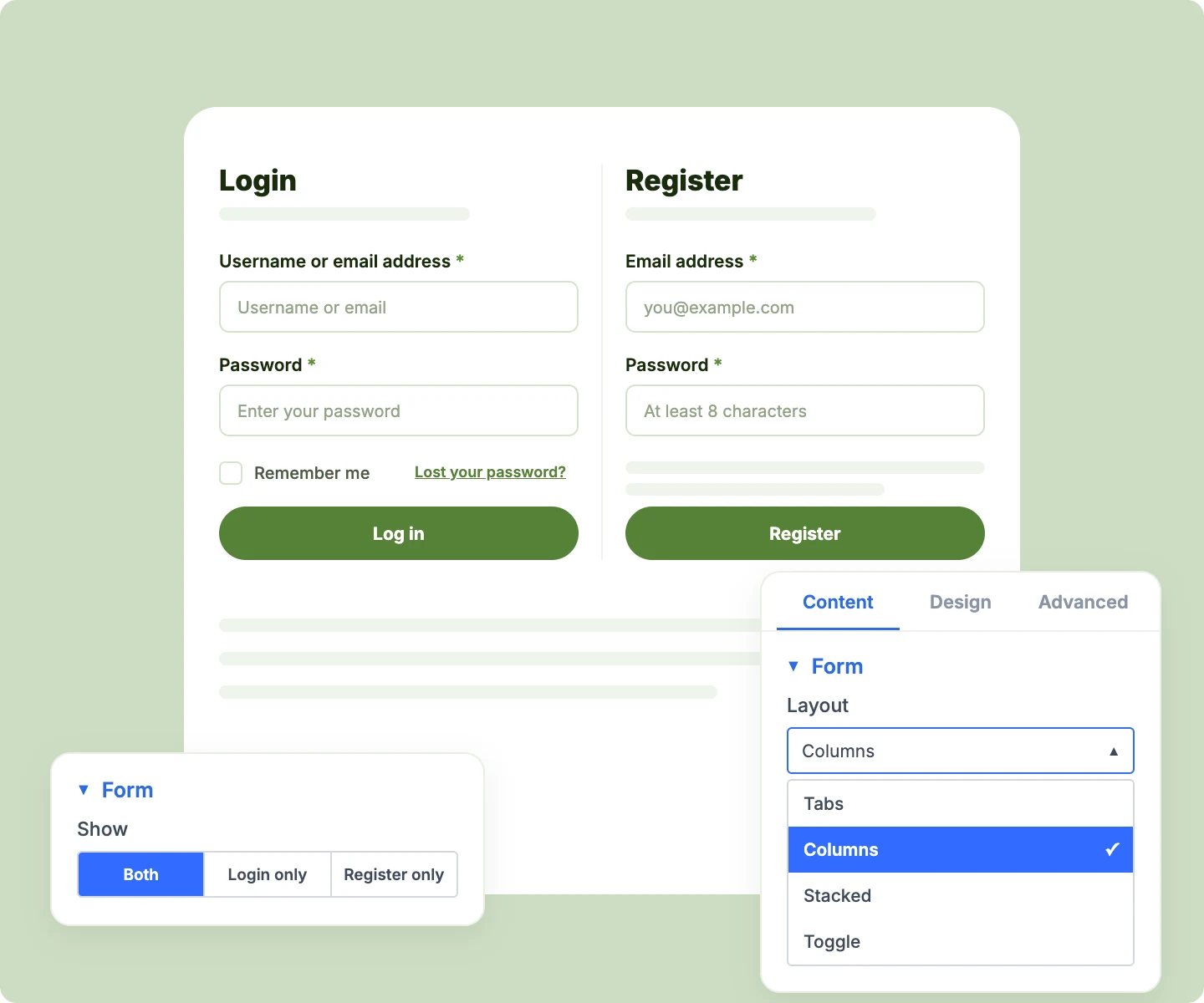
Pick the Layout That Fits Your Page

Show both forms side by side, and they stack on their own when a column drops under 320px.
-
Use tabs for one form at a time, with the tab bar and active tab styled your way.
-
Lead with login and add a "New here? Create an account" link that swaps to the register form.
-
Show login only or register only, so each form can live on its own page.
Write Forms That Guide New Customers
-
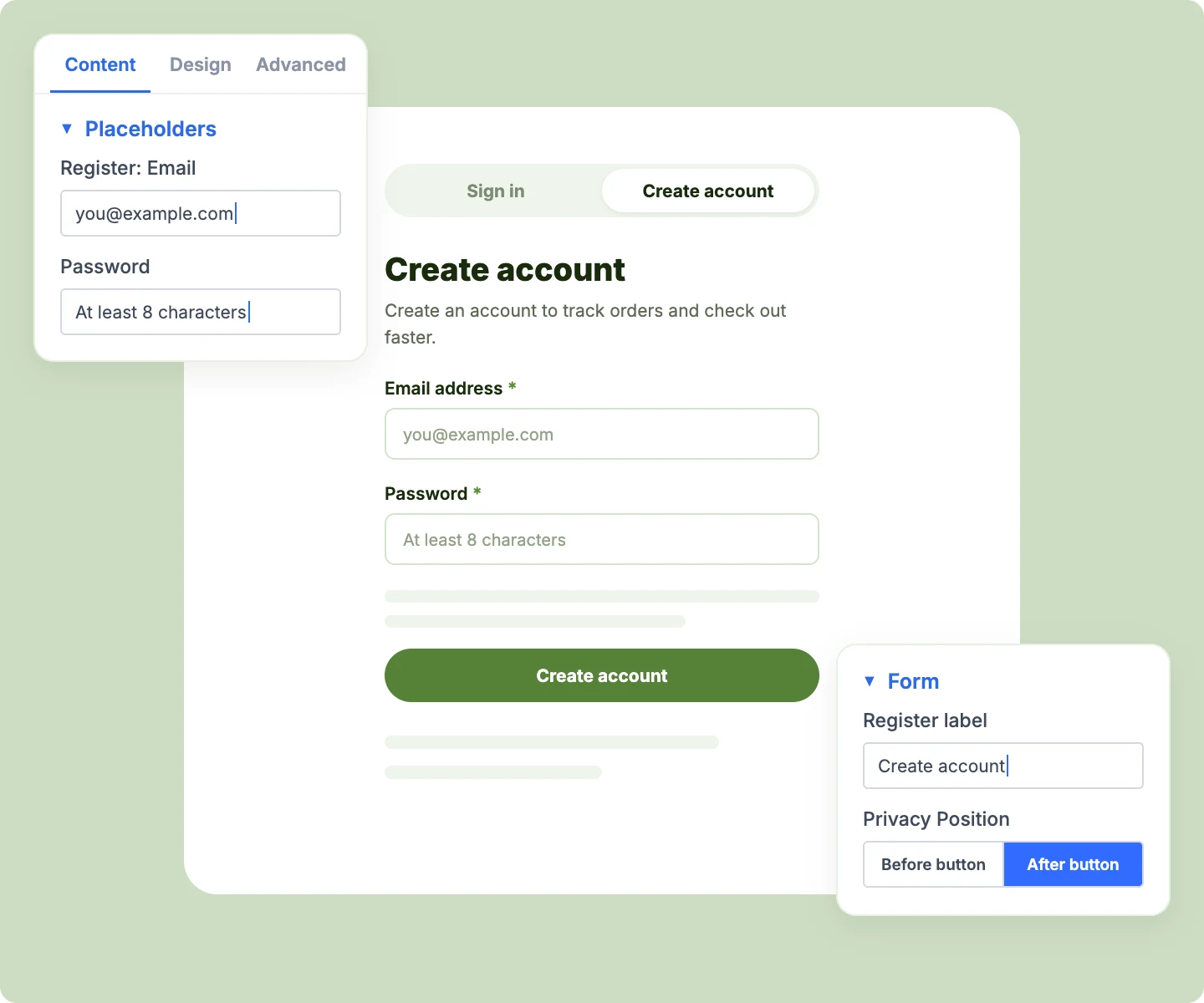
Add a short description under each heading, like "Create an account to track orders and check out faster."
-
Rename the Login and Register labels, the Remember me text, and the switch-link prompts.
-
Set your own placeholders, like [email protected], so each field shows the shape of what goes in.
-
Greet signed-in visitors by name with an optional message, or show them nothing at all.
-
Move the privacy notice above or below the Register button to suit your reading order
Style Every Field, Button, and Notice
-
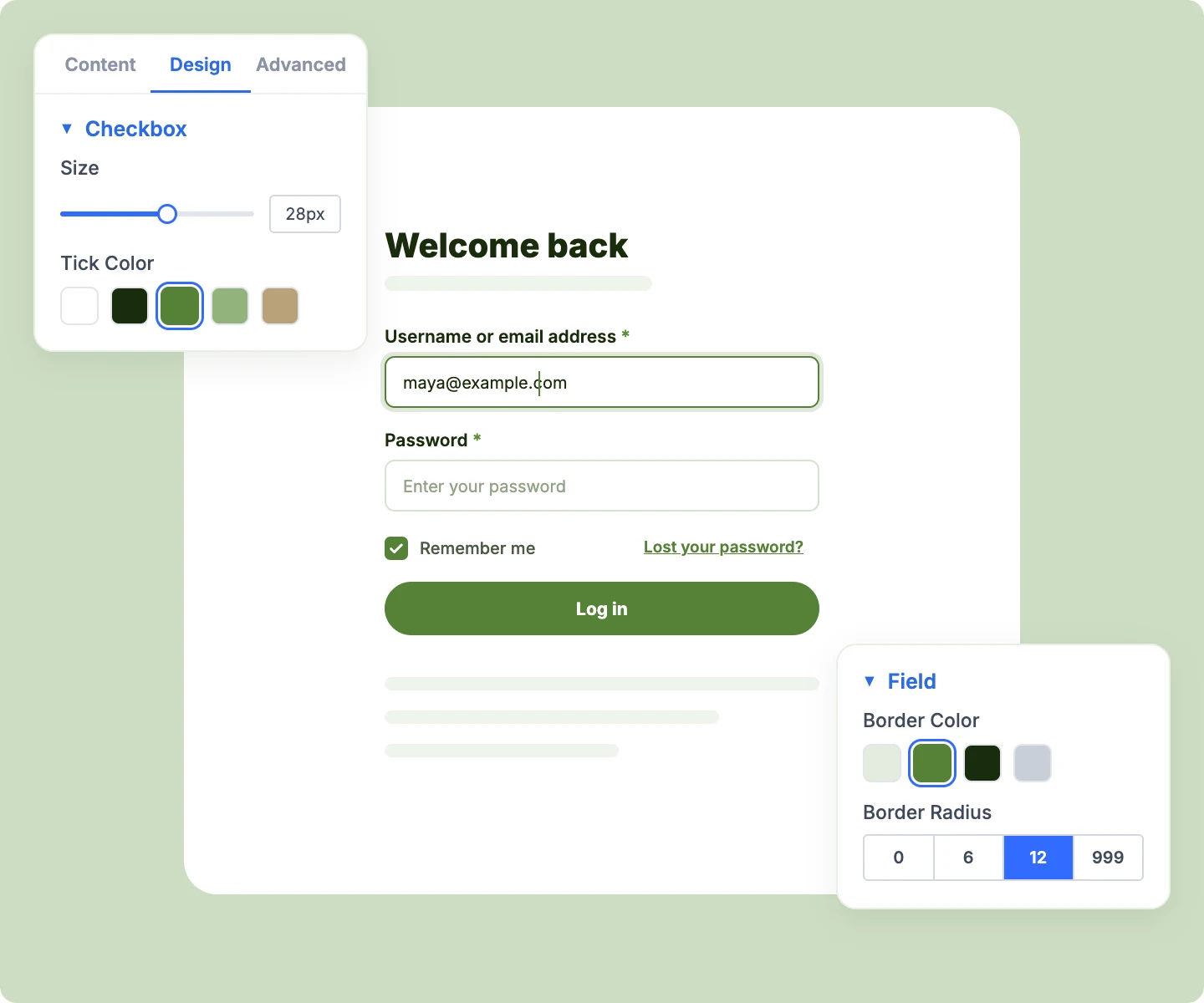
Style form fields, labels, and placeholder text separately, so hints read lighter than what customers type.
-
Restyle the Remember me checkbox with your own box size and tick color to match your brand
-
Style the Login, Register, and Reset password buttons together, so every action looks consistent.
-
Style WooCommerce's success, info, and error notices, with errors in their own color for clarity.
-
Set the spacing between field rows, from Username and Password down to the lost-password link.
Make Password Recovery Feel Like Your Store
-
Design the lost-password screen with the same field and button styles as your login form.
-
Give the lost-password form its own box and intro line for a clear first step.
-
Keep the builder canvas on the lost-password screen while you design it, using Builder Preview.
-
Send customers who follow a set-your-password email straight to the reset form, even when signed in.
Free Ready-to-Use Login and Register Layouts to Get Started
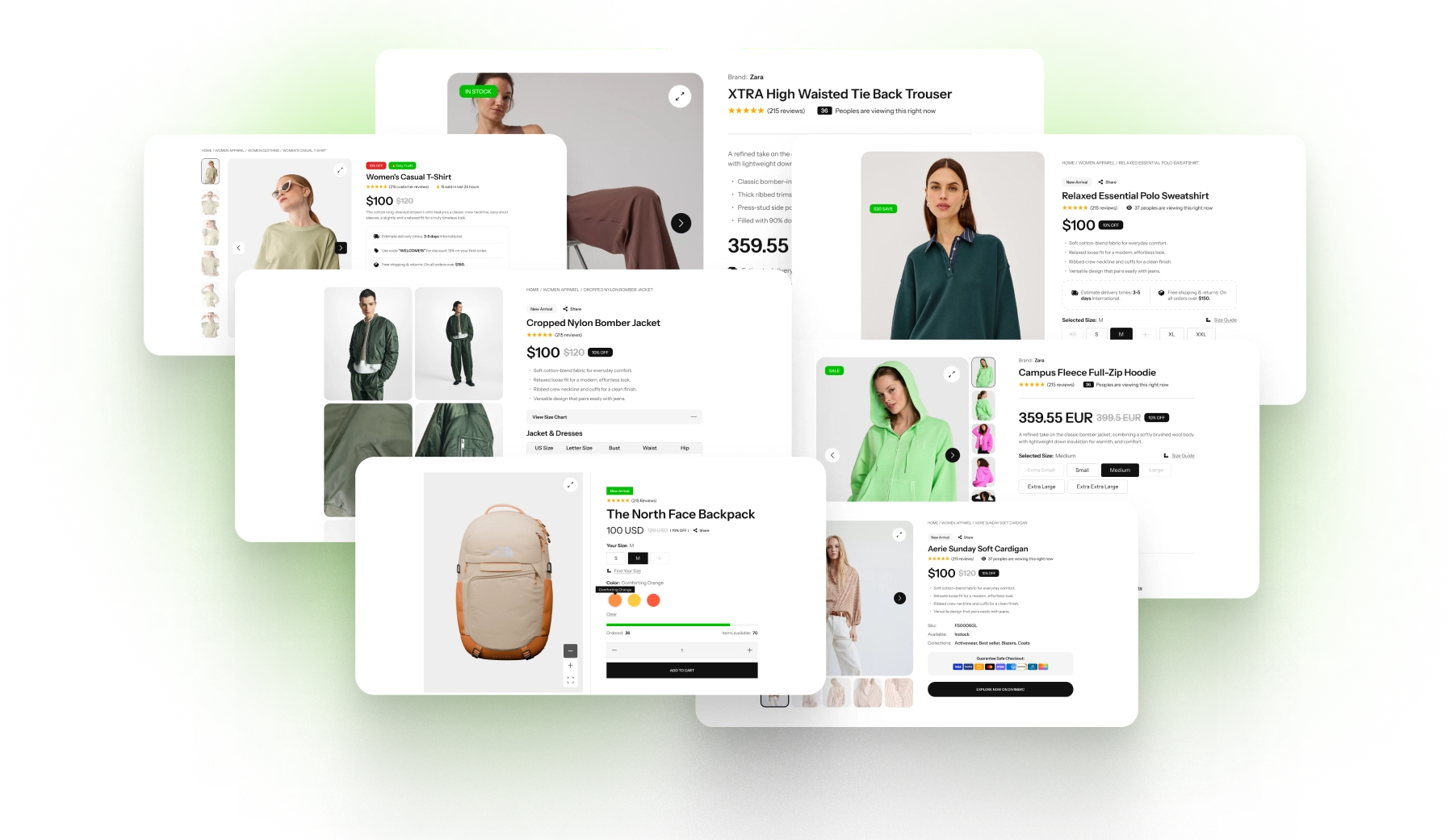
Skip the setup with DiviMerc's pre-made login and register layouts, from a clean tabbed login page to a side-by-side account entry. Each one is fully customizable and responsive, ready to drop onto a login page, your My Account page, or a popup. Pick a style, set your colors, and go live in minutes.
DiviMerc Login & Register vs Default WooCommerce Login: Which Gives You More Control?
| Feature | DiviMerc Login & Register | Default WooCommerce Login |
|---|---|---|
| Form layouts | Side by side, stacked, tabs, or login first |  Side by side only Side by side only |
| Login only or register only | One setting | Both, whenever registration is on |
| Where the forms appear | Any page, popup, or sidebar | The My Account page |
| Form headings and descriptions | Your own wording | Headings only |
| Field placeholders | Your own wording | Not available |
| Remember me checkbox | Size and tick color | Browser default |
| Lost password screen | Designed in Divi | Your theme's default styling |
| Error and success notices | Styled, with a separate error color | Your theme's default notices |
| WooCommerce account rules | Followed as-is | Followed as-is |
Ready to Give Customers a Login Page That Feels Like Your Store?
FAQs on Login & Register for Divi
Everything you need to know about the Login & Register module before you get started.
What Is the Divi Login & Register Module?
How Is It Different From WooCommerce's Default Login Form?
How Do I Customize the WooCommerce Login Page in Divi?
Can I Put Login and Registration on Separate Pages?
How Do I Add Login and Register Forms to the My Account Page?
Can I Add the Login Form to a Popup or Sidebar?
Can I Remove the Username or Password Field?
Do I Need a WooCommerce Login Shortcode?
What Do Signed-In Visitors See?
How Do I Design the Lost Password Screen?
Can I Change the "Lost your password?" Wording?
When Do Side-by-Side Forms Stack?
How Do I Require Login Before Customers Can Buy?
Does Login & Register Work on Mobile?