


WooCommerce gives you the basics out of the box, but it lacks advanced storefront customization, checkout optimization, and marketing tools.
With Baymard Institute reporting a massive 70.22% eCommerce cart abandonment rate in 2026, relying solely on a default setup costs you sales. Your store needs to engage shoppers effortlessly from product discovery through checkout.
The right plugins bridge that gap. We’ve filtered through thousands of options to bring you the top WooCommerce plugins for every stage of your store's growth.
Let's get into it.
Best WooCommerce Plugins at a Glance
| Plugin | Best For | Standout Feature | Starting Price |
|---|---|---|---|
| DiviMerc | Building the store itself (Divi) | Complete WooCommerce toolkit for Divi with native modules and extensions support | From $49/yr |
| ShopLentor | Building the store itself (Elementor) | Bundles Shopify checkout flows, native GTM tracking, email automation, and partial payments into one builder | Free / Plans from ~$59 (5 sites, half-yearly) |
| WowStore | Building the store itself (Gutenberg) | 100+ native Gutenberg blocks for custom queries, variation swatches, and hybrid product filtering | Free / Pro from ~$49/yr |
| Booster for WooCommerce | All-in-one toolkit | 140+ individual modules including PDF invoicing, multiple currencies | Free / Pro from $149/yr |
| Rank Math | SEO | WooCommerce product schema. Instant indexing | Free / Pro from $122/yr |
| WP Rocket | Performance & speed | Zero-config WooCommerce caching | From $59/yr |
| CartFlows | Checkout & funnel conversion | Multistep funnels with single click post purchase upsells and native checkout A/B testing | Free / Plus from $149/yr |
| FunnelKit Automations | Email marketing & automation | Self hosted marketing CRM with abandoned cart flows, deep WooCommerce triggers | Free / Premium from $129/yr |
| Metorik | Analytics & reporting | Merging WooCommerce metrics with COGS profit tracking and custom cohort retention | Free / Pro from ~$25/mo, scales with order volume |
| Customer Reviews for WooCommerce by CusRev | Product reviews & social proof | Automated verified buyer review reminders with photo or video uploads | Free / Pro from ~$7.99/mo |
| YITH WooCommerce Wishlist | Wishlists & engagement | Multiple wishlist support, social sharing, and automated promotional emails triggered by wishlist price drops | Free / Premium from $114/yr |
| AffiliateWP | Affiliate marketing | WooCommerce coupon tracking and lifetime commissions with zero middleman cuts | From $299/yr, no free tier |
| Wordfence | Security | Real time endpoint firewall and WooCommerce aware malware scanning | Free / Premium from $149/yr |
| UpdraftPlus | Backup | Automated offsite cloud sync for Google Drive or Dropbox and single click full database rollbacks | Free / Premium from $70/yr |
1. DiviMerc – Best WooCommerce Plugin for Divi Builder
We put DiviMerc first because the product page comes before most other optimizations. SEO can bring traffic and checkout tools can help close a sale.
But if shoppers land on a basic product page with one image, a plain variation dropdown and no trust or urgency signals, many may leave before reaching the cart.
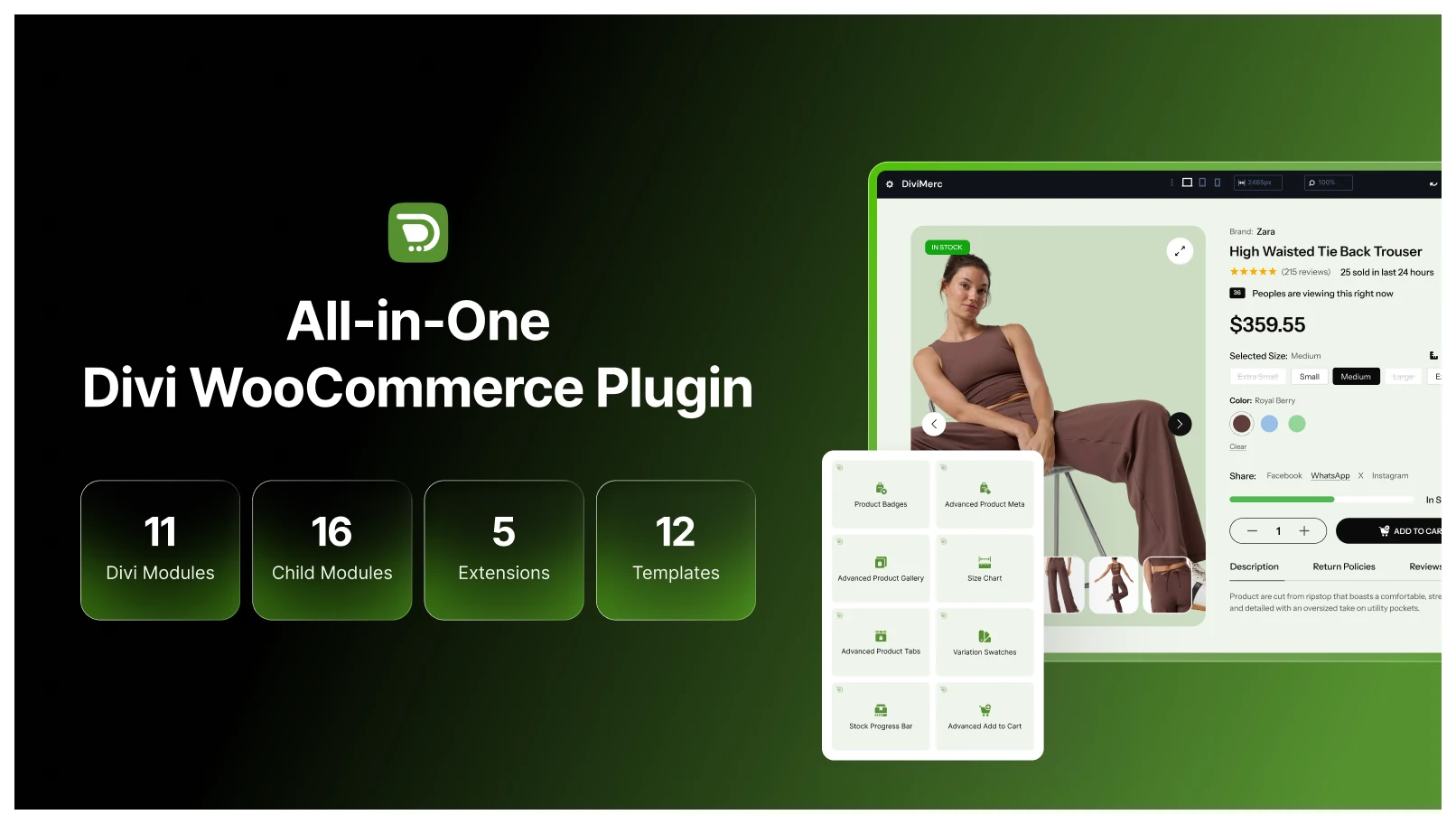
If you are on Divi and building a store with WooCommerce, look no further than DiviMerc.
Instead of installing several separate plugins for swatches, product galleries, urgency and trust features, it brings them together as native Divi 5 modules.
On the merchandising side, you get:
- Advanced Product Gallery for richer image presentation
- Advanced Product Tabs for redesigned product information layouts
- A Size Chart module that helps reduce sizing-related returns
For conversion, Sales Count, Live Visitor Count and Stock Progress Bar add urgency and social proof to product pages.
Variation Swatches replaces WooCommerce's basic dropdown with 8 representation styles, including visual color, image, button and product options.
This all-in-one WooCommerce toolkit also includes management extensions for product tabs and video/3D product media.
Where We’re Confident
- Built as a "build first" toolkit for creating the product page before adding extra optimization tools
- Multiple representation styles for variation swatches, covering every possible design for a visual alternative to the default dropdown
- Covers galleries, urgency, trust and variation UX in one toolkit
Where We Think It Needs Improvement
- Built only for Divi 5, so users who are still to upgrade from Divi 4 might not get to try this
- Quite newer than some established Divi tools, so the modules/extension library is still growing
Our Take on the Price
DiviMerc is a premium plugin, with plans starting from $49/yr and goes up to $249 for a lifetime deal.
But, it can replace several separate plugins’ needs for swatches, galleries, urgency, trust features, and so on.
A Few Alternatives Worth Knowing:
If you are not on Divi, you would usually need separate plugins for variation swatches, urgency or social proof, and product galleries.
If you use Divi and look for WooCommerce plugins, you can check out plugins like Woo Essential or Divi WooCommerce extended.
But, if you want an all-in-one Divi builder with WooCommerce modules support, look no further than DiviFlash.
Note: Want to build the full store from scratch? Follow our step-by-step guide on how to build an eCommerce website with Divi & WooCommerce to set up, design, and launch your store.
2. ShopLentor – Best WooCommerce Plugin for Elementor
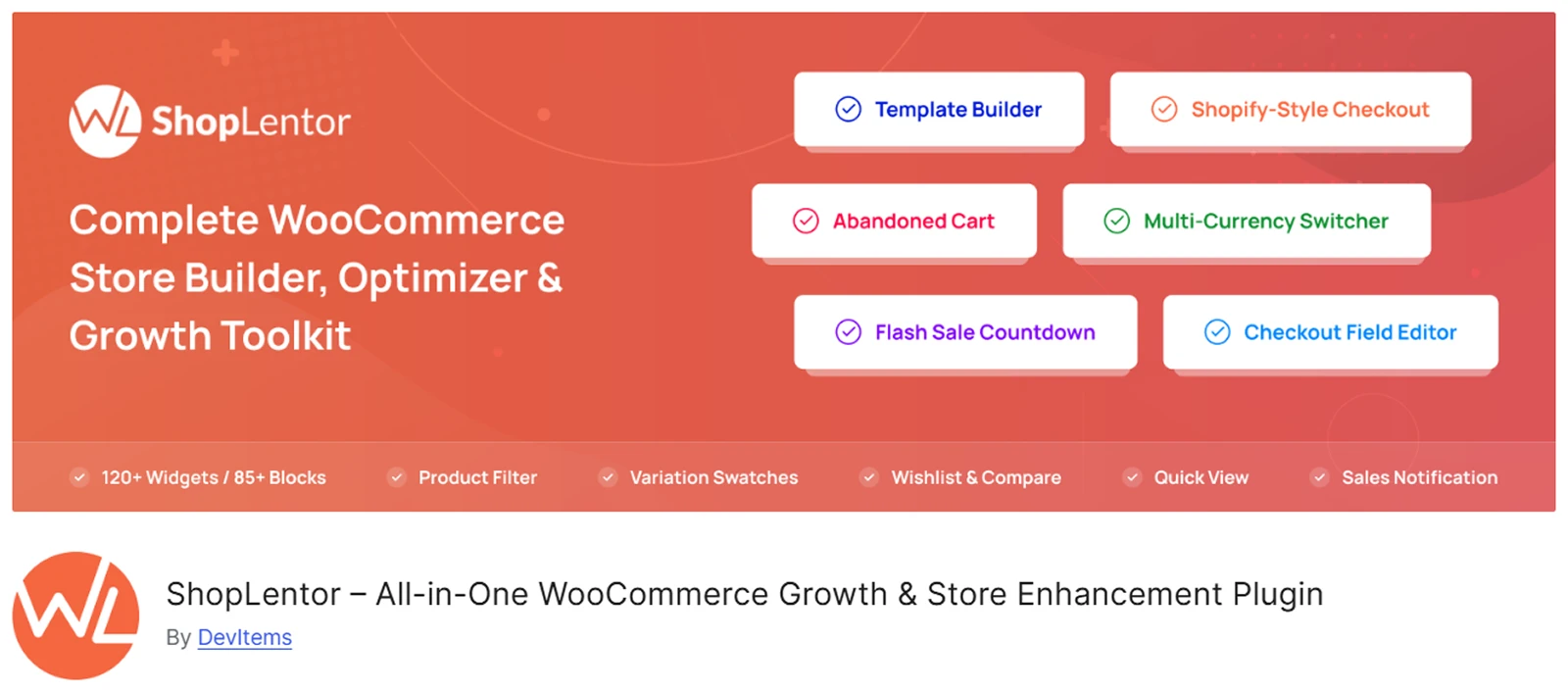
If Divi is not your builder, the same "build the product page first" logic still applies. For Elementor users, ShopLentor is the most complete way to do it.
Formerly known as WooLentor, this is a WooCommerce builder for both Elementor and Gutenberg, with the largest free WooCommerce widget library.
With over 80,000 active installs, its free version already builds real shops, single product, cart and checkout templates, not just decorative widgets.
Plus, widgets like quick view, compare, wishlist, cross-sell at checkout, a stock progress bar and multi-step checkout make this plugin a complete choice.
What We Liked
- The free version offers almost everything to build a complete shop, rather than existing as a pack of standalone widgets
- Also works inside Gutenberg, useful if you're not fully committed to Elementor across your whole site
Where We Think It Falls Short
- Bundles over 120+ widgets alongside backend automation tools, so it consumes significantly more server memory than other lightweight competitors
- The backend settings panel can feel a little bit complex for beginners, plus requiring users to actively manage and toggle off unused micro-modules
Our Take on the Price
The free version already builds real store templates, which is genuinely useful before you spend anything.
However, paid plans start around $59 for a half-yearly, 5-site license, scaling up for higher needs. The billing terms aren't all annual, making it a bit different than others.
A Few Alternatives Worth Knowing
- The Plus Addons for Elementor bundles a full WooCommerce Store Builder inside its wider 120+ widget library, priced from $43/year for one site.
- ShopEngine focuses specifically on complete WooCommerce store customization with 70+ widgets covering every store template.
3. WowStore – Best WooCommerce Plugin for Gutenberg
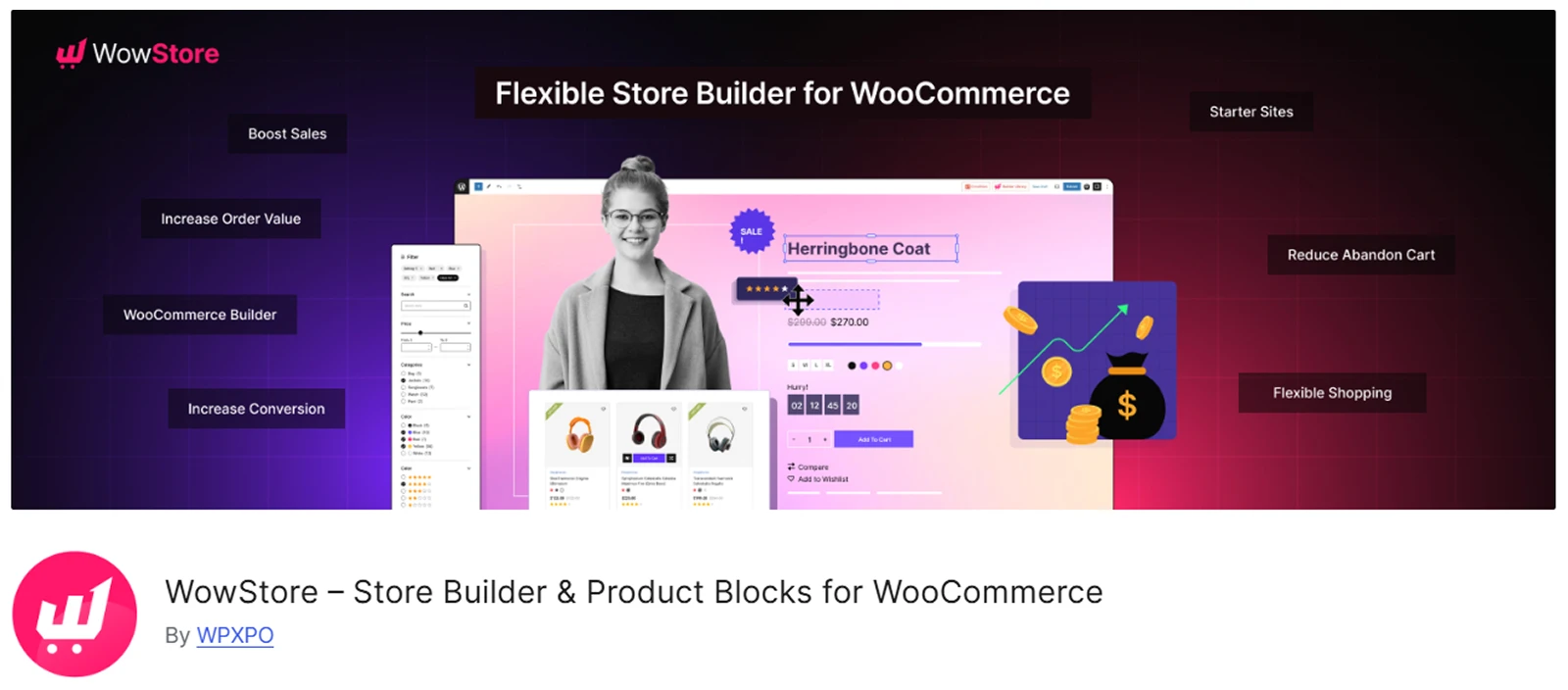
If you're building with WordPress's native block editor instead of a separate page builder, WowStore is the more WooCommerce-focused pick.
WowStore (formerly ProductX) is the first to introduce a complete visual template builder native to Gutenberg, and is used by over 4,000 businesses.
Rather than adding commerce widgets on top of a general block library, it's built entirely around store pages, shop, single product, cart, checkout and My Account templates.
Plus, you get conversion tools like variation swatches, a stock progress bar, quick view, wishlist, compare, partial payments and a free-shipping progress bar.
What We Liked
- Built specifically around WooCommerce store pages, not general design blocks with commerce features added
- Tends to produce cleaner HTML and stronger Core Web Vitals scores than page-builder alternatives
Where We Think It Falls Short
- If you’re dedicated to Gutenberg, that’s fine. But, you won't get the pixel-perfect spatial freedom of dedicated builders like Elementor or Divi
- Overrides default WooCommerce templates using blocks, so it occasionally clashes with your base theme. You might need custom CSS to fix minor alignment glitches
Our Take on the Price
The free version is usable to start, and Pro plans have been listed from around $49/year in independent comparisons.
A lifetime option exists too, worth considering only if you're confident this stays a long-term part of your stack.
A Few Alternatives Worth Knowing
- ShopLentor (formerly WooLentor): A feature-rich WooCommerce page builder plugin that provides specialized Gutenberg blocks and templates alongside Elementor.
4. Booster for WooCommerce – Best All-in-One WooCommerce Toolkit
If you'd rather start with one broad plugin than pick a specialist tool for every job, this is the point in your setup where that decision makes the most sense.
Booster for WooCommerce bundles 140+ togglable modules – PDF invoicing, multi-currency support, product add-ons, cross-sell and upsell tools – all into a single plugin.
That can be useful for smaller stores that want broad features without installing a separate plugin for every task.
What We Liked
- Can reduce both plugin count and total cost
- A practical starting point for stores that do not need specialist tools yet
Where We Think It Falls Short
- Individual modules handle basic setups well but lack the deep, advanced logic of dedicated standalone plugins
- Managing over 140 bundled modules creates a cluttered WordPress backend
Our Take on the Price
While the core plugin is free, upgrading requires purchasing the entire bundle of over 140 modules in a single subscription.
This means your total cost isn't based on what you need, and you end up paying for dozens of features you might never actually use.
A Few Alternatives Worth Knowing
- ShopEngine is a comprehensive toolkit for customizing WooCommerce checkouts, templates, upsells, and overall store design.
- YITH also offers a massive plugin suite for advanced features like wishlists, dynamic pricing, and product add-ons.
5. Rank Math – Best WooCommerce Store Plugin to Grow Your Business
Once the store is built, the next question is whether shoppers can find products you're selling. That makes SEO the first growth tool on this list.
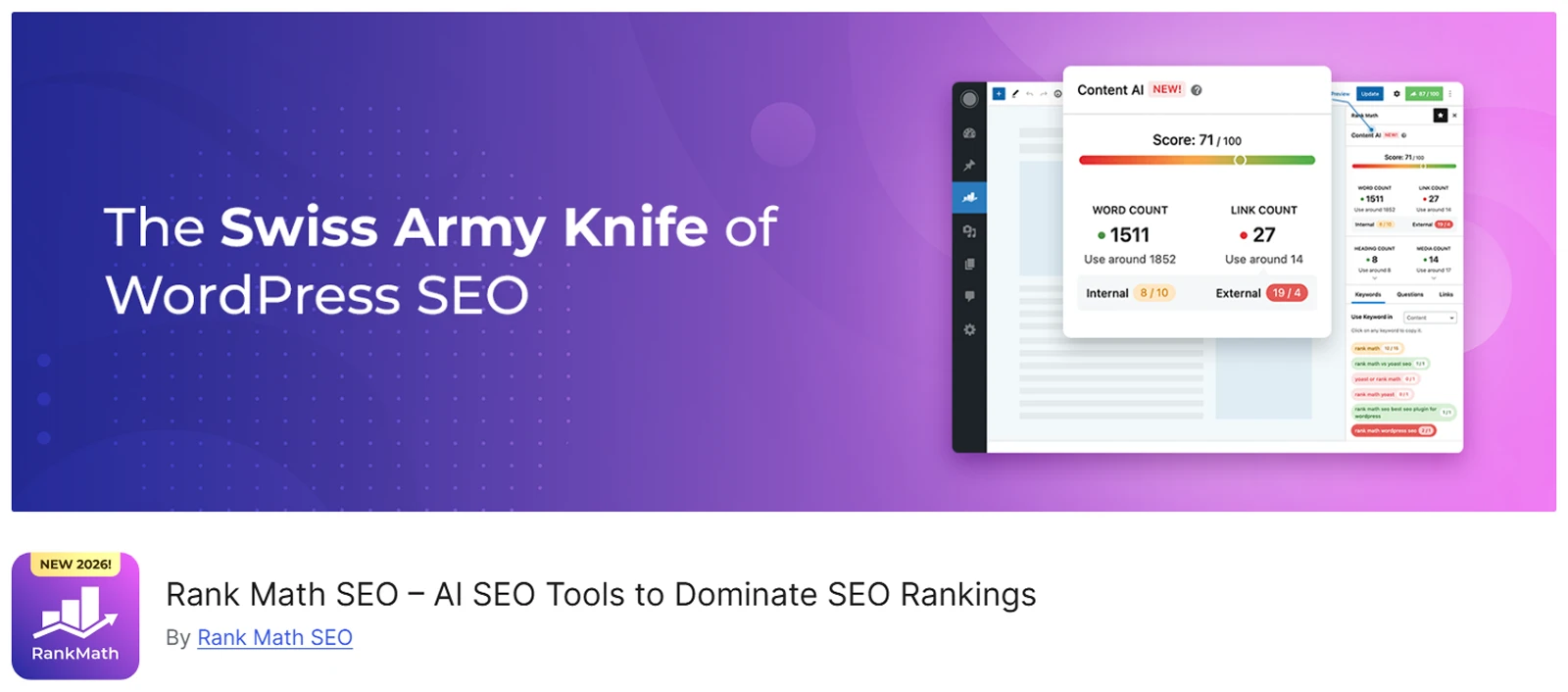
Rank Math includes essential WooCommerce SEO tools, such as basic product schema, breadcrumb generation, and options to strip category bases from URLs, in its free tier.
This is a major advantage, as leading competitors often gate these eCommerce-specific tools behind paid upgrades.
What We Liked
- A built-in IndexNow integration and a free Google Indexing API to ping search engines the second you publish a new product or update a price
- Features like cleaner product URLs and shop archive schema removal are completely free
Where We Think It Falls Short
- The massive volume of settings and toggles can easily overwhelm beginners who just want a basic setup
- The backend heavily pushes its paid Content AI, using a credit system and scoring metrics that might confuse or frustrate users
Our Take on the Price
The free version is strong enough to handle most basic store optimization out of the box.
Plus, content AI is a strictly separate paid add-on, so you only pay if you actively want automated writing assistance.
A Few Alternatives Worth Knowing
- Yoast SEO is a familiar option, but its WooCommerce SEO tools require a separate paid add-on.
- All in One SEO (AIOSEO) is another solid option with free and paid plans.
6. WP Rocket – Best WooCommerce Performance Plugin
Page speed is not just a user-experience issue – Google factors it into SEO rankings too. So, a slow store can quietly undo some of the SEO work above.

As you add more plugins to your store, it also gets heavier. A caching plugin can help keep pages fast, which matters for both user experience and conversions.
WP Rocket is designed to handle common WooCommerce caching needs with little setup. It automatically excludes cart, checkout and account pages from caching, so they’re never affected.
What We Liked
- Incredibly easy to use and automatically applies performance best practices
- Automatically excludes the cart, checkout, and user account pages from caching
Where We Think It Falls Short
- No free version or trial to test before buying
Our Take on the Price
WP Rocket starts at $59/year. It remains well regarded, but its 2026 price increase upset some long-time users.
A Few Alternatives Worth Knowing
- LiteSpeed Cache is free and works especially well on LiteSpeed hosting.
- Perfmatters adds extra script controls and is often used alongside a caching plugin.
7. CartFlows – Best WooCommerce Checkout & Sales Funnel Plugin
Getting traffic does not help if shoppers leave at checkout. With average cart abandonment above 70%, checkout is one of the clearest places to improve.
A simpler checkout can remove unnecessary steps and make it easier for shoppers to finish their order.
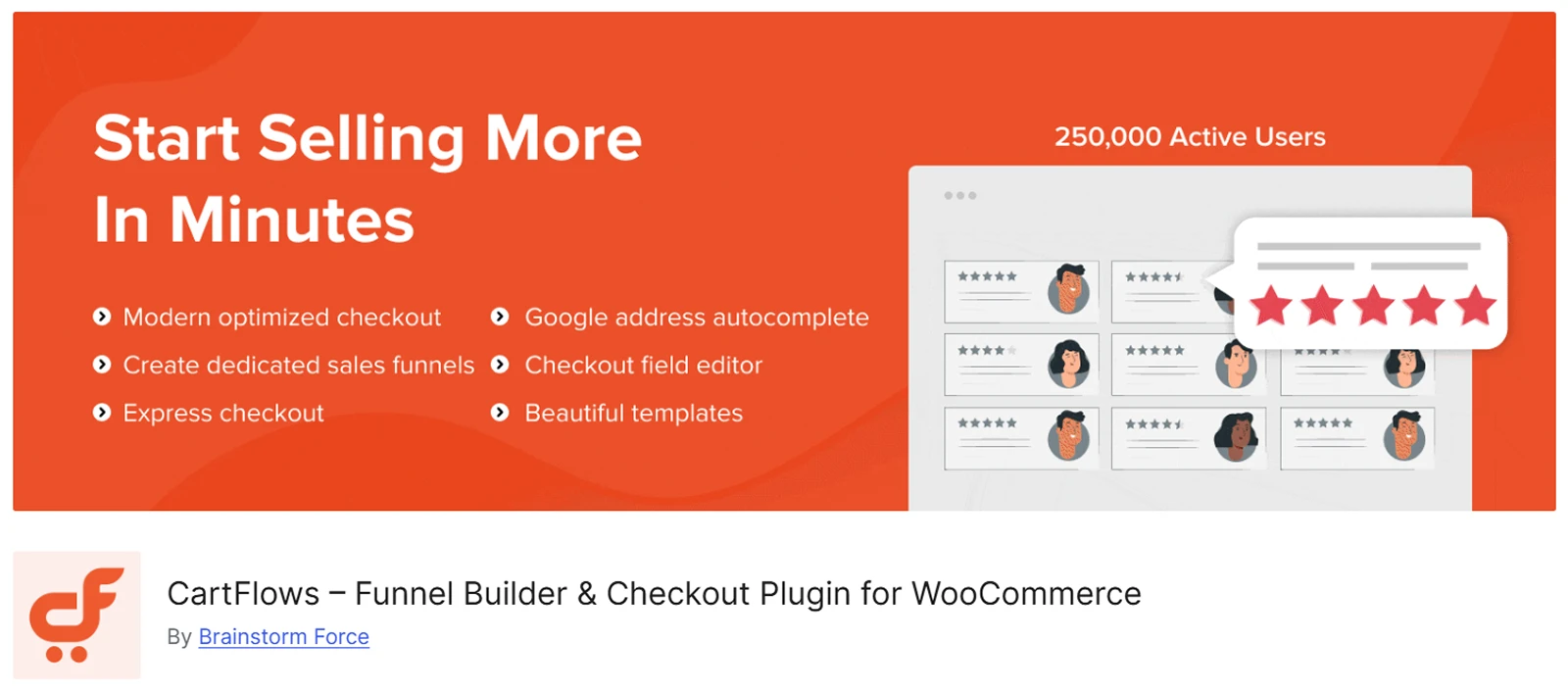
CartFlows replaces WooCommerce's default checkout with conversion-optimized templates plus one-click order bumps and upsell/downsell flows.
What We Liked
- It is significantly faster to deploy than building custom checkout routing from scratch
- The one-click upsell feature removes friction by allowing post-purchase offers without re-entering payment details
Where We Think It Falls Short
- The free plan does not include limited order bumps or upsells, these core revenue-driving features are strictly locked behind the Pro version
Our Take on the Price
The Plus plan costs $149/year. Several reviews compare its funnel features favorably with more expensive tools such as ClickFunnels.
A Few Alternatives Worth Knowing:
- FunnelKit: Combines checkout optimization with a deep, self-hosted CRM and email automation suite.
- WPFunnels: A lightweight option that features a visual, drag-and-drop canvas for mapping out your funnel steps.
8. FunnelKit Automations – Best WooCommerce Email Marketing Plugin
A better checkout only solves part of the abandonment problem. Only about 24% of WooCommerce stores use a cart recovery system.
Without follow-up emails, many abandoned carts are simply lost. FunnelKit Automations helps stores contact those shoppers and run other WooCommerce-based email workflows.
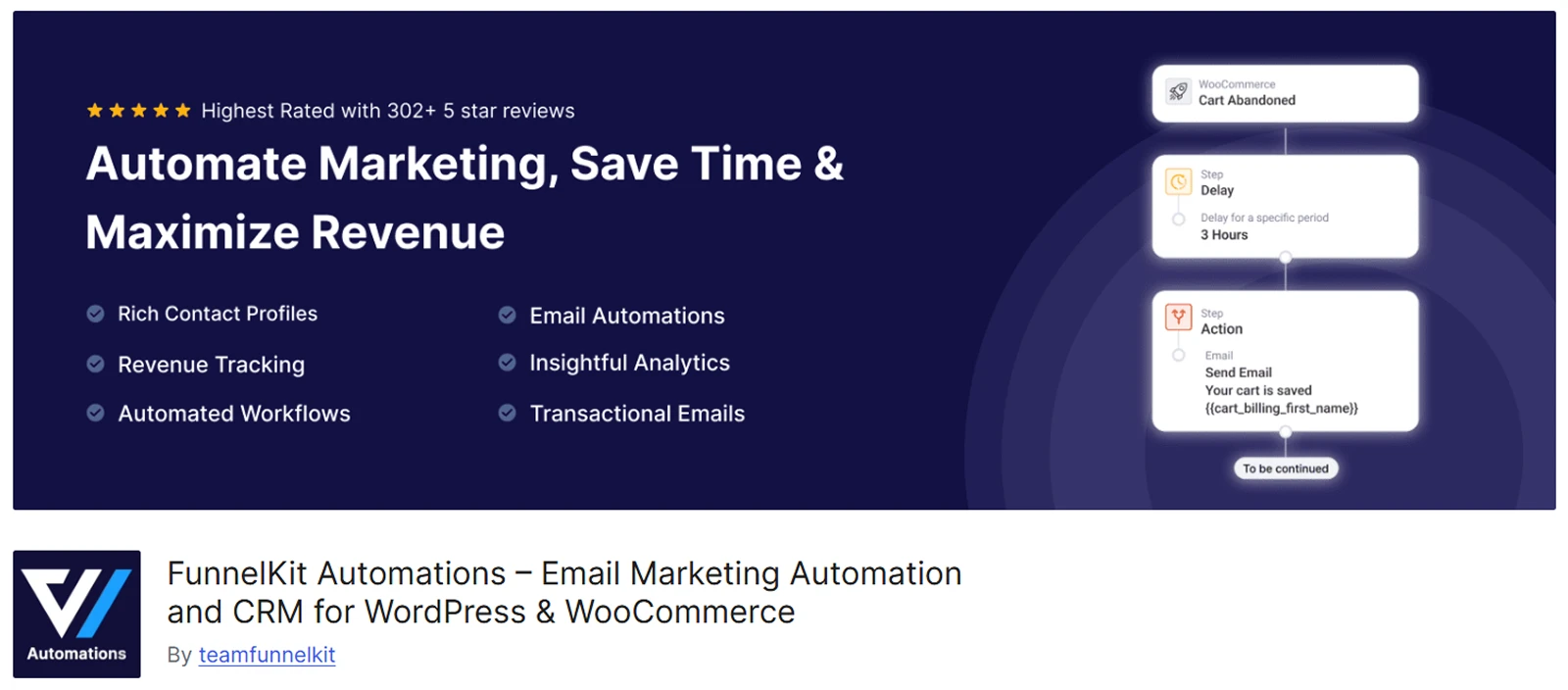
Formerly known as Autonami, it is a WordPress-native email marketing and automation plugin that reads WooCommerce order data directly, with no third-party sync delay.
What We Liked
- It eliminates per-contact SaaS fees so your email list can grow infinitely without punishing your monthly budget
- It natively reads WooCommerce order and customer data for highly accurate tagging and automation triggers
Where We Think It Falls Short
- Email delivery depends on your own SMTP setup, which might seem difficult for newbies
- The free version limits automation depth like visual email builder and volume
Our Take on the Price:
While it requires an upfront investment, it quickly pays for itself by replacing expensive monthly subscriptions for dedicated platforms like Klaviyo or ActiveCampaign.
A Few Alternatives Worth Knowing:
- Omnisend is a good choice if you want email, SMS and push notifications in one dashboard.
- Klaviyo offers a mature eCommerce email and SMS platform, but usually costs more as a SaaS service.
9. Metorik – Best WooCommerce Analytics & Reporting Plugin
Once SEO, checkout and email are running, you need to know what is working. WooCommerce's built-in reports cover basic sales numbers, but growing stores often need more details.
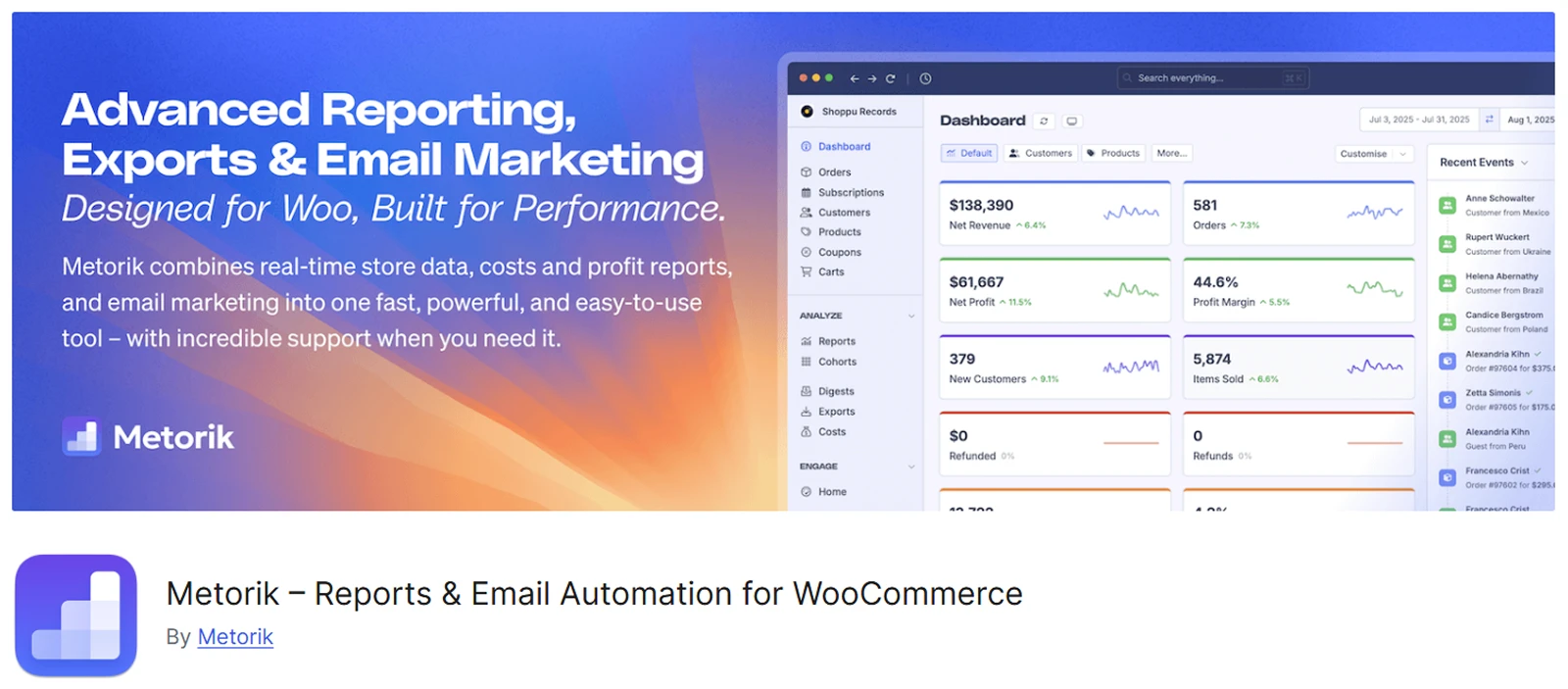
Metorik is analytics software built specifically for WooCommerce by a former WooCommerce core engineer.
It provides cohort retention analysis, real profit tracking with cost of goods and ad spend inputs, and subscription reporting for recurring revenue.
What We Liked
- It processes data externally via API, meaning complex analytics queries will not slow down your WordPress server
Where We Think It Falls Short
- It strictly supports WooCommerce and Shopify, meaning it cannot track external marketplace sales like Amazon or Etsy
Our Take on the Price
The cost is highly reasonable for the analytics depth provided, especially for growing stores.
However, because costs scale directly with your rolling order volume, high-volume stores should calculate their projected tier before committing long term.
A Few Alternatives Worth Knowing
- Putler is useful if you need one dashboard for sales across several platforms or payment processors.
- Polar Analytics is a more expensive option for larger stores that want deeper marketing attribution.
10. Customer Reviews for WooCommerce by CusRev – Best Plugin for WooCommerce Reviews & Social Proof
Most review plugins only display the feedback you already have. Customer Reviews for WooCommerce (CusRev) earns the spot because it actively brings in new reviews.

It is a free-first, native plugin that automatically emails customers a review request after their order is marked complete.
Reviews can include ratings, photos, and videos, and they post directly into WooCommerce's standard format without requiring a separate display system.
What We Liked
- Timed (automated review requests) emails are included even on the free plan
- Free photo and video support, a rare feature for a free tier that significantly increases review authenticity
Where We Think It Falls Short
- Occasional stability glitches after plugin updates, making staging site tests highly recommended for high-traffic stores
Our Take on the Price
The free version is highly capable out of the box, handling automated requests, visual reviews, and Q&A seamlessly.
The Pro tier is an affordable upgrade when you need deep customization rather than the monthly SaaS fees you found in older reviews.
A Few Alternatives Worth Knowing
- Photo Reviews for WooCommerce: A lightweight alternative focused strictly on collecting reviews and boosting trust through customer images.
- Yotpo: An enterprise-grade review and loyalty platform, but it operates on a significantly higher SaaS pricing model.
11. YITH WooCommerce Wishlist – Best WooCommerce Wishlist Plugin
Not every shopper is ready to buy right away. A wishlist lets visitors save products and return later instead of starting their search again. It can also support email campaigns such as price-drop or back-in-stock reminders.
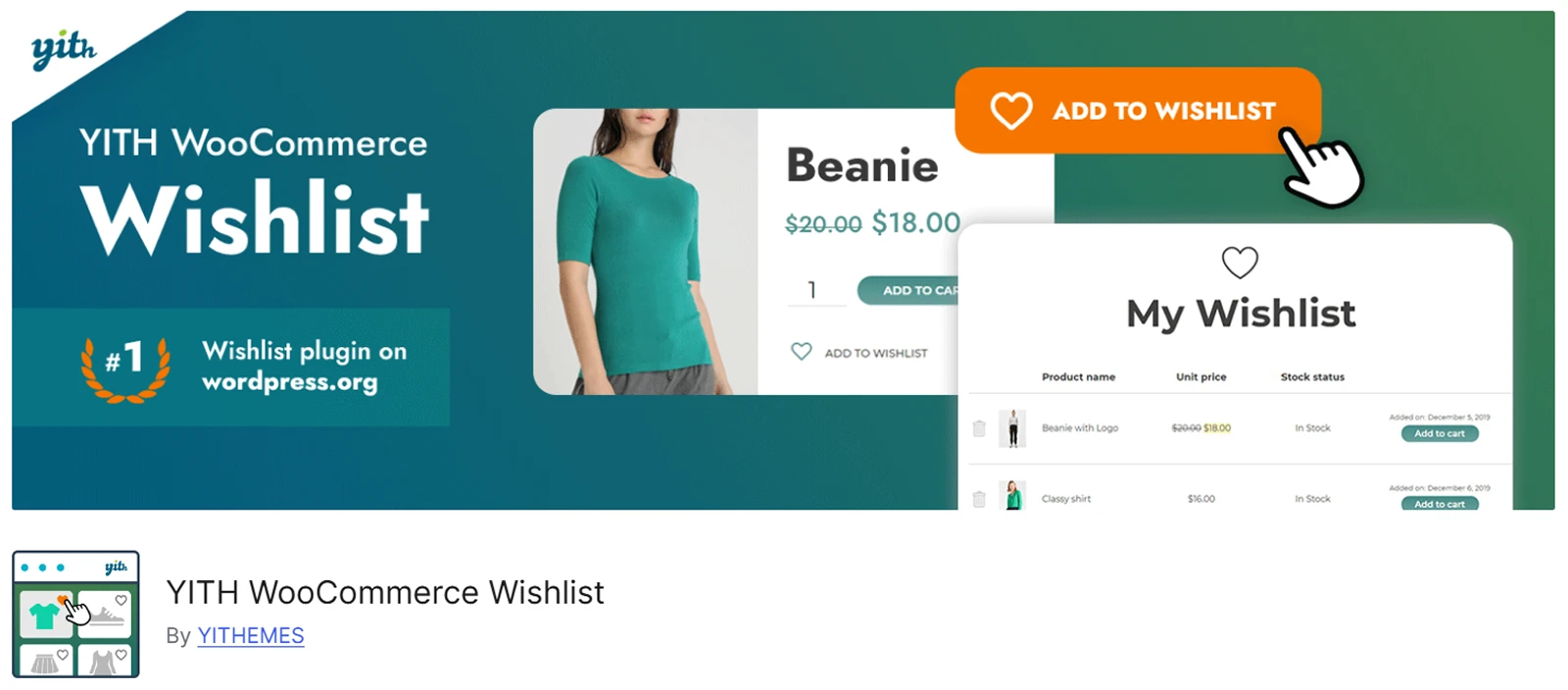
YITH WooCommerce Wishlist has the largest install base in this category, (over 400,000 active installs) making it the safe, well-supported default choice.
What We Liked
- Premium tier adds multiple wishlists, privacy controls, price-drop alerts and back-in-stock alerts
Where We Think It Falls Short
- The free version can occasionally attract bot spam if guest wishlists are left unprotected
- Heavier than some newer wishlist plugins, might impact your page load times
Our Take on the Price
The premium version is worth an investment for the advanced email alerts that easily justify the cost for larger stores.
A Few Alternatives Worth Knowing
- TI WooCommerce Wishlist is a lightweight and highly popular freemium alternative.
- WPC Smart Wishlist is another actively developed and fast loading option from WPClever.
12. AffiliateWP – Best WooCommerce Affiliate Marketing Plugin
Once your store and checkout convert well, affiliate marketing can bring more traffic without paying for every click.
You only reward partners when they send customers who complete a purchase, making acquisition costs highly predictable.
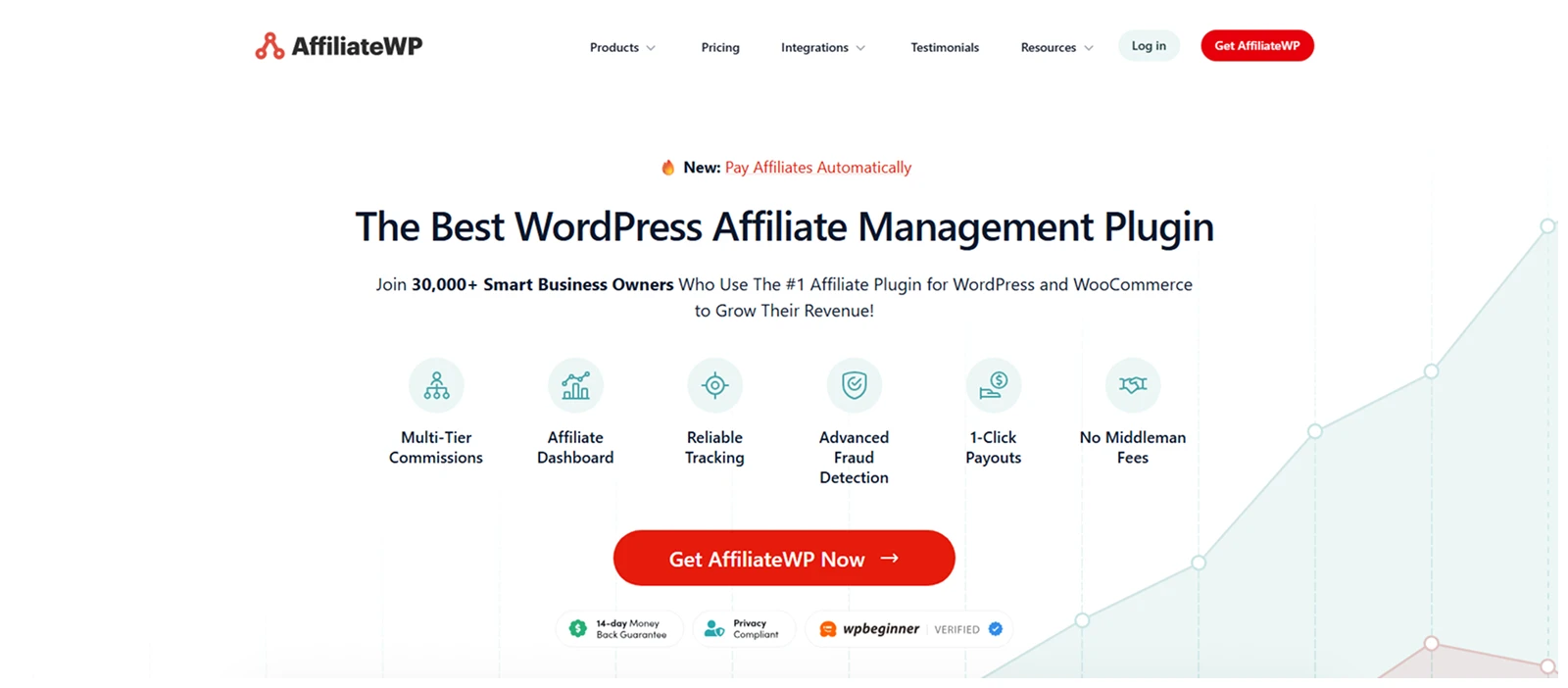
AffiliateWP is the most established affiliate management plugin in the WooCommerce ecosystem, featuring a deep, one-click integration and the largest library of third-party add-ons.
What We Liked
- 1-click WooCommerce setup that seamlessly connects your products and checkout
Where We Think It Falls Short
- No free version or trial available to test the platform before committing to a paid license
Our Take on the Price
The starter price is heavily discounted, and the rate can be frustrating during renewal times.
A Few Alternatives Worth Knowing
- SliceWP is a free option for stores that are not ready for a paid affiliate tool.
- Easy Affiliate is a strong mid-range alternative that bundles its core features together to avoid expensive add-on paywalls.
13. Wordfence – Best WooCommerce Security Plugin
WooCommerce stores handle sensitive customer and payment data, making security essential. While a plugin cannot replace safe hosting, it adds a critical layer of protection against common WordPress threats.

Wordfence combines an endpoint application firewall, a deep malware scanner, and robust login protection natively within a single plugin.
What We Liked
- A strong free version, not just a limited trial
- The massive threat intelligence network continuously improves detection rates across the platform
Where We Think It Falls Short
- The free version delays new firewall rules and malware signatures by 30 days, leaving you temporarily vulnerable to new exploits
- The deep scanning features can consume significant server resources and slow down your backend on cheap, shared hosting
Our Take on the Price
The free version is strong enough for new, low-traffic stores. The upgrade unlocks real-time firewall and malware rule updates, which becomes essential once you handle regular customer orders.
A Few Alternatives Worth Knowing
- Sucuri: An excellent choice if you need a cloud-based firewall and professional post-hack cleanup services.
- Solid Security: A lightweight, budget-friendly option (formerly known as iThemes Security) that focuses on locking down standard WordPress vulnerabilities.
14. UpdraftPlus – One of the Best Plugins for WordPress Backup
Backups are your safety net if something goes wrong. A bad update, server crash, or security breach can take down a store instantly, making a reliable backup critical for quick recovery.
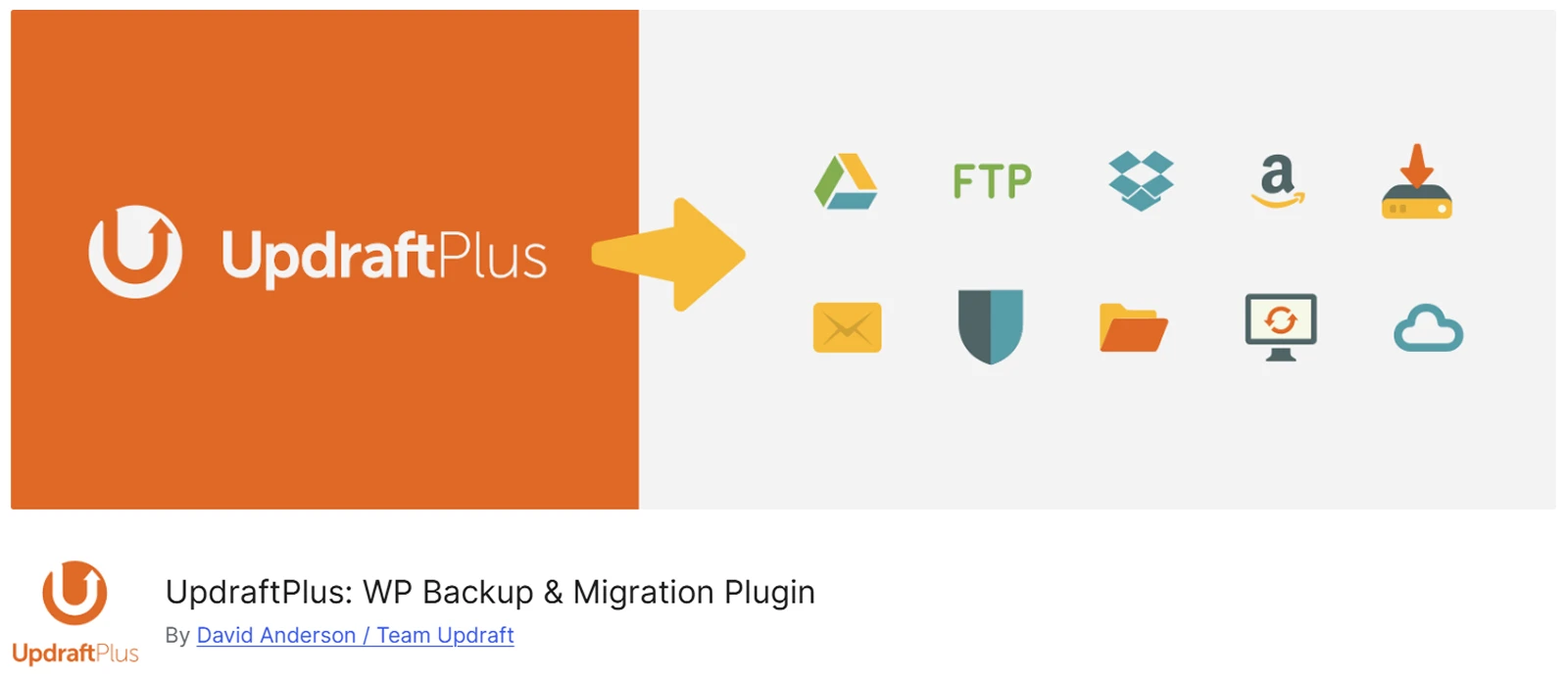
UpdraftPlus boasts the highest install base of any WordPress backup plugin. It allows you to schedule automated, offsite backups directly to cloud storage platforms like Google Drive, Dropbox, or Amazon S3.
What We Liked
- The free version is incredibly robust and fully capable of handling standard offsite cloud backups out of the box
- It features a simple, single click restore process directly from your WordPress dashboard
Where We Think It Falls Short
- Free version only supports scheduled backups, meaning you could lose recent WooCommerce orders if your site crashes between backup intervals
- Heavy backup processes can occasionally consume server resources and slow down your site if they trigger during high traffic periods
Our Take on the Price
The free version is enough for many stores. Premium, around $70/year, unlocks incremental backups, which save server resources by only copying recent changes rather than the whole site.
However, high volume WooCommerce stores might outgrow this and require a dedicated real-time backup service instead.
A Few Alternatives Worth Knowing
- Jetpack VaultPress Backup: Provides true real-time backups specifically designed to capture every WooCommerce order the second it happens.
- BlogVault: An excellent premium alternative known for flawless large site migrations and dedicated offsite staging environments.
Why Trust Our Picks? How We Chose These Plugins
We used the same checks for every plugin on this list rather than choosing only by popularity. We also want to be clear that we work on DiviMerc and ranked it first, so you can judge our reasoning with that context.
- Category leadership – does it solve its main problem well based on features, installs and user ratings?
- WooCommerce focus – is it built for WooCommerce data and workflows, or is WooCommerce only an extra integration?
- Real user feedback – we checked Trustpilot, G2, Capterra and Reddit for common praise and complaints, including renewal pricing.
- Current pricing – we checked official sites or recent pricing sources instead of relying on old reviews.
Which WooCommerce Plugin Should You Consider? (Free or PRO)
There is no right plugins stack. The best choice depends on your store, your builder and your stage.
Start with the store itself: Whichever builder you use, start there before anything else. DiviMerc for Divi, ShopLentor for Elementor or WowStore for Gutenberg – each adds better product displays, galleries, swatches or urgency signals for its own builder. The goal is the same across all four: build a clear product page before adding more growth tools.
- Want fewer plugins from the start: Booster for WooCommerce is a broad toolkit worth considering right after your builder plugin, before you reach for specialist tools.
- Starting on a budget: Rank Math + CartFlows + CusRev + Wordfence + UpdraftPlus all have free versions. Together they cover SEO, checkout, reviews, security and backups.
- Ready to grow: Add FunnelKit Automations and Metorik for follow-up marketing and better reporting.
- Running an affiliate channel: Add AffiliateWP once your store is converting and you want more partner-driven sales.
Before installing anything, ask whether it solves a problem you have now. Avoid adding plugins only because you may need them later. Plus, consider plugins that are regularly updated.
Frequently Asked Questions About WooCommerce Plugins
What are WooCommerce plugins?
WooCommerce plugins add features that the core platform does not include, such as product-page tools, SEO, checkout improvements, email automation, analytics, security and backups.
Isn't it biased that DiviMerc is ranked first, since this is DiviMerc's own blog?
Yes, we ranked it first because we believe the product page should be built before you optimize traffic and checkout. We also list its real limits, including Divi 5-only compatibility, so readers can judge the ranking for themselves.
Do I need plugins for WooCommerce, or does it work out of the box?
WooCommerce works without extra plugins, so you can list products and take payments. Most stores add plugins for better product pages, SEO, checkout, security, backups and other needs.
What is the best free WooCommerce plugin?
There is no single best free plugin. Rank Math is strong for SEO, CusRev for reviews, CartFlows for checkout, Wordfence for security and UpdraftPlus for backups.
What is the best WooCommerce plugin for beginners?
Start with a builder-focused toolkit that matches what you already use: DiviMerc for Divi, ShopLentor for Elementor or WowStore for Gutenberg.
What is the best WooCommerce plugin for Elementor?
ShopLentor is the most complete pick, with the largest free WooCommerce widget library of any Elementor addon and a free version that already builds real shop.
What is the best WooCommerce plugin for Gutenberg?
WowStore is a strong choice if you want a builder made specifically for WooCommerce inside the native block editor, rather than a general block library with commerce features layered on.
How many plugins should a WooCommerce store use?
There is no fixed number. Install only plugins that solve a real need and avoid overlapping tools. Many healthy stores run about 8–15 active plugins.
Will WooCommerce plugins slow down my site?
Not always. Well-coded plugins can have a small impact, but too many overlapping plugins can slow a site down. A caching tool such as WP Rocket can also help.
What's the best WooCommerce plugin to reduce cart abandonment?
CartFlows improves the checkout itself, while FunnelKit Automations sends follow-up emails after a cart is abandoned. Using both covers two parts of the problem.
Is DiviMerc compatible with Divi 5 and current WooCommerce versions?
Yes. DiviMerc is built for Divi 5 and works inside the Divi Visual Builder with WooCommerce-focused modules.
What's the best all-in-one WooCommerce plugin?
Booster for WooCommerce is a broad all-in-one toolkit. DiviMerc is the more focused all-in-one choice for Divi product pages and merchandising.
Can I use free and paid WooCommerce plugins together?
Yes. Most stores mix free and paid plugins. Just avoid installing several plugins that do the same job because that can cause conflicts and extra page weight.
How much should I budget for WooCommerce plugins?
A starter stack can use mostly free plugins. A growing store with premium checkout, email, analytics and affiliate tools may spend about $500–$1,500 per year, depending on plans and order volume.
Do WooCommerce plugins work with any WordPress theme?
Most general WooCommerce plugins work with any WordPress theme. Builder-specific tools such as DiviMerc are the exception, so always check compatibility first.
How often should I review or update my plugin stack?
Review your plugins about every three months. Remove tools that are outdated, no longer needed or no longer supported.
Final Thoughts
WooCommerce provides the basics, but a high-converting store requires more. That’s where Woo store owners look for the best WooCommerce plugins.
We prioritized builders like DiviMerc, ShopLentor, and WowStore because strong product pages must come before traffic or checkout optimization. Shoppers need clear media, easy variations, and trust signals to buy.
Once that foundation is set, your SEO, speed, and marketing tools can actually do their jobs. The rest of our list logically follows this growth journey, covering traffic, checkout funnels, analytics, and finally security.
You do not need all fifteen plugins right away. Start with your preferred builder, take advantage of free tiers where they fit, and only add premium tools as your store scales.



0 Comments