by Nazmul Asif | Nov 5, 2026 | Uncategorized
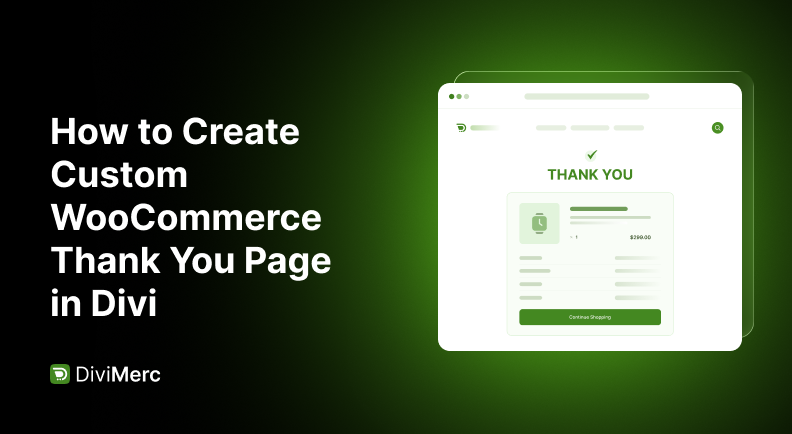
To create a customized WooCommerce thank you page in Divi, use DiviMerc’s Custom Thank You Page extension. It replaces WooCommerce’s default order confirmation page with a layout you edit in the Divi Visual Builder. The layout uses the Order Confirmation module, which...
by Nazmul Asif | Nov 5, 2026 | Uncategorized
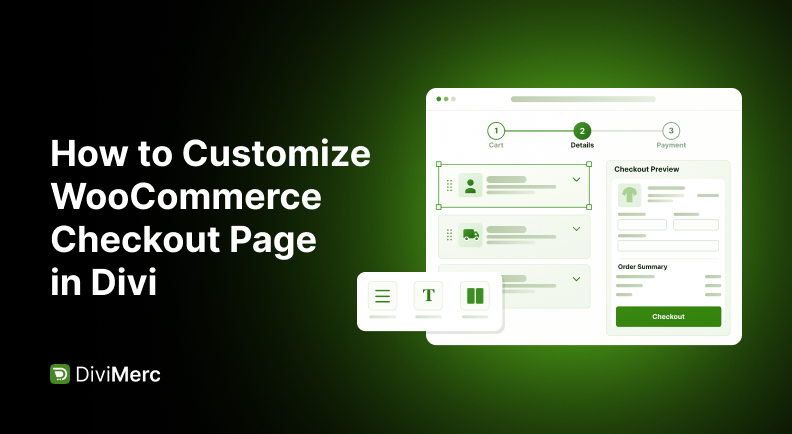
You can customize the WooCommerce checkout page in Divi using its built-in checkout modules. However, these modules mainly support basic layout and styling changes, with limited control over checkout fields, payment layouts, and order summaries. For more flexibility,...
by Nazmul Asif | Nov 5, 2026 | Uncategorized
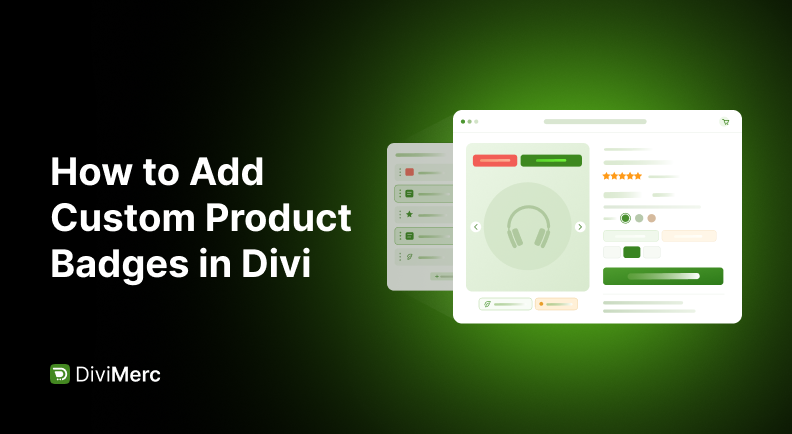
WooCommerce shows a basic “Sale!” badge on discounted products. That’s useful, but it doesn’t tell shoppers how much they save, which products are new, or which ones are selling fast. To add more badges, you will need a plugin like DiviMerc, as...
by Nazmul Asif | Nov 5, 2026 | Uncategorized
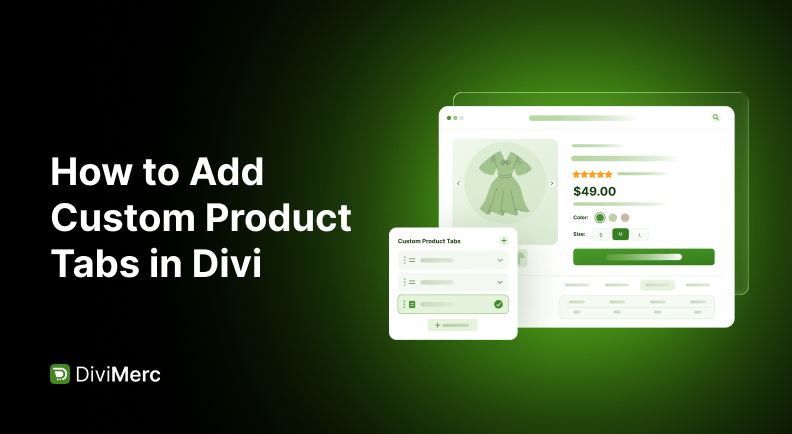
WooCommerce product pages include description, additional information, and reviews tabs. These are enough for basic product details, but you may need more, like size guides or shipping policies. To add custom product tabs, you will need a plugin like DiviMerc, as...
by Nazmul Asif | Nov 5, 2026 | Uncategorized
A Buy Now button lets shoppers skip the cart page and go straight to checkout, making the purchase process quicker and easier. However, Divi doesn’t include a built-in Buy Now button, so you will need a plugin to add one. DiviMerc offers a dedicated Buy...
by Nazmul Asif | Nov 1, 2026 | Uncategorized
To display product variations in Divi, add the Woo Product Add To Cart module to your product page. If you have already set up variations for that product, they will appear as dropdown menus. But if you want to replace these dropdowns with visual swatches, such as...
