

Having a wrong theme choice can leave you with slow product pages, limited design control, plugin overload, and an expensive redesign later.
To sort it out,
This blog compares 10 best WooCommerce themes for different store needs, including visual customization, conversion optimization, Gutenberg workflows, free setups, and large product catalogs.
Our Top Picks
- Best overall: Divi, for complete visual control over every WooCommerce template.
- Best for speed and conversion: Shoptimizer, for a focused buying journey and streamlined checkout.
- Best free option: OceanWP, for a capable free start with modular upgrades.
Quick Comparison Table: Best WooCommerce Themes at a Glance
| Theme | Speed test tool | Result | Built-in WooCommerce feature | Free version |
| Divi | Page load time test | 1.5 seconds | Visual WooCommerce template system | No |
| Shoptimizer | PageSpeed | 90+ | Checkout order bumps and one-click add-ons | No |
| Astra | Page load time test | 1.1 seconds | Builder freedom and broad customization options | Yes |
| Woostify | GTmetrix; PageSpeed | GTmetrix Grade A; PageSpeed 84 | Multi-step checkout with clearer steps | Yes |
| Kadence | Page load time test | 628 ms | Block-first store building | Yes |
| Flatsome | Google PageSpeed | 98/100 | Visual builder with ready-made elements and layouts | No |
| OceanWP | Page load time test | 734.5 ms | Floating add-to-cart bar that keeps the purchase action available | Yes |
| WoodMart | Google PageSpeed | Mobile: 97; Desktop: 100 | Filters, comparison, wishlist, and mega-menu catalog navigation | No |
| Botiga | GTmetrix; Google PageSpeed | GTmetrix: 99%; Google PageSpeed: 100 | Built-in size charts for fit-dependent products | Yes |
| XStore | Manual configuration assessment | Requires configuration and optimization | Store-template builder to create a shop from one theme system | No |
1. Divi: Best WooCommerce Theme
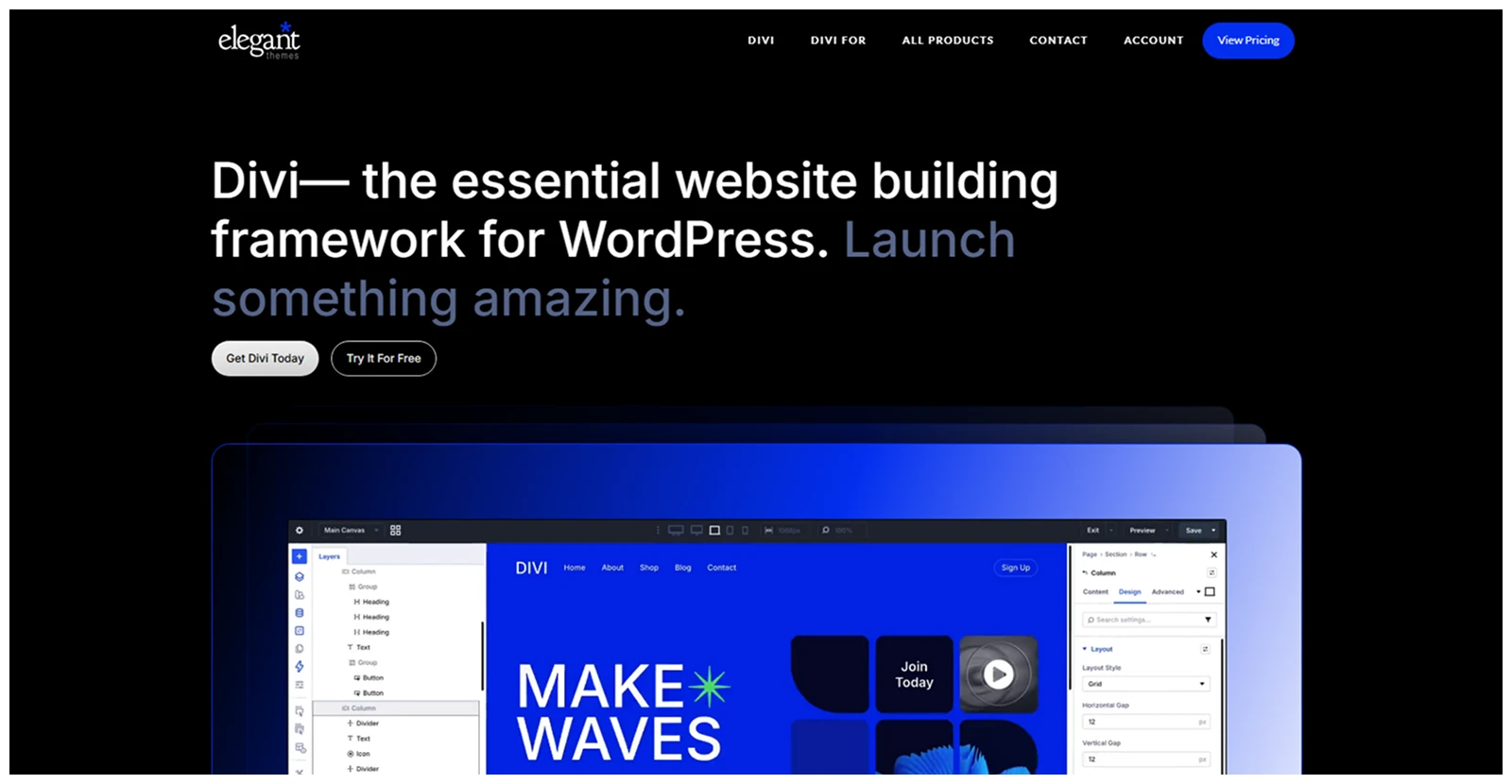
Divi, by Elegant Themes, gives you complete visual control over your WooCommerce store, including product pages, shop archives, cart layouts, checkout pages, headers, and footers. Its biggest advantage is that you can build a distinct store without depending on custom code or a fragmented plugin stack.
Why it stands out
- Build product, shop, and archive templates visually
- Customize dynamic product loops with Loop Builder
- Reuse branded templates across your entire store
- Create layouts without touching custom code
What we like most
- Full visual store control
- Flexible product template builder
- Powerful dynamic Loop Builder
- Built-in WooCommerce modules
- Unlimited-site lifetime license
What could be better
- Steeper initial learning curve
- Easy to overcomplicate layouts
Best for
Store owners and agencies that need total design control across every WooCommerce page.
Pricing verdict
Excellent long-term value for multiple stores, especially with the lifetime license.
2. Shoptimizer: Best WooCommerce Theme for Speed & Conversion

Shoptimizer is built for stores that care more about a smooth buying journey than decorative design options. It focuses on fast pages, lower checkout friction, visible trust signals, and product-page features that encourage shoppers to complete their purchase.
Why it stands out
- Streamlines checkout to reduce buying friction
- Includes sticky add-to-cart functionality
- Prioritizes conversion-focused product page elements
- Keeps default layouts focused and fast
What we like most
- Distraction-free checkout experience
- Sticky add-to-cart support
- Built-in trust-building elements
- Conversion-first design defaults
- Strong performance-focused foundation
What could be better
- No free version available
- Limited design flexibility
Best for
Established stores that want to improve checkout flow and prioritize conversions over extensive visual customization.
Pricing verdict
Worth the one-time cost when cart abandonment or slow checkout is already hurting sales.
3. Astra: Best Lightweight WooCommerce Theme
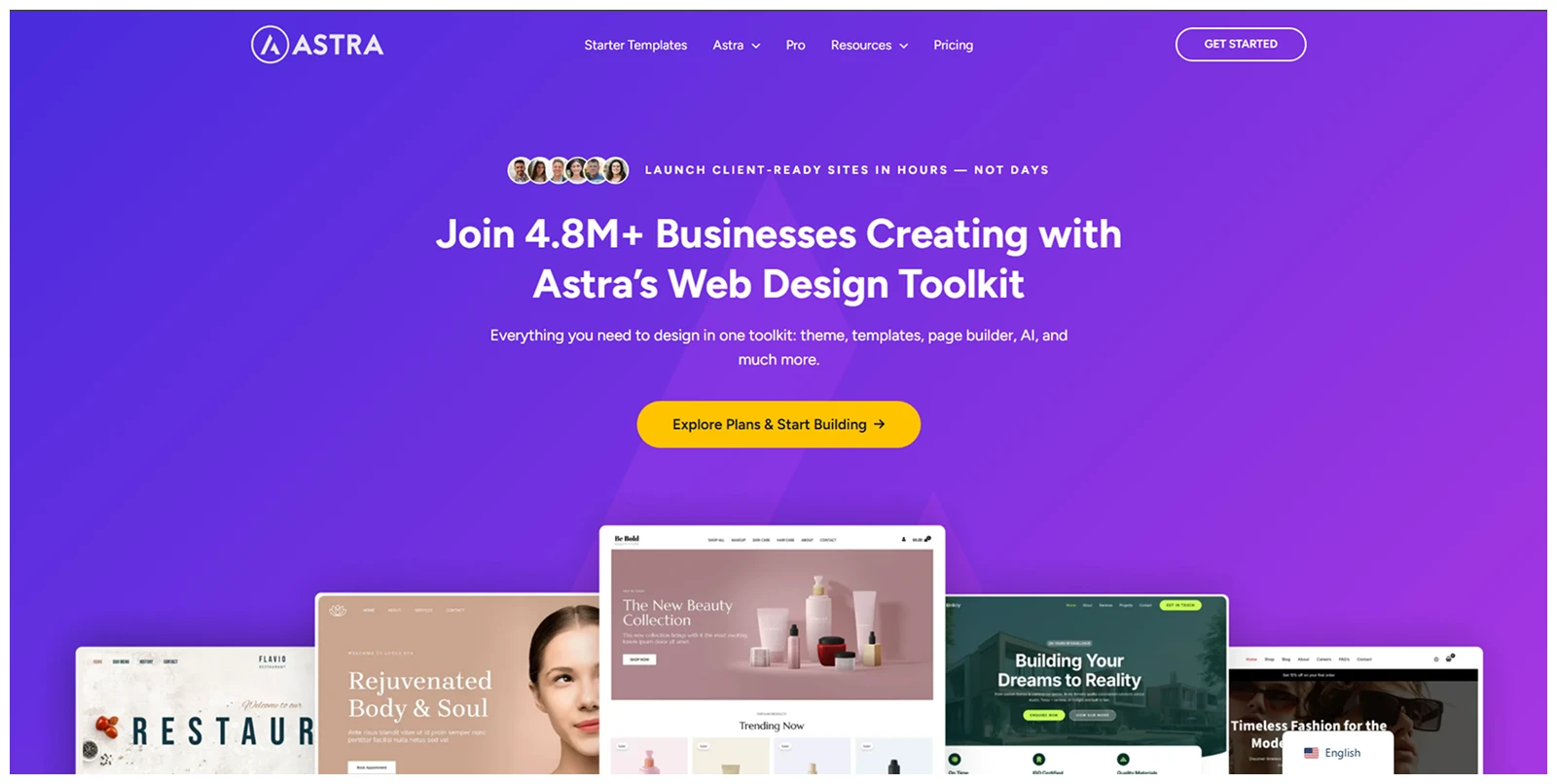
Astra is a lightweight, flexible foundation that works with Elementor, Gutenberg, Spectra, Beaver Builder, and other common WordPress workflows. It is a smart choice if you want speed without locking your store into one design system.
Why it stands out
- Works with nearly every major builder
- Keeps the core theme lightweight
- Offers usable free WooCommerce features
- Launches quickly with 380+ templates
What we like most
- Lightweight and fast core
- Broad builder compatibility
- Useful free version
- Extensive starter template library
- Easy to scale
What could be better
- Advanced layouts need extra tools
- Fewer native store modules
Best for
Store owners who want a fast, flexible theme that fits their existing page-builder workflow.
Pricing verdict
Start free, then upgrade only when deeper WooCommerce controls become necessary.
4. Woostify: Best Lightweight WooCommerce Theme for Performance
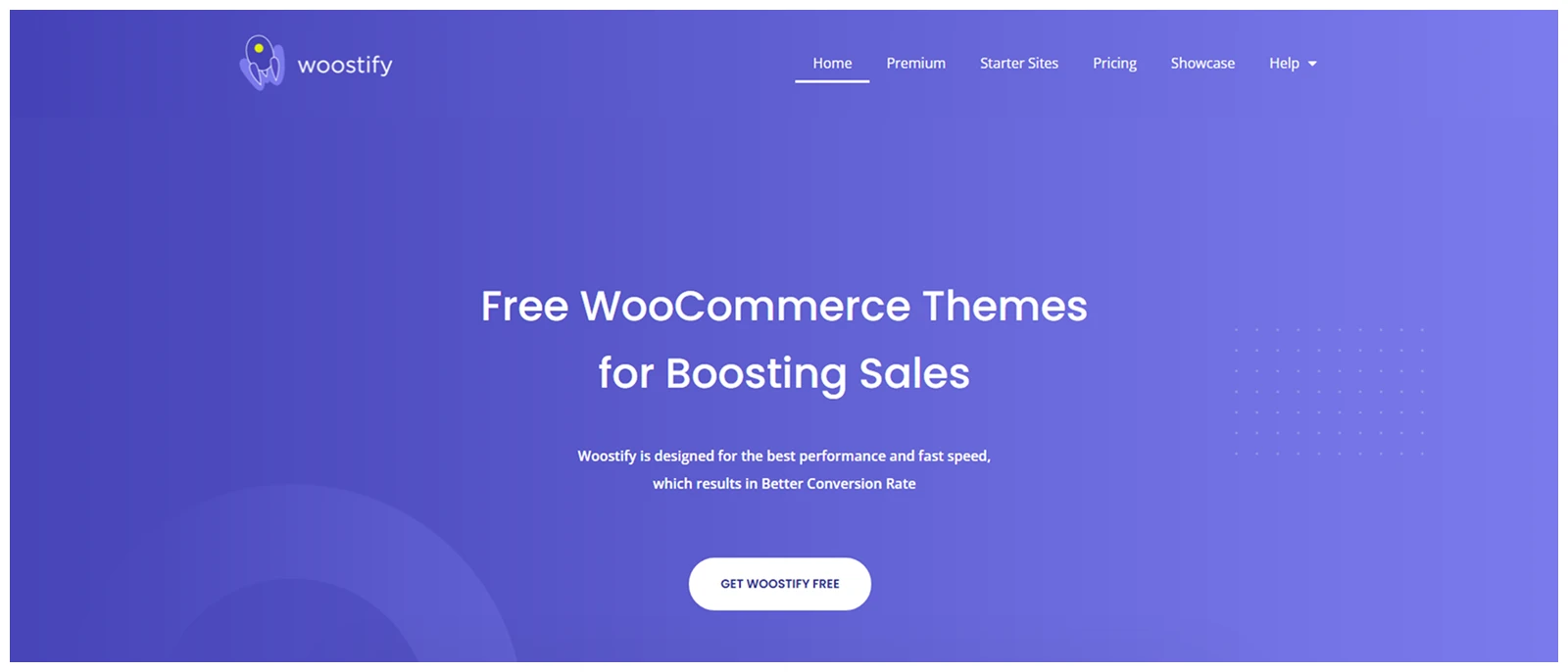
Woostify keeps its theme footprint lean while giving WooCommerce stores the essentials they need to launch. It is a good fit when performance is a priority and you would rather add only the features your store genuinely needs.
Why it stands out
- Uses a lightweight WooCommerce-focused foundation
- Supports faster mobile shopping experiences
- Imports store demos quickly
- Avoids unnecessary bundled features
What we like most
- Lean performance-focused architecture
- Fast mobile page potential
- Useful free version
- Quick demo imports
- Simple store setup
What could be better
- Fewer built-in store features
- Complex stores need plugins
Best for
Merchants who want a fast WooCommerce foundation and prefer building the design stack themselves.
Pricing verdict
The free version is a low-risk choice, while Pro suits stores needing more advanced selling features.
5. Kadence: Best Gutenberg-Friendly WooCommerce Theme

Kadence Kadence is built for store owners who prefer the native WordPress block editor over a third-party page builder. Its block-first approach can simplify your workflow, reduce builder dependency, and make long-term maintenance easier.
Why It Stands Out
- Supports native block-based store building
- Reduces third-party builder dependency
- Works well with WooCommerce blocks
- Encourages a cleaner workflow
What We Like Most
- Native Gutenberg workflow
- Fewer builder dependencies
- Fast default performance
- Strong block editor support
- Future-focused WordPress setup
What Could Be Better
- Gutenberg requires learning
- Smaller demo collection
Best For
Store owners who want a native WordPress, Gutenberg-first workflow with fewer external design tools.
Pricing Verdict
A strong choice for block-first teams, with Pro best suited to stores needing deeper design controls.
6. Flatsome: Best Feature-Rich WooCommerce Theme
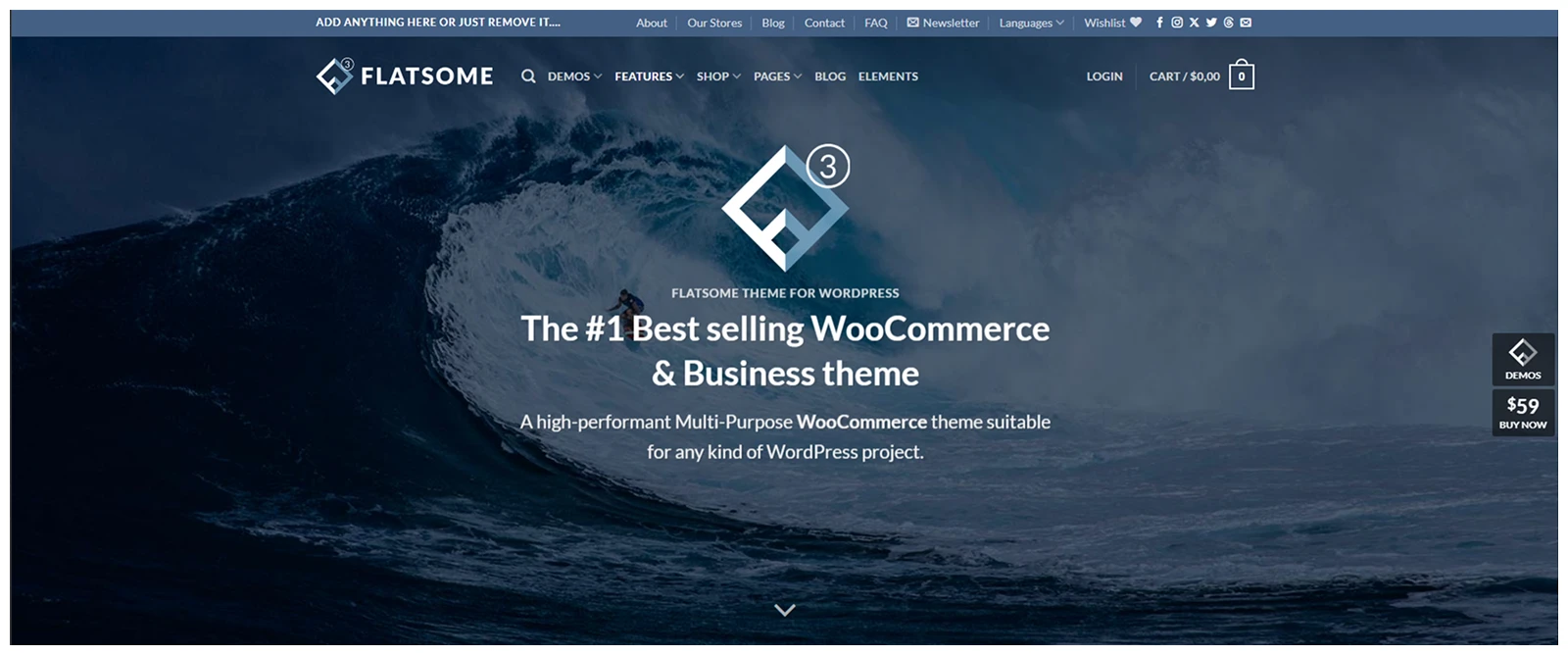
Flatsome includes many store features that usually require separate plugins. Its UX Builder, live search, catalog mode, product tools, wishlist support, navigation features, and product media options make it a capable all-in-one choice.
Why It Stands Out
- Includes popular store tools natively
- Huge library of pre-made mockups and starter pages
- Supports catalog-only store mode
- One-click demo content
What We Like Most
- Built-in live search
- Useful catalog mode
- Native size guide support
- Product video compatibility
- Mature WooCommerce ecosystem
What Could Be Better
- Can feel performance-heavy
- Licenses add up
Best For
Store owners who want more eCommerce functionality built into their theme instead of relying on many plugins.
Pricing Verdict
Strong value for a single store when its included tools replace several premium WooCommerce extensions.
7. OceanWP: Best Free & Flexible WooCommerce Theme
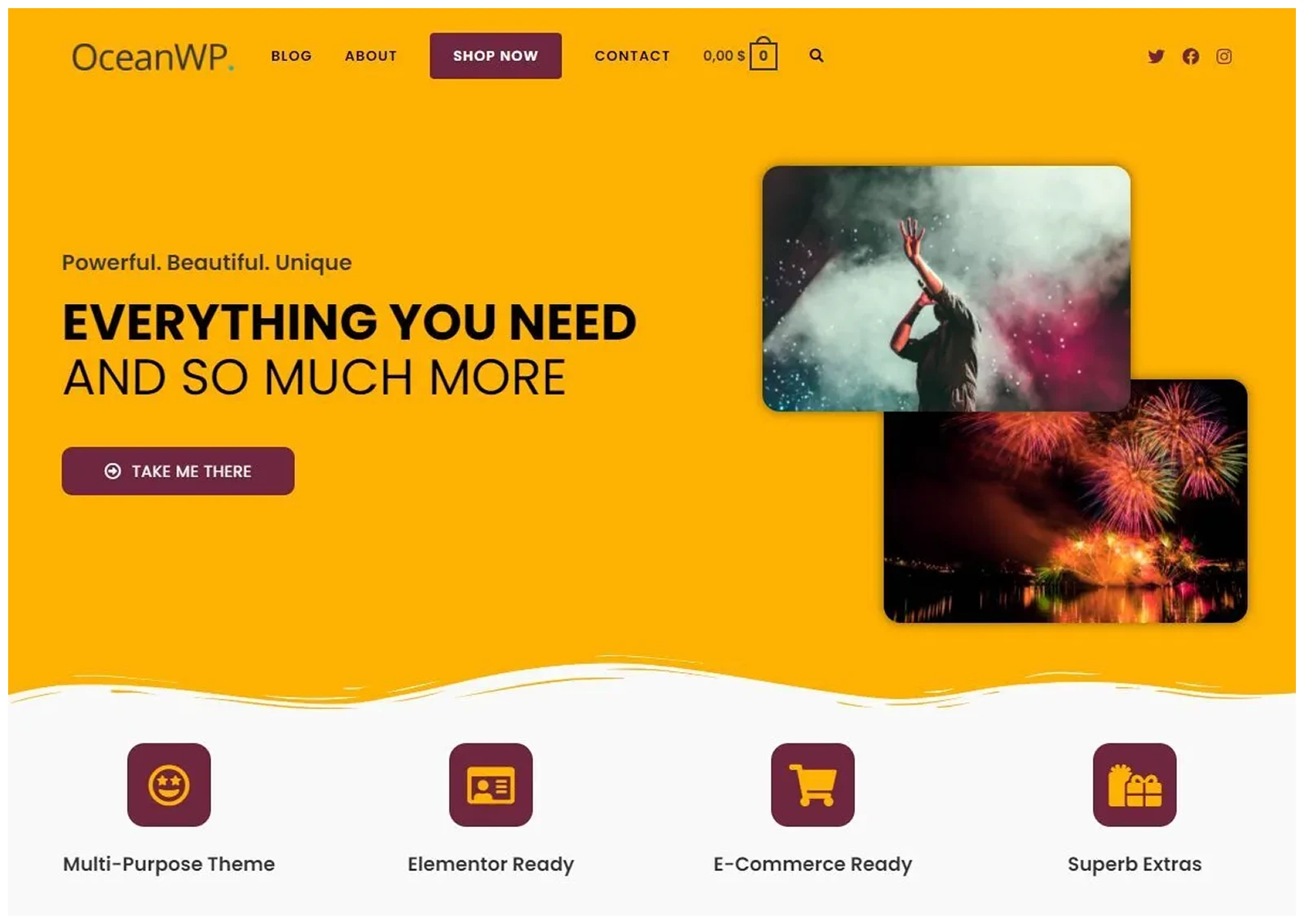
OceanWP offers a capable free WooCommerce setup, then lets you add paid functionality through extensions as your store grows. It is a sensible choice for budget-conscious merchants who do not want to pay upfront for features they may never use.
Why It Stands Out
- Lightweight yet extendable
- Adds functionality through extensions
- Includes multiple shop layouts
- Multi-purpose theme
What We Like Most
- Strong free starting point
- Flexible modular extensions
- Multiple shop layouts
- Broad builder compatibility
- Budget-friendly upgrade path
What Could Be Better
- Advanced tools cost extra
- Deep design needs builders
Best For
Budget-conscious store owners who need a capable free theme with flexibility to upgrade over time.
Pricing Verdict
Start free, then pay only for the extensions that solve a real store requirement.
8. WoodMart - Multipurpose WooCommerce Theme
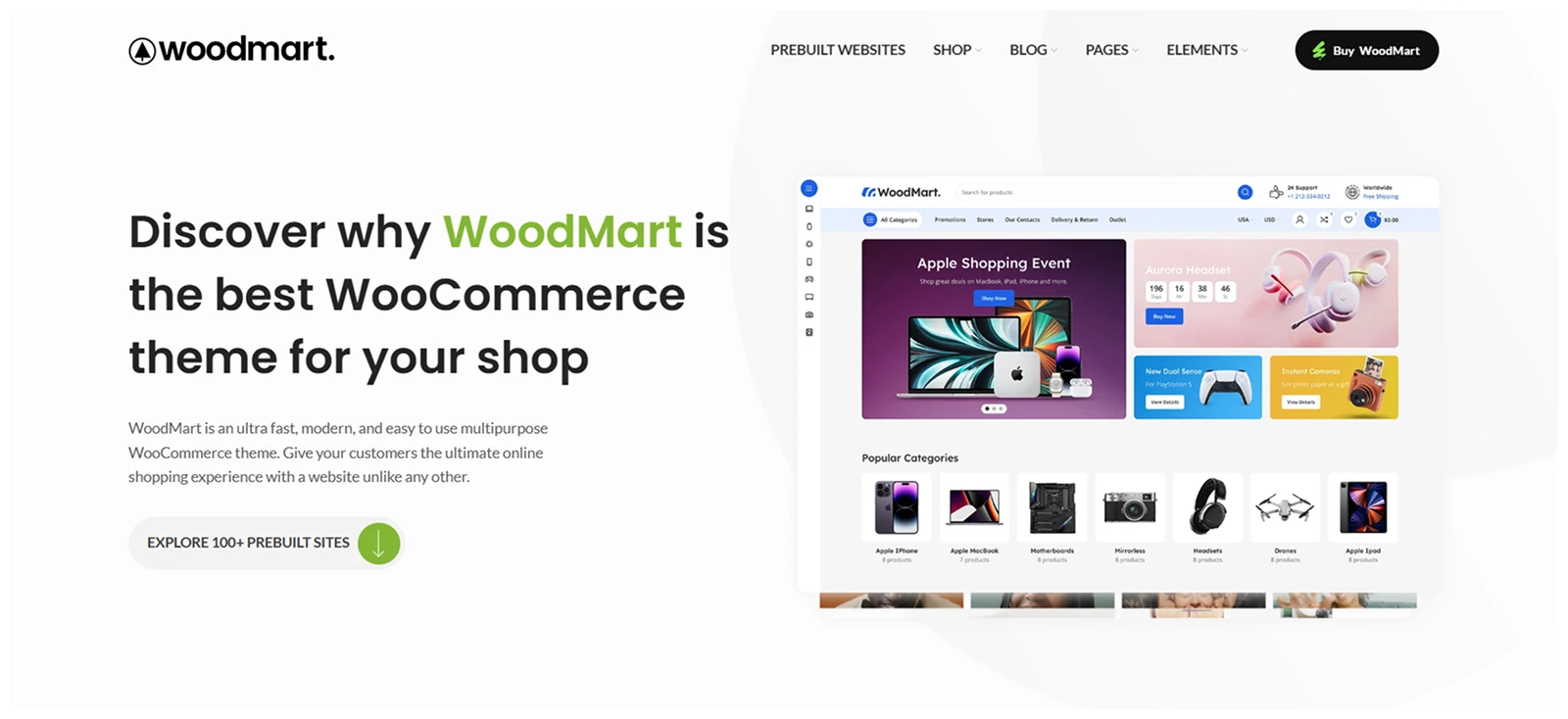
WoodMart is a feature-packed WooCommerce theme designed to replace much of a typical store plugin stack. It includes product filters, swatches, waitlists, popups, discounts, videos, marketplace compatibility, and numerous store-focused design tools.
Why It Stands Out
- Bundles many store-focused features
- Supports major WordPress builders
- Includes niche-specific store demos
- Replaces multiple premium plugins
What We Like Most
- Extensive built-in store tools
- Large demo library
- Multiple builder compatibility
- Marketplace plugin support
- Built-in image optimization
What Could Be Better
- Features can add weight
- One license per site
Best For
Store owners who want a professional, feature-packed WooCommerce store without assembling a large plugin stack.
Pricing Verdict
Excellent value for one store when its built-in features replace several paid WooCommerce extensions.
9. Botiga: Best WooCommerce Theme for Beginners
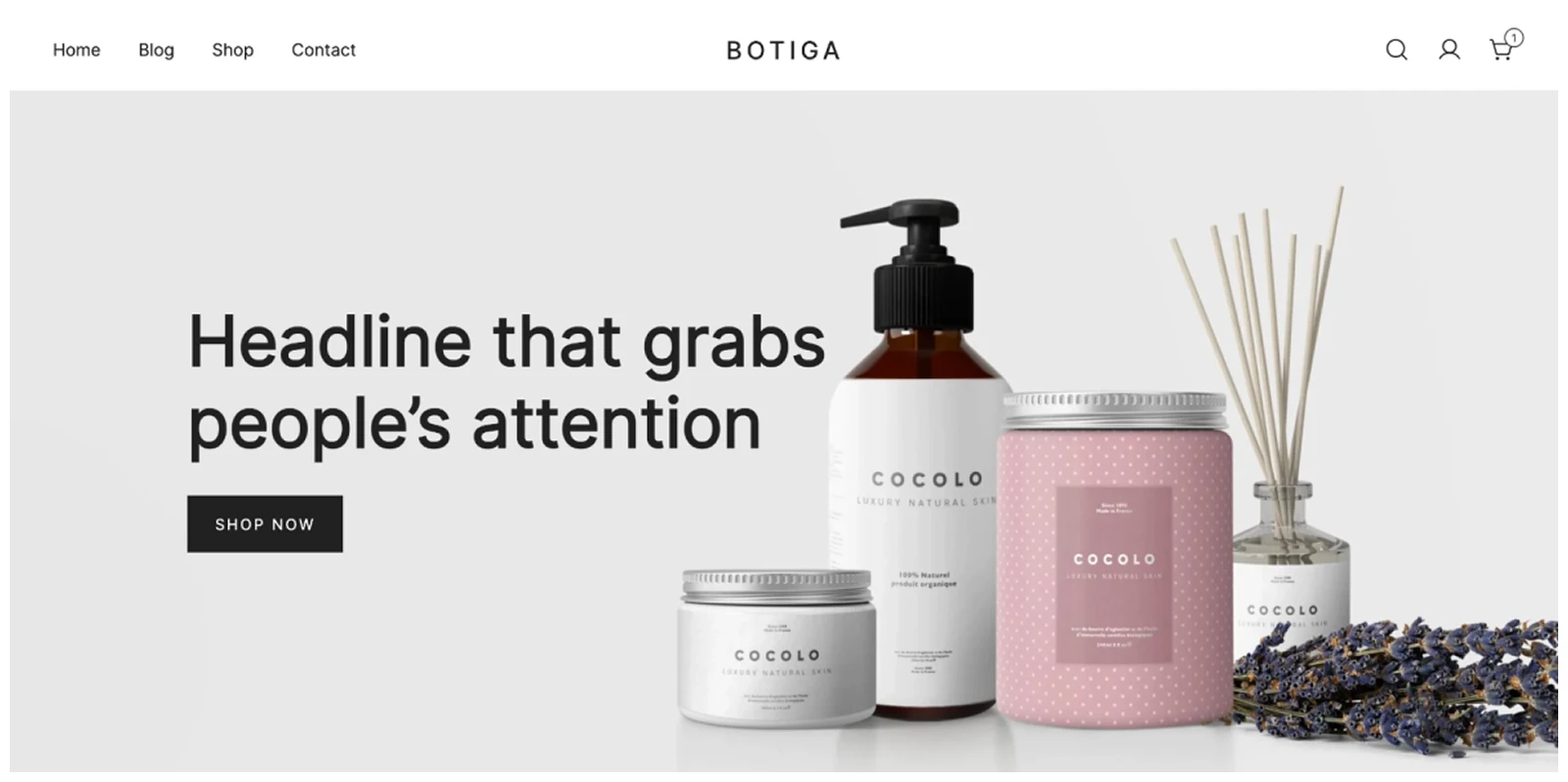
Botiga gives first-time WooCommerce users a cleaner route from installation to launch. It combines guided setup, sensible design defaults, starter templates, and compatibility with both Elementor and Gutenberg.
Why it stands out
- Helps beginners launch stores faster
- Uses clean and sensible default settings
- Works with Elementor and Gutenberg
- Avoids overwhelming configuration screens
What we like most
- Beginner-friendly setup process
- Clean default design
- Useful free version
- Fast launch workflow
- Builder flexibility
What could be better
- Limited advanced customization
- Less suited to huge catalogs
Best for
First-time WooCommerce users who need a straightforward, low-stress path to launching a store.
Pricing verdict
The free version is ideal for learning WooCommerce before paying for more control or premium templates.
10. XStore: Best WooCommerce Theme for Large Catalogs
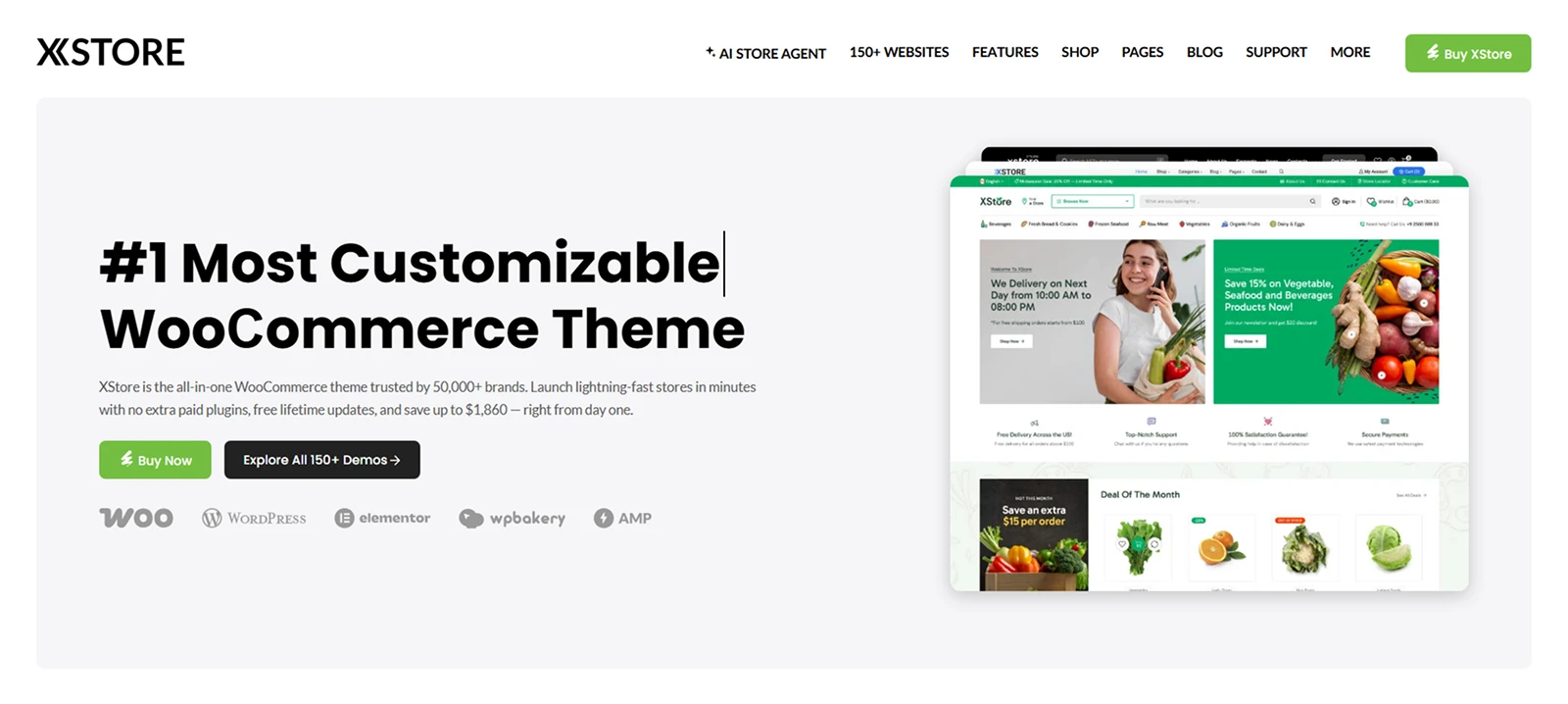
XStore is built for stores with broad product ranges, multiple categories, and more complex browsing needs. Its demos, XStudio visual tools, advanced filters, swatches, and comparison features make product discovery easier in larger catalogs.
Why it stands out
- Includes advanced product filtering tools
- Supports comparisons and variation swatches
- Offers demos for many store niches
- Handles large catalogs more effectively
What we like most
- Advanced filtering options
- Product comparison tools
- Extensive niche demo library
- Flexible XStudio builder
- Strong product discovery tools
What could be better
- Can become feature-heavy
- Needs performance optimization
Best for
Stores with large or diverse catalogs that need stronger filtering, comparison, and product-discovery features.
Pricing verdict
Worth it for large catalogs where its demos and discovery features save meaningful setup time.
How to choose your right WooCommerce theme
The best WooCommerce theme is not the one with the longest feature list.
It is the one that solves your biggest store problem with the least unnecessary complexity.
Choose based on your priority
| Theme | Choose it if… |
|---|---|
| Divi | You want maximum control over your shop, product, archive, checkout, and site-wide design. |
| Shoptimizer | Your main priority is a conversion-focused shopping experience and streamlined checkout flows. |
| Astra | You want a lightweight, flexible foundation that works with different WordPress workflows and page builders. |
| Woostify | You want to start with a minimal WooCommerce-focused setup and keep your theme footprint lean. |
| Kadence | You prefer building with Gutenberg and a block-first WordPress workflow. |
| Flatsome | You want a feature-rich WooCommerce store without relying on a large collection of separate plugins. |
| OceanWP | You want a capable free theme with the option to add premium features later. |
| Storefront | You want a simple, WooCommerce-focused foundation for further customization and strong compatibility. |
| Botiga | You are building your first store and want a straightforward setup process. |
| XStore | You manage a large, varied catalog and need more built-in eCommerce functionality. |
If more than one option sounds suitable, use the decision factors below to narrow your choice.
1. Start with store complexity
A small store with 20 simple products does not need advanced filters, comparison tables, mega menus, and dozens of product templates.
More features do not automatically mean a better store.
Choose Astra, Woostify, OceanWP, or Botiga if you have a simple catalog and want a lighter setup.
Choose Flatsome, WoodMart, or XStore if customers need help navigating a large range of products, categories, variations, or brands.
Ask one question first:
How difficult is it for customers to find the right product?
That answer matters more than your total number of SKUs.
2. Treat speed as a full-stack issue
A lightweight theme helps.
It does not solve every performance problem.
Your store speed will also depend on hosting, product image sizes, caching, page builders, plugin quality, third-party scripts, fonts, analytics tools, and how many features you load on each page.
Choose Astra or Woostify when you want a lighter base.
Choose Shoptimizer when your primary concern is the buying process, especially product pages and checkout.
Then optimize the rest of your stack.
3. Pick a workflow you can maintain
Your theme should fit the people who will run the store after launch.
Choose Divi if you want strong visual control without code.
Choose Kadence if your team prefers Gutenberg and native WordPress blocks.
Choose Astra or OceanWP if you already work with Elementor, Beaver Builder, Spectra, or a similar tool.
Choose Flatsome, WoodMart, or XStore if you prefer a theme with more built-in store functionality.
A beautiful demo means very little if your team cannot update it confidently six months later.
4. Calculate total cost
The theme price is only one part of your budget.
A free or low-cost theme may require extra purchases for product filters, wishlist functionality, swatches, custom product templates, checkout improvements, product comparison, or advanced navigation.
A premium theme may include some of those tools already.
Before choosing, calculate:
- Theme license cost
- Renewal fees
- Required plugin costs
- Number of websites covered
- Future upgrade costs
- Support and update access
For agencies and multi-brand businesses, licensing can quickly change which option is actually cheapest.
5. Be honest about technical skill
More flexibility creates more decisions.
And more decisions can slow down launch.
Botiga is a better fit when you want to start quickly and avoid complex settings.
Divi, Astra, Kadence, WoodMart, and XStore give you more room to customize, but they also demand more time, planning, and maintenance.
Choose the theme that matches the skill level of the person maintaining the store.
Final verdict
Divi is the best overall WooCommerce theme if visual control is your priority.
Shoptimizer is the stronger choice when checkout performance and conversion rate matter most. Astra is hard to beat if you want a lightweight, flexible base that works with the tools you already use.
Start with the problem you need your theme to solve.
Then choose the simplest option that solves it well.


0 Comments