

Choosing a WordPress eCommerce plugin is one of those decisions that's cheap to get wrong at first and expensive to fix later. Pick the wrong one, and you're not just changing a setting, you're migrating products, orders, and customer data to a new system months down the line.
That's why "best WordPress eCommerce plugins" is worth actually researching instead of just installing whatever a tutorial video happened to use. And it's rarely just one plugin. A real store also needs to handle trust and social proof, customer questions, spam, SEO, and often more than one language, long before it's actually finished.
Below, we'll cover both halves of that picture: the six core platforms that actually handle products, cart, and checkout, and the seven companion plugins that round a store out into something genuinely complete. Then, since a lot of WordPress stores are built on Divi, we'll cover the pairing that makes the most sense specifically for Divi users.
Best WordPress eCommerce Plugins at a Glance
| Category | Plugin | Best For | Starting Price |
|---|---|---|---|
| Core Platform | WooCommerce | Most stores, overall flexibility | Free core plugin |
| Easy Digital Downloads | Selling digital products | Free core / paid passes from ~$199/yr | |
| SureCart | Fast, cloud-powered checkout | Free (+2.9% transaction fee) / Pro from ~$199/yr | |
| MemberPress | Membership and subscription sites | From ~$399/yr | |
| Ecwid | Selling across multiple channels | Free plan / paid from $5/mo | |
| BigCommerce for WordPress | Enterprise and high-growth stores | Custom, tiered SaaS pricing | |
| Companion | NotificationX | Trust and social proof | Free / paid from ~$49/yr |
| Tidio | Customer support and live chat | Free / paid from ~$29/mo | |
| WPML | Multilingual stores | Free / paid from $39/yr | |
| CleanTalk | Blocking spam orders and fake accounts | Free / paid from ~$12/yr | |
| Rank Math | SEO | Free / Pro from ~ $108/yr | |
| Jetpack | All-in-one utility (security, backup, stats) | Free / paid tiers available from ~ $19.5/mo | |
| Tutor LMS | Selling online courses | Free / Pro from $199/yr |
Why Choosing the Right WordPress eCommerce Plugin Matters
Global retail eCommerce sales are forecast to reach $6.88 trillion in 2026, according to EMARKETER's forecast, now accounting for over 21% of all retail spending worldwide. That's not a niche opportunity anymore, it's a huge and still-growing share of how people actually buy things.
But building the store is only half the challenge. According to the Baymard Institute's 2026 meta-analysis of 50 independent studies, the average cart abandonment rate across ecommerce sits at 70.22%, meaning roughly 7 out of every 10 shoppers who add something to a cart never finish buying.
Fixing that starts with the core platform, but it doesn't end there. Trust signals, fast answers to questions, and a store that isn't drowning in spam orders all play a real role too.
Part 1: Core eCommerce Platforms
These six handle the actual job of selling: products, cart, checkout, and payment. Pick one of these first, everything else on this list builds around it.
1. WooCommerce – Best Overall WordPress eCommerce Plugin
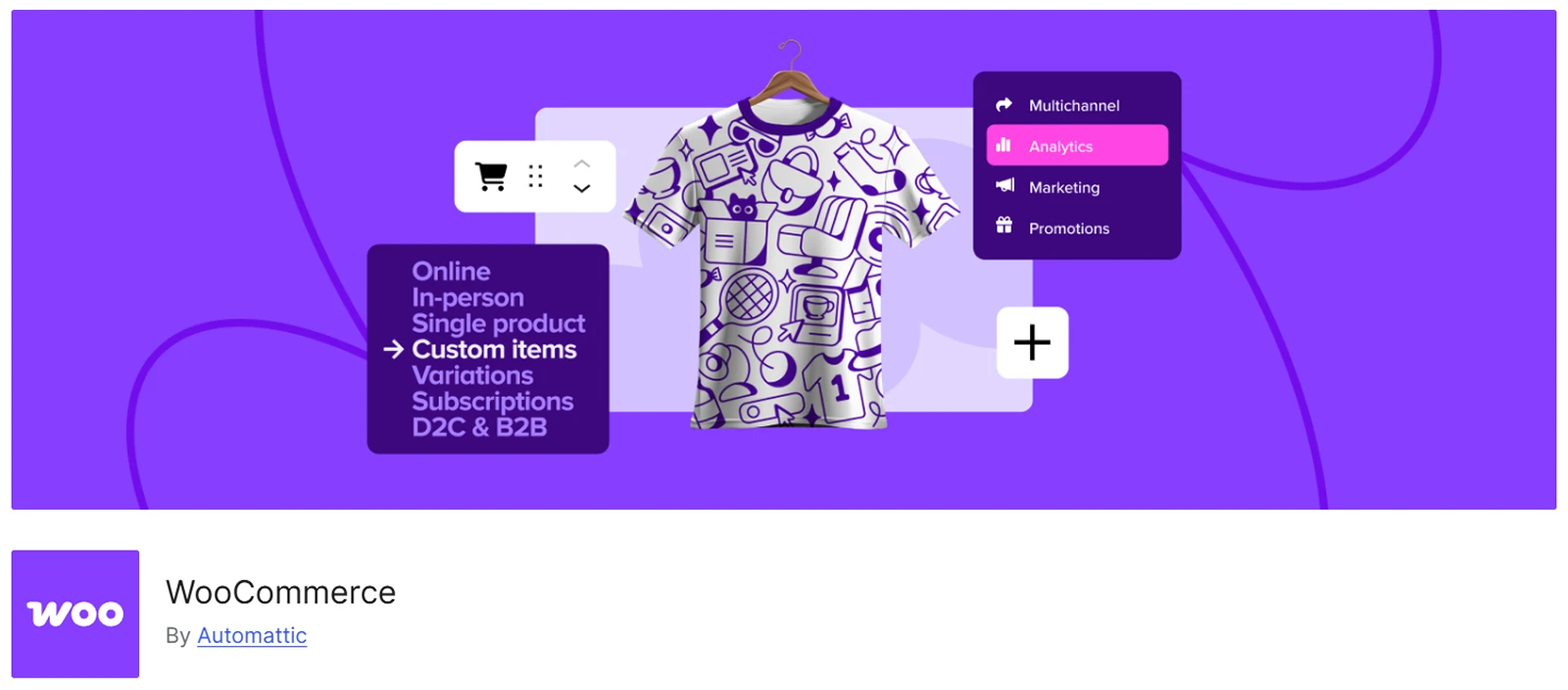
If you're selling physical products, or you just want the most flexibility without being boxed into one company's ecosystem, WooCommerce is still the default answer, and for good reason.
WooCommerce now powers 8% of all websites and 47% of ecommerce sites with a known platform, according to W3Techs' data, with more than 7 million active installations reported by WordPress.org.
What We Liked
- No required transaction fees. You only pay your payment processor's standard rate, not an extra platform cut.
- By far the largest plugin and theme ecosystem of any option on this list.
- Full control over hosting, data, and customization since it's fully self-hosted.
Where We Think It Falls Short
- The core plugin is free, but a real, functioning store needs hosting, a theme, and usually a handful of paid plugins to feel complete.
- More setup responsibility falls on you compared with cloud-hosted alternatives.
Our Take on the Price
The plugin itself costs nothing. A realistic first-year budget for a small store, including hosting, a theme, and essential plugins, typically lands between $400 and $1,000.
2. Easy Digital Downloads – Best WordPress eCommerce Plugin for Selling Digital Products
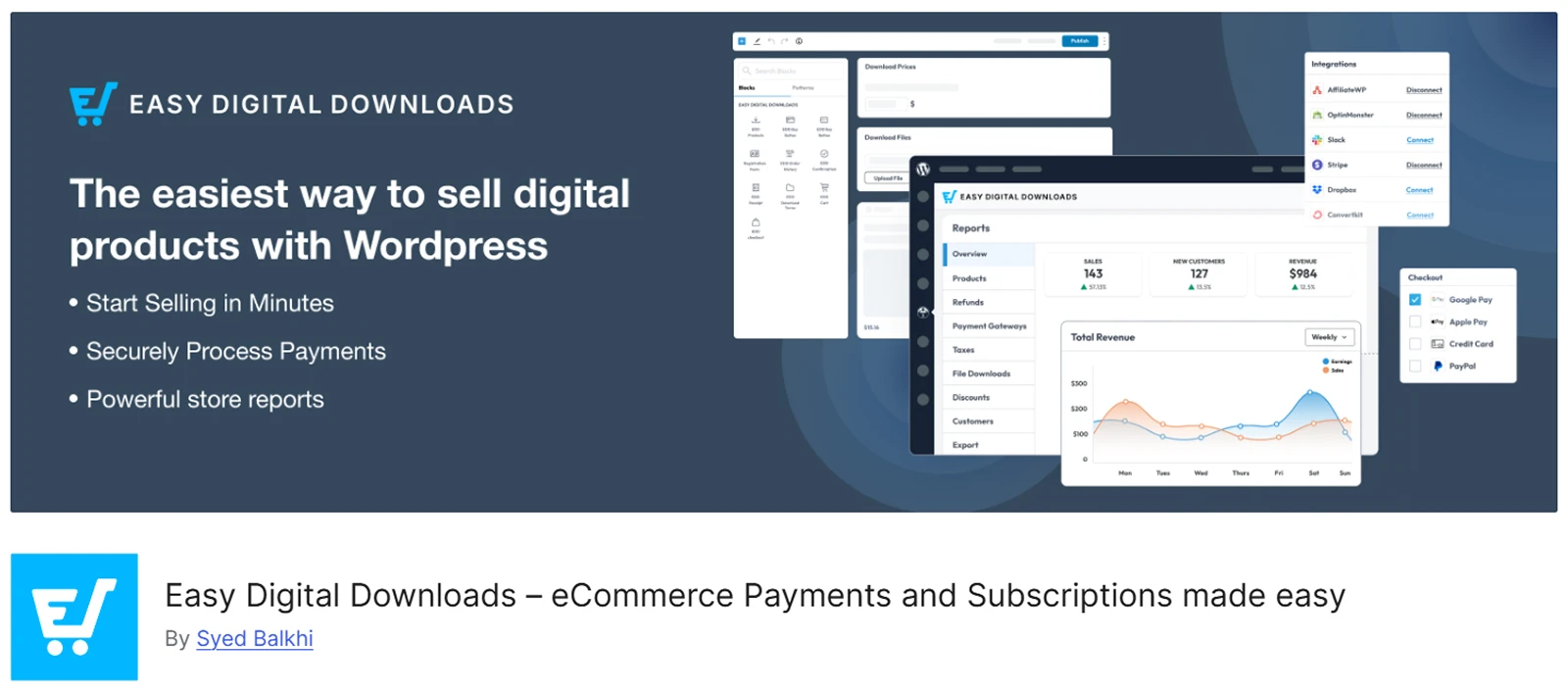
If physical shipping and inventory aren't part of your business at all, Easy Digital Downloads (EDD) is built around a narrower job than WooCommerce, and it does that job well.
EDD is a free WordPress.org plugin purpose-built for selling digital products: software licenses, ebooks, templates, and similar files. It holds a 4.6/5 rating across 111 Capterra reviews, with particularly strong marks for ease of use and customer service.
What We Liked
- Built specifically around digital delivery, not adapted from a physical-goods model.
- Handles license key generation and file protection natively.
- Lighter weight than WooCommerce for a store that's genuinely digital-only.
Where We Think It Falls Short
- Not built for physical products or complex shipping needs.
- Many features a growing store wants, like advanced email marketing, require separate extension passes.
Our Take on the Price
The core plugin is free. Paid extension passes have been priced anywhere from roughly $199 a year across different tiers, so check the current pricing page against exactly which extensions you need.
3. SureCart – Best WordPress eCommerce Plugin for Fast, Cloud-Powered Checkout
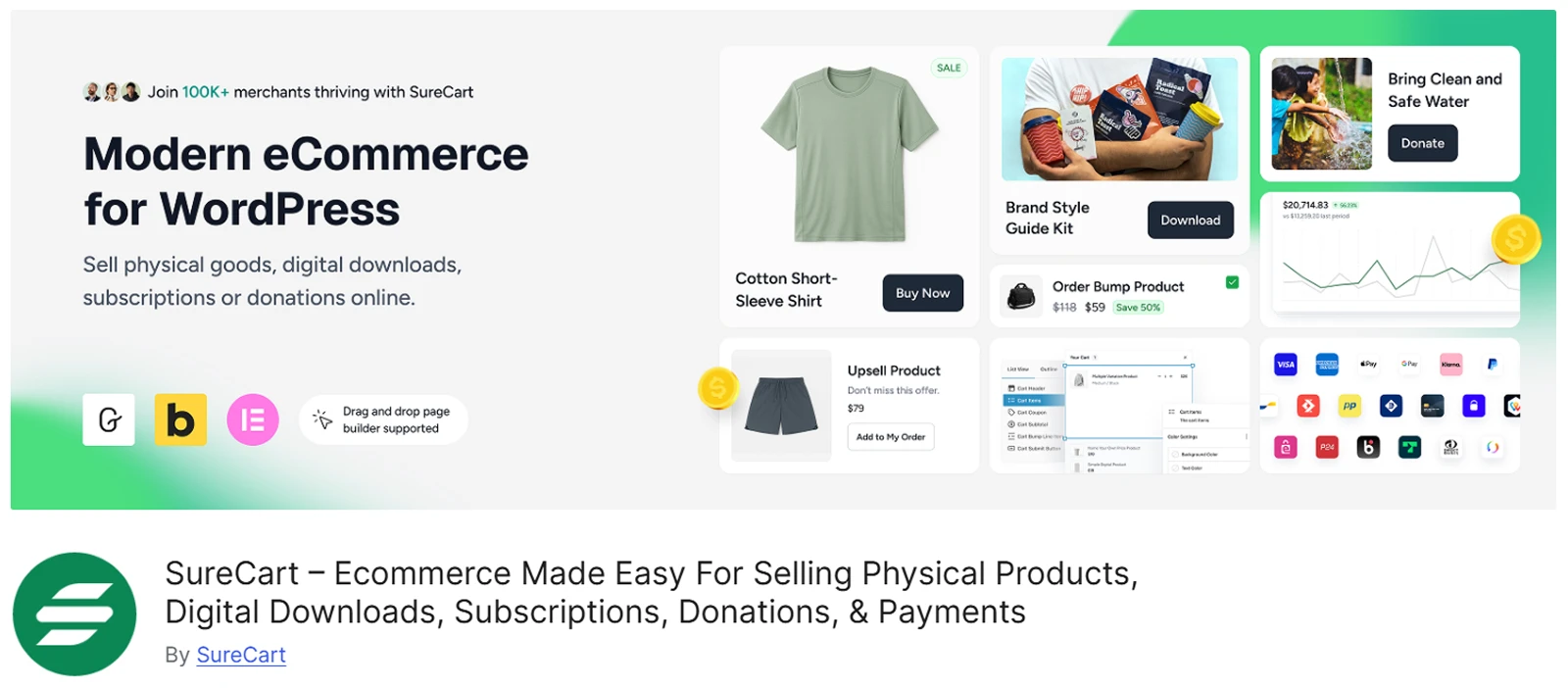
SureCart takes a genuinely different technical approach: checkout processing happens on SureCart's own cloud servers, not your WordPress hosting. It's built for digital products, subscriptions, and services, not physical inventory.
It's grown to over 100,000 active installations, and 2026 brought real new features: Dynamic Pricing, built-in Product Reviews, AI-powered store management, and native Razorpay support.
What We Liked
- Checkout runs on SureCart's infrastructure, which tends to mean faster load times.
- The free tier is genuinely usable, not a crippled trial.
- New 2026 features like Dynamic Pricing are built in rather than requiring a separate plugin.
Where We Think It Falls Short
- Not designed for physical products with complex shipping or large inventory needs.
- Checkout happening off your own server means trusting SureCart's infrastructure for that critical step.
Our Take on the Price
The free Launch plan costs nothing upfront but takes a 2.9% transaction fee per sale. Paid Pro plans start around $199/year for one store, with options to scale up for unlimited stores with higher tiers.
4. MemberPress – Best WordPress eCommerce Plugin for Membership and Subscription Sites
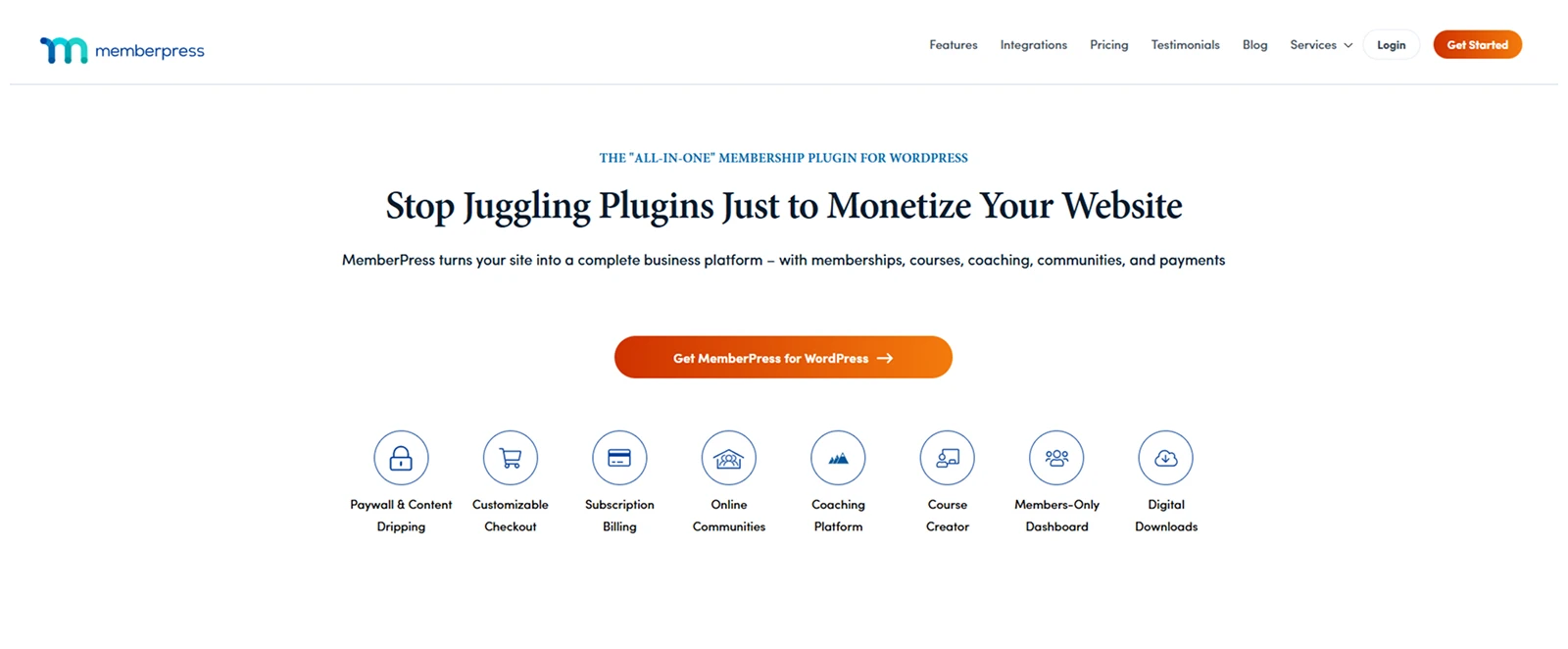
If what you're selling is ongoing access, courses, or gated content, MemberPress is the more specifically-built tool for that job.
MemberPress is part of the StellarWP/Awesome Motive family, the same group behind WPForms and AIOSEO, and holds strong, consistent ratings: 4.7–4.8/5 across multiple platforms.
What We Liked
- Built-in course, lesson, and quiz tools alongside membership billing.
- Native Stripe payment processing and flexible content-dripping rules.
- Backed by an established company with a track record across other popular WordPress tools.
Where We Think It Falls Short
- It's a specialist tool. If you also need to sell physical products, you'll likely need to pair it with WooCommerce.
- No free version to test before buying.
Our Take on the Price
Plans start around $399/year for the entry Launch tier, with a mid-tier Growth plan adding zero transaction fees and higher Pro tiers for larger membership businesses.
5. Ecwid – Best WordPress eCommerce Plugin for Selling Across Multiple Channels

Ecwid is built so the exact same store can appear on your WordPress site, Facebook, Instagram, and other platforms simultaneously, rather than being a WordPress-only solution.
What We Liked
- One product catalog, synced across multiple sales channels.
- A genuinely usable free plan for very small catalogs.
- Fast to set up if multi-channel selling is a real priority.
Where We Think It Falls Short
- Feels less deeply integrated into WordPress specifically, since it's fundamentally a cross-platform widget.
- Less customization depth than WooCommerce for a single-website store.
Our Take on the Price
Pricing ranges from a free entry tier up to roughly $149/month for higher tiers.
6. BigCommerce for WordPress – Best WordPress eCommerce Plugin for Enterprise and High-Growth Stores
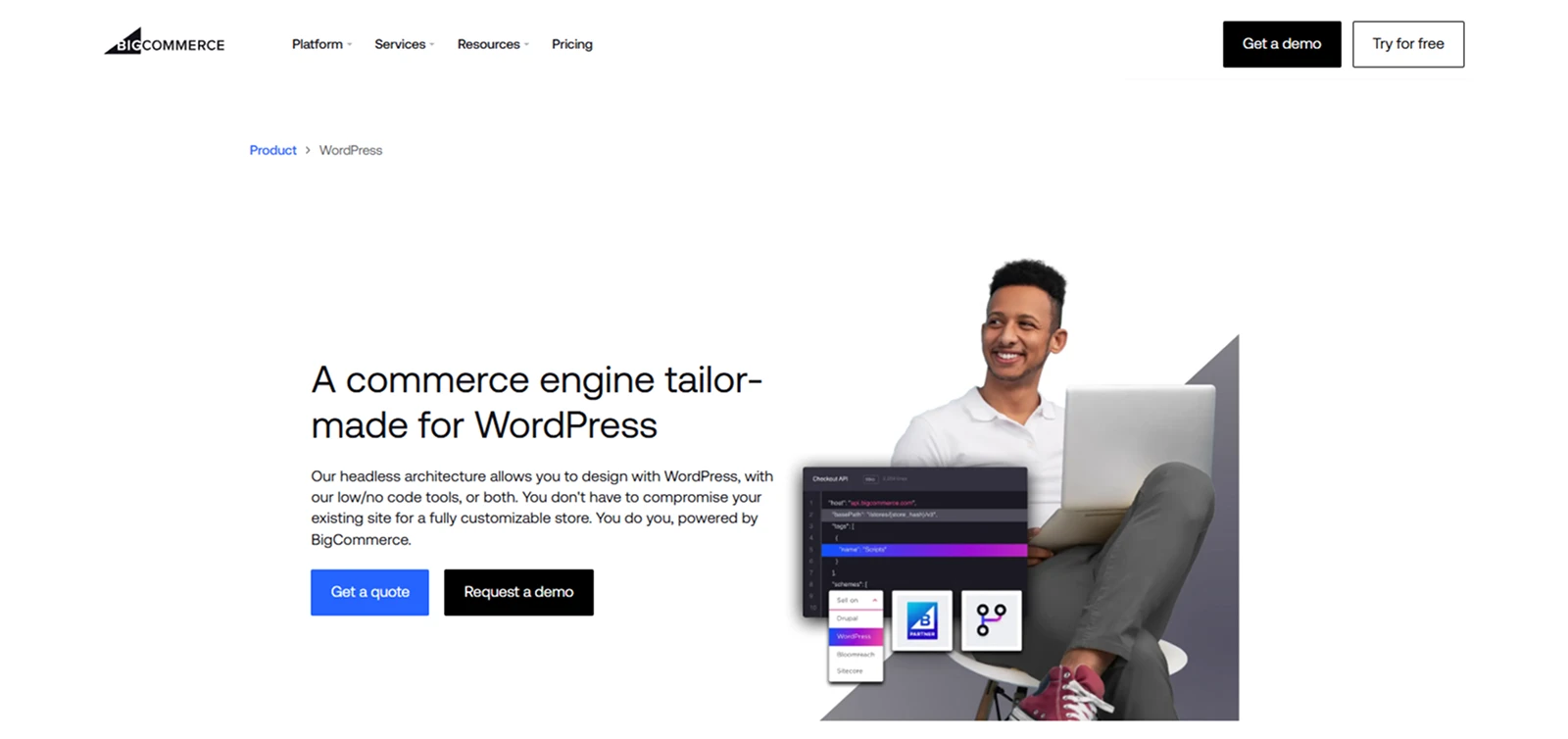
This pick is for a business that's outgrown a typical self-hosted plugin's infrastructure but still wants a WordPress front end, connecting BigCommerce's enterprise-grade backend to a WordPress-powered storefront.
What We Liked
- Enterprise-level infrastructure and scale a typical self-hosted plugin isn't built to match.
- Strong multi-channel selling support out of the box.
- Keeps WordPress as your content and design layer while offloading heavy backend demands.
Where We Think It Falls Short
- Meaningfully more complex to set up, since you're connecting two separate systems.
- Overkill, and unnecessarily expensive, for a small or early-stage store.
Our Take on the Price
Pricing is tiered SaaS-style, with custom enterprise pricing above that.
Building Your Store on Divi? Here's the Winning Pairing
If you're building on Divi, the real decision isn't which of the six platforms above to replace WooCommerce with, it's how to get the most out of WooCommerce once it's running on Divi.
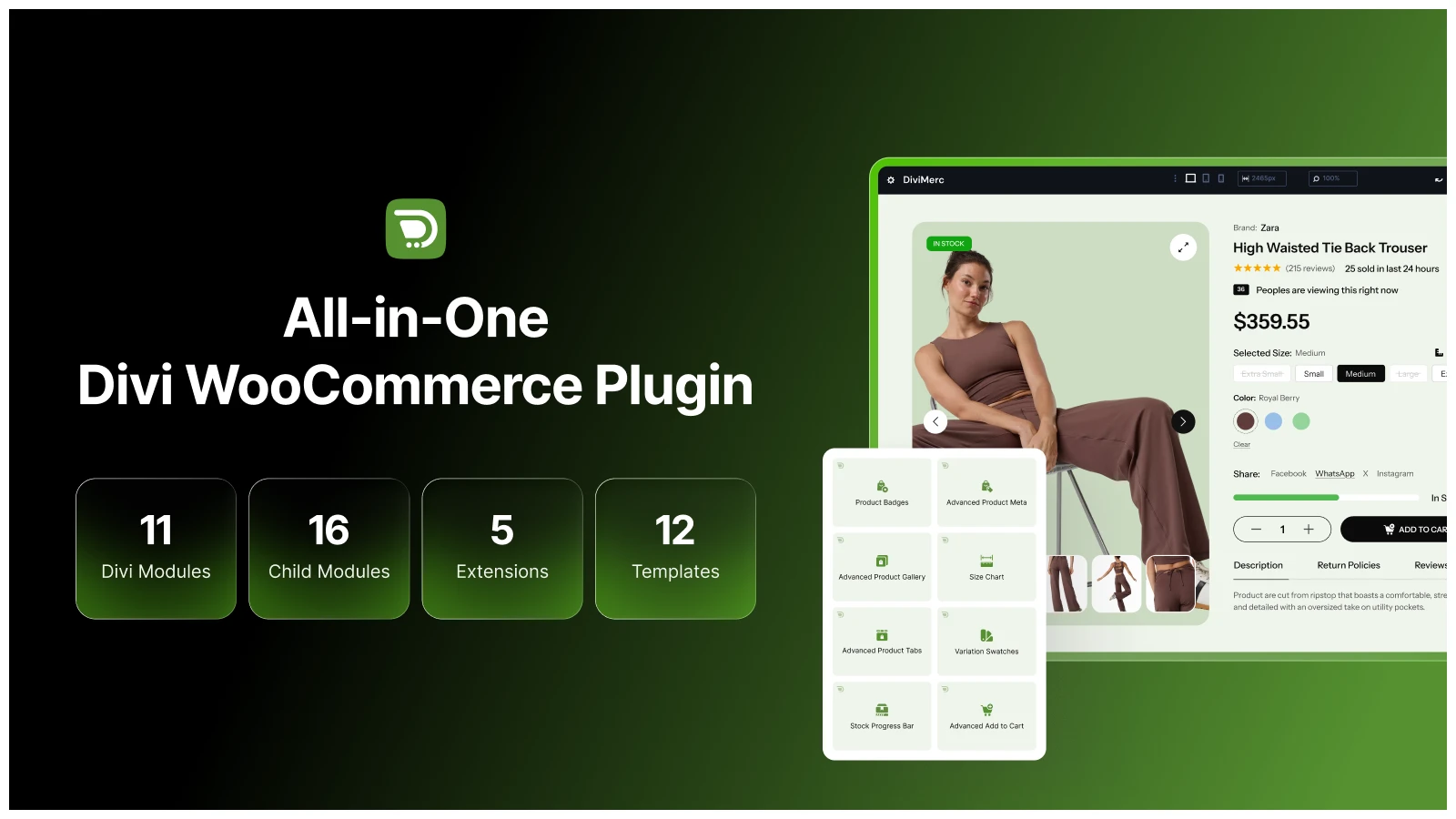
That's the specific gap DiviMerc closes. WooCommerce handles products, cart, and checkout. Divi handles your site's design. What's often missing is the layer in between: a product page that actually looks finished, with real merchandising, urgency signals, and trust elements, instead of WooCommerce's bare default layout.
DiviMerc adds that layer as native Divi 5 modules, built specifically to work with WooCommerce (which needs to be installed and active for DiviMerc's modules to function):
- Variation Swatches replaces WooCommerce's plain dropdown selector with visual color, image, and button-style options.
- Advanced Product Gallery and Size Chart give shoppers a richer, more informative product page.
- Sales Count, Live Visitor Count, and Stock Progress Bar add real urgency and social proof.
- Product Badges and Product Share round out the trust and engagement layer.
Since every module is native to the Divi Builder, there's no separate plugin dashboard to learn and no fighting between builder styling and plugin styling.
Using a Different Builder? A Few Alternatives
If you're not on Divi, the same underlying idea, pairing WooCommerce with a product-page-focused toolkit, still applies:
- Elementor: ShopEngine or Essential Addons for Elementor both add dedicated WooCommerce widgets, including variation swatches and richer product galleries, directly inside the Elementor editor.
- Gutenberg (default WordPress editor): Kadence Blocks, paired with its Shop Kit add-on, brings similar WooCommerce-focused blocks natively into the block editor.
Part 2: Essential Companion Plugins for a Complete Online Store
Once your core platform is chosen, these are the plugins most real stores end up needing to feel genuinely finished, not because a listicle says so, but because trust, support, spam, search visibility, and often language all become real problems the moment a store gets real traffic.
7. NotificationX – Best WordPress Plugin for Trust and Social Proof
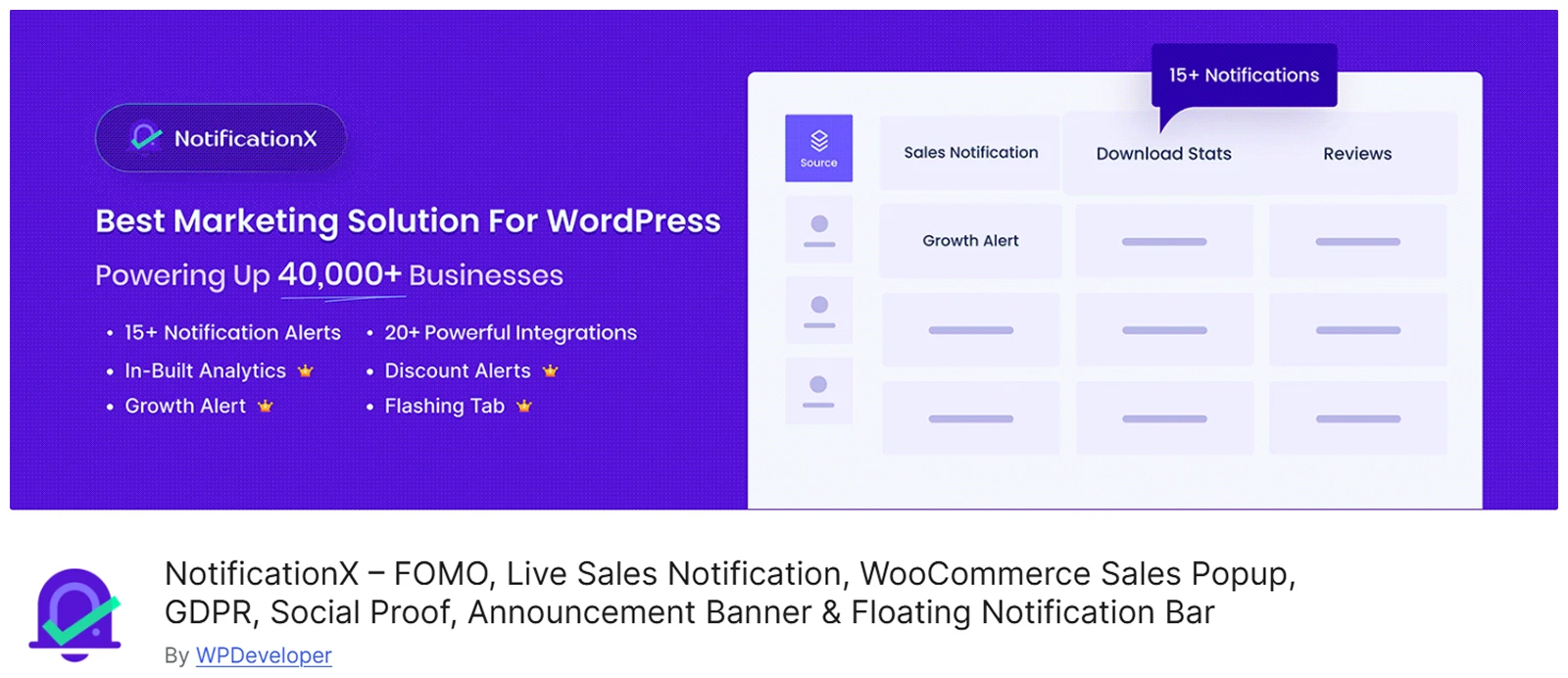
Showing that other people are actually buying from you is one of the simplest ways to build trust with a new visitor. NotificationX handles this with real-time popups showing recent sales, sign-ups, and reviews.
Made by WPDeveloper, the same team behind Essential Addons for Elementor, NotificationX runs entirely inside your own WordPress install rather than as an external service billing you per impression.
What We Liked
- The free version includes WooCommerce integration with no impression limits, unusual for this category.
- Runs on your own site, so your notification data isn't handled by an outside SaaS platform.
- Wide integration list, including WooCommerce, Easy Digital Downloads, and Google Reviews.
Where We Think It Falls Short
- Paid tier pricing has been reported inconsistently across sources and can run higher than some direct competitors like TrustPulse.
- It's a display tool, not a substitute for a full reviews or analytics plugin.
Our Take on the Price
The free version is genuinely usable long-term. Paid plans have been listed anywhere from around $49/year up to lifetime options at $399, so compare tiers carefully against what you actually need before upgrading.
8. Tidio – Best WordPress Plugin for Customer Support and Live Chat

A shopper with a quick question about sizing or shipping will often leave rather than dig through an FAQ page. Tidio puts a live chat widget on your site, backed by an AI agent (Lyro) that can answer common questions without a human present.
What We Liked
- The free plan is genuinely usable for smaller stores (50 conversations a month).
- Strong, direct integrations with WooCommerce, Shopify, and BigCommerce.
- The AI agent can handle repetitive questions automatically once configured.
Where We Think It Falls Short
- Multiple independent reviews flag a real "pricing cliff": once you outgrow the mid-tier plan, the next tier jumps sharply with no smooth middle option.
- The Lyro AI agent is a separate add-on cost layered on top of base plans, which can make the real monthly bill higher than the advertised starting price.
Our Take on the Price
Free for basic use. Paid plans commonly start at $29/month range, but adding AI capability and higher volume can push real costs well beyond that starting number.
9. WPML – Best WordPress Plugin for Multilingual Stores
If your customers speak more than one language, WPML adds full multilingual support to WordPress, with a dedicated WooCommerce Multilingual feature for translating products, supporting multiple currencies, and localizing checkout.
What We Liked
- Purpose-built WooCommerce Multilingual support, not just basic page translation.
- Direct integration with both Divi and Elementor for translating layouts and widgets.
- Strong reputation specifically for multilingual SEO.
Where We Think It Falls Short
- No free tier for commercial use.
- Translation credits and deeper support sit behind the paid tiers.
Our Take on the Price
You can start free, but higher flexibility and features come with 3 annual tiers. Polylang is a free, lighter-weight alternative if you don't need WPML's full translation management system.
10. CleanTalk – Best WordPress Plugin for Blocking Spam Orders and Fake Accounts

Comment spam is annoying. Spam orders and fake account registrations on a store are a real operational problem. CleanTalk is a cloud-based anti-spam service that covers registration forms, contact forms, WooCommerce checkout and orders, search forms, and login pages, all without a visitor-facing CAPTCHA.
What We Liked
- Covers WooCommerce orders and checkout specifically, not just blog comments, which is where many general anti-spam tools stop.
- Works invisibly in the background, so real customers never see a CAPTCHA.
- A genuinely low false-positive rate, so legitimate customers aren't wrongly blocked.
Where We Think It Falls Short
- It's a specialist anti-spam tool, not a full security suite. It won't cover firewall or malware scanning the way a dedicated security plugin does.
Our Take on the Price
You can start free, but premium plans start as low as $12/year per site, making it one of the more affordable picks on this entire list.
11. Rank Math – Best WordPress Plugin for eCommerce SEO
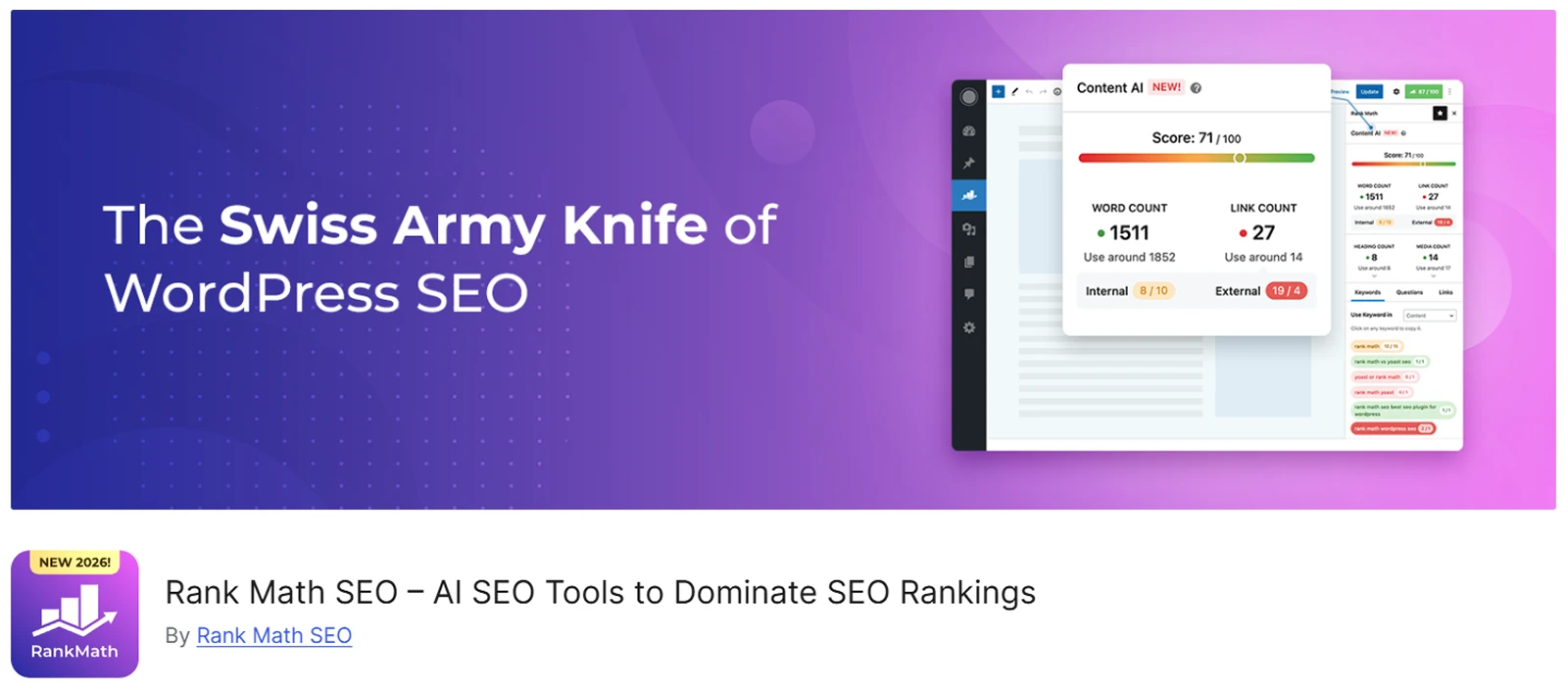
Getting found matters as much as looking trustworthy once someone arrives. Rank Math includes WooCommerce-specific SEO tools, like product schema and cleaner product URLs, in its free version.
What We Liked
- WooCommerce SEO features that are often paid elsewhere are free here.
- Lightweight, and unlikely to add much page weight.
- The free version supports unlimited sites.
Where We Think It Falls Short
- The number of settings can feel overwhelming to a first-time user.
- The Content AI add-on's credit system is a common point of confusion in reviews.
Our Take on the Price
The free version alone is strong enough for most stores. Pro starts around $108/year if you want the additional AI writing tools.
12. Jetpack – Best All-in-One Utility Plugin for WordPress Stores
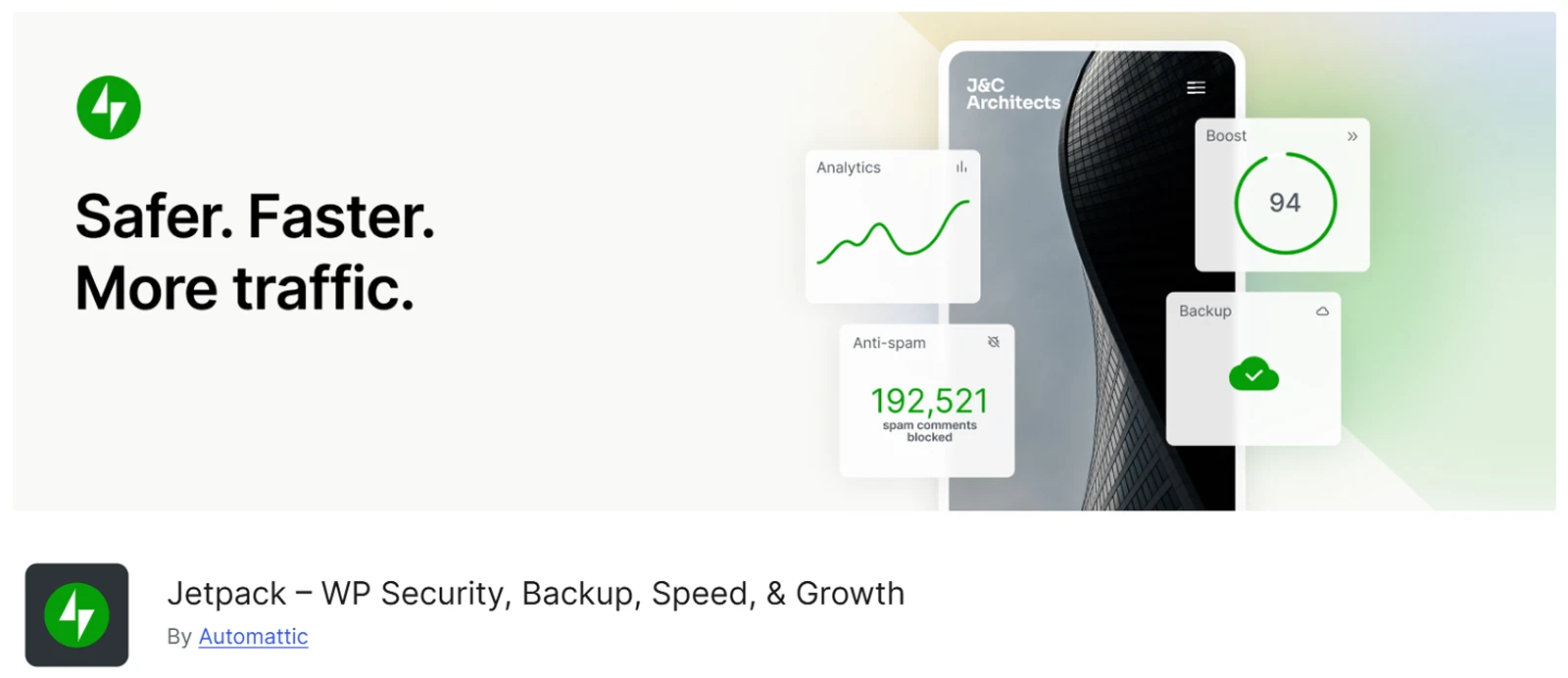
Jetpack, made by Automattic (the same company behind WordPress.com and WooCommerce), bundles security, backups, performance, and basic marketing tools into a single plugin and dashboard.
What We Liked
- Genuinely convenient for a beginner who wants one dashboard instead of five separate plugins.
- The free tier covers real basics, like brute-force login protection and uptime monitoring.
- Made by a company with deep, direct WordPress and WooCommerce expertise.
Where We Think It Falls Short
- Independent reviews are fairly consistent on this point: Jetpack's individual features tend to underperform dedicated, specialized alternatives like Wordfence, UpdraftPlus, or Rank Math, and premium plans are often priced higher than those specialized tools.
Our Take on the Price
The free tier is worth having regardless of what else you run. For paid features specifically, it's worth comparing Jetpack's premium pricing directly against a dedicated tool for that one job before assuming the all-in-one option is the better value.
13. Tutor LMS – Best WordPress Plugin for Selling Online Courses

If part of your business is selling knowledge rather than a physical or digital product, Tutor LMS is a dedicated course-building plugin that integrates directly with WooCommerce and Easy Digital Downloads for payment processing.
What We Liked
- The free version is genuinely usable for a real course business: unlimited courses and lessons, quizzes, and video support.
- Over 100,000 active installations with a 4.5-star rating.
- A new AI Studio feature helps generate course content, and pricing runs roughly half of established competitors like LearnDash.
Where We Think It Falls Short
- Some users report WooCommerce integration hiccups affecting order processing.
- Template customization is more limited than a fully flexible page-builder approach.
Our Take on the Price
The free version alone can run a real course business. Pro starts at $199/year for a single site, scaling to $399/year for more sites.
How to Choose the Best WordPress eCommerce Plugin for Your Needs
Start with your core platform, based on what you're actually selling:
- Physical products, or want maximum flexibility: WooCommerce.
- Purely digital goods like software or templates: Easy Digital Downloads.
- Digital products, subscriptions, or services, with the fastest checkout: SureCart.
- Courses, memberships, or gated content: MemberPress.
- Selling across your website and social platforms: Ecwid.
- Large, complex, or fast-growing operations: BigCommerce for WordPress.
Then layer in companion plugins based on real gaps, not just because they're popular: social proof if your product pages feel empty, live chat if support questions are slowing down sales, WPML if you're serving more than one language, CleanTalk if spam orders are becoming a real problem, Rank Math for search visibility, and Tutor LMS if courses are part of your offering.
If your core answer is WooCommerce and you're building on Divi, that's exactly the setup DiviMerc was built to complete.
Frequently Asked Questions
What is the best WordPress eCommerce plugin?
It depends on what you're selling. WooCommerce is the best overall choice for most stores, especially those selling physical products. Easy Digital Downloads, SureCart, and MemberPress are better fits for digital products, fast checkout-focused stores, and membership sites respectively.
Is WordPress good for eCommerce in 2026?
Yes. WordPress powers a large share of the web, and its ecommerce ecosystem, led by WooCommerce, remains the single most-used ecommerce setup among sites with a known platform, according to current W3Techs data.
Are there free WordPress eCommerce plugins?
Yes. WooCommerce and Easy Digital Downloads both offer genuinely free core plugins, and SureCart and Ecwid both offer usable free tiers, though each comes with some trade-off.
Does WordPress have built-in eCommerce functionality?
No. WordPress itself doesn't include ecommerce features out of the box. A plugin like the ones covered here is required to sell products, accept payments, or manage a cart and checkout.
Which plugin is best for subscriptions or memberships?
MemberPress is purpose-built for this, combining membership billing with course and content-drip tools. SureCart also supports subscriptions well if you don't need a full course-building feature set.
Do I need a live chat plugin for my WordPress store?
Not strictly, but it can meaningfully reduce lost sales from unanswered questions. Tidio's free plan is enough for many small stores; Tawk.to is a fully free alternative if budget is the main concern.
How do I make my WordPress store multilingual?
WPML is the most complete option, with dedicated WooCommerce Multilingual support for products, currencies, and checkout. Polylang is a free, lighter-weight alternative for smaller sites with simpler translation needs.
How do I stop spam orders on my WooCommerce store?
A dedicated anti-spam tool like CleanTalk covers checkout, registration, and contact forms specifically, working invisibly without requiring customers to solve a CAPTCHA.
Can I sell online courses through WooCommerce?
Yes, either through MemberPress's built-in course tools or by pairing WooCommerce with a dedicated LMS plugin like Tutor LMS, which integrates directly with WooCommerce for payment processing.
Is Jetpack worth using for a WooCommerce store?
It depends on your priorities. Jetpack's free tier is a reasonable baseline, but independent reviews consistently find its individual paid features underperform dedicated tools like Wordfence, UpdraftPlus, or Rank Math for the same job.
Do these plugins work with any WordPress theme?
The core commerce functionality generally works with any theme. Getting the best-looking result, especially on product pages, usually depends on either a commerce-focused theme or a toolkit like DiviMerc, Essential Addons, or Kadence Shop Kit built for your specific page builder.
How much should I expect to spend running a complete WordPress store?
A lean WooCommerce setup can run $400–$1,000 in the first year for the core platform alone. Add a handful of companion plugins like an SEO tool, anti-spam protection, and social proof, and a realistic total often lands in the $600–$1,500 range for a small store's first year, scaling from there.
Final Thoughts
There isn't one best WordPress eCommerce plugin, there's the best core platform for what you're selling, plus the companion plugins that turn it into a store people actually trust and can get quick answers from.
WooCommerce remains the strongest general-purpose choice, especially for physical products, with Easy Digital Downloads, SureCart, and MemberPress each doing a narrower job better. Around that core, NotificationX, Tidio, WPML, CleanTalk, Rank Math, Jetpack, and Tutor LMS cover the trust, support, language, spam, search, and course needs a growing store runs into.
If WooCommerce is your answer and Divi is your builder, the plugin itself is only half the equation. DiviMerc fills in the product-page layer WooCommerce leaves bare, variation swatches, galleries, urgency, and trust signals, so the store you build actually looks and converts like a finished one.




0 Comments