

The best WooCommerce mini cart plugin depends on how you want shoppers to use the cart. DiviMerc is built for Divi, Side Cart WooCommerce is a strong free option, and FunnelKit Cart stands out for upsells and cart rewards.
WooCommerce already includes a basic Mini-Cart block, but dedicated plugins can give you more control over cart layouts, quantity updates, coupons, floating triggers, recommendations, and checkout.
In this guide, we compare 10 of the best WooCommerce mini cart plugins by features, limitations, pricing, and best use case to help you choose the right one.
Best Mini Cart Plugins for WooCommerce Compared
| Plugin | Cart Type | Standout Feature | Starting Price |
| DiviMerc Mini Cart | Dropdown, slide, modal, fullscreen | Divi-native cart design | $49/year |
| Side Cart WooCommerce | Side cart | Rewards and advanced cart tools | $29 |
| Modern Cart | Side cart, popup | Shipping and reward progress bars | $99/year |
| FunnelKit Cart | Side cart | Cart upsells and milestone rewards | $179.50/year |
| WPC Fly Cart | Fly/overlay cart | Checkout inside the cart | $29 |
| WP Menu Cart | Menu cart, flyout | Simple navigation integration | €29 |
| CartSuite | Sidebar, popup, menu dropdown | Multiple cart tools together | $39 |
| CartPops | Cart drawer | Bundles, add-ons, and rewards | $49/year |
| XT Floating Cart | Floating side cart | Detailed cart customization | $59/year |
| Woo Shopping Cart Widget | Dropdown, slide-out | Elementor header/footer integration | $43/year |
How We Chose These WooCommerce Mini Cart Plugins
We compared each plugin based on cart type, shopper controls, AJAX support, sales features, customization, builder compatibility, pricing, and overall usability. To understand how they work in practice, we tested several plugins, explored live demos, and reviewed official documentation, features, and pricing.
1. DiviMerc Mini Cart- Best for Divi Users
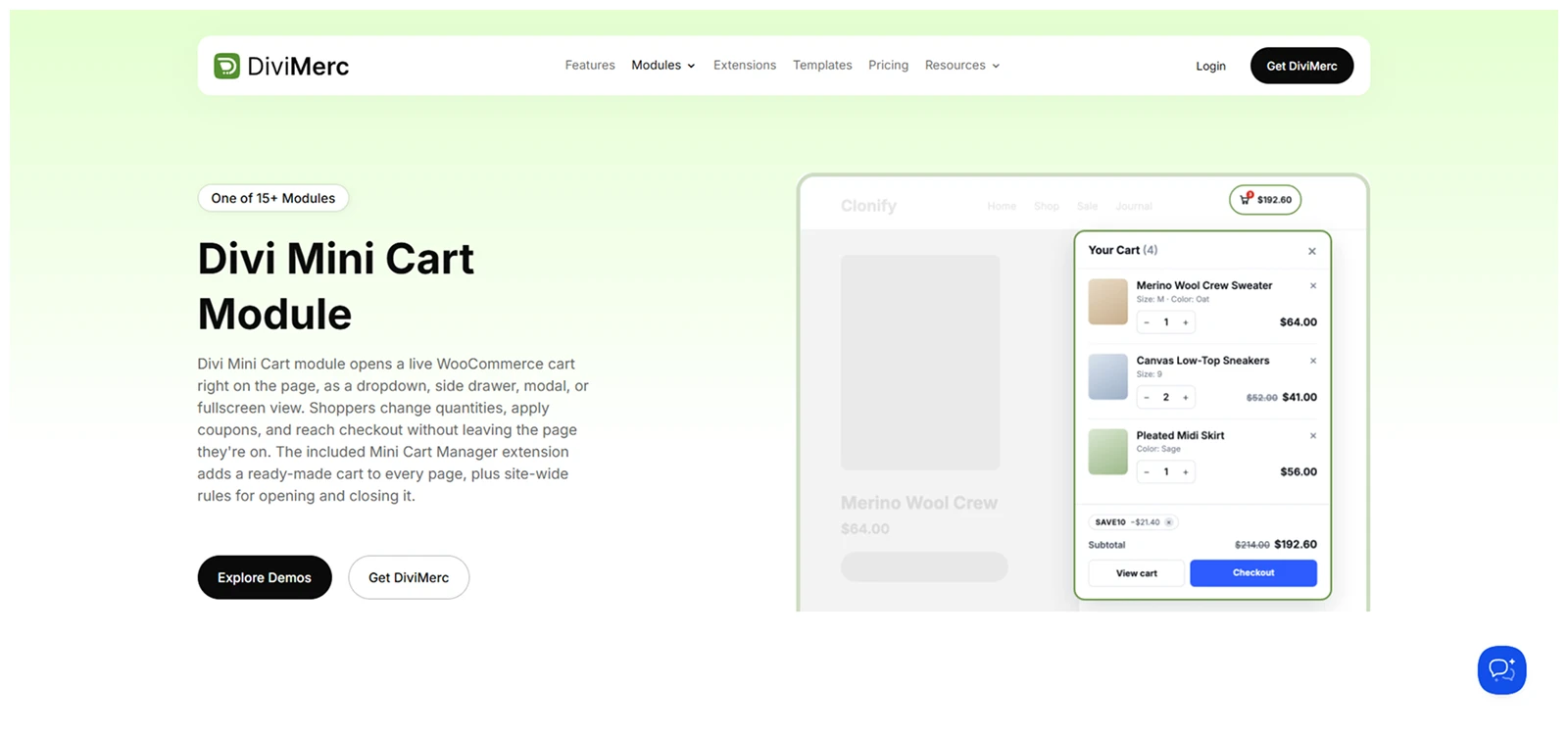
DiviMerc takes a more flexible approach than most WooCommerce mini cart plugins because it works directly inside Divi.
Its mini cart module includes four cart types:
- Mini Cart
- Slide Cart
- Modal Cart
- Fullscreen Cart
You can then decide what shoppers see inside the cart, including product images, variation details, quantity controls, coupons, subtotal, and more.
For easier access, you can add a floating trigger or place the module in a Divi Theme Builder Global Header.
DiviMerc also includes a separate Minicart Manager for global behavior. It handles custom triggers, Cart-link interception, closing rules, and quantity update timing. With this, you can even display a cart without placing the module.
In short, the module controls the cart’s content and design, while Minicart Manager controls how it behaves across the store.
What We Liked Most
- Open the Mini Cart on click or hover.
- Customize the empty-cart message and shopping action.
- Open the cart automatically from special URLs.
- Add a fly-to-cart animation after adding products.
- Show product variations and quantity controls inside the cart.
- Add a floating cart trigger with six position options.
What Could Be Better
- Built specifically for Divi 5 sites.
- No dedicated cart upsell system yet.
Pricing
DiviMerc starts at $49/year or $149 for lifetime access for one site. Unlimited-site plans cost $79/year or $249 lifetime.
Who it’s for: Divi 5 store owners who want detailed control over both the mini cart design and its behavior without leaving the Divi workflow.
Skip it if: Your store doesn't use Divi 5, or cart upsells and reward campaigns are your top priority.
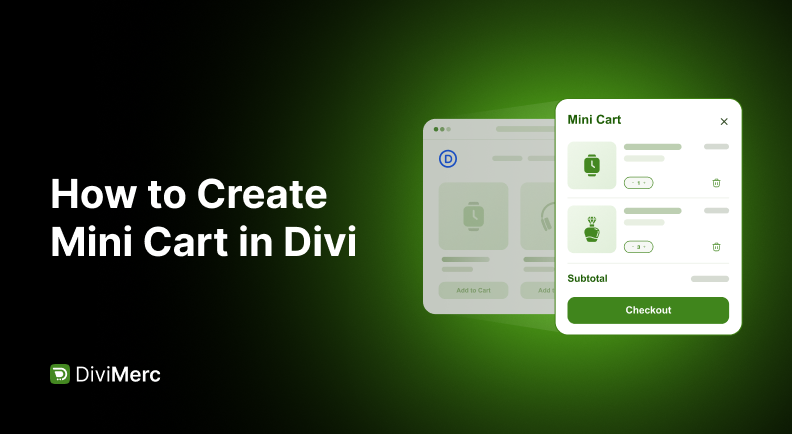
Note: If you want to add a mini cart to your Divi website, check out our guide on how to create mini cart in Divi for the steps.
2. Side Cart Woocommerce - Best for a Feature-Rich Side Cart
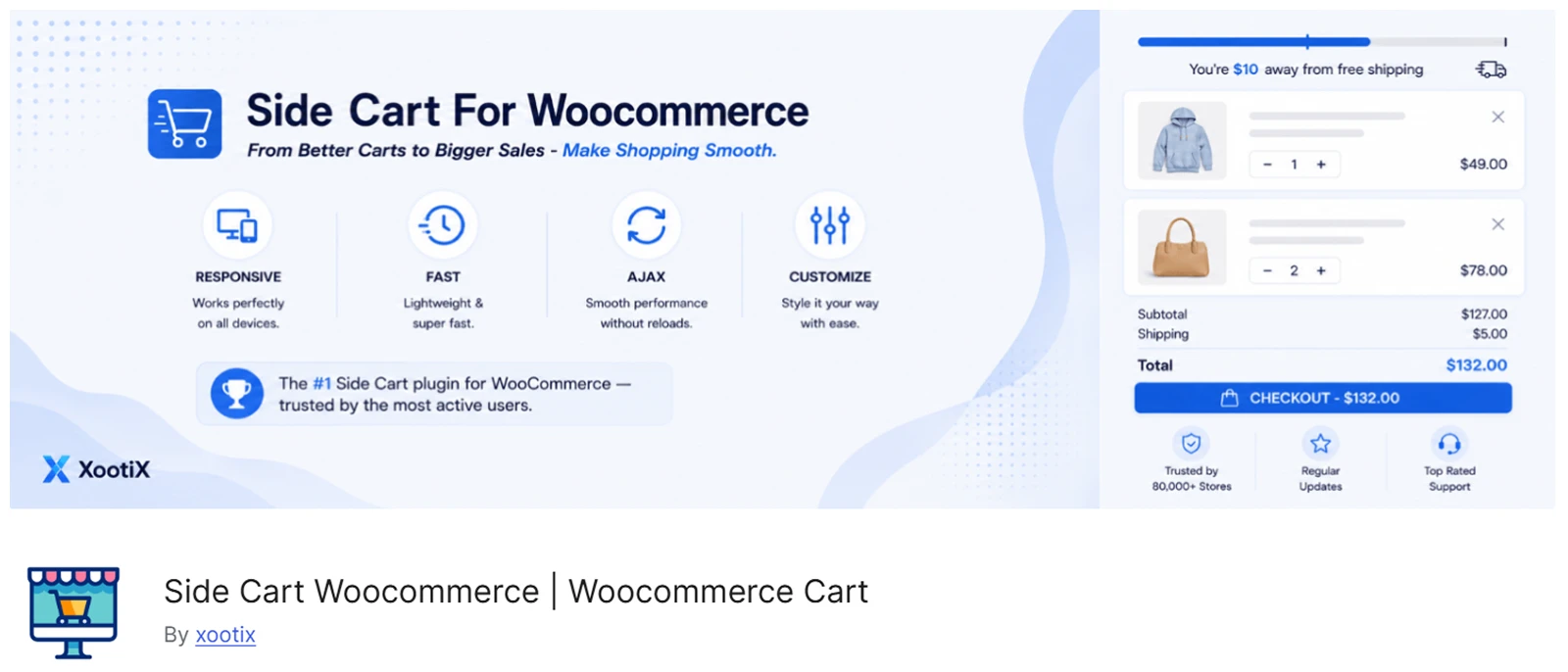
Side Cart WooCommerce by Xootix lets shoppers manage their cart in a slide-out panel without leaving the current page, which keeps the buying flow quicker and less disruptive.
The free version handles the basics with AJAX updates, a floating basket, and live subtotal changes, so customers can check or remove items without reloading the page.
Premium version allow shoppers more control inside the cart. They can change quantities, apply coupons, calculate shipping, and review taxes or discounts before checkout.
Shoppers can save products for later when they are not ready to buy, while one-click payment options help shorten the path to checkout.
What We Liked Most
- Show progress toward free shipping, gifts, or discounts.
- Add upsells, cross-sells, and related products.
- Let shoppers update selected product variations.
- Keep shoppers informed with cart notifications.
- Customize cart size, colors, and icons.
- Hide the side cart on selected pages.
What Could Be Better
- Most advanced features require Premium.
- Limited mainly to side-cart layouts.
Pricing
Side Cart WooCommerce has a free version. Premium starts at $29 for one site, with higher plans available for multiple or unlimited sites.
Who it's for: WooCommerce store owners who want a side cart that starts with simple cart management and grows into a sales tool, with rewards, recommendations, shipping tools, and faster checkout.
Skip it if: You need other cart types like dropdown, modal, or fullscreen, or you want to design the cart visually inside a page builder.
3. Modern Cart - Best for Side Cart and Popup Cart
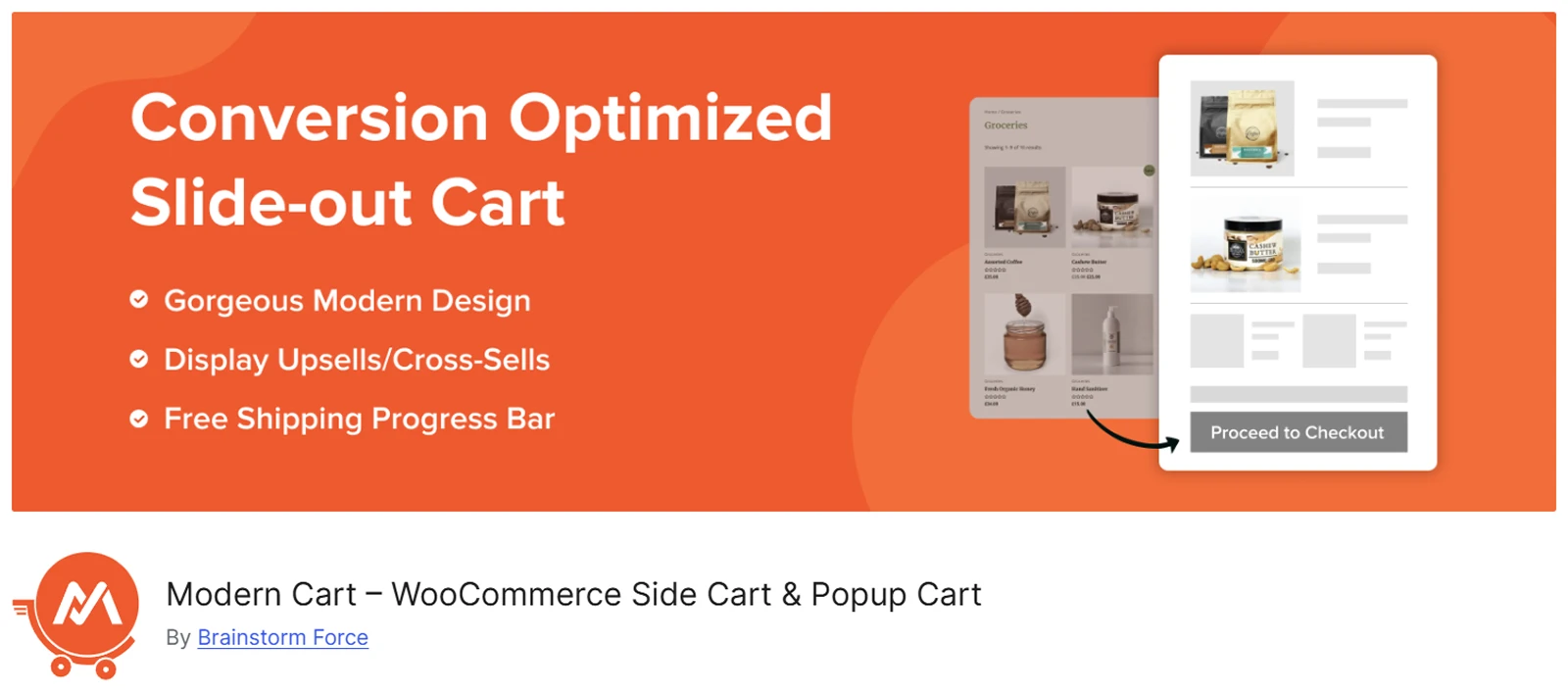
Modern Cart gives WooCommerce stores two ways to show the cart: a slide-out side cart or a centered popup cart.
The cart works with AJAX, so shoppers can add, remove, or update products without reloading the page. A floating cart icon also keeps the cart accessible while they browse.
You can add a free-shipping progress bar and coupon field inside the cart, while customizing the text, buttons, icons and more to match your store.
If you need more, the Pro version also includes product recommendations, empty-cart suggestions, express checkout, custom cart icons, advanced color controls, and adjustable cart width.
What We Liked Most
- Update cart quantities without page reloads.
- Keep cart totals and item counts updated.
- Recommend products when the cart is empty.
- Add express checkout with the Pro version.
- Integrate with CartFlows and Power Coupons.
- Support WooCommerce Subscriptions and variation swatches.
What Could Be Better
- Product recommendations and express checkout require Pro.
- Limited to slide-out and popup cart styles.
- Advanced design controls are Pro-only.
Pricing
Modern Cart has a free version. Modern Cart Pro currently costs $99/year for up to three sites and renews at $149/year. A lifetime license is currently $299.
Who it’s for: WooCommerce store owners who want a simple side cart with built-in free-shipping and reward progress bars, without a complex setup.
Skip it if: You need upsells and express checkout without upgrading to Pro, or want more cart layouts and deeper design control.
4. FunnelKit Cart - Best for Cart Upsells and Rewards
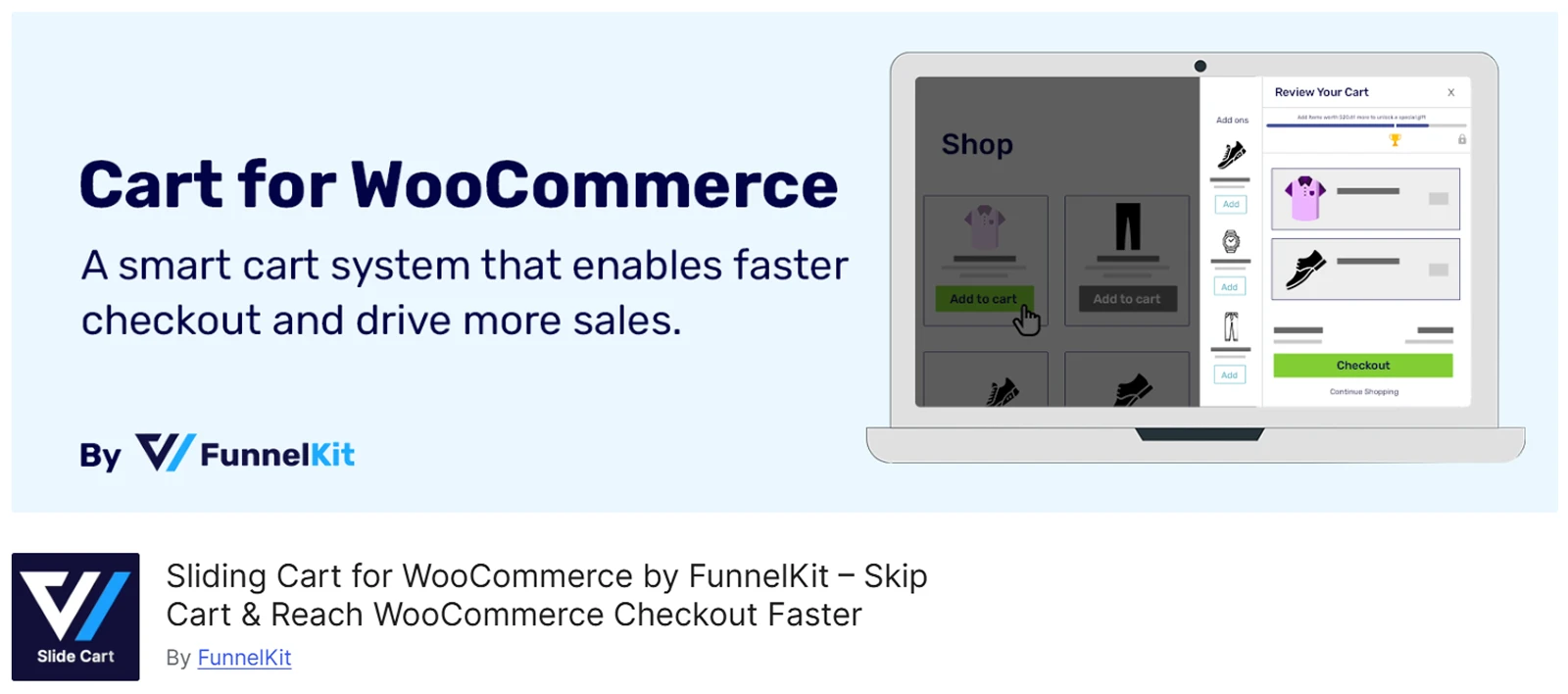
FunnelKit Cart adds a sliding side cart where shoppers can review products, change quantities, and head to checkout without opening the default Cart page.
You can show the cart icon across the whole site or only on selected pages. It can also be placed in the header or opened with a shortcode. For design, you can adjust the cart width, colors, headings, button text, and animation speed.
The Pro version adds more selling tools inside the cart.
You can show upsells and cross-sells, let shoppers choose product variations, and create reward milestones. These rewards can unlock free shipping, discounts, or free gifts as the cart value increases.
What We Liked Most
- Apply coupons from an open or collapsible box.
- Show a Shop Now button when the cart is empty.
- Turn AJAX cart updates on or off.
- Manage product recommendations from one place.
- Choose different layouts for upsell offers.
- Show the order summary inside the cart.
What Could Be Better
- Most advanced selling features require Pro.
- Limited mainly to a sliding side cart.
- Header placement may require a shortcode.
Pricing
FunnelKit Cart has a free version. Sliding Cart Pro is available with the Plus plan and above, starting at $179.50/year for two sites.
Who it’s for: WooCommerce stores that want to use the side cart for upsells, product recommendations, and spending-based rewards.
Skip it if: You only need a basic mini cart or want different layouts such as dropdown, modal, or fullscreen.
5. WPC Fly Cart - Best for Instant Checkout
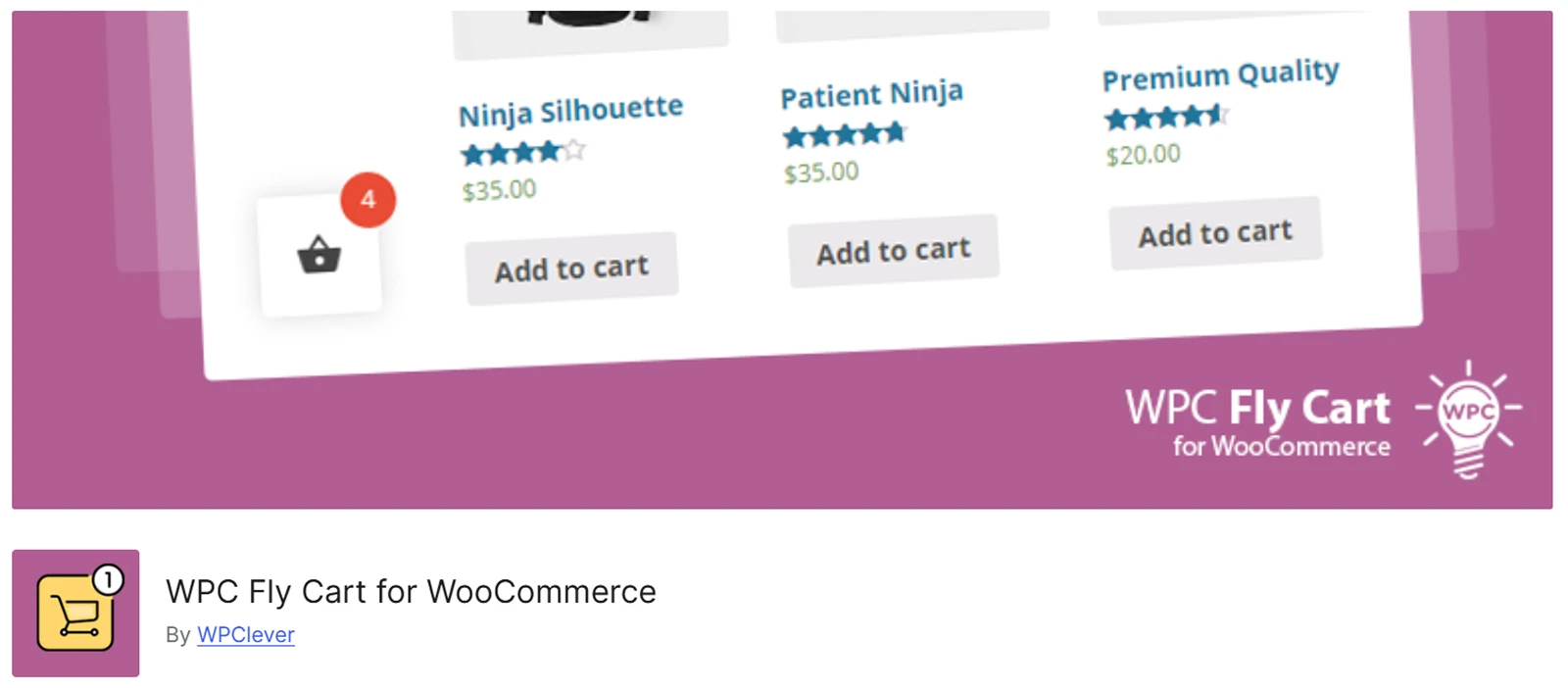
WPC Fly Cart lets shoppers add products and manage their cart without leaving the current page. They can review their order, continue shopping, or move to checkout from the same overlay cart.
You can customize the cart with solid colors, product thumbnails, or a background image. It also includes 5+ predefined skins and 16+ bubble icons, with controls for both the cart and floating bubble position.
Inside the cart, you can choose what shoppers see, including product details, totals, headings, and action buttons such as Cart, Checkout, and Continue Shopping.
It works with both normal and AJAX Add to Cart buttons. For no-reload behavior on single product pages, the developer recommends using the free WPC AJAX Add to Cart plugin.
What We Liked Most
- Complete checkout directly inside the cart popup.
- Show suggested products inside the cart.
- Undo products removed by mistake.
- Add the Fly Cart to site menus.
- Calculate shipping without leaving the cart.
- Support RTL and multilingual stores.
What Could Be Better
- Instant Checkout, coupons, and shipping calculation require Premium.
- Reload-free single-product carts need the separate WPC AJAX Add to Cart plugin.
Pricing
WPC Fly Cart has a free version. Premium costs $29 for one site, $59 for up to five sites, or $99 for unlimited sites, with lifetime access to plugin updates and support.
Who it’s for: Store owners who want a simple fly cart that keeps shoppers on the same page and can extend into an in-cart checkout experience.
Skip it if: You want multiple cart layouts or prefer not to install a separate plugin for reload-free behavior on single product pages.
6. WP Menu Cart - Best for Quick Menu Cart Setup
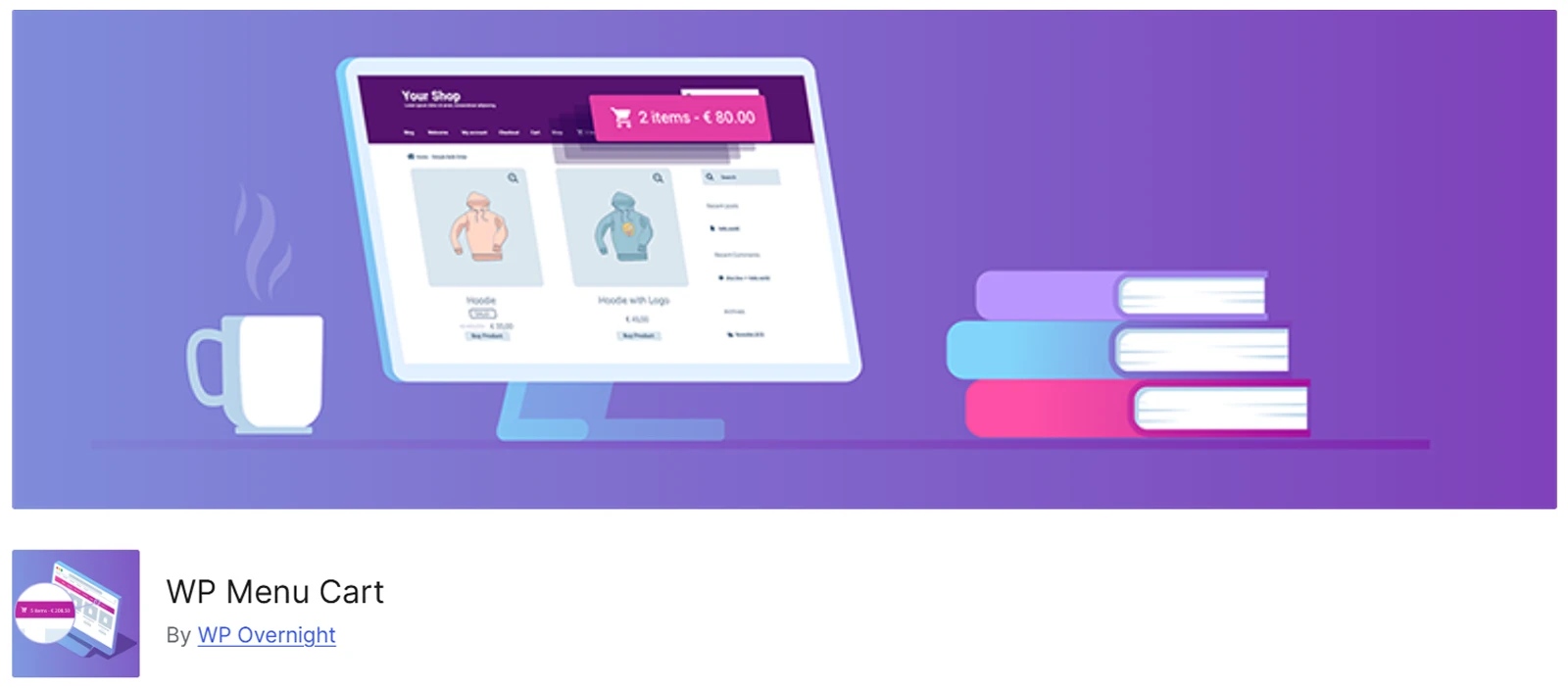
WP Menu Cart keeps things simple by adding a cart button directly to your WordPress navigation menu.
You can choose what the button shows, including the cart icon, item count, price, or a combination of them. It can stay visible all the time or appear only when the cart has items.
The plugin follows your theme’s existing menu styles, so setup stays simple. You can also adjust its position or add custom CSS if you need more control.
The free version works mainly as a menu cart indicator. With Pro, you get a full cart-details flyout, 10+ cart icons, support for unlimited menus, and a shortcode for placing the cart outside the navigation menu.
What We Liked Most
- Set up the menu cart in minutes.
- Hide the cart when it is empty.
- Choose where the cart sits in the menu.
- Match the cart to your theme automatically.
- Add custom CSS for extra styling.
- Support stores in multiple languages.
What Could Be Better
- Cart item previews require the Pro flyout.
- Shortcode placement is also Pro-only.
Pricing
WP Menu Cart has a free version. Menu Cart Pro starts at €29 for one site, €59 for three sites, and €129 for 25 sites.
Who it’s for: Store owners who want a simple menu cart with quick access to cart details, without setting up a full side cart.
Skip it if: You want to place a mini cart anywhere in your layout without upgrading, since that flexibility is only available with Pro.
7. CartSuite - Best for Sidebar and Menu Cart Together
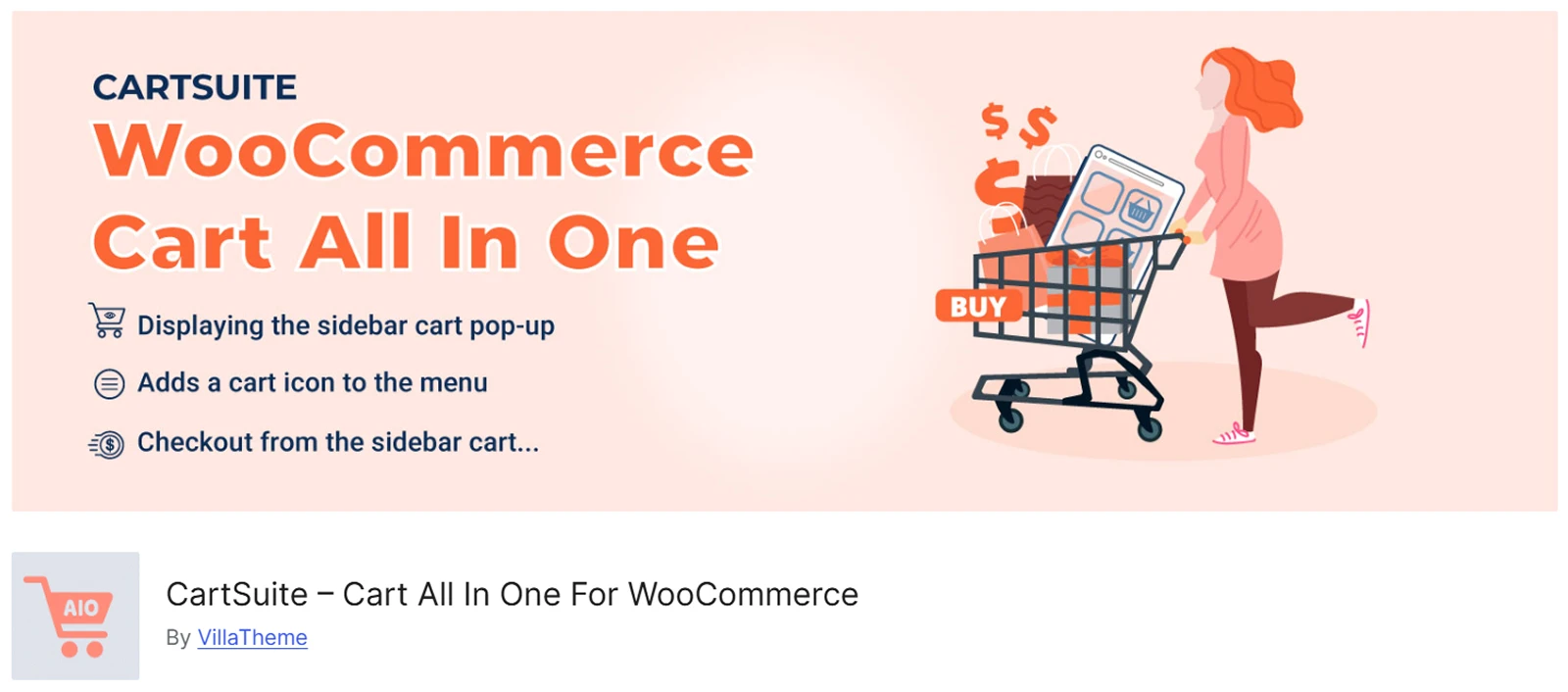
CartSuite combines several cart tools in one plugin, so you can manage different parts of the shopping experience from one place.
Its Sidebar Cart can open as a full-height panel or popup. Shoppers can review products, change quantities, remove items, apply coupons, and continue to Cart or Checkout without leaving the page.
A floating cart icon can stay visible while they browse, giving them quick access to the cart at any time.
The Menu Cart works differently. It adds a cart icon to selected menus and shows product details, variations, quantities, and totals in a dropdown.
CartSuite also supports AJAX Add to Cart and variation selection from archive pages. With Premium, you can add a Sticky Add to Cart bar, recently viewed products, and checkout directly inside the Sidebar Cart.
What We Liked Most
- Choose full-height or popup cart layouts.
- Place the Sidebar Cart in four positions.
- Pick from 45 different cart icons.
- Show best-selling or top-rated related products.
- Let shoppers choose variations from archive pages.
- Preview cart design changes before publishing.
What Could Be Better
- In-cart checkout requires the Premium version.
- Sticky Add to Cart and recently viewed products require Premium.
- Page conditions use eval(), so only trusted conditional tags should be used.
Pricing
CartSuite has a free version on WordPress.org. Premium starts at $39 and goes up to $69, depending on the license.
Who it’s for: WooCommerce stores that want a sidebar cart, menu cart, AJAX Add to Cart, and extra cart tools in one package.
Skip it if: You only need a simple mini cart and would rather avoid the extra sticky cart, menu cart, and in-cart checkout features.
8. CartPops - Best for Boosting Order Value
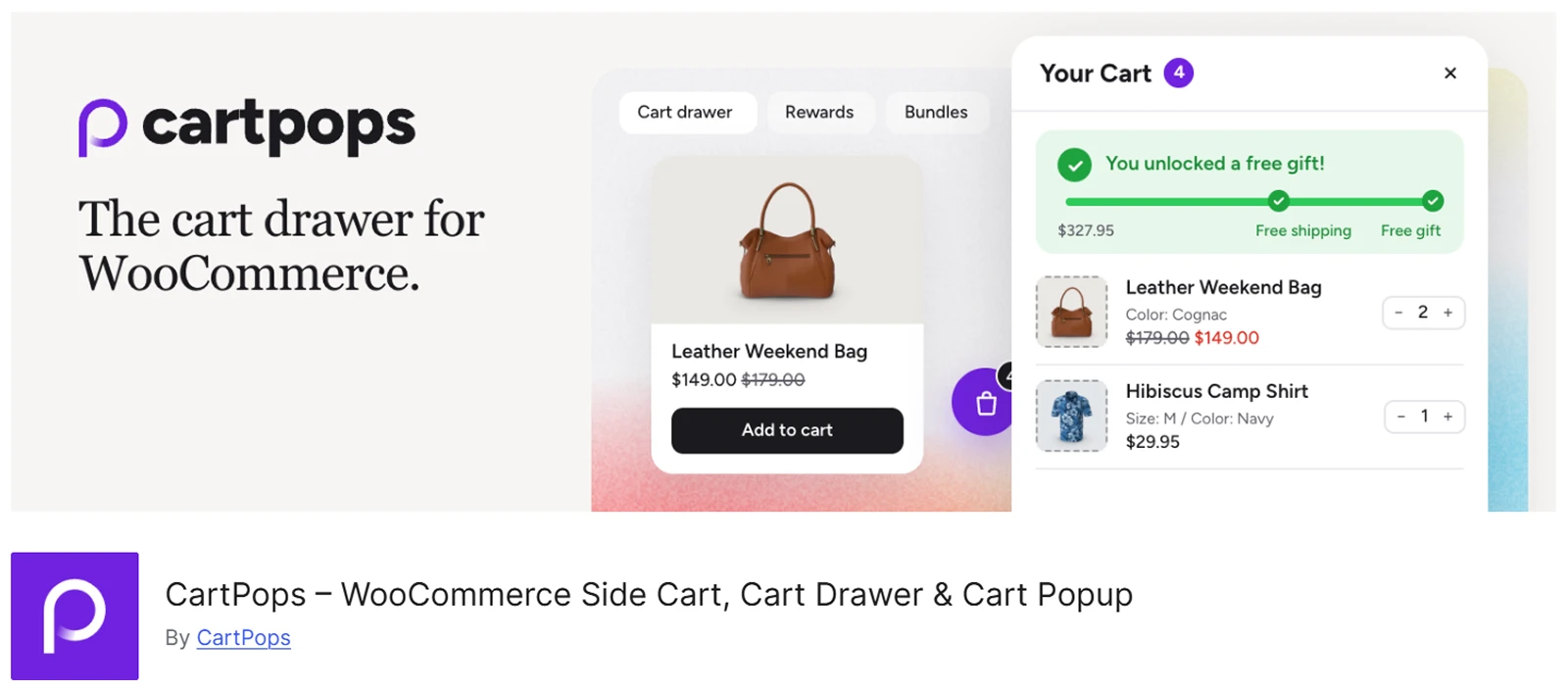
CartPops adds a slide-out cart drawer that lets shoppers manage their cart without leaving the page. They can change quantities, remove products, apply coupons, and continue to checkout without a reload.
The drawer can also show upsells, cross-sells, or related products to give shoppers more options before checkout.
With Pro, you can add reward tiers, a free-shipping meter, bundles, Smart Add-ons, shipping calculation, a Smart Bar, and conversion analytics.
For design, CartPops includes presets, 24+ color controls, live preview, and separate dark mode settings. It also works with popular themes and builders, including Divi, Elementor, and Bricks.
What We Liked Most
- Control when the cart drawer opens.
- Place the cart launcher almost anywhere.
- Add and remove multiple coupons instantly.
- Offer bundles with automatic discounts.
- Add extras like gift wrapping.
- Track cart activity with built-in analytics.
What Could Be Better
- Rewards, bundles, and analytics require Pro.
- Limited mainly to a slide-out drawer.
Pricing
CartPops has a free version. Pro starts at $49/year for one site, $129/year for three sites, $199/year for 25 sites, and $299/year for 100 sites. Every paid plan includes all Pro features.
Who it’s for: WooCommerce stores that want a customizable cart drawer with product recommendations and room to add rewards, bundles, and order add-ons.
Skip it if: You want multiple cart layouts such as dropdown, modal, or fullscreen, rather than a dedicated slide-out drawer.
9. XT Floating Cart for WooCommerce - Best for Simple Floating Cart
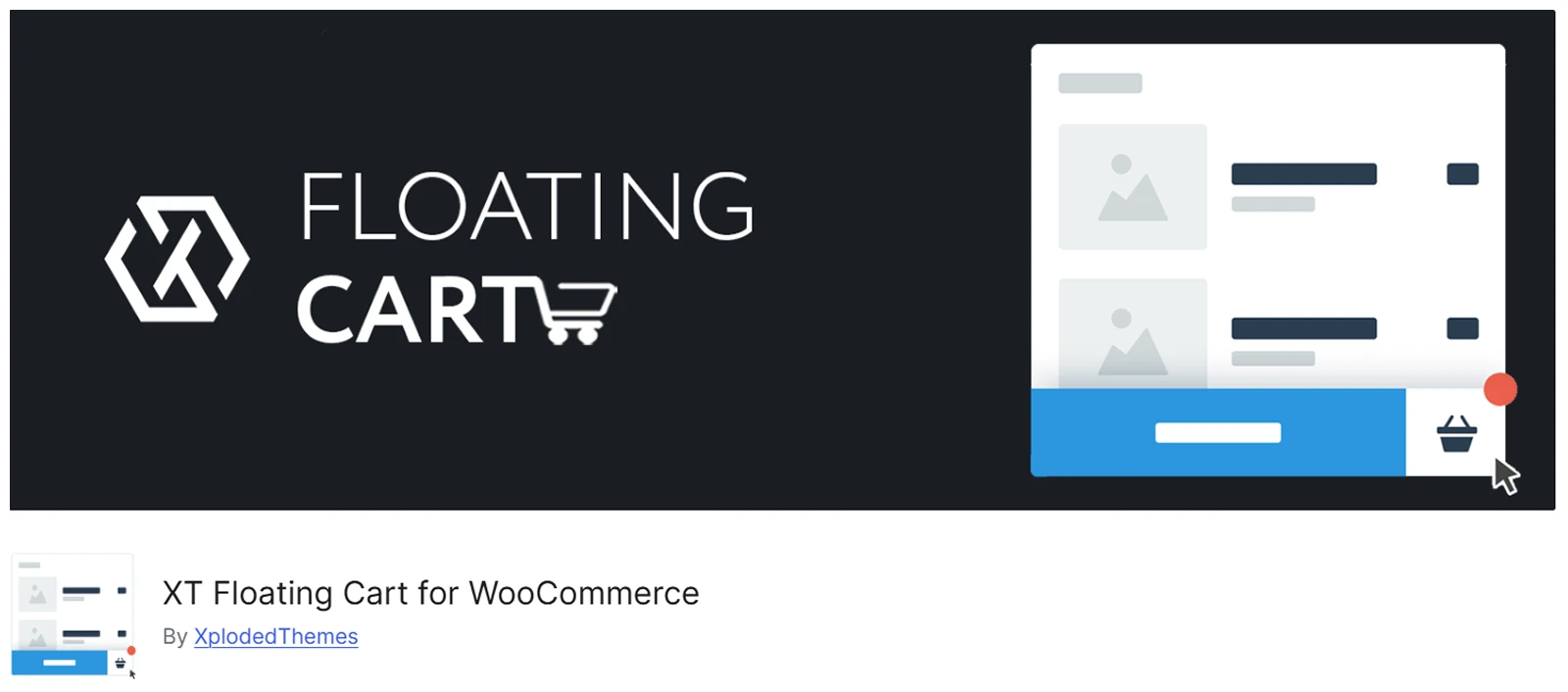
XT Floating Cart for WooCommerce keeps the cart within easy reach while shoppers browse.
A floating cart icon stays visible across the store and shows the current item count. When shoppers click it, a sliding cart opens without taking them away from the page.
The free version covers the basics. Shoppers can change quantities, remove products, and undo a removal. You can also adjust the cart and counter position, and the layout works across desktop and mobile.
With Premium, you get a Live Preview Customizer, coupons, cart totals, suggested products, a free-shipping bar, and more design controls.
What We Liked Most
- Undo accidental product removals with one click.
- Show progress toward free shipping with Premium.
- Recommend related, cross-sell, or upsell products.
- Let shoppers check out inside the cart.
- Add a fly-to-cart animation after purchase actions.
What Could Be Better
- Coupons, totals, and advanced customization require Premium.
- Custom colors, fonts, and icons require Premium.
- Limited to a floating side-cart experience.
Pricing
XT Floating Cart has a free version. Pro starts at $59/year or $199 lifetime for one site. Plans for three sites cost $109/year or $369 lifetime, while the 30-site plan costs $329/year or $899 lifetime.
Who it’s for: WooCommerce store owners who want a floating cart with strong control over its design, position, product suggestions, and checkout options.
Skip it if: You want more than a floating side cart, such as dropdown, modal, or fullscreen cart layouts.
10. Woo Shopping Cart Widget - Best for Elementor Users
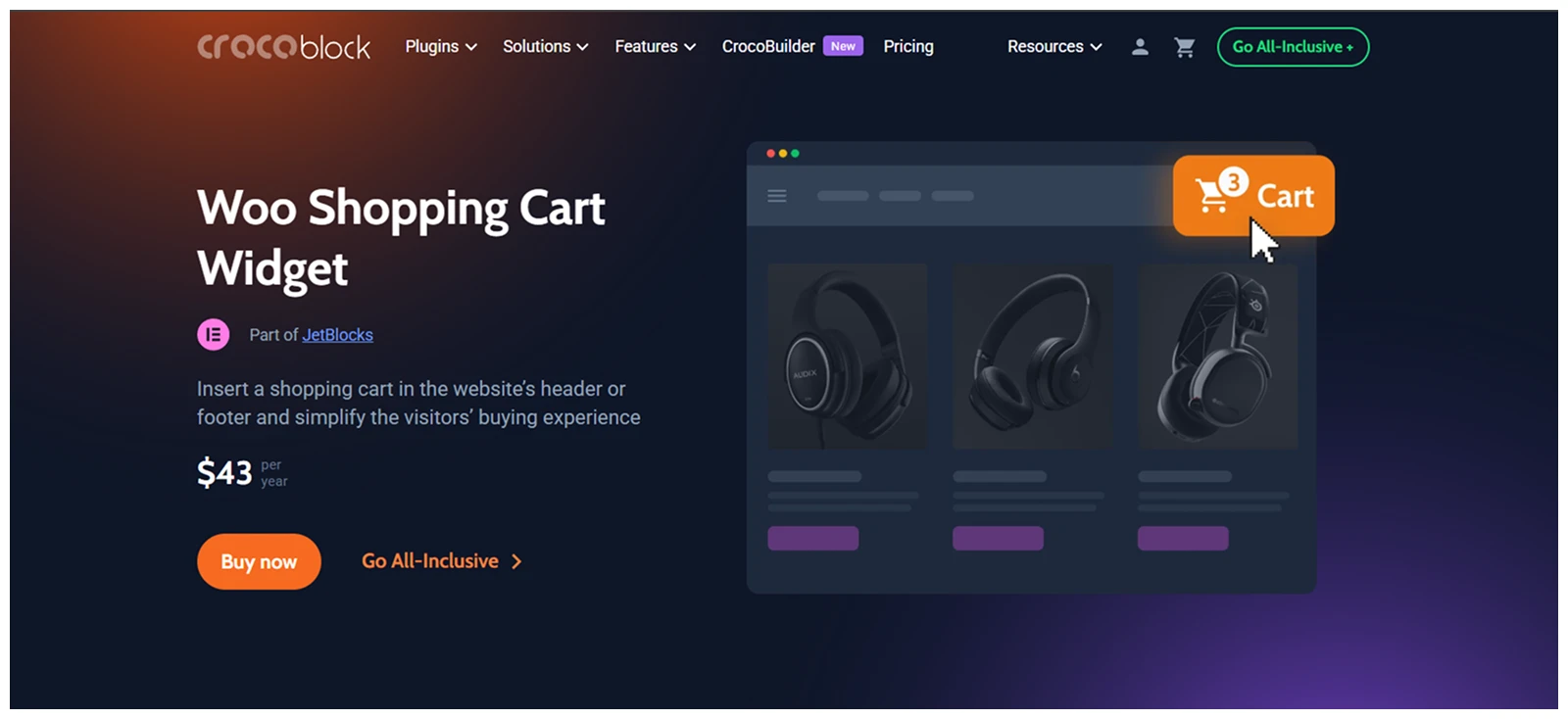
Woo Shopping Cart Widget comes with Crocoblock’s JetBlocks plugin and is designed for Elementor users who want to place a mini cart in the header or footer.
Shoppers can see the cart icon, item count, and subtotal, then open the cart on click or hover. You can choose between a dropdown cart or a slide-out panel, depending on how you want the cart to appear.
The cart can also stay hidden when empty or open automatically after a product is added.
Since it works inside Elementor, you can place and style the cart alongside the rest of your header or footer design.
What We Liked Most
- Place the mini cart in headers or footers.
- Choose between dropdown and slide-out layouts.
- Open the cart on click or hover.
- Show item count and cart subtotal.
- Hide the cart when it is empty.
- Open the cart automatically after adding products.
What Could Be Better
- There is no free version available.
- Requires Elementor and the JetBlocks plugin.
- No built-in coupons, rewards, or upsells.
Pricing
Woo Shopping Cart Widget comes with JetBlocks, which starts at $43/year for one site. You also get the other JetBlocks widgets, one year of updates, and support.
Who it’s for: Elementor users who want to add a simple, customizable mini cart to their header or footer without using a separate cart plugin.
Skip it if: You want a more complete cart experience with coupons, product recommendations, rewards, or checkout options built into the cart.
How to Choose the Best WooCommerce Mini Cart Plugin
The right plugin depends on how you want the cart to appear, what shoppers should be able to do inside it, and which features matter most for your store.
Choose the Right Cart Type
Start with the layout. Dropdown carts work well in headers, while side carts give shoppers more space to manage products without leaving the page. Popup, overlay, and fullscreen carts create a more focused experience.
Check What Shoppers Can Do
Look beyond simply showing cart items.
Useful features may include quantity updates, product removal, coupons, variation selection, shipping calculation, recommendations, and checkout inside the cart. Prioritize the actions your shoppers actually need.
Consider Upsells and Rewards
If you want the cart to help increase order value, look for upsells, cross-sells, free-shipping goals, discounts, gifts, or bundles.
FunnelKit Cart, CartPops, and Side Cart WooCommerce are stronger options when these sales features are important.
Check Builder Compatibility
Your existing setup can narrow the choice quickly. Divi users may prefer DiviMerc because it works directly inside Divi, while Elementor users can use Crocoblock’s Woo Shopping Cart Widget in their header or footer.
Compare Free and Premium Features
Finally, check which features are actually included in the version you plan to use.
Coupons, recommendations, rewards, shipping tools, express checkout, and advanced styling are often limited to paid plans. Choose based on the features you need, not simply the plugin with the longest feature list.
FAQ
Does WooCommerce already have a mini cart?
Yes. WooCommerce includes a native Mini-Cart block for quick cart access. A plugin is useful when you need more layouts, customization, rewards, recommendations, or checkout features.
What is the difference between a mini cart and a side cart?
A mini cart lets shoppers quickly view or manage their cart without visiting the full Cart page. A side cart is simply one type of mini cart that slides in from the side.
Mini carts can also appear as dropdowns, popups, overlays, or fullscreen panels.
Can a mini cart replace the WooCommerce Cart page?
In some cases, yes. Advanced mini carts can handle quantity changes, coupons, shipping, recommendations, and even checkout.
Simpler options still send shoppers to the Cart or Checkout page for additional actions.
Do WooCommerce mini carts work on mobile?
Most modern mini cart plugins support mobile devices. Still, test the cart width, buttons, quantity controls, coupon fields, and floating triggers on smaller screens before launch.
Can caching affect a WooCommerce mini cart?
Yes. Mini carts often rely on AJAX and WooCommerce cart data to update quantities, totals, and item counts.
Which WooCommerce Mini Cart Plugin Should You Choose?
The best choice depends on your store setup and the cart experience you want.
For Divi, DiviMerc gives you the most layout and design control. Side Cart WooCommerce is a strong option for a feature-rich side cart, while FunnelKit Cart and CartPops are better suited to upsells, rewards, and other sales features.
If you want something simpler, WPC Fly Cart, WP Menu Cart, or Crocoblock’s Woo Shopping Cart Widget may be enough.
Choose the plugin that covers the features your shoppers actually need without adding unnecessary complexity.



0 Comments