One of 25+ Modules
Divi Product Carousel Module
Divi Product Carousel module shows WooCommerce products in a sliding row of cards, with arrows, dots, loop, and autoplay you control. Pull products from 13 sources, from best sellers to upsells, and give each card badges, variation swatches, and an Add to cart or Quick View button.
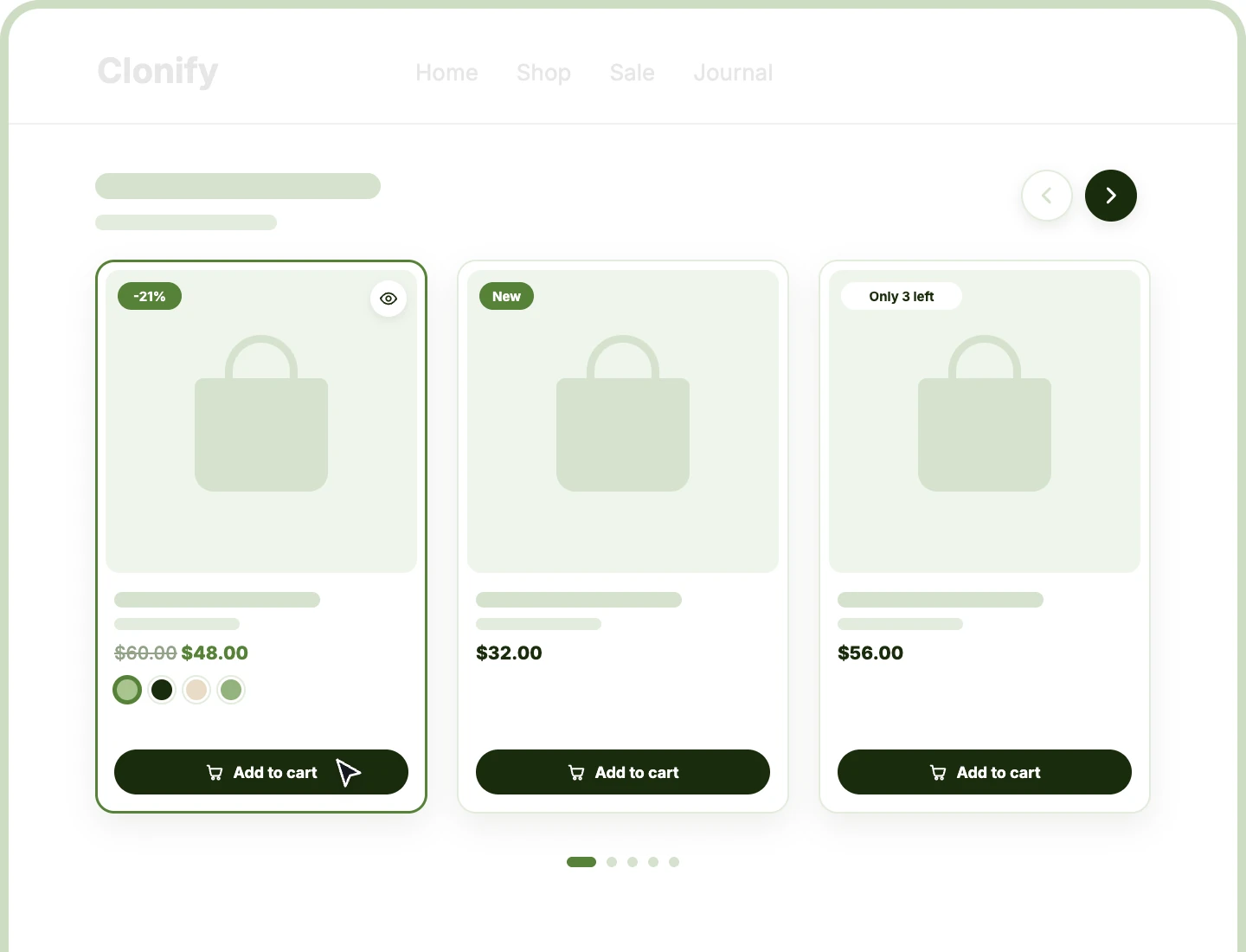
13 Product Sources
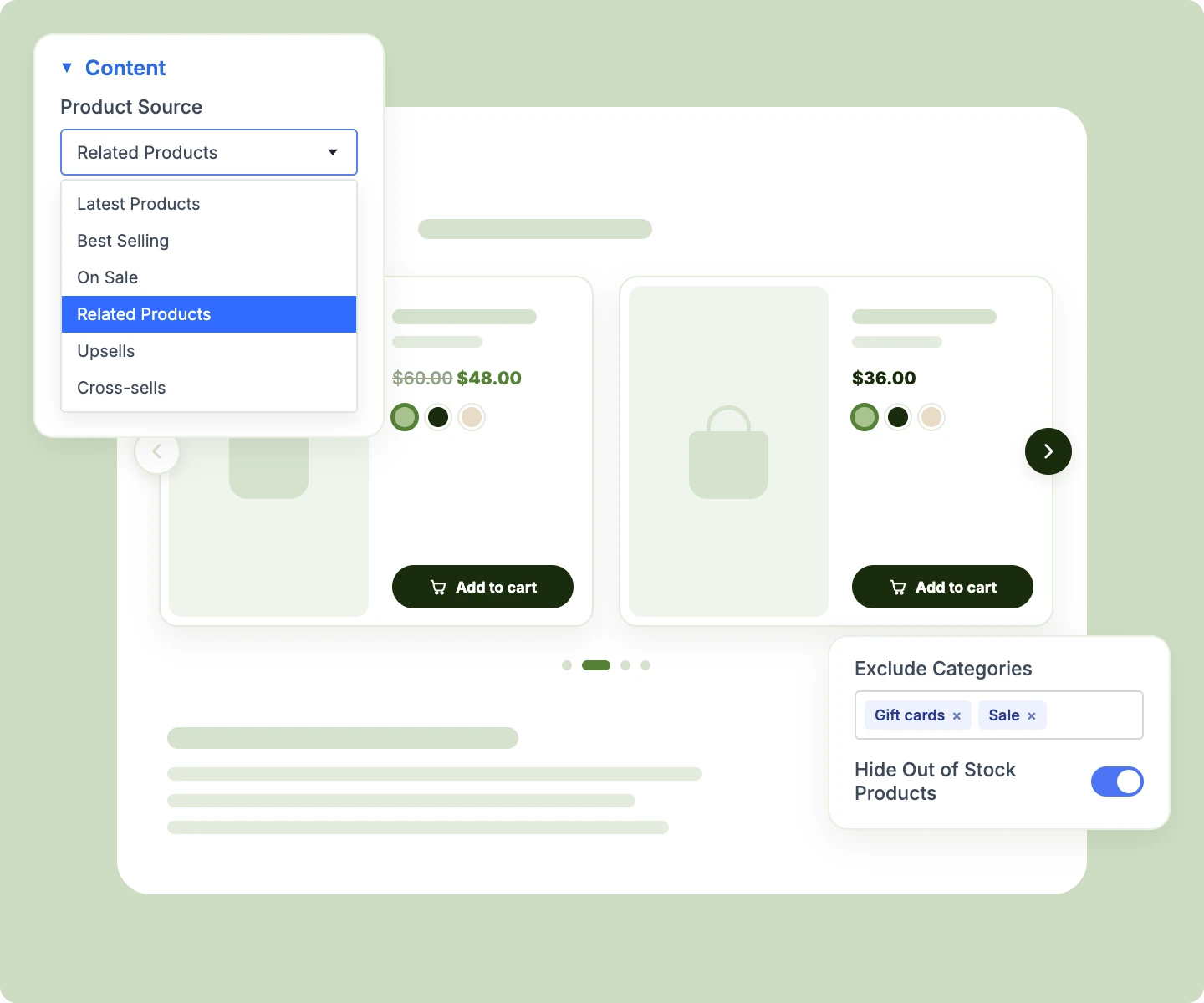
Fill the carousel with latest, featured, on-sale, best-selling, or hand-picked products, or automatically with each product's related items, upsells, and cross-sells.
Swatches & Quick View
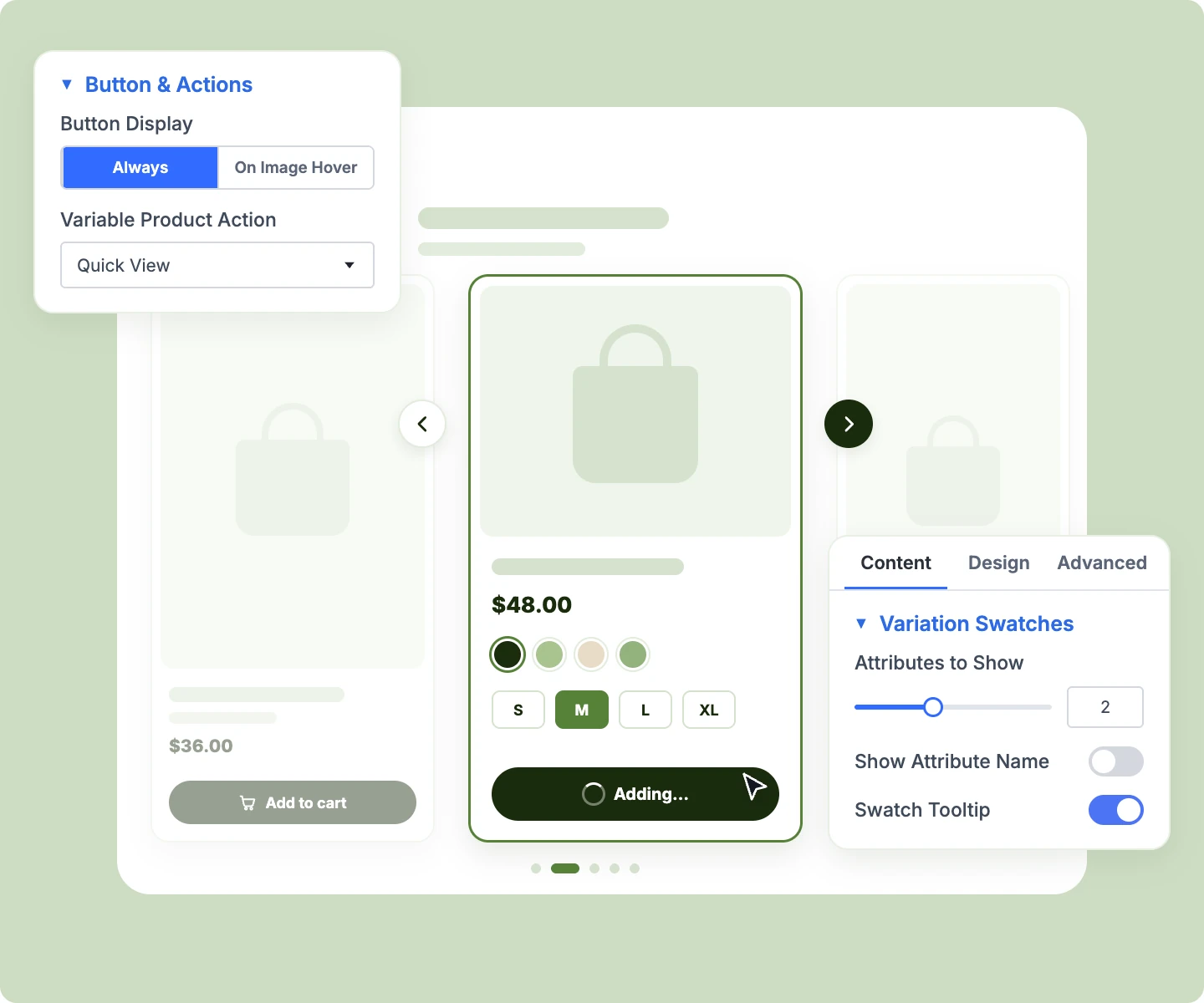
Let shoppers pick a color or size by swatch on the card, watching the image, price, and stock update, or open Quick View.
Full Slider Control
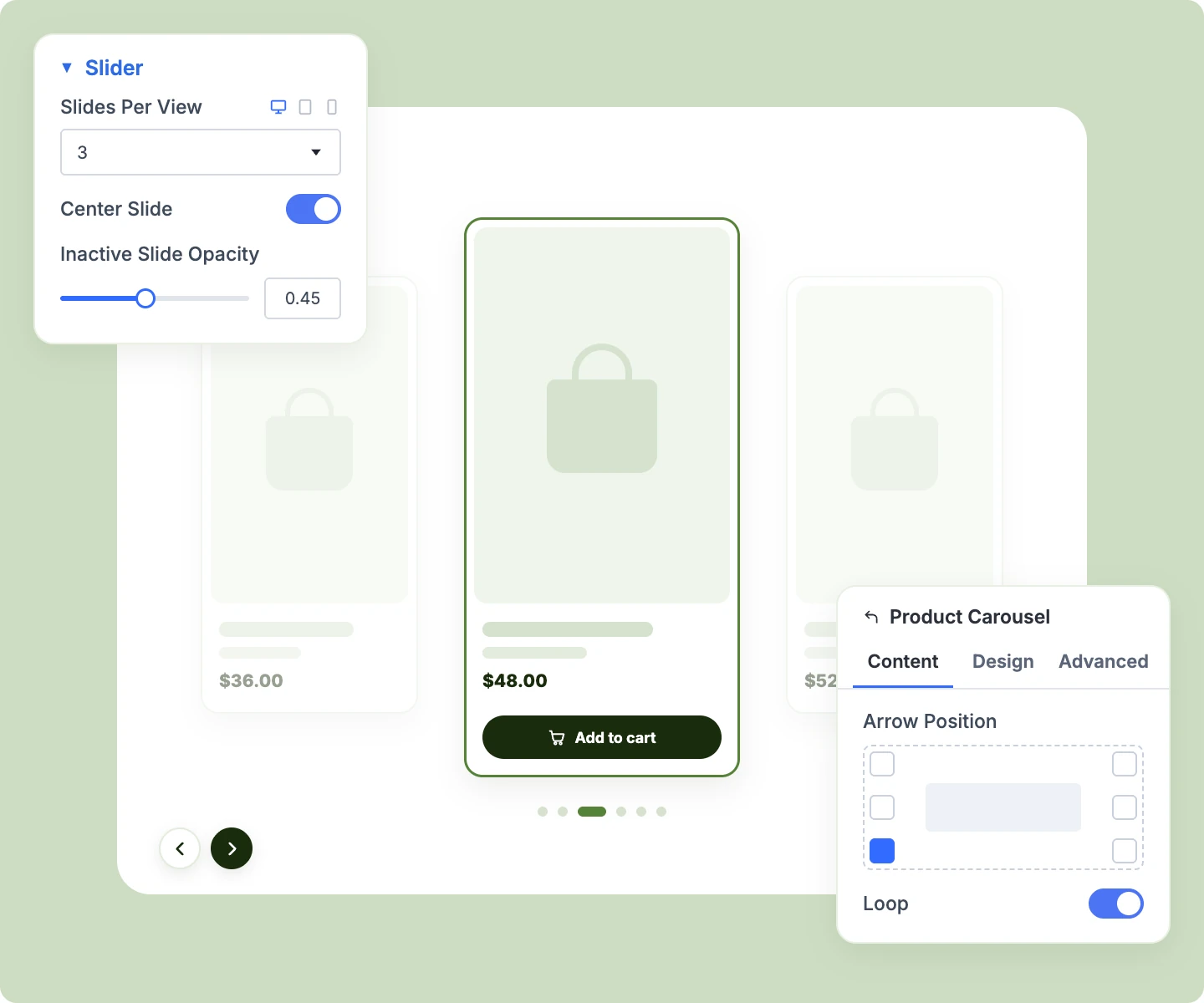
Set cards per view on every device, place the arrows in seven positions, and add dots, loop, a centered slide, or gentle autoplay.
Build a Divi WooCommerce Product Carousel That Sells From Every Slide
Choose Exactly Which Products Slide By

Use Current Loop on archive templates, so a category page's carousel shows that category's products.
-
Show cross-sells on the cart page, drawn from the products already in the shopper's cart.
-
Hand-pick products with a search-as-you-type picker, or fill the row by chosen categories or tags.
-
Exclude categories, tags, or products, and hide out-of-stock items from this carousel only, leaving your shop as is.
-
Sort by price, rating, popularity, name, or random, or let a Product Filter's Sort by take over.
Design Cards That Match Your Store
-
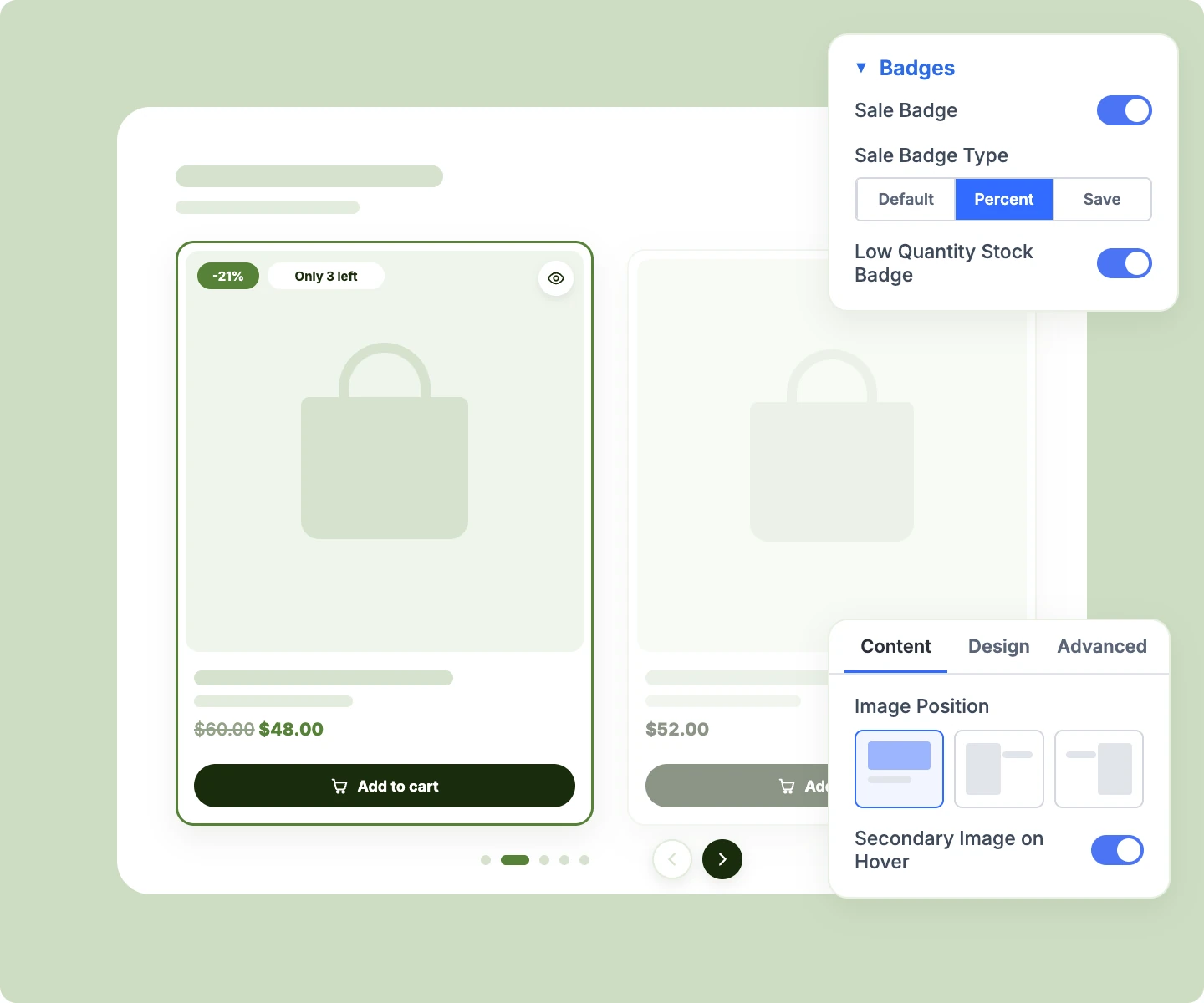
Add Sale badges as "-21%" or "Save $10," plus New, Featured, Low Stock, and "Only 3 left."
-
Lay the details over the image on a dark gradient, always visible or revealed on hover.
-
Place the image on top, left, or right of the details, with a different choice per device.
-
Swap to a second gallery image on hover, so shoppers see another angle at a glance.
-
Show category, brand, SKU, rating, stock, or attributes, and drag the details into your own order.
Let Shoppers Act Right From the Card
-
Add simple products to the cart in place, with a View cart link once they're in.
-
Pick variations by swatch on the card, updating its image, price, and stock, then add to cart.
-
Send a variable product's Select options button to the product page or straight into Quick View.
-
Show Add to cart always or on image hover, full width or as an icon only.
-
Narrow the row with DiviMerc's Product Filter, swapping in new cards with a shareable address.
Control Exactly How the Carousel Moves
-
Show 1 to 12 cards per view, with the gap set separately for desktop, tablet, and phone.
-
Move a whole view per arrow press, or creep along one card at a time.
-
Put arrows on the edge, inside, outside, or in a corner, with custom icons or a hover reveal.
-
Center the active slide and scale it up while the slides beside it fade back.
-
Lazy-load images as slides come near, so long carousels keep the first page load fast.
Add Quick View to Every Product Card
-
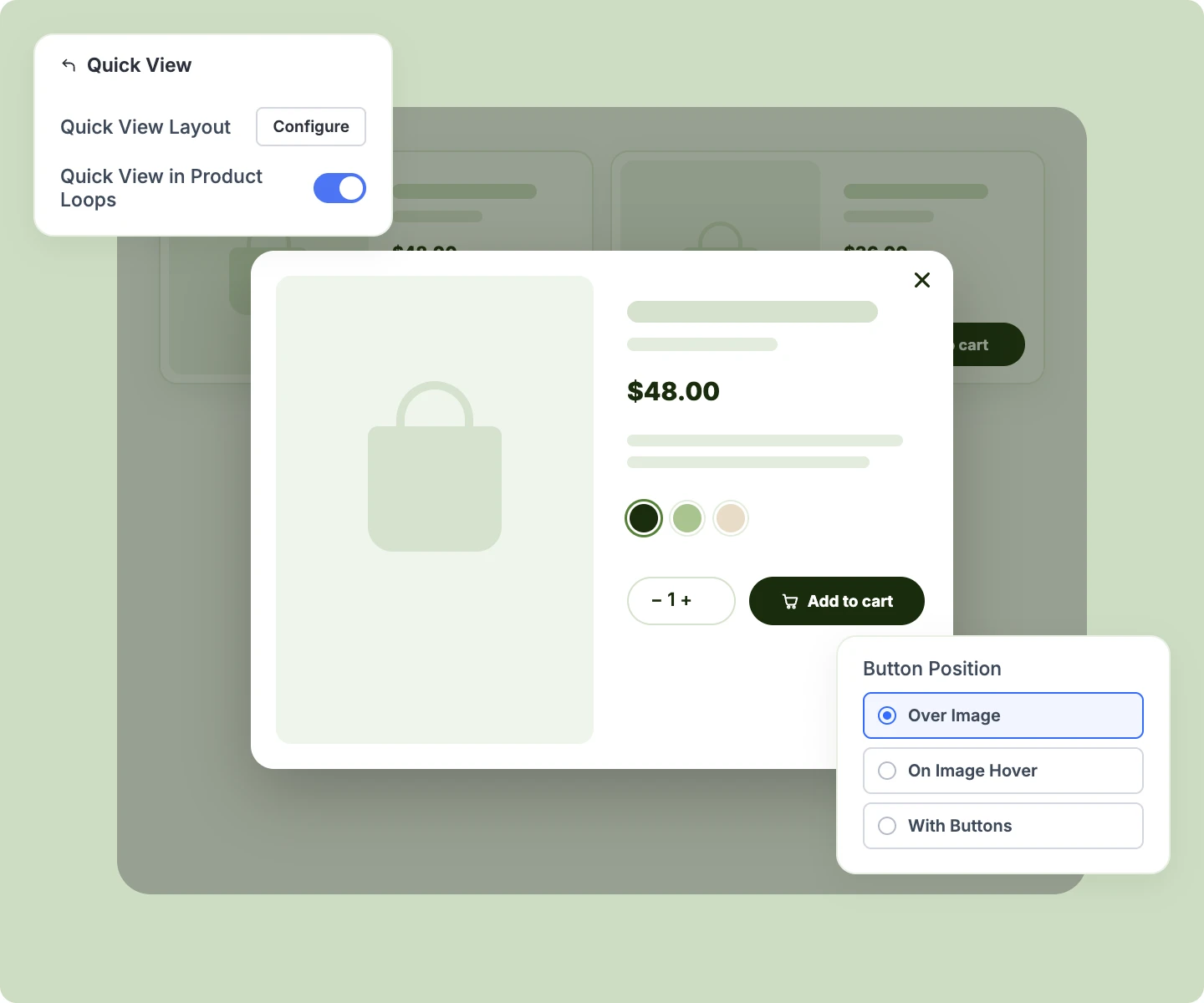
Design the popup once as a Divi Library layout, and every product fills it in automatically.
-
Place any Divi or DiviMerc module in the popup, from gallery and swatches to Add to Cart.
-
Let shoppers pick swatches and add to cart in the popup while the mini cart updates in step.
-
Place the Quick View button over the image, on image hover, or with the card's other buttons.
-
Add an eye icon to WooCommerce's shop and category pages, or open Quick View from any button.
Free Ready-to-Use Product Carousel Layouts to Get Started
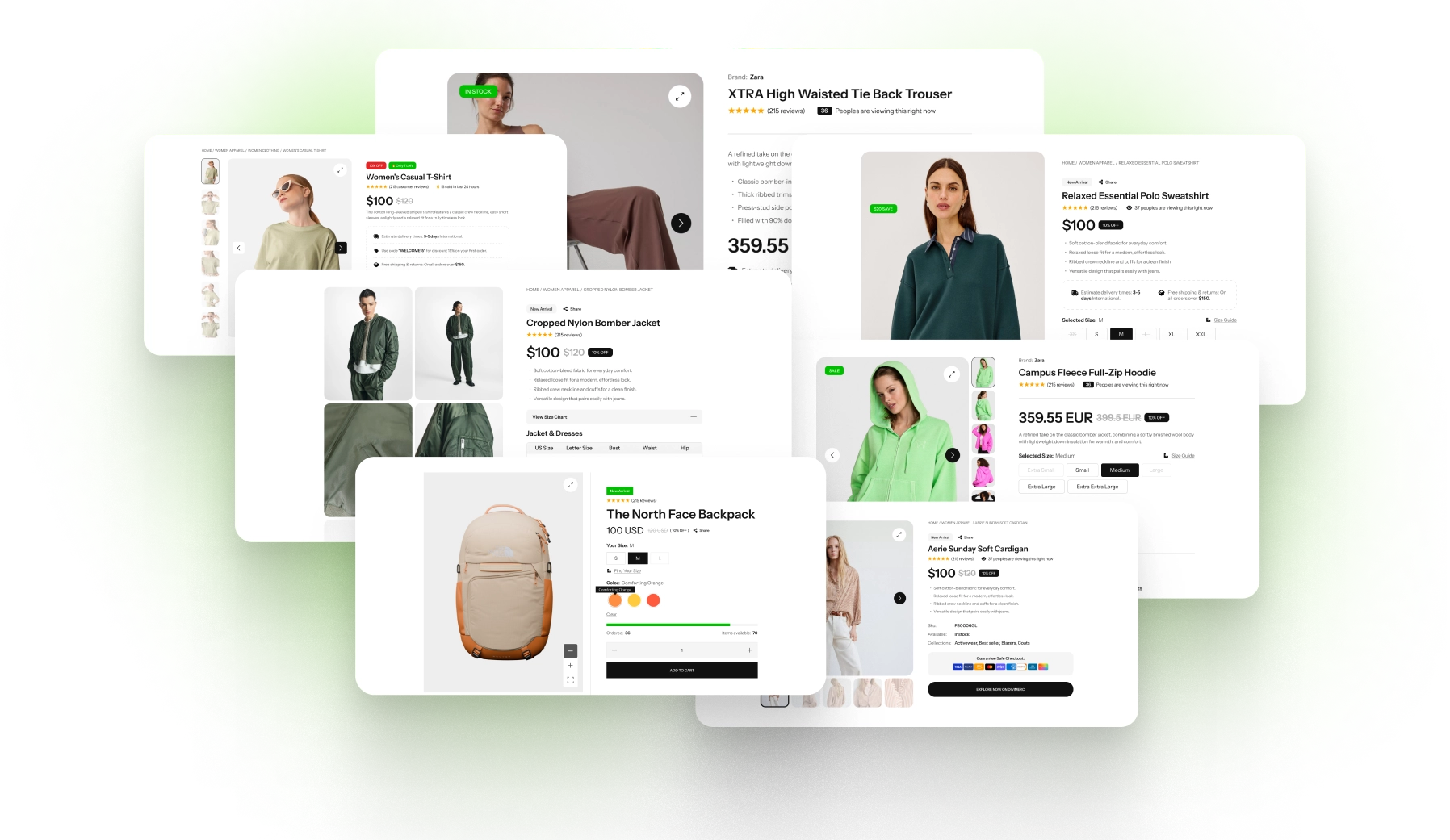
Skip the setup with DiviMerc's pre-made product carousel layouts, from a home page "New in" row to related products and a spotlight with a centered slide. Each one is fully customizable and responsive, ready to drop onto any page or Theme Builder template. Pick a style, set your colors, and go live in minutes.
DiviMerc Product Carousel vs WooCommerce Carousel Plugins: Which Fits Your Divi Store Better?
| Feature | DiviMerc Product Carousel | WooCommerce Carousel Plugins |
|---|---|---|
| Built for | Divi 5, as a native module |  Any theme, through a shortcode or block |
| Where you design it | The Divi Visual Builder, on the page | The plugin's own settings screen |
| Design controls | Divi's own, set per device | The plugin's own options |
| Divi presets | Save a look and reuse it across your store | Not available |
| Card style | Same card as DiviMerc's Product Grid | A separate look to keep in sync |
| Variation swatches on cards | Built in | Often a separate swatches plugin |
| Quick View popup | A Divi layout you design with any module | Usually a fixed popup, if one is offered |
| Filtering the products | DiviMerc's Product Filter, no page reload | Usually needs another plugin |
| Plugins to maintain | One plugin covering 25 store modules | One more plugin for one feature |
| Live WooCommerce data | Prices, stock, and sales | Prices, stock, and sales |
Ready to Turn Every Product Row Into a Place to Shop?
FAQs on Product Carousel for Divi
Everything you need to know about the Product Carousel module before you get started.
What Is the Divi Product Carousel Module?
Does Divi Have a Built-In Product Carousel?
Why Use It Instead of a WooCommerce Carousel Plugin?
How Is It Different From the Product Grid Module?
How Do I Show Related Products or Upsells on Product Pages?
How Many Products Can the Carousel Show?
Why Does My Carousel Show Four Cards on Phones?
Is Autoplay Accessible?
Can Shoppers Choose a Variation From the Carousel?
Do I Need an Extension for Quick View?
Can I Design the Quick View Popup?
Does Quick View Slow My Pages Down?
Can Shoppers Filter the Carousel?
Does the Product Carousel Work on Mobile?
Others Divi WooCommerce Modules in DiviMerc