One of 25+ Modules
Divi Product Grid Module
Divi Product Grid module shows WooCommerce products in a grid of cards, with nine card layouts and pagination that loads without a page reload. Pull products from 13 sources, from best sellers to related items, and give each card badges, variation swatches, and an Add to cart or Quick View button.
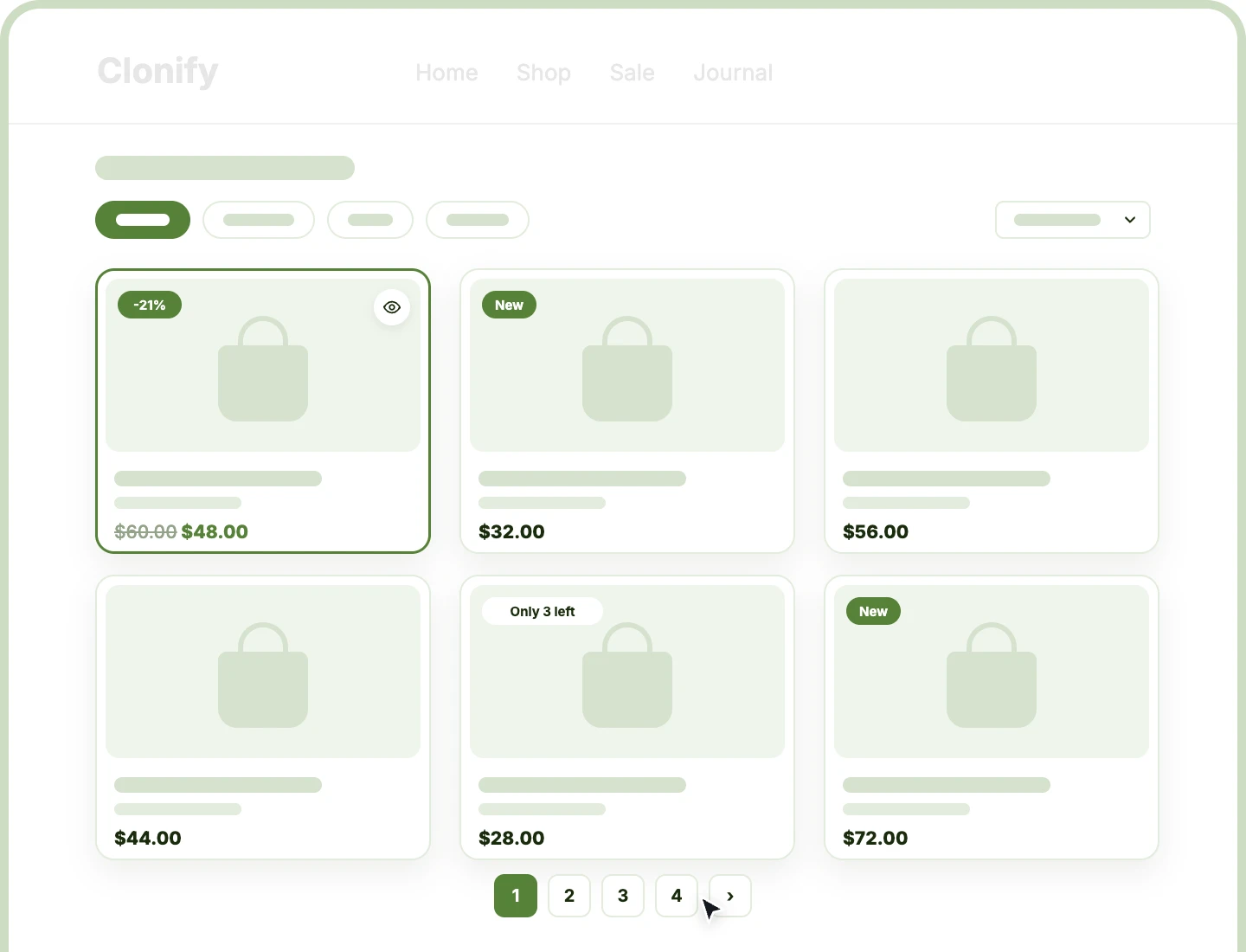
13 Product Sources
Fill the grid with latest, featured, on-sale, best-selling, or hand-picked products, or automatically with each product's related items, upsells, and cross-sells.
Nine Card Layouts
Put the image above, beside, or under the details, or lay details over it, with a different card layout on every device.
Four Pagination Styles
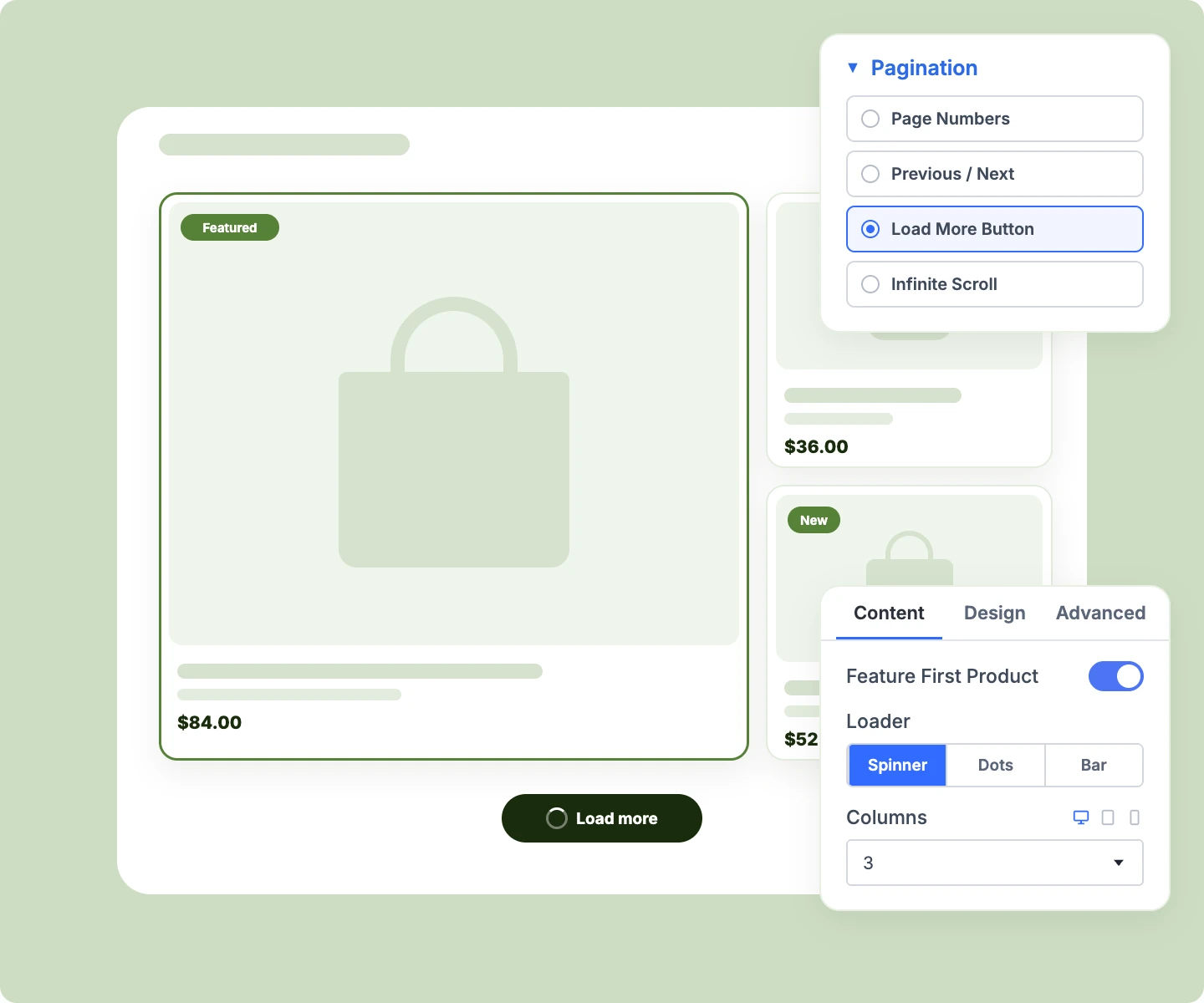
Page through products with numbers, Previous and Next buttons, a Load more button, or infinite scroll, all without a page reload.
Build a Divi WooCommerce Product Grid That Turns Browsing Into Buying
Choose Exactly Which Products Fill the Grid

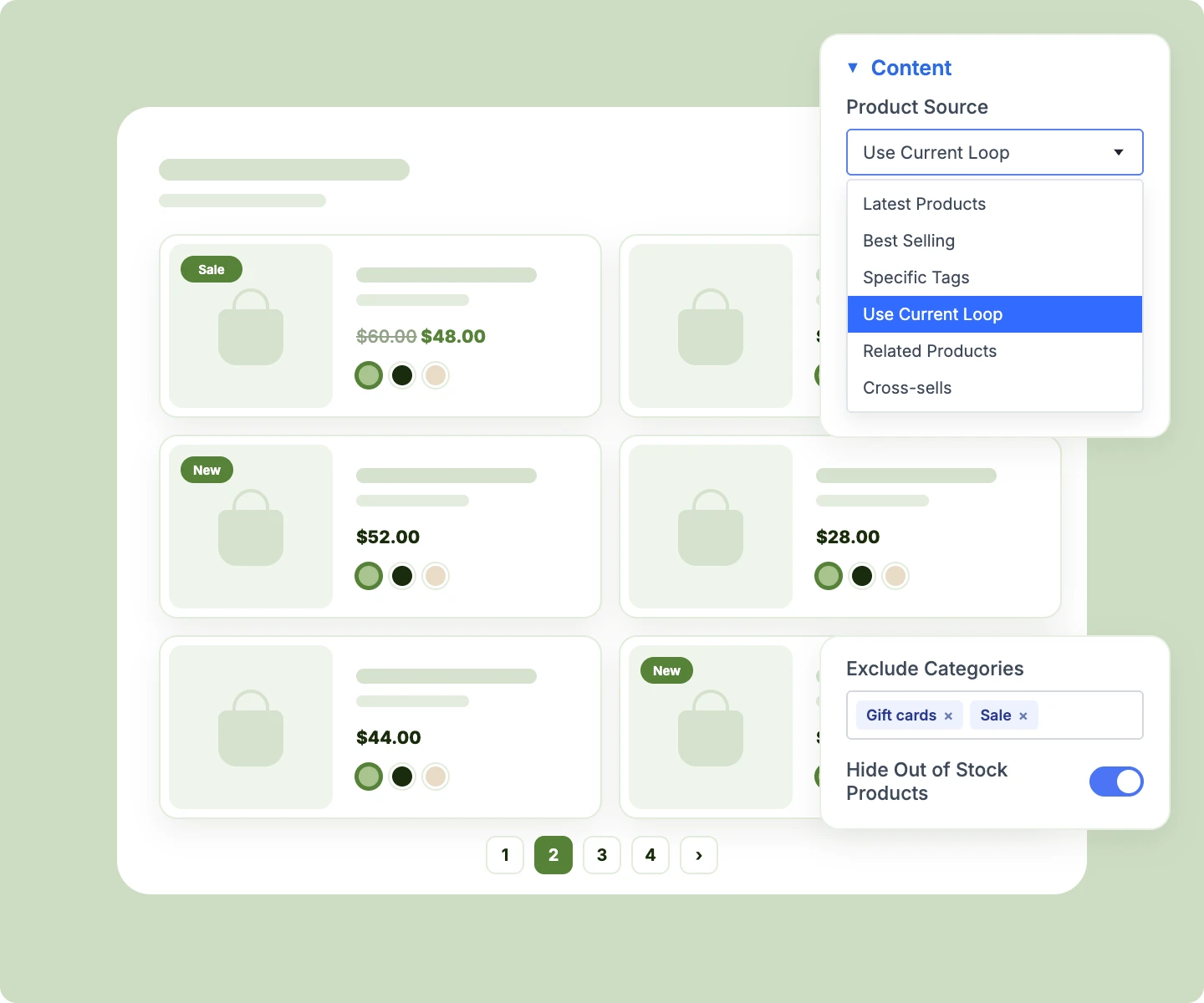
Use Current Loop on archive templates, so each shop, category, tag, or search page lists its own products.
-
Show cross-sells on the cart page, drawn from the products already in the shopper's cart.
-
Hand-pick products with a search-as-you-type picker, or fill the grid by chosen categories or tags.
-
Exclude categories, tags, or products, and hide out-of-stock items from this one grid only.
-
Sort by price, rating, popularity, name, or random, or let a Product Filter's Sort by take over.
Design One Card, Style Every Product
-
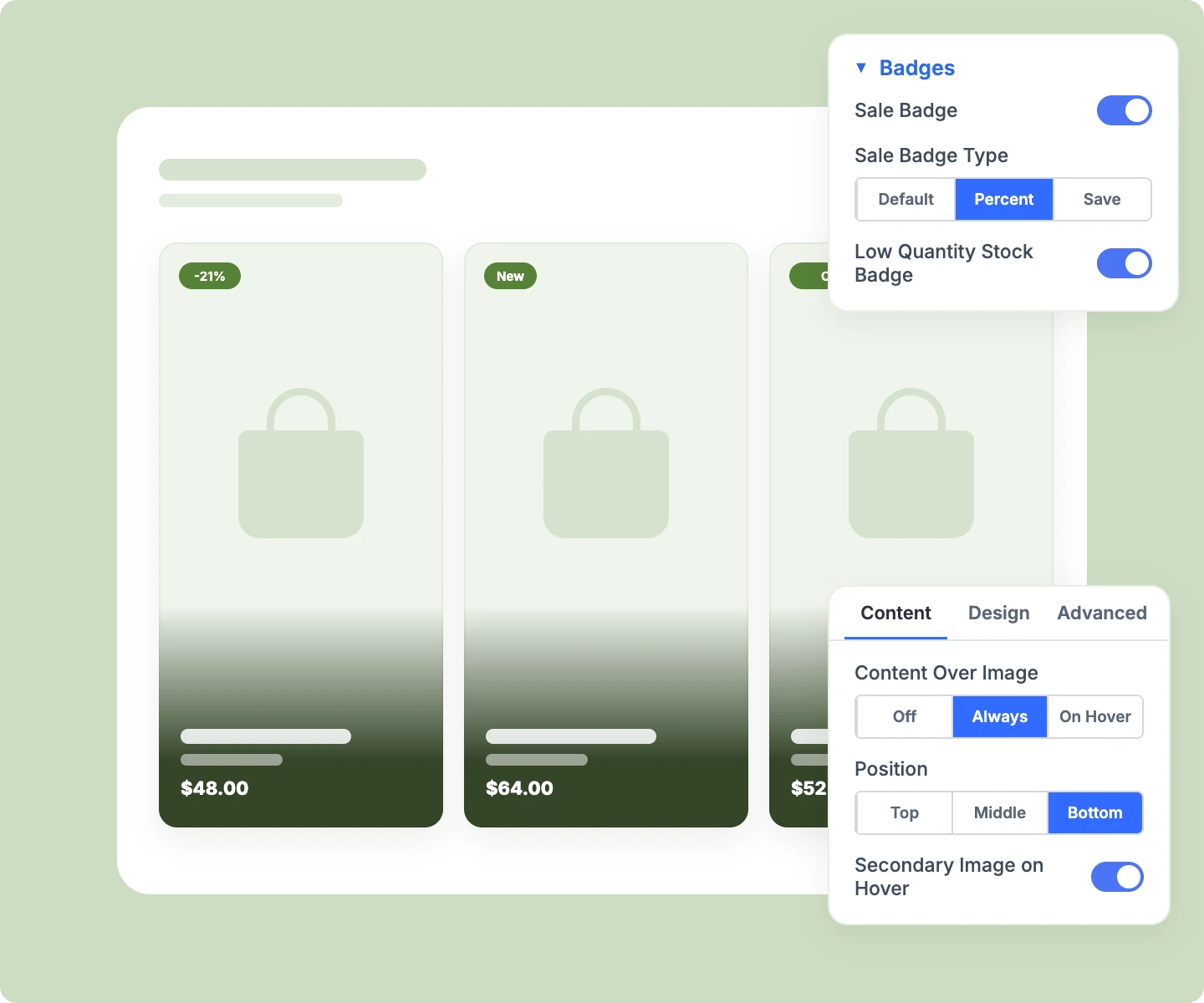
Add Sale badges as "-21%" or "Save $10," plus New, Featured, Low Stock, and "Only 3 left."
-
Lay the details over the image, always visible or revealed on hover, for a lookbook-style card.
-
Swap to a second gallery image on hover, so shoppers see another angle at a glance.
-
Show category, brand, SKU, rating, stock, or attributes, and drag the details into your own order.
-
Set the image aspect ratio per device, from square and portrait to wide 16:9, so cards line up.
Lay Out the Grid for Every Screen
-
Set columns and gaps per device, four, two, and one by default, up to 48 products per page.
-
Spotlight a hero product by letting the first card of each page span two columns.
-
Show a spinner, dots, or bar while the next set loads, or fade and blur the products.
-
Narrow the grid with DiviMerc's Product Filter, with counts, sorting, and a column switcher from its own products.
-
Show a No Results message with an icon, or hide the grid when there's nothing to list.
Let Shoppers Act Right From the Card
-
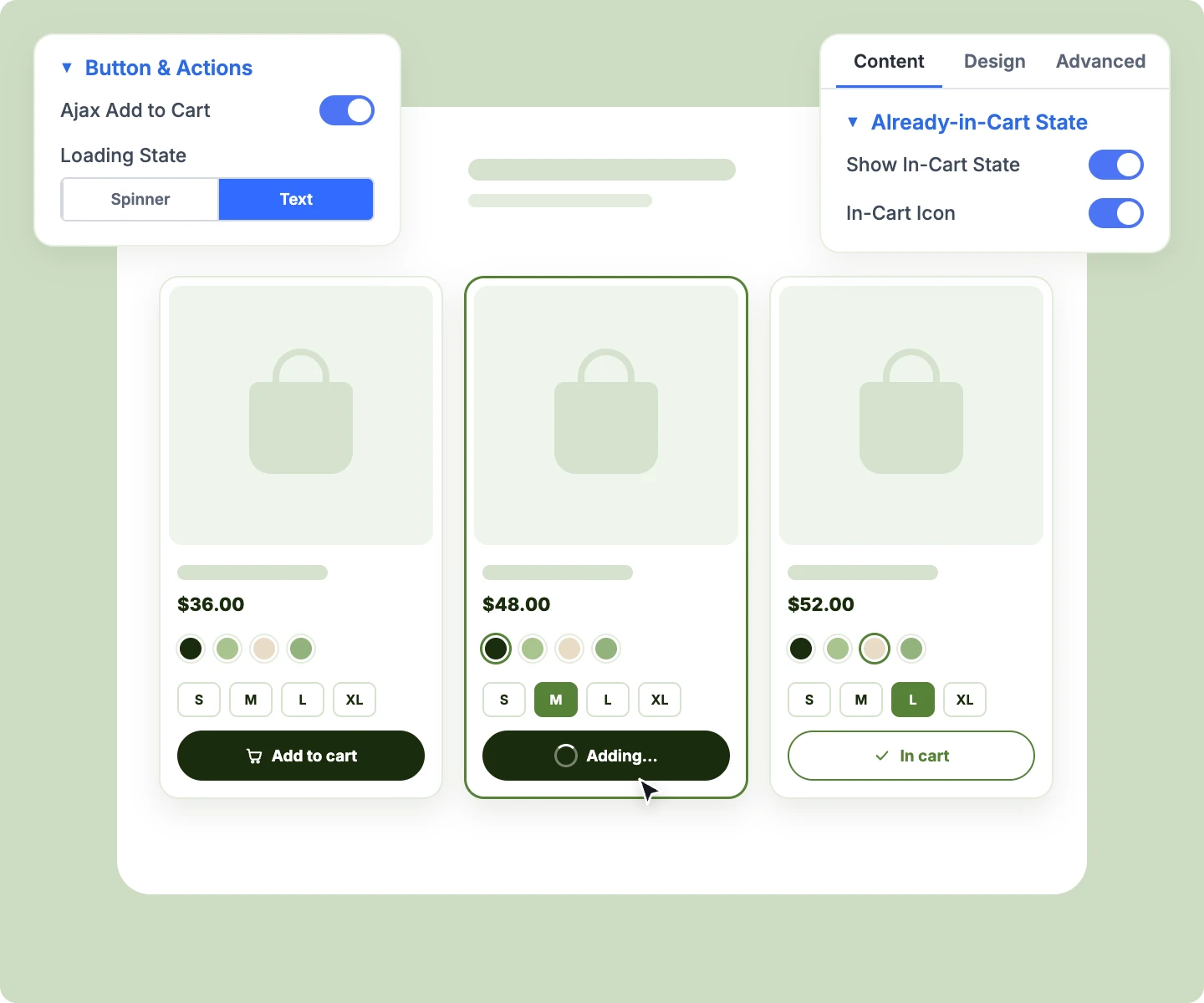
Add simple products to the cart in place, with a View cart link once they're in.
-
Let shoppers pick a color or size by swatch, updating the card's image, price, SKU, and stock.
-
Add an in-stock variation to the cart straight from the card once every option is picked.
-
Send a variable product's Select options button to the product page or straight into Quick View.
-
Show Add to cart below the details, or as filled buttons over the image on hover.
Add Quick View to Every Product Card
-
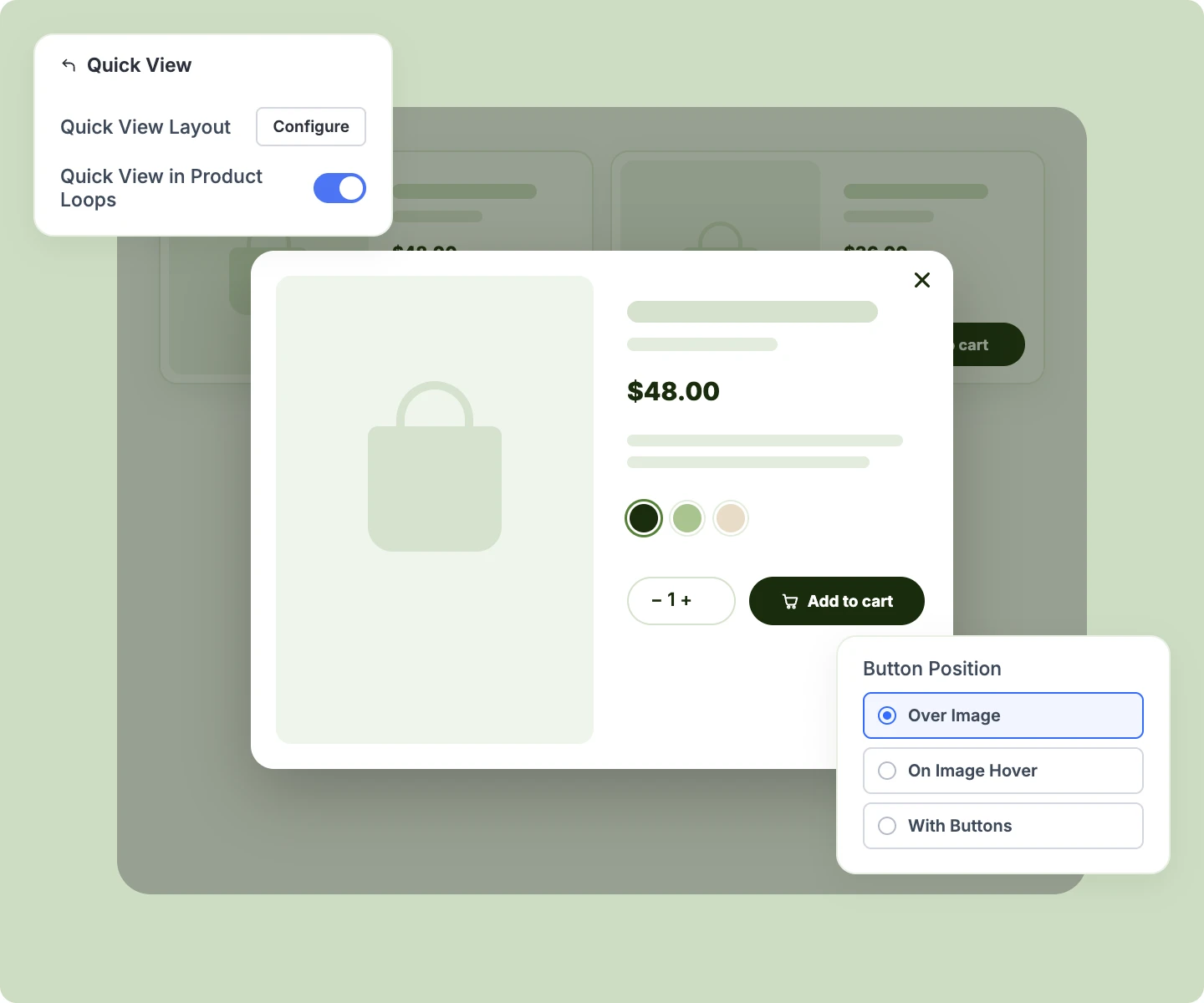
Design the popup once as a Divi Library layout, and every product fills it in automatically.
-
Place any Divi or DiviMerc module in the popup, from gallery and swatches to Add to Cart.
-
Let shoppers pick swatches and add to cart in the popup while the mini cart updates in step.
-
Place the Quick View button over the image, on image hover, or with the card's other buttons.
-
Add an eye icon to WooCommerce's shop and category pages, or open Quick View from any button.
Quick View is a DiviMerc extension that works with Product Grid, Product Carousel, and WooCommerce's own product loops. Switch it on under DiviMerc → Extensions.
Free Ready-to-Use Product Grid Layouts to Get Started
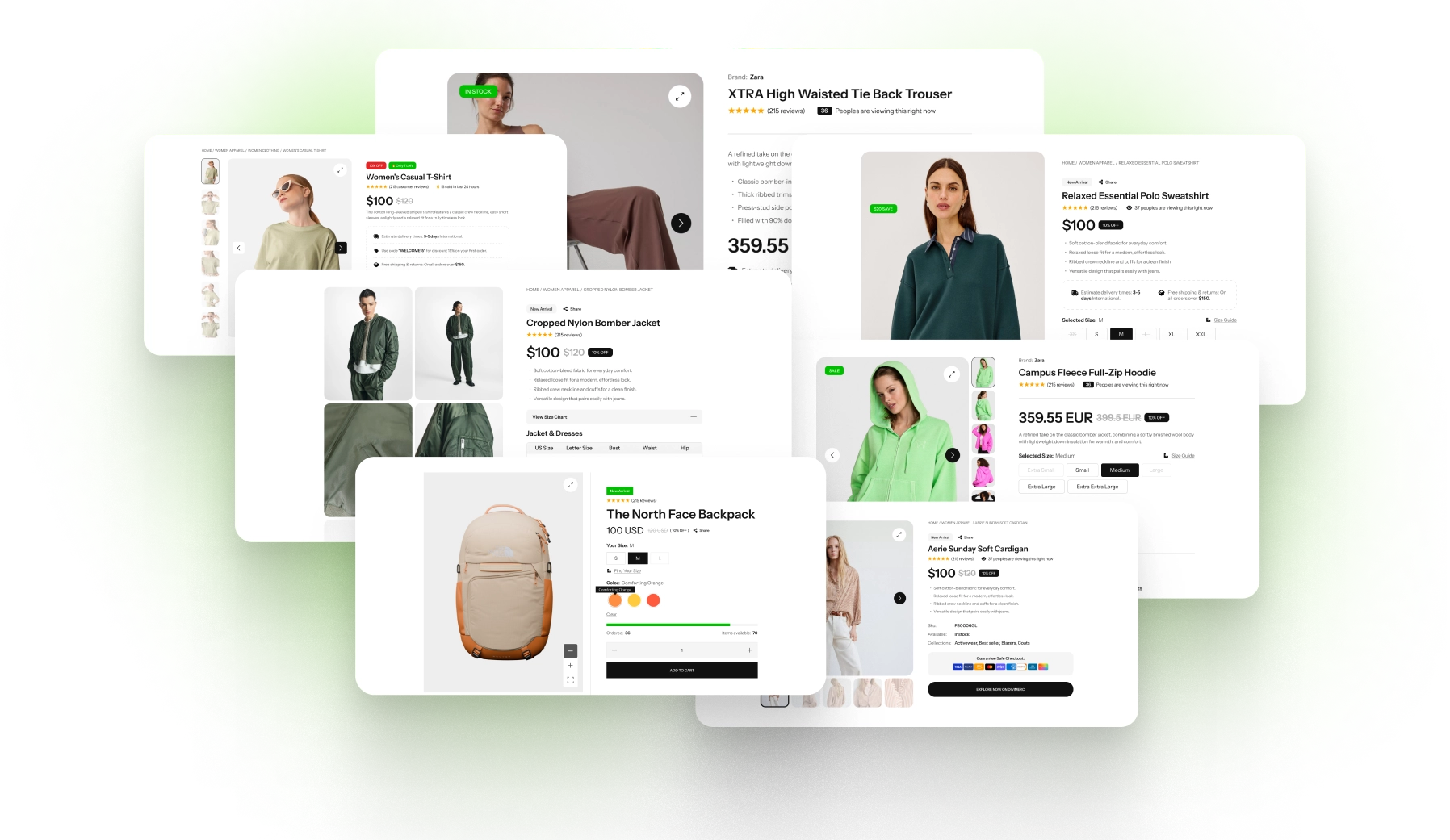
Skip the setup with DiviMerc's pre-made product grid layouts, from a classic shop to a minimal lookbook, a related products row, and an editorial grid. Each one is fully customizable and responsive, ready to drop into any page or Theme Builder template. Pick a style, set your colors, and go live in minutes.
DiviMerc Product Grid vs Divi Woo Products: Which Gives You More Control?
| Feature | DiviMerc Product Grid | Divi Woo Products |
|---|---|---|
| Product sources | 13, including tags, hand-picked products, upsells, and cross-sells |  Divi's built-in product types |
| Card elements | Brand, SKU, stock, attributes, and more | Image, name, rating, and price |
| Element order | Drag to reorder | Fixed order |
| Image position | Top, left, or right, per device | Top only |
| Badges | Sale, New, Featured, Low Stock, and "Only 3 left" | Sale badge only |
| Variation swatches on the card | Updates image, price, SKU, and stock | Not available |
| Add to Cart on the card | Always or on image hover | Not available |
| Pagination | Numbers, Previous and Next, Load more, or infinite scroll | Page numbers with a page reload |
| Quick View popup | With the Quick View extension | Not available |
| Product Filter support | Counts, sorting, and columns | Not available |
| WooCommerce catalog visibility | Followed as-is | Followed as-is |
Ready to Give Your Catalog the Grid It Deserves?
FAQs on Product Grid for Divi
Everything you need to know about the Product Grid module before you get started.
What Is the Divi Product Grid Module?
How Is It Different From Divi's Woo Products Module?
How Is It Different From the Product Carousel Module?
How Do I Build a Custom WooCommerce Shop Page in Divi?
How Do I Show Related Products or Upsells on Product Pages?
How Many Products Can One Page Show?
Can Phones Use a Different Card Layout?
Can I Change the Badge Texts?
Can Shoppers Choose a Variation From the Grid?
Do I Need an Extension for Quick View?
Can I Design the Quick View Popup?
Can Shoppers Filter the Grid?
Can Two Grids on One Page Show Different Products?
Will My Existing Grids Change?
Others Divi WooCommerce Modules in DiviMerc