One of 25+ Modules
Divi Category Carousel Module
Divi Category Carousel module shows your WooCommerce categories, tags, or brands as a sliding row of linked cards, each with its picture, name, and product count. Style one card and every card follows, then control the arrows, dots, loop, and autoplay.

Categories, Tags, Brands
Slide through product categories, tags, brands, or any product taxonomy as linked image cards in one row, each showing its own product count.
Centered Spotlight Slide
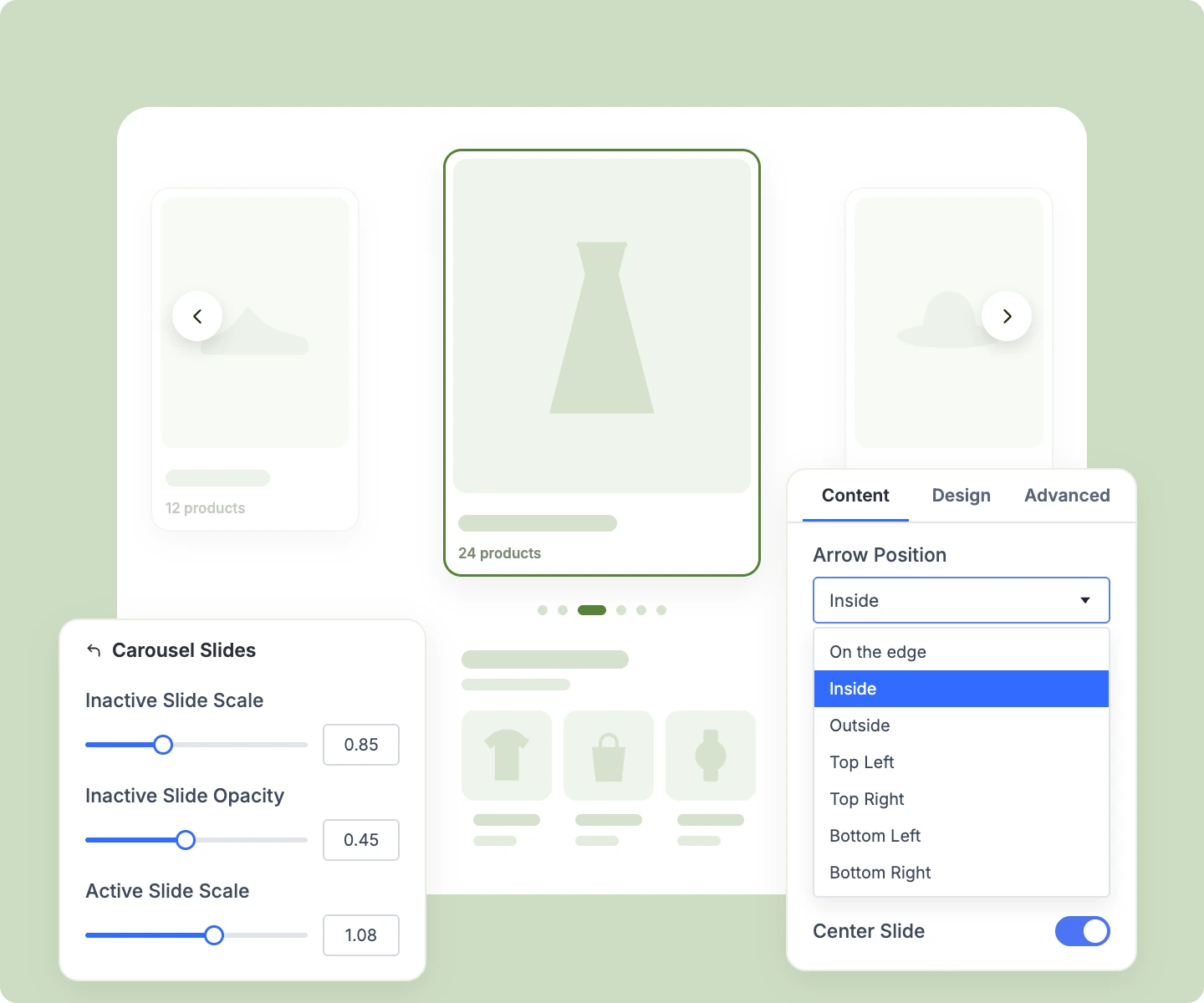
Keep the active slide centered and larger, with its neighbors smaller and faded, so the row draws the eye to one term at a time.
Pictures and Logos
Give tags a picture with Tag Images, and draw each brand's logo over its photo with Brand Logos, two optional DiviMerc extensions.
Build a Divi WooCommerce Category Carousel Shoppers Swipe Through
Show Exactly the Terms You Want

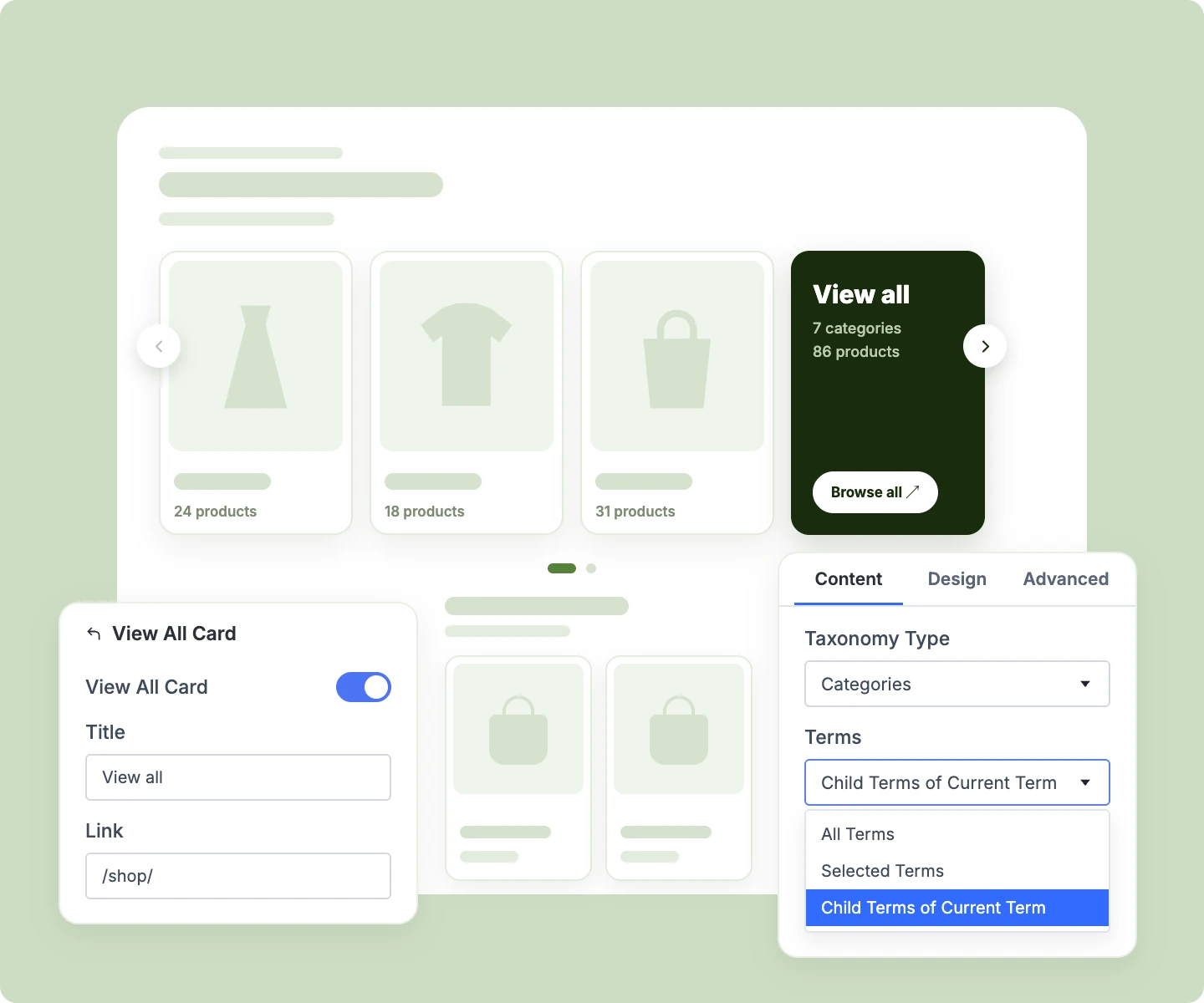
Show sub-categories on every category page from one Theme Builder template with Child Terms of Current Term.
-
Hand-pick categories, tags, or brands with checkboxes, or type term IDs for any other taxonomy.
-
Hide empty terms, Uncategorized, or terms under a minimum product count, so no slide leads nowhere.
-
Order terms by name, product count, or your own drag order from Products → Categories.
-
End the row with a View All card as its last slide, linked to your shop.
Shape Each Card Around Your Store
-
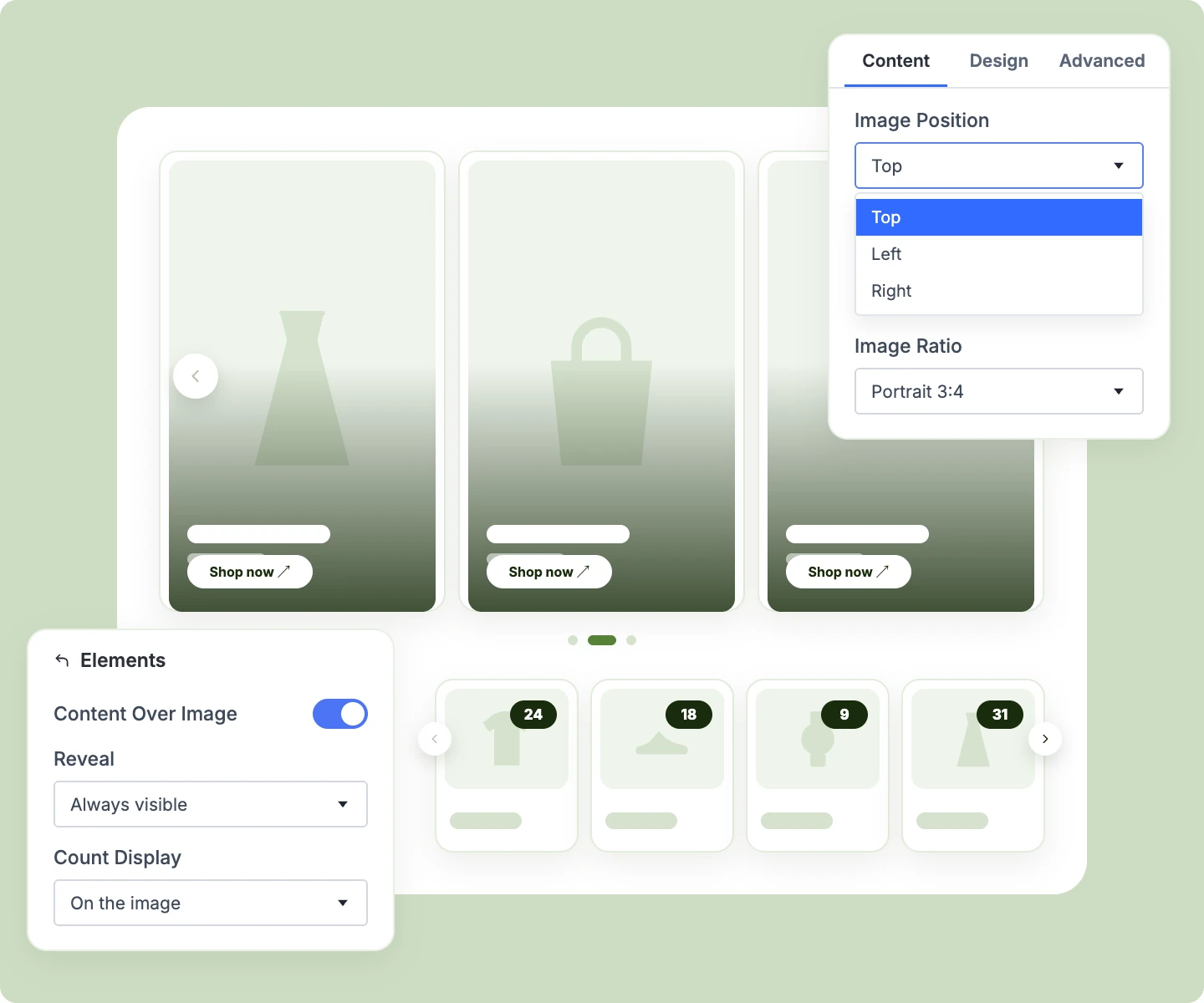
Place the picture on top, left, or right per device, cropped to 4:3, square, 16:9, or portrait.
-
Lay the name, count, and button over the picture on a dark gradient, always or on hover.
-
Show the count below the name, beside it, or on the image, with the number styled separately.
-
Add a Shop now button inline or below, with your own label and icon.
-
Draw each term's first letter instead of a picture, for tags or brands without images.
Control Every Move of the Carousel
-
Show 1 to 12 cards per view, and move a whole view or one card per arrow press.
-
Put arrows on the edge, inside, outside, or in a corner, with custom icons or a hover reveal.
-
Mark the new active slide as the row starts moving, so its style changes with the motion.
-
Turn on autoplay with Pause On Hover, and give each view up to 15 seconds.
-
Lazy-load pictures as slides come near, preloading up to five views ahead to keep swipes crisp.
Add Tag Pictures and Brand Logos
-
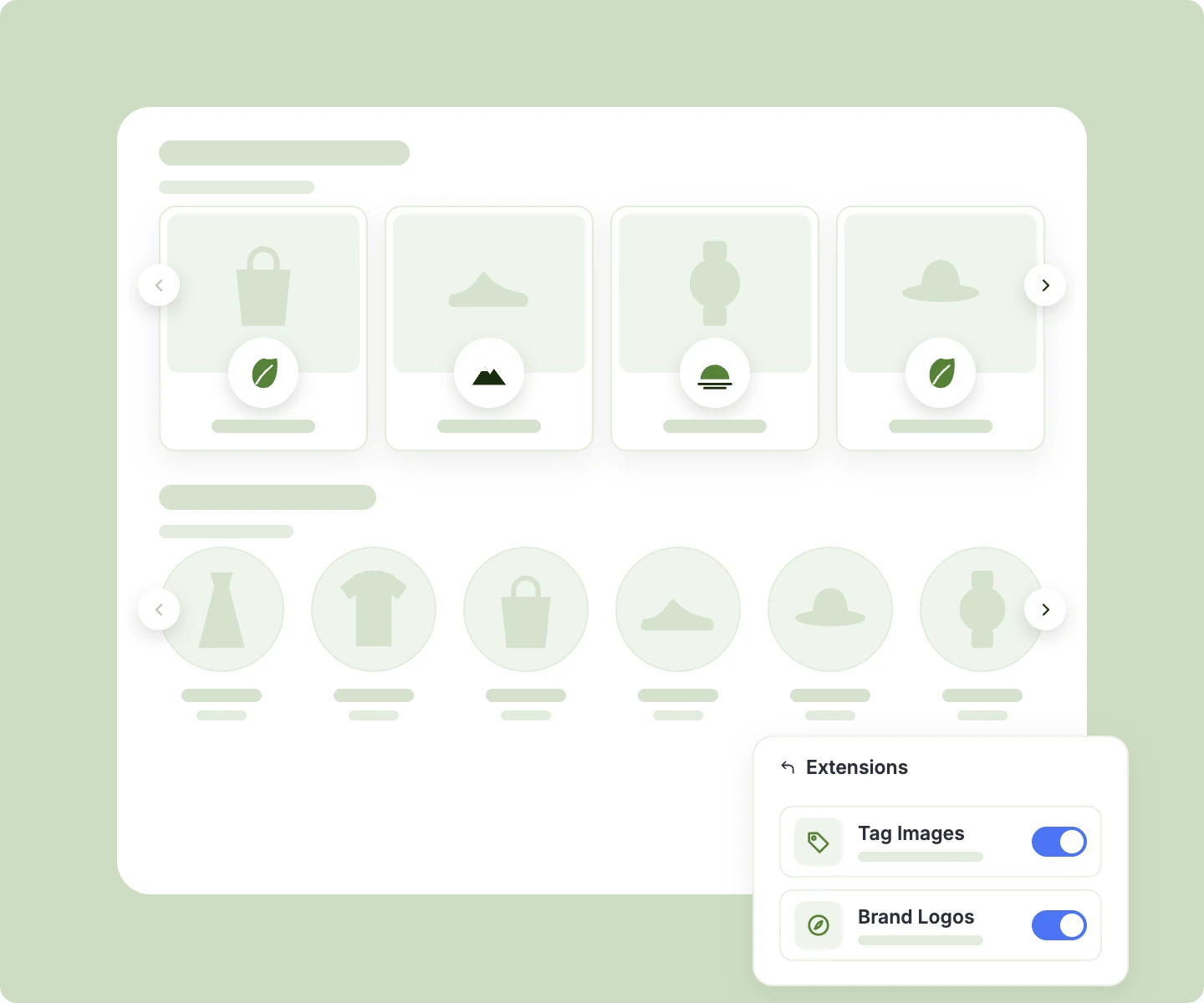
Give tags and other public taxonomies an image with the Tag Images extension, set on the tag screen.
-
Spot tags still missing a picture at a glance in the new Image column.
-
Add a logo to each brand with the Brand Logos extension, separate from the brand's photo.
-
Draw the logo in a white circle over the brand picture, sized and styled your way.
-
Keep every picture and logo you set, even if you switch either extension off later.
Free Ready-to-Use Category Carousel Layouts to Get Started
Skip the setup with DiviMerc's pre-made category carousel layouts, from a home page "Shop by category" row to a centered spotlight, a brand strip with header arrows, and a quiet autoplay strip. Each one is fully customizable and responsive, ready to drop onto any page or Theme Builder template. Pick a style, set your colors, and go live in minutes.

DiviMerc Category Carousel vs WooCommerce Category Slider Plugins: Which Fits Your Divi Store Better?
| Feature | DiviMerc Category Carousel | WooCommerce Category Slider Plugins |
|---|---|---|
| Built for | Divi 5, as a native module |  Any theme, through a shortcode or block |
| Where you design it | The Divi Visual Builder, on the page | The plugin's own settings screen |
| Design controls | Divi's own, set per device | The plugin's own options |
| Divi presets | Save a look and reuse it across your store | Not available |
| What it can show | Categories, tags, brands, or any product taxonomy | Usually categories only |
| Pictures on tags | With the Tag Images extension | Usually needs another plugin |
| Sub-categories on category pages | Child Terms of Current Term in one template | Often a carousel set up per page |
| Card style | Same card as DiviMerc's Category Grid | A separate look to keep in sync |
| Plugins to maintain | One plugin covering your whole store | One more plugin for one feature |
| Arrows, dots, and autoplay | With a centered, scaled active slide | In most slider plugins |
Ready to Put Your Whole Catalog One Swipe Away?
FAQs on Category Carousel for Divi
Everything you need to know about the Category Carousel module before you get started.
What Is the Divi Category Carousel Module?
Does Divi Have a Built-In Category Carousel?
Why Use It Instead of a WooCommerce Category Slider Plugin?
How Is It Different From the Category Grid?
Can I Show Sub-Categories on Each Category Page?
Can I Show Categories and Brands in One Carousel?
Where Do the Card Pictures Come From?
Do I Need the Tag Images Extension?
Does Tag Images Change My Shop Page?
How Do I Show Brand Logos on the Cards?
Can One Card Be Bigger Than the Others?
Is Autoplay Accessible?
Does the Category Carousel Work on Mobile?
How Many Terms Can the Carousel Show?
Others Divi WooCommerce Modules in DiviMerc