
The DiviMerc Dashboard is your control center for managing licensing and unlocking DiviMerc’s full capabilities through modules and extensions.
Welcome Screen #
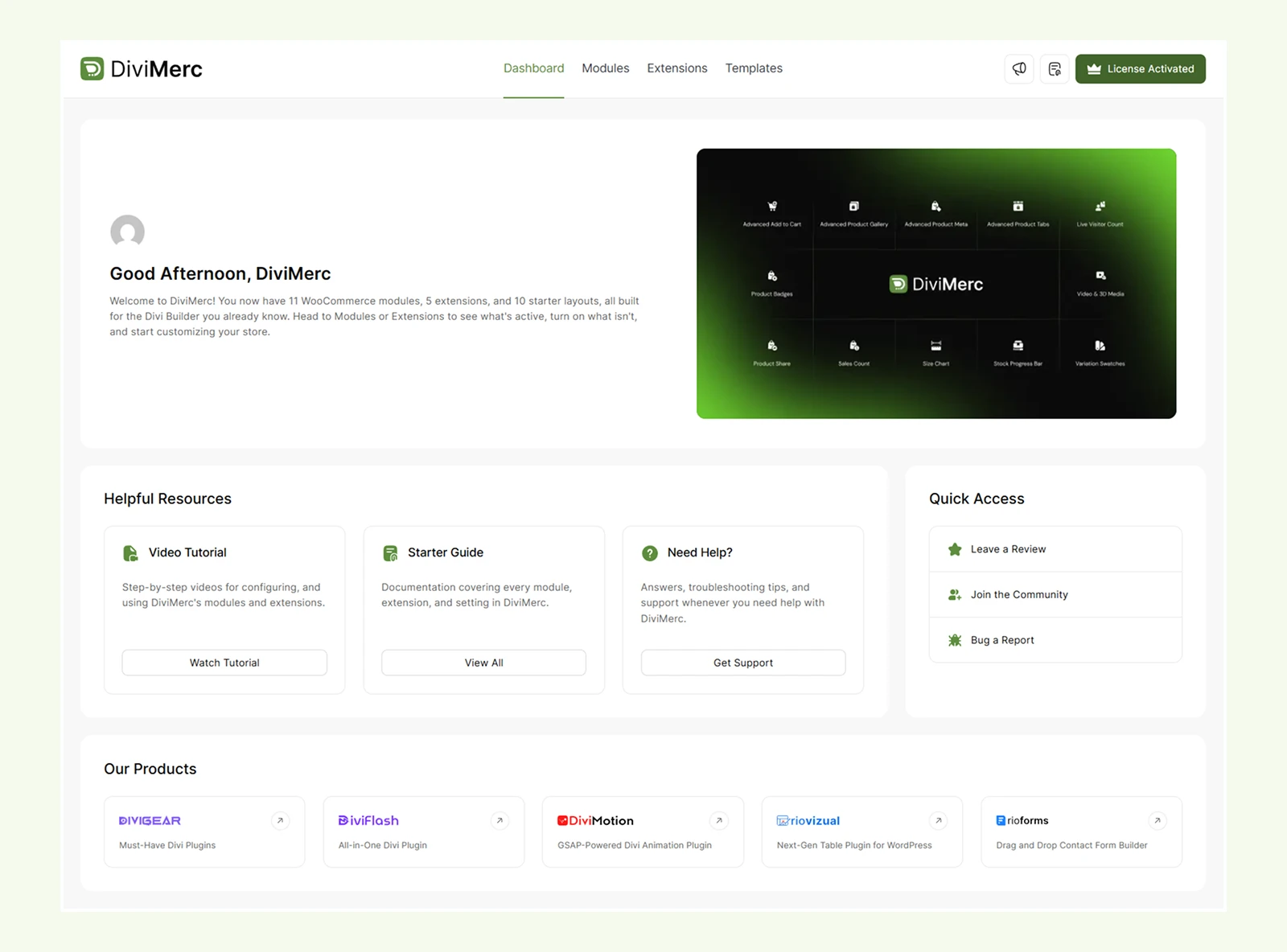
After installing the DiviMerc plugin, you'll land on the Welcome screen. This screen includes a quick overview of DiviMerc’s core features.
Right below the welcome area, you’ll find:
- Helpful Resources: Video tutorials, Getting Started guides, and links to support
- Other Products: Solutions that extend WordPress and the Divi Builder
- Quick Access Links: Leave a review, join the user community, or report a bug
Modules Tab #
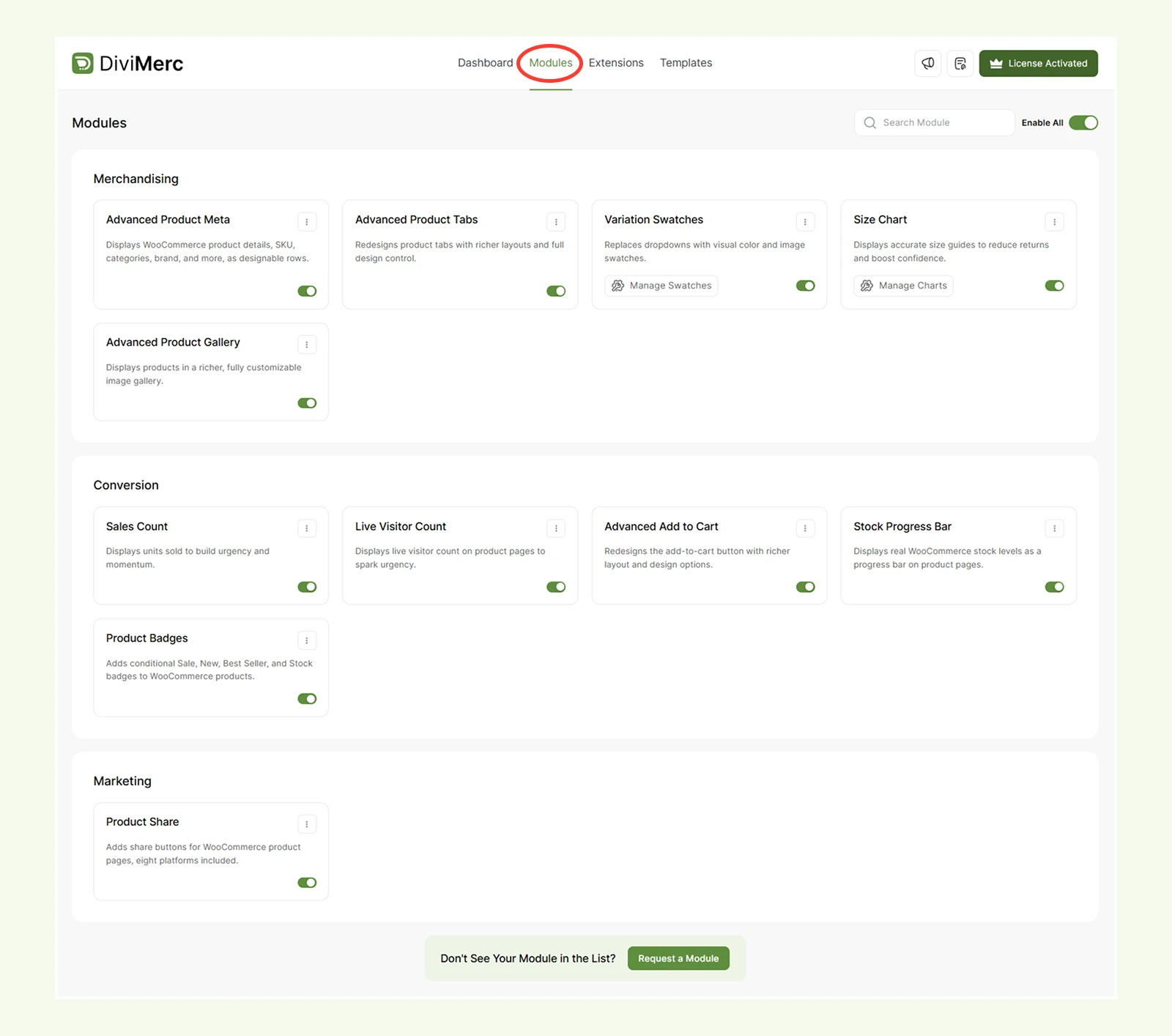
This tab previews dedicated eCommerce modules by category that Divi doesn't offer by default – such as advanced product meta, variation swatches, and product share.
Each module can be enabled or disabled individually, or all at once using the Enable All toggle at the top of the page. Use the search bar or Filter option to quickly find a specific module.
Extensions Tab #
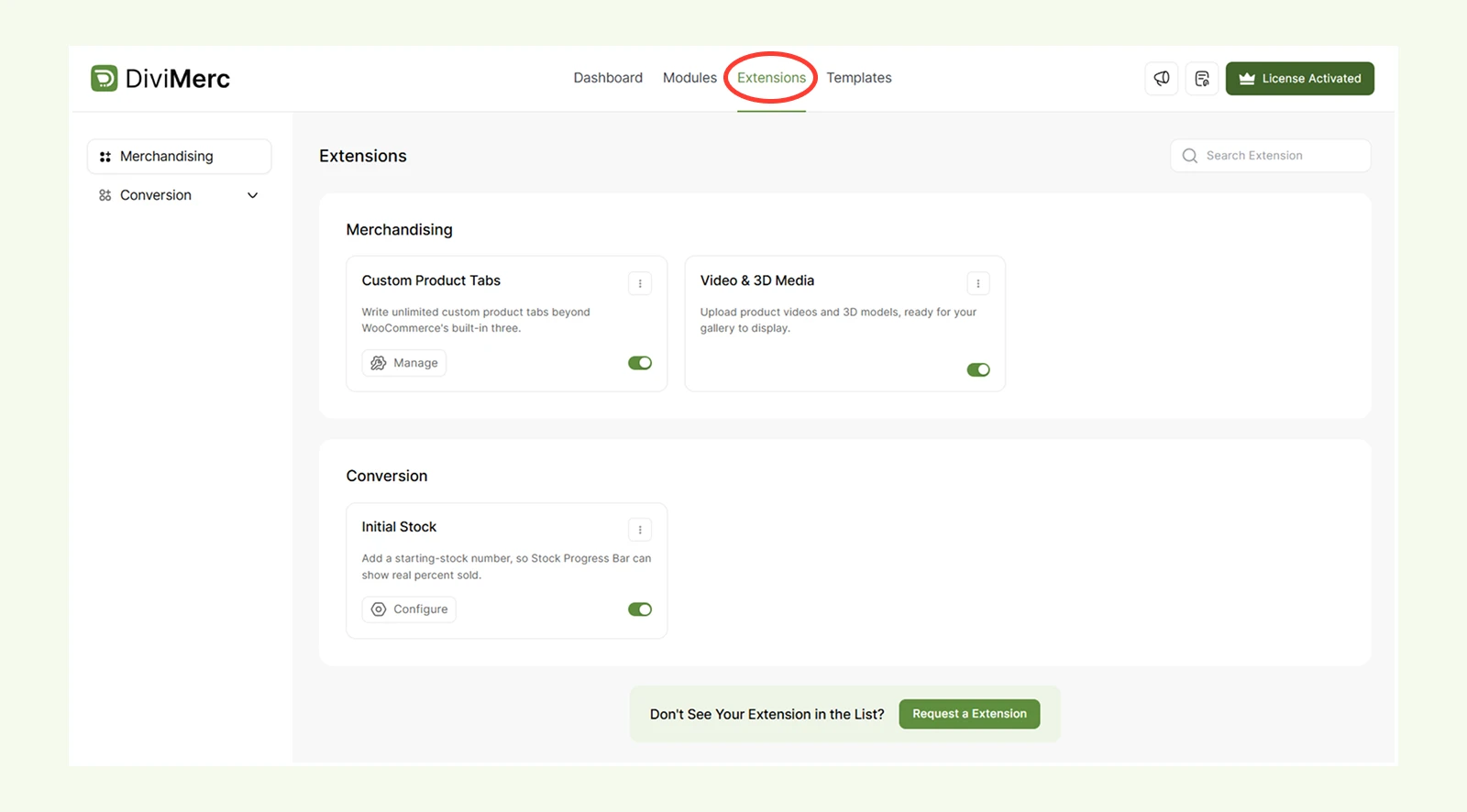
Here, you’ll find advanced tools that go beyond what Divi or WordPress offer out of the box – like initial stock manager and product tabs manager.
Templates Tab #
The Templates tab links to a growing library of pre-designed, ready-to-use eCommerce layouts. Use these to quickly launch a fully styled storefront without building every page from scratch.

Quick Actions (Top Right) #
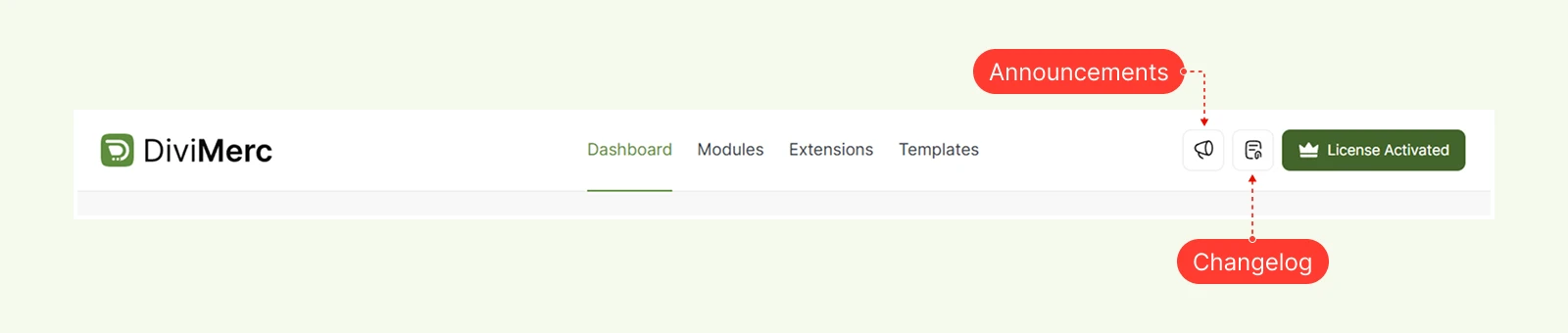
In the top-right corner of the DiviMerc dashboard, you'll find a few helpful shortcuts:
- Announcements – the latest news and updates from the DiviMerc team
- Changelog – a full history of what's changed in each release
- License Active – your current license status; click here to manage or update your license
What's Next? #
That covers everything you need to install, activate, and get oriented inside DiviMerc. From here:
- Head to the Starter Guide for detailed documentation on each module and extension
- Check out Video Tutorials for step-by-step walkthroughs
- Browse the Templates tab to launch a ready-made layout instead of starting from a blank page
- If you get stuck, visit Get Support from the Welcome screen for troubleshooting help and direct support


