

The best Divi WooCommerce plugin depends on which part of your store Divi's built-in Woo modules don't cover: product pages, shop filtering, cart and checkout, or extras like wishlists.
For example, DiviMerc adds product page, cart and checkout modules built for Divi. Divi BodyCommerce bundles wishlist, compare and custom checkout features in one toolkit, while Divi Shop Builder focuses on shop filtering and a smoother checkout.
Below, you will find each plugin's features, limitations and pricing, starting with a quick comparison.
How We Selected These Plugins
We compared Divi WooCommerce plugins on store coverage, Divi 5 support, pricing and limitations, using each vendor's official pages as of November 2026. We left out general Divi plugins without dedicated WooCommerce features.
1. DiviMerc: Best for Product, Cart and Checkout Pages
DiviMerc is a WooCommerce plugin built for Divi, with 25+ modules and 10+ extensions. It covers the full buying path, from product pages and shop grids to the cart, checkout and My Account pages.
Each module works inside the Visual Builder, so you design store pages the same way you build the rest of your Divi site.
Key features
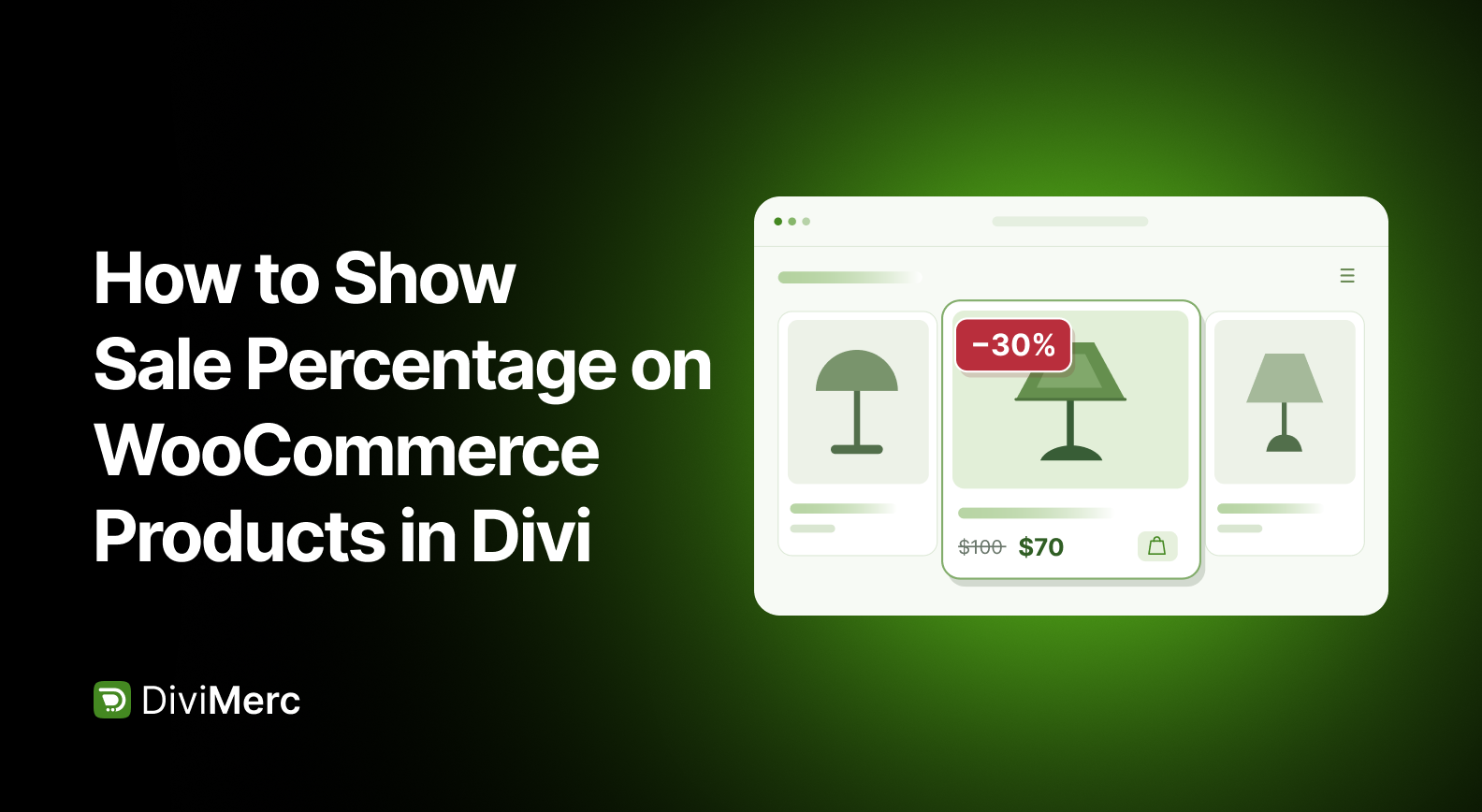
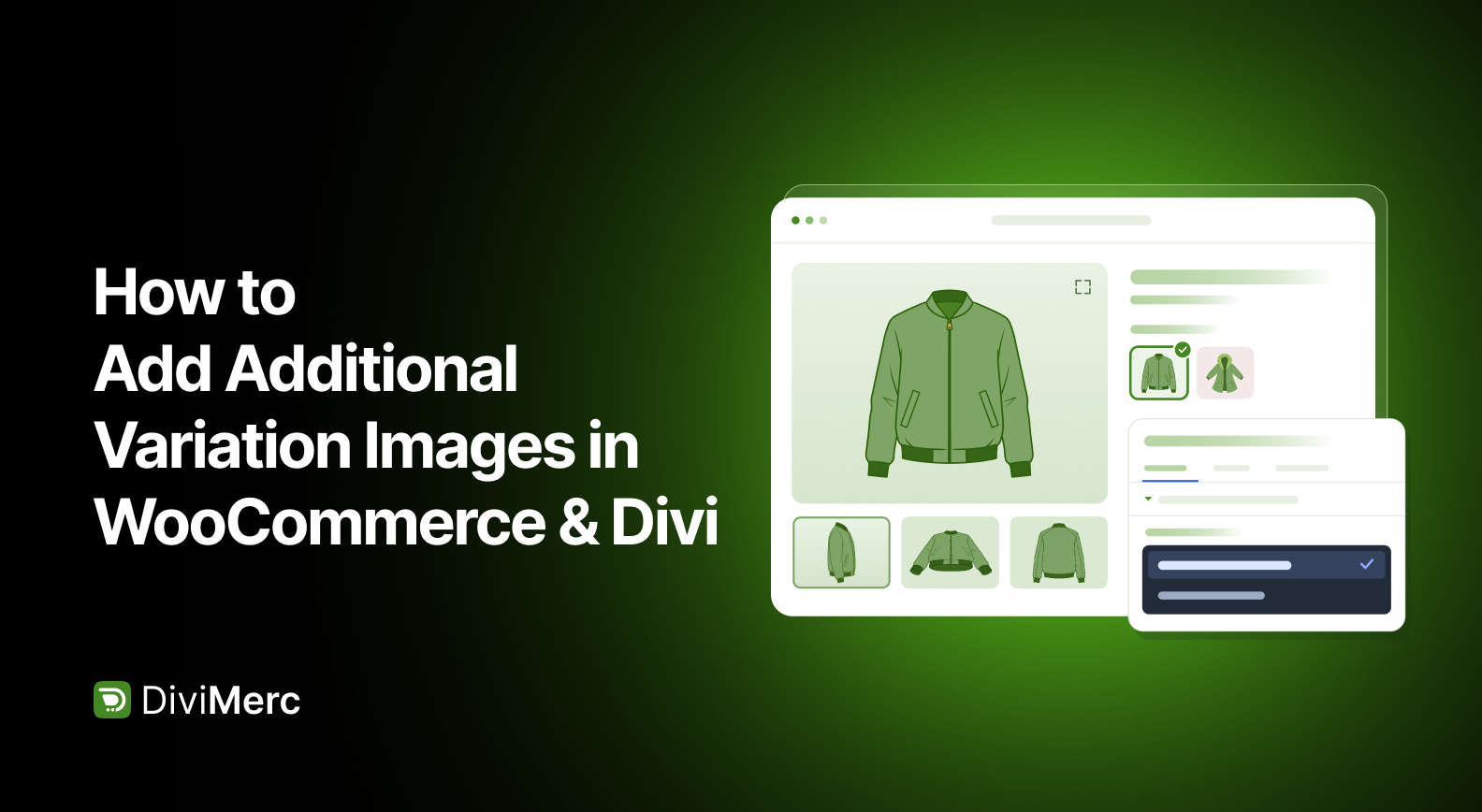
- Product pages: Add variation swatches, an advanced gallery with per-variation photos, product badges like "30% OFF", size charts and stock progress bars.
- Shop pages: Build product grids, carousels, category grids and product filters.
- Cart and checkout: Use card-style cart layouts, coupon and shipping controls, a mini cart and checkout modules.
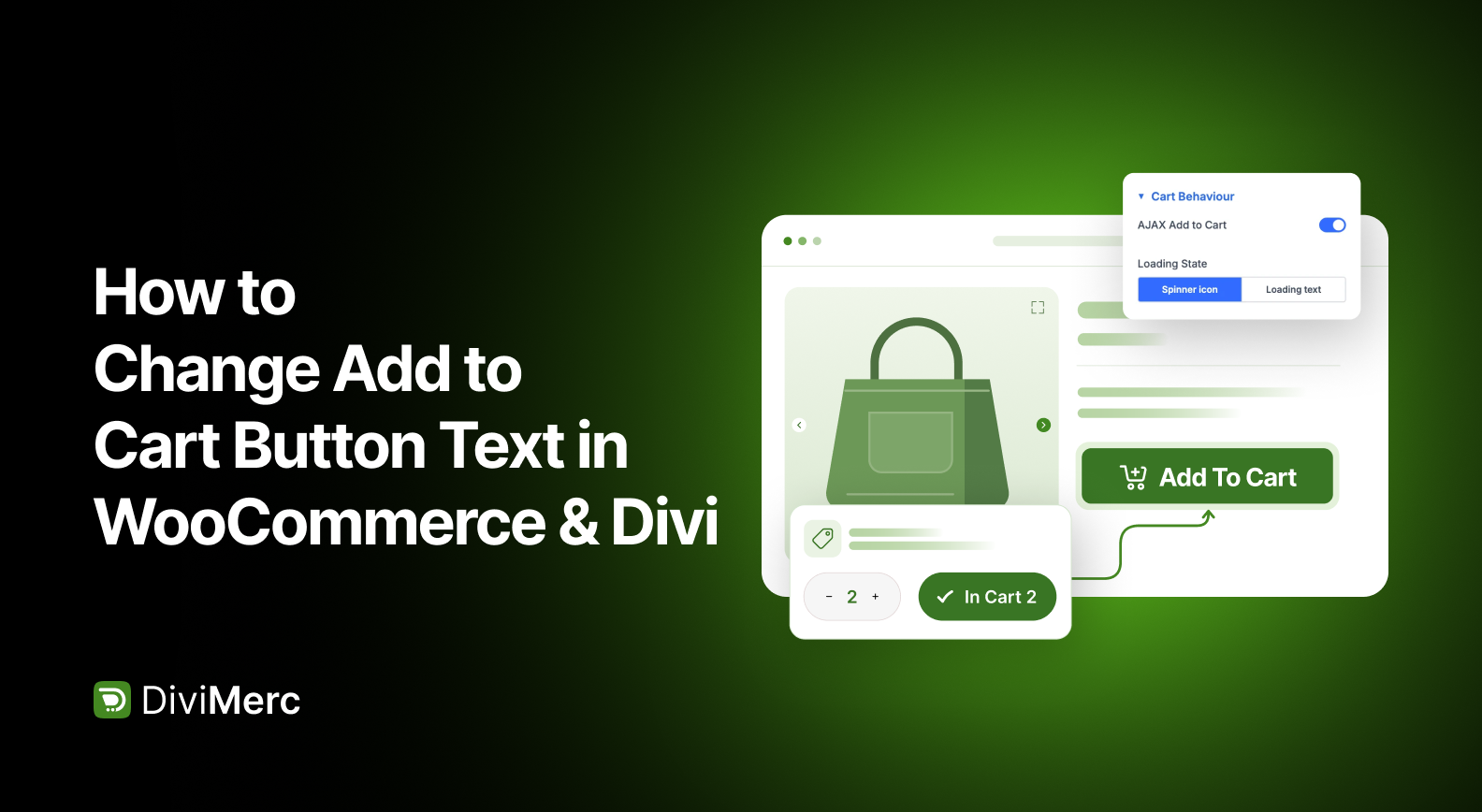
- Store extensions: Set custom Add to Cart text by product type and stock state, and add custom badge text per product.
- Conversion tools: Show sales counts, live visitor counts and a Buy Now button.
Pros
- Covers product, shop, cart and checkout pages in one plugin.
- Built for Divi 5, with no external service or account.
- Lifetime plans available.
Cons
- No free version.
Pricing: $49/year for 1 site, $79/year for unlimited sites, or lifetime plans from $149. All plans include a 30-day money-back guarantee.
2. Divi BodyCommerce: Best All-in-One Store Toolkit
Divi BodyCommerce by Divi Engine bundles most WooCommerce store features into one plugin, with 67 listed features. It's a strong fit for stores that want wishlist, compare and checkout tools without buying separate plugins.
Key features
- Shopping tools: Add a wishlist (guest lists merge on sign-in), compare drawer and quick view.
- Product pages: Use variation swatches, Buy Now and a sticky Add to Cart.
- Checkout: Choose from five checkout styles, add order bumps and create custom fields.
- Filtering: Ajax product filters, with Divi Ajax Filter included.
- Store emails and accounts: Design custom WooCommerce emails, login and My Account pages.
Pros
- Replaces several single-purpose plugins.
- Includes Divi Ajax Filter at no extra cost.
- Single-site annual plan is the cheapest full toolkit here.
Cons
- Its product page is inconsistent on Divi 5: the main page lists support, while the FAQ says it's coming.
- The large feature set means more settings to learn.
- Prices are in GBP.
Pricing: £29.99/year for 1 site or £109.99/year for unlimited sites. Lifetime plans cost £89.99 for 1 site or £329.99 for unlimited sites.
3. Divi Shop Builder: Best for Shop Filtering and Checkout Flow
Divi Shop Builder by WP Zone extends Divi past the product page to the shop, cart, checkout, thank you and login pages, with 15+ modules. Its strengths are product filtering and cart features that help shoppers move from browsing to checkout.
Key features
- Ajax filtering: Filter by category, attribute, tag, price and stock status, with live product counts.
- Side cart: Let shoppers review and edit items without leaving the page.
- Mini cart: Choose from 15 cart icon styles and two display types.
- Multi-step checkout (beta): Split checkout into steps.
- Woo Shop+ module: Display products on any page with detailed styling controls.
Pros
- Strong filtering for large catalogs.
- Listed as compatible with Divi 4 and Divi 5.
- Lifetime unlimited plan available.
Cons
- Multi-step checkout is still in beta.
- No wishlist or compare features listed.
- Limited product page features compared with DiviMerc or BodyCommerce.
Pricing: $69/year for 1 site, $89/year for 3 sites, $109/year for unlimited sites, or $299 for lifetime unlimited.
4. Divi Ajax Filter: Best for Product Filtering Only
Divi Ajax Filter by Divi Engine adds live product filtering that updates results without reloading the page. It works on your existing shop and category pages, so you can add filters without rebuilding your store layout.
Key features
- Product filters: Filter by attributes, categories, tags, price, rating and stock status.
- Range sliders: Let shoppers set price and quantity ranges with a drag slider.
- Empty options: Grey out or hide filter options with no matching products.
- Beyond products: Filter posts and custom post types too.
Pros
- Focused, lightweight option if filtering is all you need.
- Works with existing shop pages.
Cons
- Filtering only, with no product page or checkout features.
- Already included in Divi BodyCommerce, so don't buy both.
- Its FAQ still advises caution with Divi 5.
Pricing: £19.99/year for 1 site or £94.99/year for unlimited sites. Lifetime plans cost £69.99 for 1 site or £284.99 for unlimited sites.
5. Woo Essential: Best for Quick View and Product Compare
Woo Essential by DiviNext adds a set of WooCommerce modules to the Divi Builder, focused on how products are browsed and compared.
Key features
- Quick view: Show product details, gallery and Add to Cart in a popup.
- Product compare: Let shoppers compare products side by side.
- Category accordion and product grids: Organize products on shop and landing pages.
- Templates: Start from pre-made store layouts.
Pros
- Adds quick view and compare without a full toolkit.
- Ready-made templates speed up setup.
Cons
- No cart, checkout or filtering modules.
- Fewer modules than full store toolkits.
Pricing: From $49/year for 1 site.
6. Divi WooCommerce Extended: Best for Mini Cart and Wishlist
Divi WooCommerce Extended by Divi Extended combines several shopping features in a handful of modules that work on product pages, shop pages and regular pages.
Key features
- Mini cart: Display it as a dropdown, overlay, off-canvas panel or modal.
- Wishlist and quick view: Let shoppers save products and preview them in a popup.
- Ajax search: Show product results as shoppers type.
- Product extras: Add a product carousel, category display, tab manager and checkout manager.
Pros
- Covers mini cart, wishlist and search in one plugin.
- Works on regular pages as well as store pages.
Cons
- No product filtering.
- Fewer product page features than DiviMerc or BodyCommerce.
Pricing: From $99.
How to Choose the Right Divi WooCommerce Plugin
Divi WooCommerce plugins do different jobs. Full toolkits cover most store pages, while single-purpose plugins add one feature, such as filters or a wishlist. Answer these questions in order.
1. Which store pages need the most work?
- Product, cart and checkout pages: Start with DiviMerc.
- Shop pages with many products: Start with Divi Shop Builder or Divi Ajax Filter.
- Most of the store at once, including wishlist and compare: Start with Divi BodyCommerce.
2. Do you need a specific feature?
- Quick view and product compare: Woo Essential.
- Mini cart, wishlist and Ajax search: Divi WooCommerce Extended.
- Product grids plus general design modules: DiviFlash.
3. Are you on Divi 5?
- Check each plugin's Divi 5 status before you buy. DiviMerc, DiviFlash and Divi Shop Builder list full support.
Before buying, also check for overlap. Divi BodyCommerce already includes Divi Ajax Filter, and two filter or swatch plugins on the same page can conflict.
FAQ
What is the best Divi WooCommerce plugin?
It depends on your store. DiviMerc suits product, cart and checkout pages, Divi BodyCommerce suits stores that want wishlist and compare in one toolkit, and Divi Shop Builder suits large catalogs that need filtering.
What is the best Divi plugin for WooCommerce product pages?
DiviMerc. It adds variation swatches, a variation gallery, sale percentage badges, size charts and stock progress bars inside the Visual Builder.
What is the best Divi plugin for WooCommerce filters?
Divi Shop Builder or Divi Ajax Filter. Both filter by category, attribute, price and stock status without reloading the page. DiviMerc also includes a Product Filters module.
Which Divi WooCommerce plugin has a wishlist?
Divi BodyCommerce and Divi WooCommerce Extended. DiviMerc and Divi Shop Builder don't list a wishlist feature.
Do these plugins work with Divi 5?
DiviMerc, DiviFlash and Divi Shop Builder list Divi 5 support. Divi Engine's plugins list Divi 4 and 5 compatibility, but their FAQs are less consistent, so confirm before buying.
Do WooCommerce plugins slow down Divi?
Each plugin adds code, so install only what you use. Test your product and shop page speed before and after installing a new plugin.
Conclusion: Which Divi WooCommerce Plugin Should You Use?
The best Divi WooCommerce plugin depends on which part of your store needs the most work. For product, cart and checkout pages, DiviMerc gives you the most control inside the Divi Builder.
For wishlist, compare and custom checkout in one toolkit, choose Divi BodyCommerce. For large catalogs that need filtering, choose Divi Shop Builder or Divi Ajax Filter.
Whichever you choose, start with the page that loses the most shoppers, then add single-purpose plugins only where you still have gaps.
Building a store with Divi?
Explore DiviMerc to customize product pages, cart and checkout with 25+ WooCommerce modules built for Divi.


0 Comments