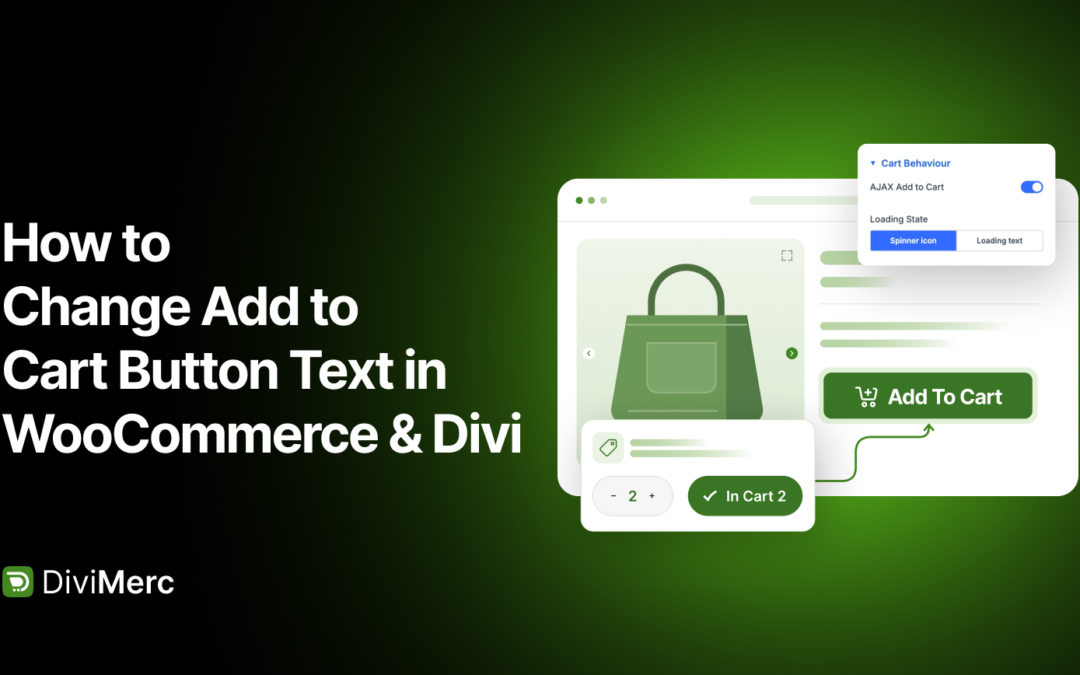
by faisol | Nov 26, 2026 | Divi, WooCommerce
To change Add to Cart button text in Divi, you will need a plugin like DiviMerc. That’s because its default Woo Add To Cart module lets you style the button but uses WooCommerce’s built-in wording. DiviMerc’s Add to Cart Rules extension lets you set different labels...
by Nazmul Asif | Nov 26, 2026 | Divi, WooCommerce
The best Divi WooCommerce plugin depends on which part of your store Divi’s built-in Woo modules don’t cover: product pages, shop filtering, cart and checkout, or extras like wishlists. For example, DiviMerc adds product page, cart and checkout modules...
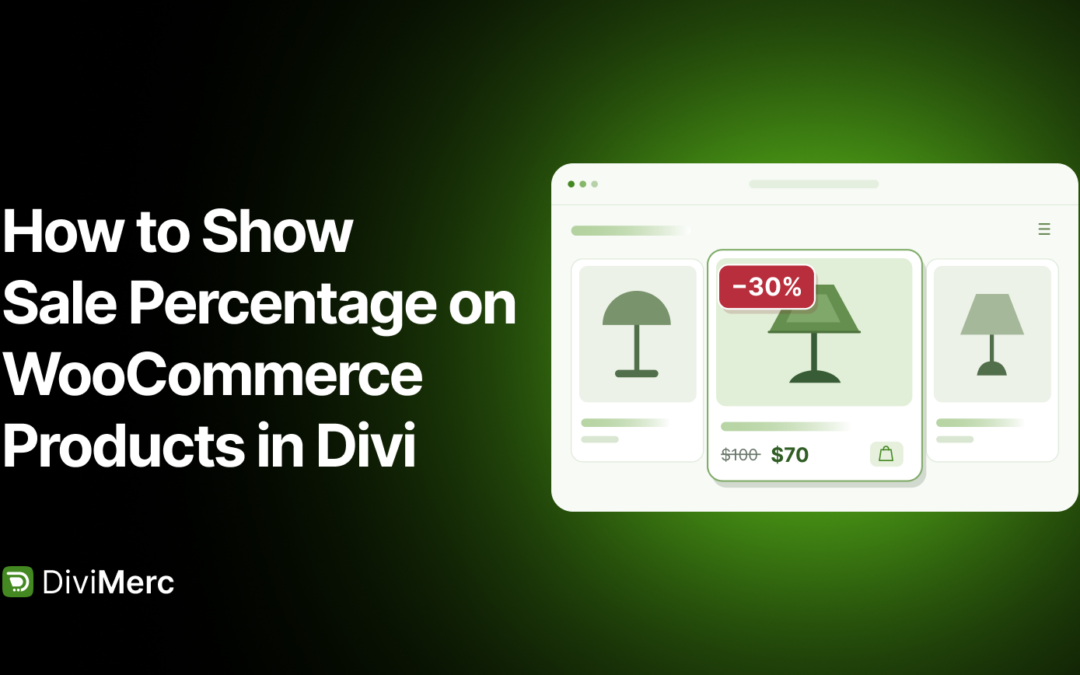
by Nazmul Asif | Nov 26, 2026 | Divi, WooCommerce
To show the sale percentage on WooCommerce products in Divi, use DiviMerc’s Product Badges module. It calculates the discount from your WooCommerce prices, so a product reduced from $100 to $70 shows “30% OFF”. Divi’s default badge only says...
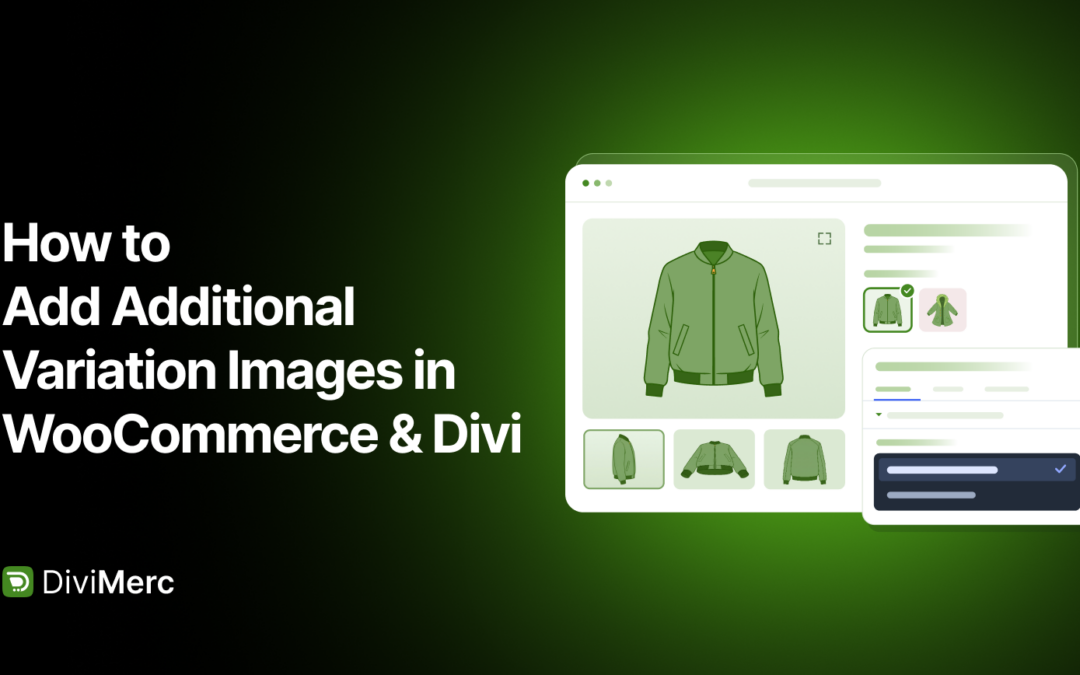
by Nazmul Asif | Nov 26, 2026 | Divi, WooCommerce
WooCommerce 11.1 and later lets you add multiple images to each product variation. You can now give each variation its own gallery, which updates when shoppers choose an option from the dropdowns. However, WooCommerce’s default dropdowns list options as text. However,...
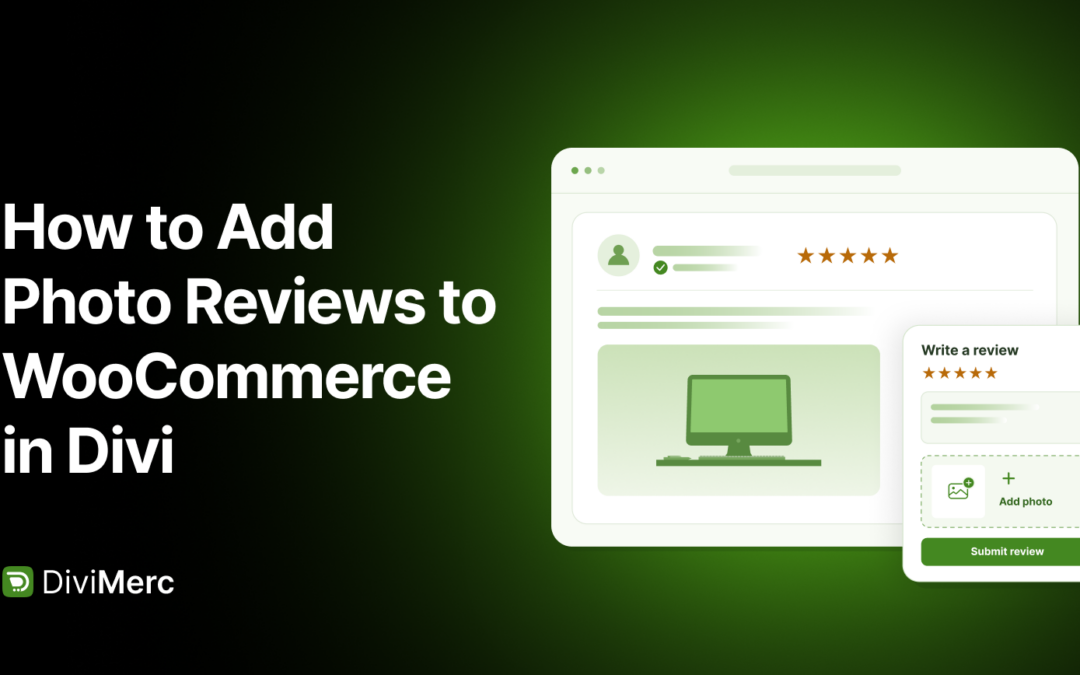
by Nazmul Asif | Nov 26, 2026 | Divi, WooCommerce
WooCommerce lets customers leave written reviews and star ratings by default. You can display these reviews on your product pages with Divi’s built-in Woo Product Reviews module. However, the default module doesn’t let customers attach photos to their reviews. You...
by Nazmul Asif | Nov 26, 2026 | Divi, WooCommerce
To customize the WooCommerce cart page in Divi, use its Woo Cart Products and Woo Cart Totals modules. They let you arrange and style the product list, cart totals, and checkout button. However, if you want to display cart items as cards, customize the empty cart...
