by Nazmul Asif | Nov 26, 2026 | Divi, WooCommerce
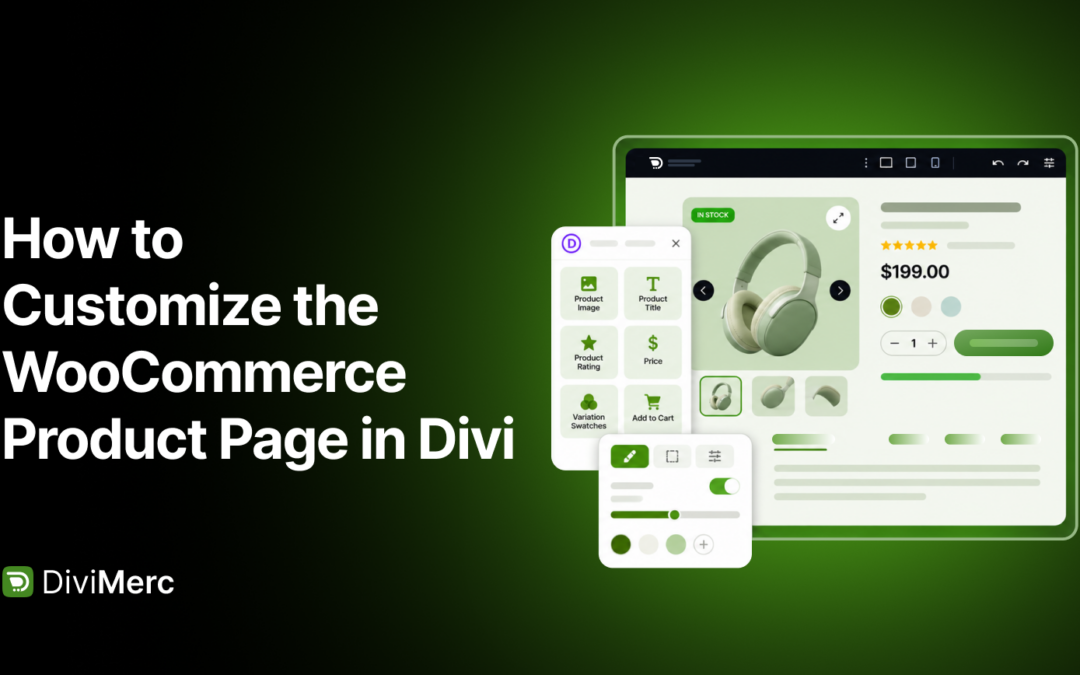
You can customize the WooCommerce product page in Divi 5 with a Theme Builder template. Divi’s built-in WooCommerce modules let you rearrange and style the product images, title, price, Add to Cart button, and tabs. When you need more than layout and styling,...
by Nazmul Asif | Nov 26, 2026 | Divi, WooCommerce
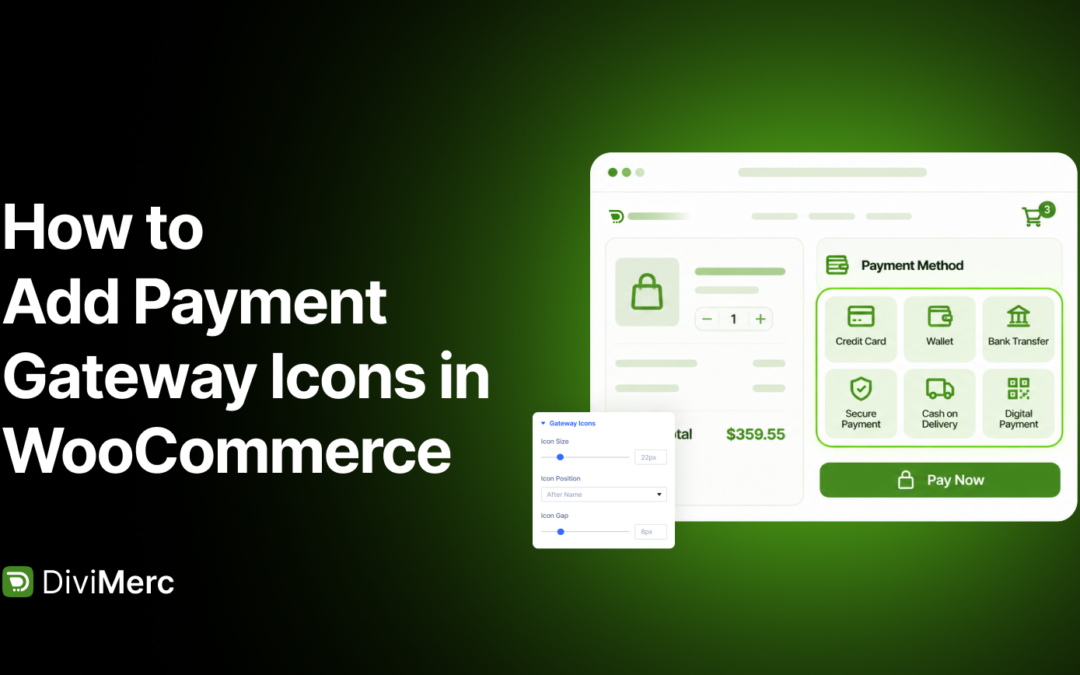
You can add payment gateway icons in WooCommerce without code using DiviMerc’s Payment Gateway Icons extension. It works with any enabled payment method. All you have to do is choose the payment method, select a logo, and save your changes. Once you add a logo, it...
by Nazmul Asif | Nov 26, 2026 | Divi, WooCommerce
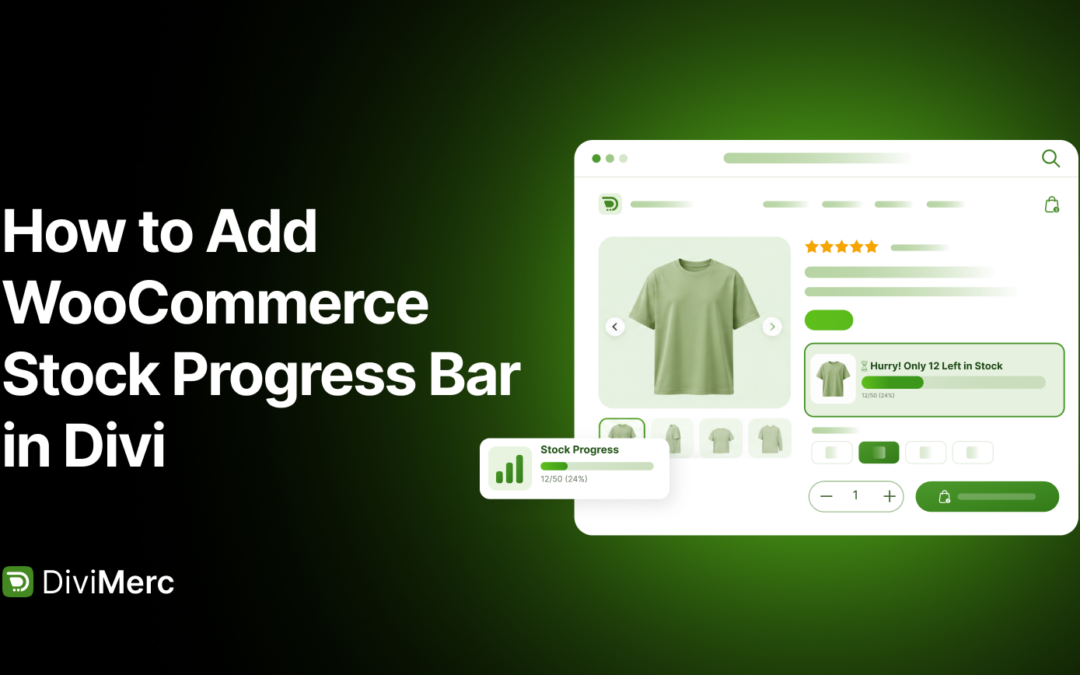
To add a WooCommerce stock progress bar in Divi, you’ll need a module that turns inventory data into a visual bar. Divi’s built-in Woo Stock module displays stock as text, such as 15 in stock. DiviMerc, a plugin that adds WooCommerce modules to Divi Builder, has a...
by Nazmul Asif | Nov 26, 2026 | Divi, WooCommerce
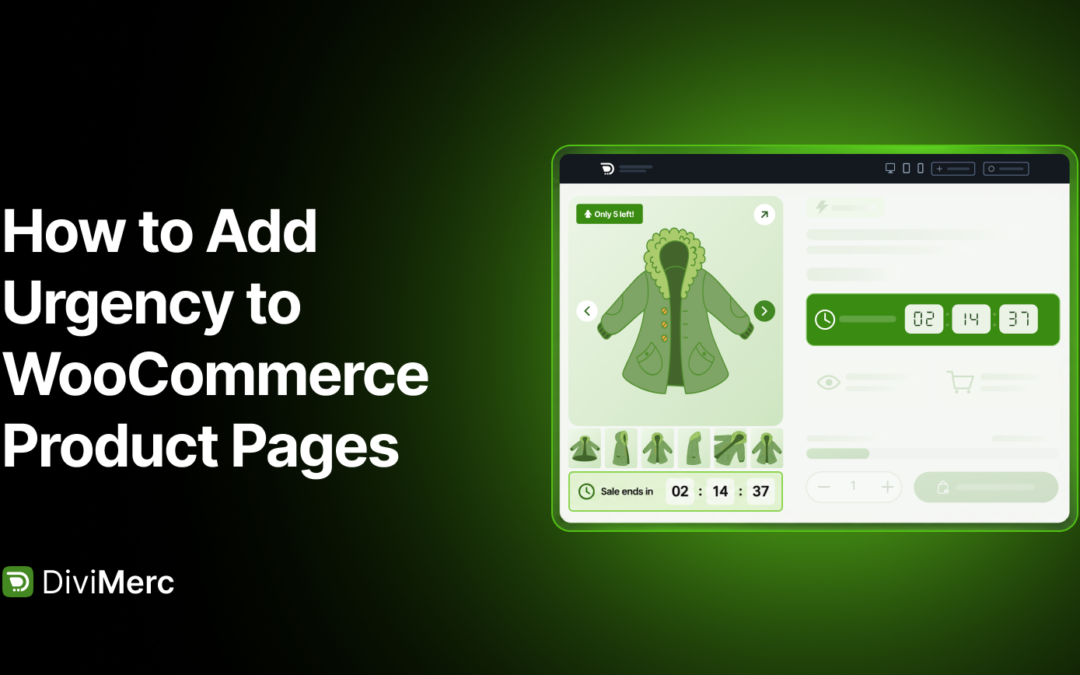
To add urgency to WooCommerce product pages in Divi, show shoppers how many units are left or how many days remain in a sale. There is no way to show these with Divi’s default settings and which is why you have to use a plugin like DiviMerc. It has Stock Progress Bar...
by Nazmul Asif | Nov 26, 2026 | Divi, WooCommerce
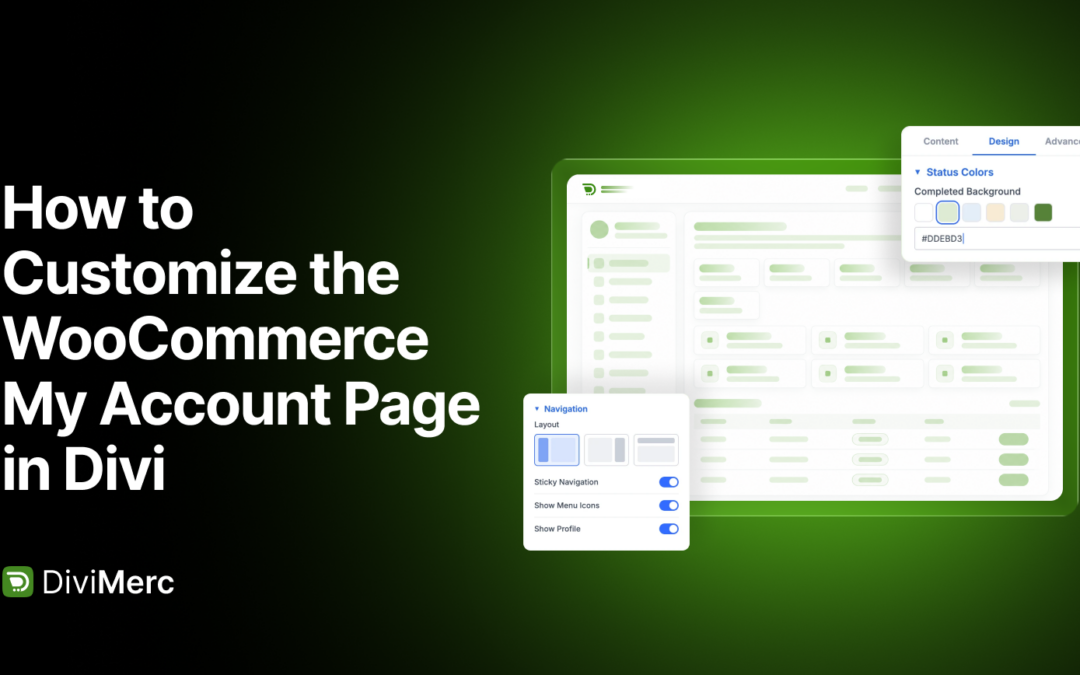
WooCommerce My Account page lets customers view orders, access downloads, and update their details. The default layout covers basic tasks and gives you limited control over what customers see when they sign in. With DiviMerc’s My Account module, you can show recent...
by Nazmul Asif | Nov 26, 2026 | Divi, WooCommerce
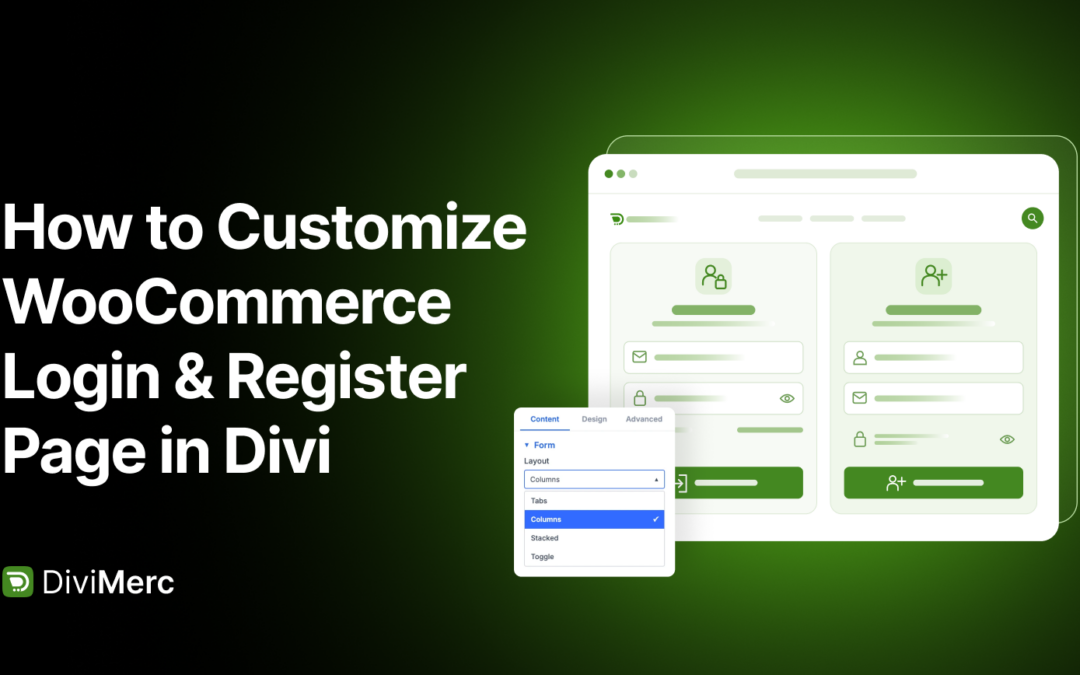
To customize your WooCommerce login and registration forms in Divi , you will need a plugin like DiviMerc. That’s because Divi doesn’t have built-in controls for styling both WooCommerce forms. DiviMerc’s Login & Register module lets you change the layout, text,...
