
The Custom Thank You Page extension lets you replace WooCommerce’s default order confirmation page with a custom Divi layout using the Visual Builder and Order Confirmation module.
Important Note:
- The Custom Thank You Page extension is disabled by default and must be enabled manually.
- It requires the Order Confirmation module. When enabling the extension, a popup lets you enable the required module as well.
- Enabling the extension automatically adds a Thank You Page layout to the Divi Library and replaces WooCommerce's default thank-you page.
Let's see the settings in brief and how to make better use of them —
Enable the Custom Thank You Page Extension #
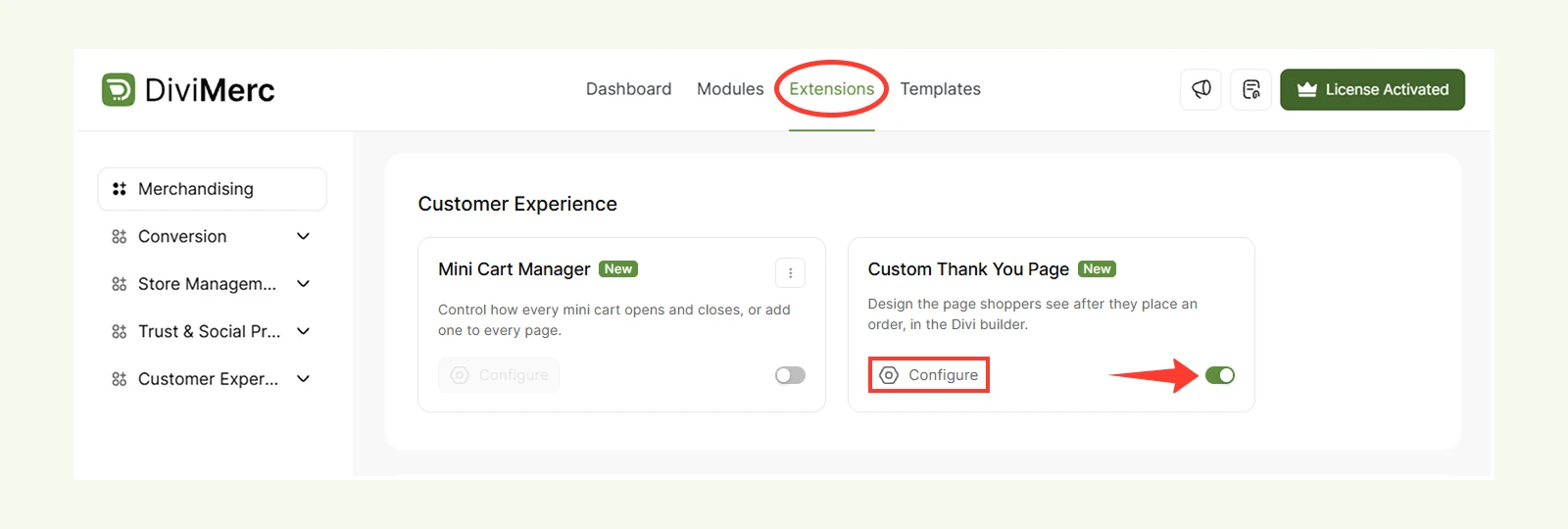
- Navigate to WordPress Dashboard > DiviMerc > Extensions.
- Find and enable Custom Thank You Page.
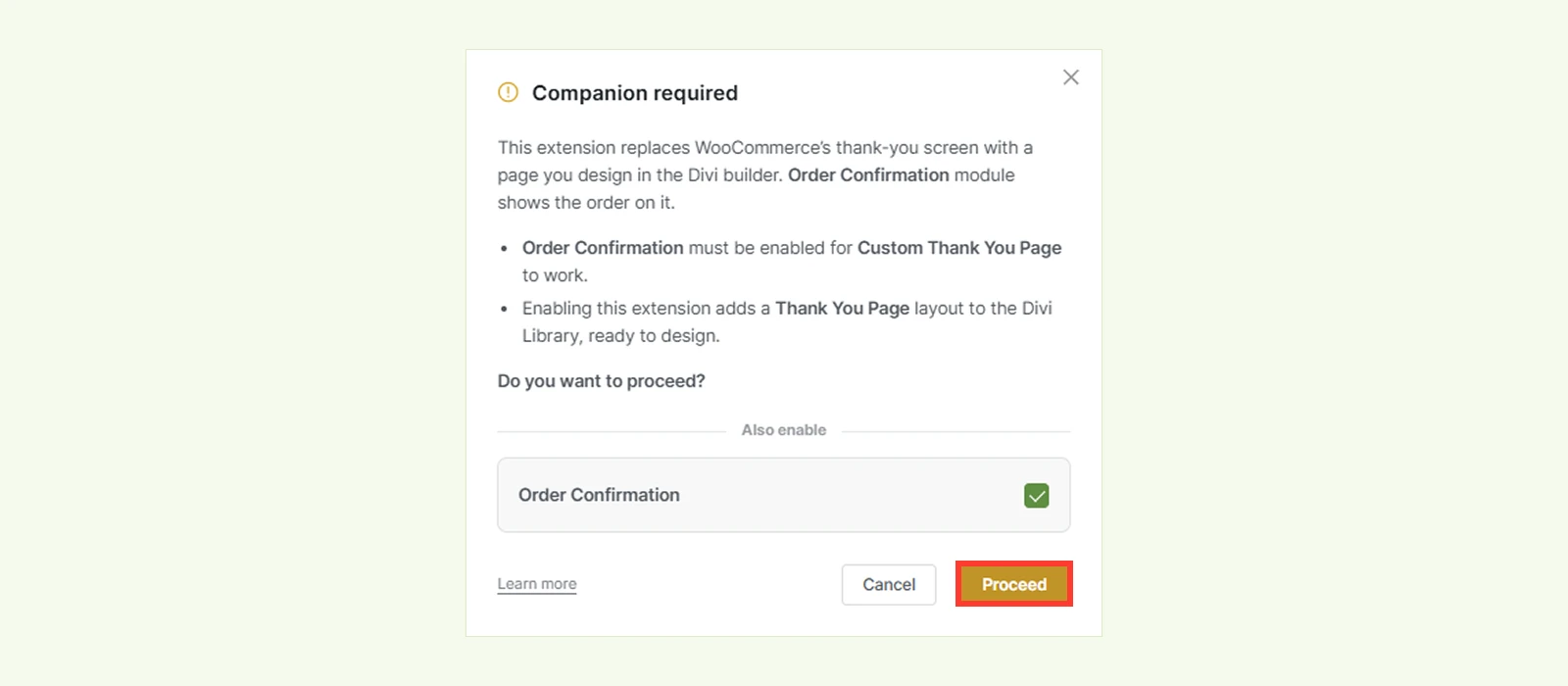
- In the Companion required popup, keep Order Confirmation selected and click Proceed to enable the required module.
- Click Configure to access the General settings.
General #
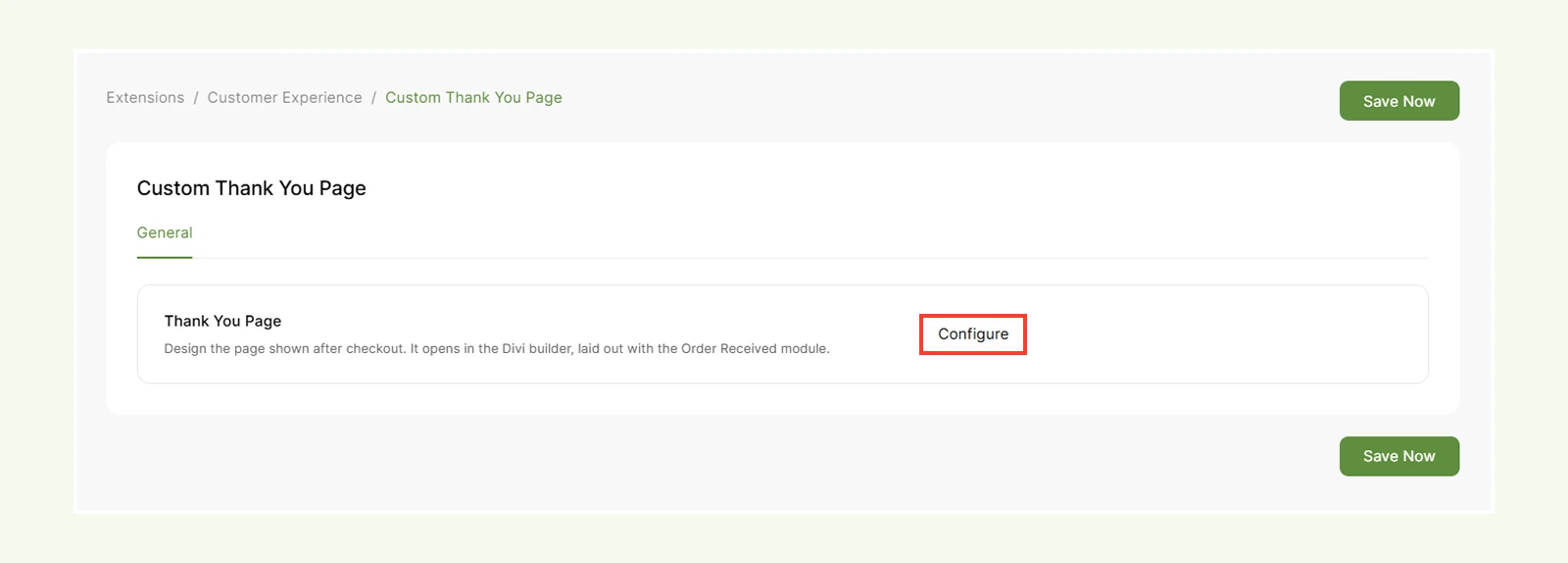
- Thank You Page: Click Configure to open the layout in the Divi Visual Builder, where you can edit the design and add other Divi modules.
Note: The extension will automatically create a layout named Thank You Page in the Divi Library. By default, it includes the Order Confirmation module with the Confirmation Card template.
Need Help? #
If you have any questions or need assistance, contact our support team: [email protected]


